You do not need a LiDAR-equipped iPhone or a $20,000 laser scanner to get a measurable 3D room scan in 2026. A slow walkthrough video from almost any phone uploads to a cloud videogrammetry platform and comes back as a model you can measure, annotate, and share within minutes, and the free tiers are genuinely usable. The real question is which app and capture method fit your job: a quick furniture-shopping scan, a real estate walkthrough, an insurance claim, or a documented crime scene. This guide compares the best 3D room scanner apps of 2026, what each one actually costs, how to scan a room with nothing but a phone, and when a 360 camera or drone video workflow produces a better model.
Key Takeaways
- Phone video is now a legitimate 3D room scanner: videogrammetry platforms like SkyeBrowse convert a slow walkthrough video into a measurable 3D model in minutes, with no LiDAR sensor required.
- LiDAR apps (Polycam, Scaniverse, magicplan) excel at fast furniture-grade scans on Pro iPhones and iPads, but sensor range limits detail across large or complex interiors.
- A 360 camera walkthrough captures an entire floor in one pass and processes into a walkable model, which is the fastest method for multi-room properties.
- Measurement accuracy improves the closer the camera gets to what matters: walking a phone alongside a wall or doorway reaches survey-grade precision of 0.5 inch on SkyeBrowse Commercial and Pro models, and 0.1 inch on Public Safety & Enterprise.
- Free options exist at every level: Scaniverse is fully free, and SkyeBrowse Freemium includes unlimited uploads with two concurrent cloud-processed models.
Contents
- What is a 3D room scanner?
- What are the best 3D room scanner apps in 2026?
- How do you scan a room in 3D with just your phone?
- Can you 3D scan a room with a 360 camera?
- Which 3D room scanning method is the most accurate?
- FAQ
What is a 3D room scanner?
A 3D room scanner is any app, camera, or sensor system that captures the geometry of an interior space and rebuilds it as a digital 3D model. Modern room scanners fall into three families: LiDAR apps that use the depth sensor on Pro iPhones and iPads, photogrammetry and videogrammetry apps that reconstruct the room from ordinary photos or video, and 360 camera workflows that capture a whole floor in one continuous walkthrough.
LiDAR (light detection and ranging) measures distance by timing pulses of laser light, and Apple's RoomPlan framework made that sensor available to any app developer, which is why the App Store is full of room scanner apps that produce simplified box-style room layouts. Photogrammetry reconstructs geometry from overlapping still photos, while videogrammetry, the patented approach SkyeBrowse developed, uses continuous video instead, so one slow lap around a room replaces hundreds of individually framed photos. Which family you want depends on the output you need: a rough furniture-planning layout, a photorealistic walkthrough, or a model you can defensibly measure. Federal facility programs treat interior 3D capture as standard documentation practice, with the GSA BIM Guide for 3D Imaging defining deliverable standards for scanned buildings, and the same capture discipline now runs on consumer hardware.
What are the best 3D room scanner apps in 2026?
SkyeBrowse is the best 3D room scanner for measurable, shareable interior models because it works from plain video on any phone, 360 camera, or drone, with no depth sensor required. Polycam and Scaniverse lead the LiDAR category for quick object and single-room scans, magicplan is the pick for instant floor plans, and KIRI Engine is a flexible photogrammetry option for cross-platform users.
| App | Method | Platforms | Best for | Pricing |
|---|---|---|---|---|
| SkyeBrowse | Videogrammetry (cloud) | Any phone, 360 camera, drone | Measurable models, walkthroughs, documentation | Freemium free; Commercial model $24.99; Pro model $49.99 |
| Polycam | LiDAR + photogrammetry | iOS, Android, web | Fast single-room and object scans | Limited free; Basic $30/mo |
| Scaniverse | LiDAR + splats | iOS, Android | Free casual room scans | Free |
| magicplan | RoomPlan floor plans | iOS, Android | Instant 2D floor plans, estimating | Subscription |
| KIRI Engine | Photogrammetry (cloud) | iOS, Android, web | Cross-platform object scanning | Freemium |
The right pick tracks your deliverable. If the goal is a quick visual scan to share, the LiDAR apps are excellent, and our Polycam review covers where that workflow shines and where it doesn't. If the goal is a model someone else will measure, annotate, or walk through remotely, a claims adjuster, a detective, a contractor bidding a remodel, video-based capture wins because every frame contributes detail and the cloud does the reconstruction work. For teams standardizing interior capture across many properties, our guide to the best interior mapping software compares the professional platforms in depth.

How do you scan a room in 3D with just your phone?
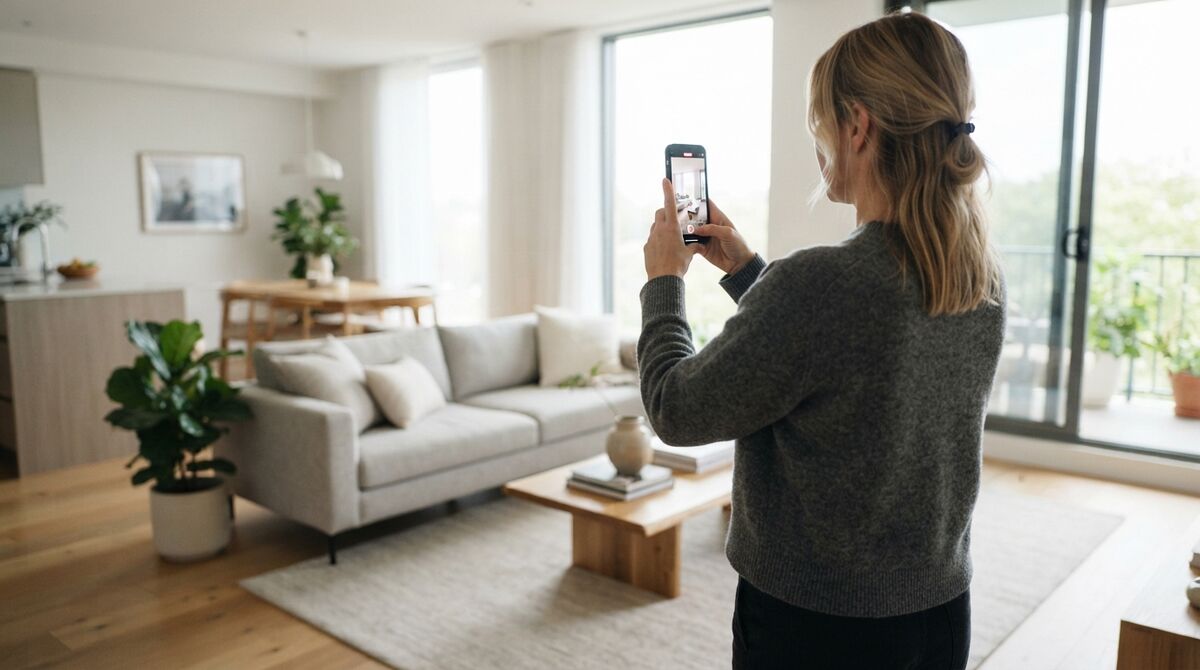
Record a slow, steady video walking the perimeter of the room at 4K and 60 frames per second (1080p also works and processes faster, with a lower-resolution model), keeping the camera pointed at the space rather than rushing corners. Upload the video to a videogrammetry platform with its interior mode enabled, and the cloud reconstructs the room into a 3D model, no LiDAR sensor, target stickers, or desktop software needed.
The capture habits matter more than the hardware. Use the wide-angle lens, hold the phone vertically, move at a deliberate walking pace, and slow down through doorways and corners where geometry changes quickly. On SkyeBrowse, you flip on the Interior Mapping toggle at upload so the processing engine optimizes for indoor conditions, and because phone video carries no GPS-derived scale indoors, you set true dimensions afterward with the Scale Tool using one known measurement, such as a doorway width. The full walkthrough is in our phone interior mapping tutorial. If you already scan objects with photo-based apps, the differences between app families are covered in our best photogrammetry app roundup.
Can you 3D scan a room with a 360 camera?
Yes, and for whole floors it's the fastest room scanning method available. A 360 camera records every direction at once, so a single walking pass through a house captures all rooms simultaneously, and the exported video processes into one continuous, walkable 3D model.
Export the footage as a standard equirectangular MP4 (the flattened full-sphere format 360 cameras produce), keep the same slow, smooth movement rules, and upload with interior processing enabled. The payoff is coverage: hallways, adjoining rooms, and ceilings land in one model instead of a folder of separate scans that don't quite line up. Investigators use this to document an entire scene in minutes, and property teams use it for walkable listings; the same capture also feeds a 360 virtual tour workflow when the deliverable is marketing rather than measurement. Interior and exterior models can also be layered into a single scene with the 3D Overlay tool, so a drone model of the building shell and a 360 walkthrough of its rooms read as one continuous digital twin.
Which 3D room scanning method is the most accurate?
Accuracy follows capture distance more than sensor type. Phone LiDAR is dependable for furniture-grade dimensions but its effective range of roughly 5 meters limits fine detail across larger spaces, while video-based reconstruction sharpens as the camera moves closer to surfaces. Walking a phone alongside the features that matter reaches survey-grade precision: 0.5 inch on SkyeBrowse Commercial and Pro models, and 0.1 inch on Public Safety & Enterprise.
That's the practical takeaway: whatever tool you choose, get the camera near the evidence, the damage, or the dimension you'll be asked about later. Commercial and Pro models run 8K premium processing at 0.5 inch accuracy, and Public Safety & Enterprise pushes measurement precision to 0.1 inch with 16K Ultra processing while automatically removing people who walked through the shot. Verification is straightforward: check a scanned model against two or three tape-measured references, the same acceptance discipline federal 3D imaging deliverables use. For legal and insurance work, the difference between a pretty scan and a measurable one is the difference between an illustration and evidence, and the model viewer's Walk Mode lets a reviewer stand inside the room at eye level to inspect exactly what the camera saw.
FAQ
Is there a free app to 3D scan a room?
Yes. Scaniverse is completely free on iPhone, and SkyeBrowse Freemium processes smartphone room videos into 3D models at no cost, with unlimited uploads and two concurrent models. Polycam and KIRI Engine both offer limited free tiers before their paid plans.
Can you get a floor plan from a 3D room scan?
Yes. SkyeBrowse's AI Floor Plans feature generates a detailed floor plan from an interior model in under 10 seconds with one click, on Pro models and Public Safety & Enterprise. RoomPlan-based apps like magicplan produce simplified floor plans directly during the scan.
How long does it take to scan a room in 3D?
Plan on 2 to 5 minutes of slow video for a single room, or one continuous pass with a 360 camera for a whole floor. Cloud processing runs at roughly the length of the uploaded video, so most room models are ready to measure and share within minutes.
Scan a room with your phone. Record a slow, steady video walking through the room, upload it to a free SkyeBrowse account, and get a 3D model processed in the cloud.