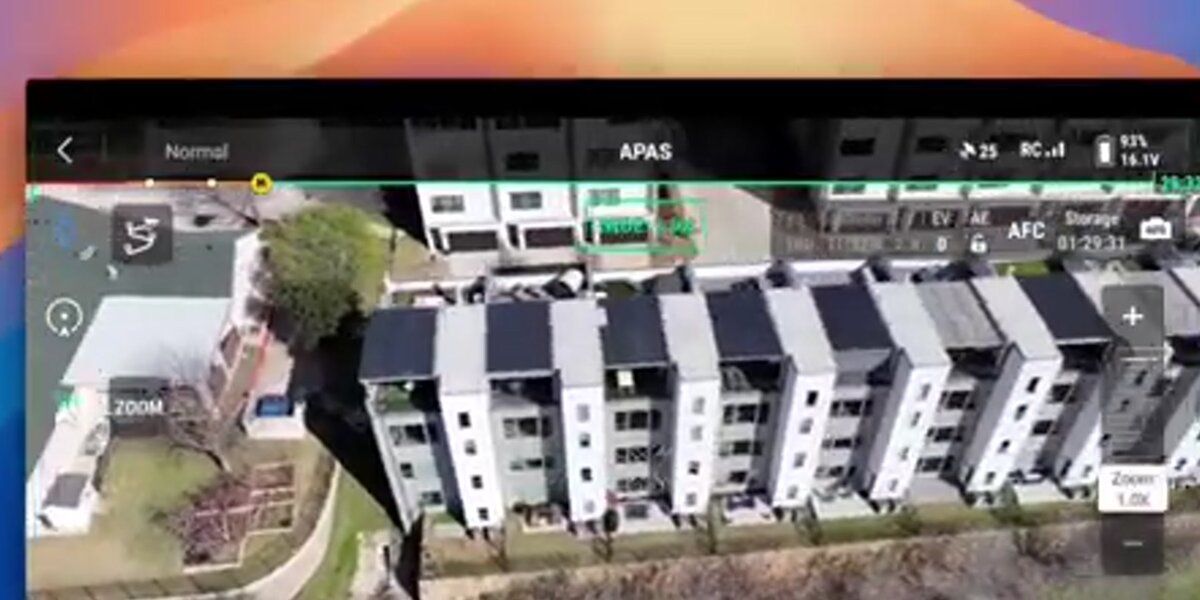
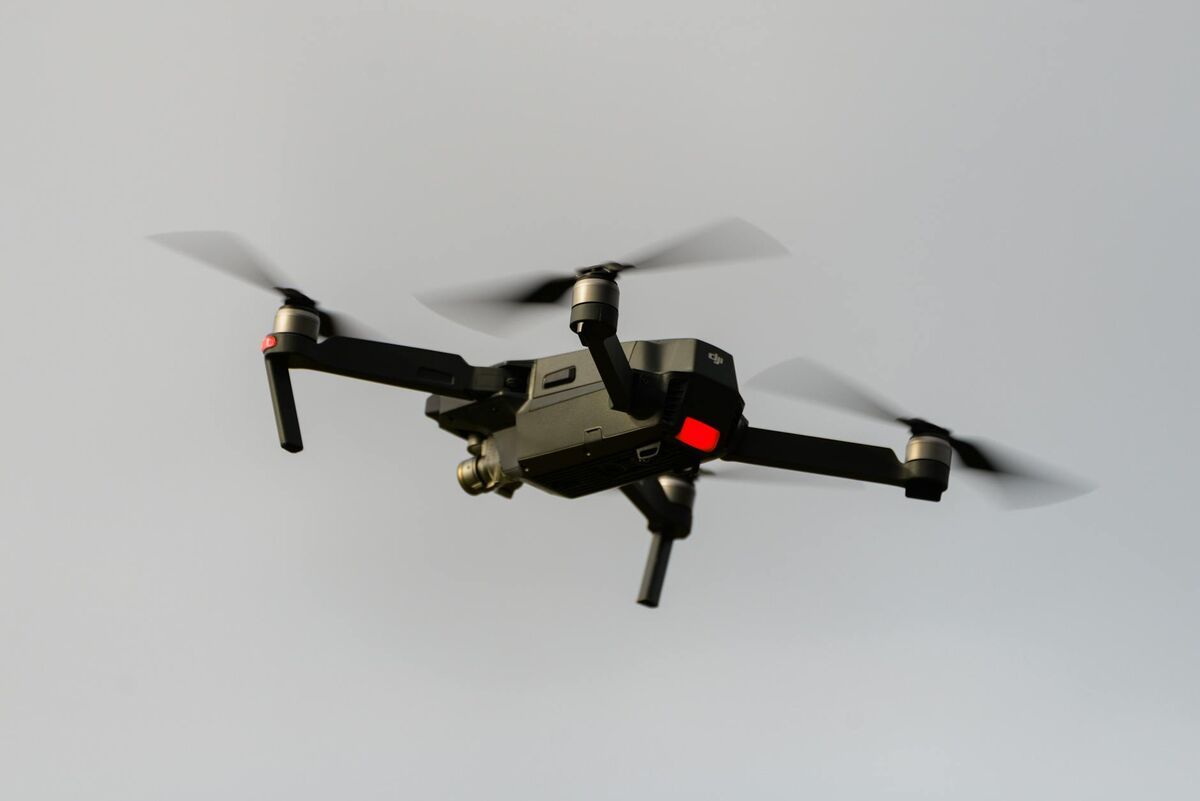
Drone 3D modeling — flying a drone around a structure or scene and converting that footage into a textured, measurable 3D mesh — has become one of the fastest-growing applications in inspection, forensics, construction, and public safety. Unlike drone 3D mapping, which produces georeferenced orthomosaics and point clouds across large areas for land surveying, drone 3D modeling targets individual objects: a building facade, a crash scene, a rooftop, or a construction asset. This article covers the two core capture methods (photogrammetry and videogrammetry), the end-to-end software workflow, and why video-based pipelines like SkyeBrowse cut the time from flight to finished model.
Key Takeaways
- Drone 3D modeling creates detailed textured mesh models of individual structures and scenes — it is distinct from drone 3D mapping, which produces georeferenced area-wide orthomosaics and point clouds.
- Two capture methods exist: photo-based photogrammetry (still images) and video-based videogrammetry (continuous footage) — video typically cuts capture time by 50–70% on small to medium subjects.
- SkyeBrowse's cloud videogrammetry pipeline accepts .MP4 or .MOV uploads and processes them without any local hardware, producing models exportable as GLB, LAZ, or GeoTIFF.
- Accuracy tiers range from approximately 2–6 inch (Lite) to approximately 0.1 inch (Premium Advanced at 16K with AI moving object removal), covering use cases from quick situational awareness to court-admissible forensic documentation.
- Over 1,200 agencies worldwide use SkyeBrowse for rapid drone 3D model generation, including public safety teams that need measurable scene documentation within minutes of landing.
Contents
- What is drone 3D modeling and how does it differ from 3D mapping?
- How does photogrammetry create a 3D model from drone footage?
- What is videogrammetry and why does it speed up the workflow?
- What software processes drone footage into 3D models?
- How does SkyeBrowse turn a drone video into a finished 3D model?
- FAQ
What is drone 3D modeling and how does it differ from 3D mapping?
Drone 3D modeling uses overlapping drone imagery or video to reconstruct a detailed, textured mesh of a specific object or scene. It is fundamentally different from drone 3D mapping, which produces georeferenced orthomosaics and large-area point clouds for survey and planning purposes. Modeling targets depth, texture, and geometric fidelity of a single subject; mapping targets spatial accuracy and coverage across broad terrain.
The distinction matters when choosing a capture strategy and software. A site surveyor flying a 40-acre construction site for cut-and-fill calculations needs georeferenced mapping data — nadir passes, ground control points, and GeoTIFF outputs. An insurance adjuster documenting hail damage on one roof needs a detailed mesh model with accurate edge measurements — not a terrain map. Confusing the two leads to mismatched workflows, wasted flight time, and outputs that don't answer the actual question.
For a deeper look at the area-wide counterpart, see drone 3D mapping. For a step-by-step walkthrough of the capture-to-model workflow, see how to make a 3D model with a drone.
The American Society for Photogrammetry and Remote Sensing (ASPRS) defines photogrammetric modeling as the science of extracting geometric information about physical objects from photographic or video imagery — a definition that spans both mapping and modeling but underscores that the output format and measurement goal determine which discipline applies. ASPRS Manual of Photogrammetry
How does photogrammetry create a 3D model from drone footage?
Photogrammetry works by identifying the same physical point across dozens of overlapping still images captured from different angles, then using those correspondences to triangulate the point's position in 3D space. Repeating this across millions of feature points produces a dense point cloud, which the software then meshes and textures to generate the final model.
The standard photo-based workflow has five stages: flight planning, image capture, feature matching (Structure from Motion, or SfM), dense point cloud generation (Multi-View Stereo, or MVS), and mesh reconstruction. Overlap between adjacent photos must typically reach 70–80% for reliable feature matching; lower overlap causes holes or distorted geometry. Consistent lighting also matters — overcast conditions reduce shadows and specular highlights that confuse feature detectors.
Ground control points (GCPs) — physical targets with known GPS coordinates placed near the subject — improve absolute accuracy significantly. Without them, shape fidelity may be high but the model can float several inches or feet from its true position, which matters for forensic and legal use cases.
IEEE research confirms that camera overlap, baseline-to-distance ratio, and texture density are the primary determinants of point cloud quality in close-range photogrammetry. IEEE Transactions on Geoscience and Remote Sensing

What is videogrammetry and why does it speed up the workflow?
Videogrammetry applies the same photogrammetric principles — feature matching across overlapping frames — but uses video instead of discrete still images. Because a drone recording at 4K/60fps generates hundreds of usable frames per minute of flight, videogrammetry eliminates the need to plan and trigger individual shots. The operator simply orbits the subject naturally while recording, and the software extracts frames automatically.
The practical speed advantage is real. A photo-based workflow for a mid-size structure typically requires 150–300 still images, a manual trigger sequence, and post-flight overlap checks. A video-based workflow for the same subject requires a single continuous orbit — often 2–4 minutes of flight — with no manual triggering.
This matters most in time-critical situations. A crash investigator reopening a highway needs a usable 3D model before the scene is cleared. A fire investigator documenting a structural collapse needs geometry captured before the building shifts further. The difference between a 45-minute photo session and a 4-minute video orbit is operationally decisive.
Videogrammetry also handles dynamic scenes better than photo sequences. A photo grid spanning several minutes may capture debris or a tarp shifting between shots, creating ghost geometry. Video captures the entire scene in one continuous pass, minimizing temporal inconsistency.
What software processes drone footage into 3D models?
Several platforms process drone imagery into 3D models, including Agisoft Metashape, RealityCapture, OpenDroneMap (open source), DroneDeploy, Polycam, and SkyeBrowse. They differ significantly in capture method supported (photos only vs. video), processing location (local desktop vs. cloud), speed, accuracy tier, and export format.
Most traditional platforms are photo-first: they accept image sets, run SfM/MVS pipelines on local hardware or a cloud queue, and return point clouds and meshes hours after upload. These workflows suit surveyors with the time and computing resources for overnight processing.
Cloud-native platforms like SkyeBrowse shift the entire pipeline to the cloud, eliminating the need for a GPU workstation. Any team member with a browser can upload footage and retrieve a finished model without touching desktop software — a critical advantage for patrol officers, fire investigators, and insurance adjusters who need results the same day.
For a comparison of photo-based image inputs specifically, see image to 3D model. For teams building persistent site records across multiple capture sessions, these models can feed directly into a digital twin technology workflow that maintains a continuously updated virtual replica of a real-world asset.
NIST's work on 3D imaging metrology establishes that for forensic and industrial applications, documentation of the processing pipeline, uncertainty estimates, and repeatable capture protocols are as important as raw accuracy numbers. NIST Metrology for 3D Imaging
How does SkyeBrowse turn a drone video into a finished 3D model?
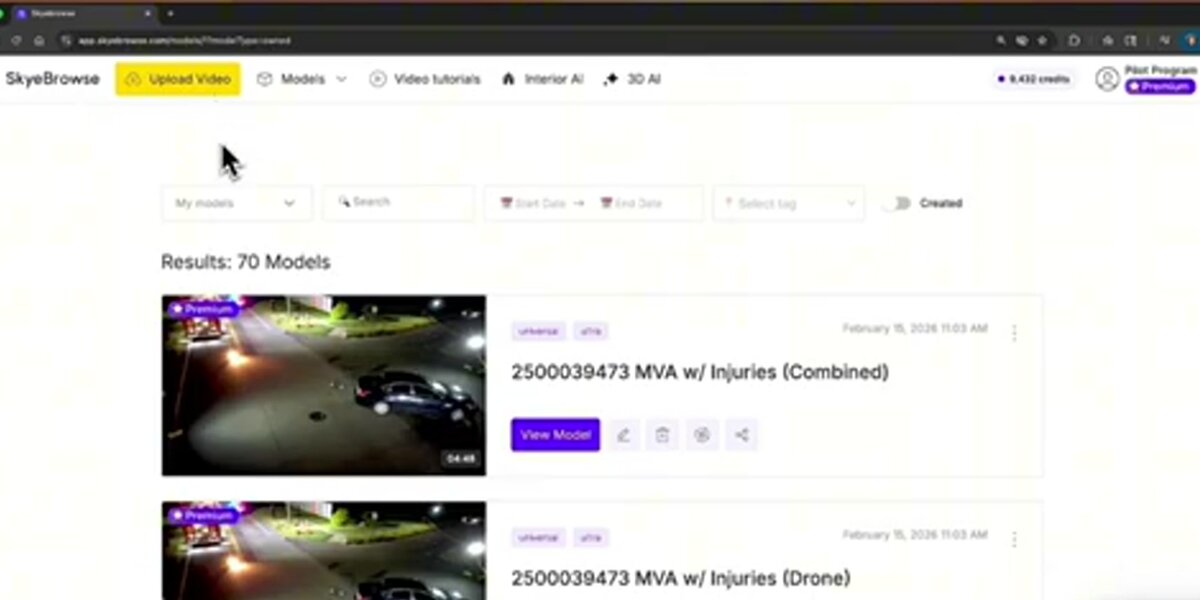
SkyeBrowse is a cloud-based videogrammetry platform that accepts drone video — .MP4 or .MOV — uploaded directly from the SkyeBrowse Flight App or through the Universal Upload portal at app.skyebrowse.com. The platform extracts frames, runs automated feature matching and reconstruction, and returns a textured 3D model typically within minutes, with no local processing hardware required.
The workflow has four steps. First, fly an orbit pattern around the subject while recording video — the SkyeBrowse Flight App guides the drone path for consistent coverage. Second, upload the video file along with a telemetry file (.SRT for DJI drones, .ASS for Autel) to improve georeferencing. Third, select a processing tier based on the accuracy needed for the use case. Fourth, retrieve the finished model in the viewer, take measurements, and export.
Accuracy scales with the selected tier. For rapid situational awareness — an initial scene overview, a preliminary damage estimate — the Lite tier delivers approximately 2–6 inch accuracy and processes quickly. For field documentation intended for reports or court presentation, the Premium tier uses 8K processing to reach approximately 0.25 inch accuracy. For cases where measurement precision is paramount, the Premium Advanced tier applies 16K processing and AI-powered moving object removal to achieve approximately 0.1 inch accuracy.
Exports cover the major professional formats: GLB for 3D mesh visualization, LAZ for point cloud analysis in GIS or CAD tools, and GeoTIFF for georeferenced orthomosaic overlays. The platform runs on AWS GovCloud infrastructure with FedRAMP Moderate Authorization, making it suitable for public safety agencies with strict data requirements. SkyeBrowse is used by more than 1,200 agencies worldwide, concentrated in law enforcement, fire, and emergency management departments that need court-ready spatial evidence from standard drone video.
For teams evaluating hardware, SkyeBrowse supports a wide range of current drone platforms. The full compatibility list is at skyebrowse.com/supported-drones.
FAQ
What is drone 3D modeling?
Drone 3D modeling is the process of using a drone to capture overlapping images or video of a structure or scene, then processing that footage through photogrammetry or videogrammetry software to reconstruct a textured, measurable 3D mesh model of the subject.
What is the difference between drone 3D modeling and drone 3D mapping?
Drone 3D modeling focuses on creating a detailed textured mesh of a specific structure, vehicle, or scene — useful for inspections, forensics, and as-built documentation. Drone 3D mapping produces georeferenced orthomosaics and point clouds over large areas, primarily for land surveying and site planning. Both use photogrammetry, but the scale and output format differ significantly.
How accurate are drone 3D models?
Accuracy depends on the processing tier and capture method. SkyeBrowse's Lite tier delivers approximately 2–6 inch accuracy. The Premium tier achieves roughly 0.25 inch using 8K processing, and the Premium Advanced tier reaches approximately 0.1 inch accuracy through 16K processing with AI-based moving object removal. NIST research confirms that structured-light and photogrammetry-based systems can achieve sub-millimeter accuracy under controlled capture conditions.
Can I create a 3D model from drone video instead of still photos?
Yes. Videogrammetry extracts frames from continuous video and applies the same Structure from Motion algorithms used with still images. Platforms like SkyeBrowse are built specifically for video input, replacing a lengthy photo-trigger session with a single orbit flight.
What drones work for 3D modeling?
Most drones capable of recording stable 4K video are suitable. DJI Mavic 3E, DJI Matrice 350 RTK, and Autel Evo II Pro are among the most commonly used. The full list validated with SkyeBrowse is at skyebrowse.com/supported-drones.