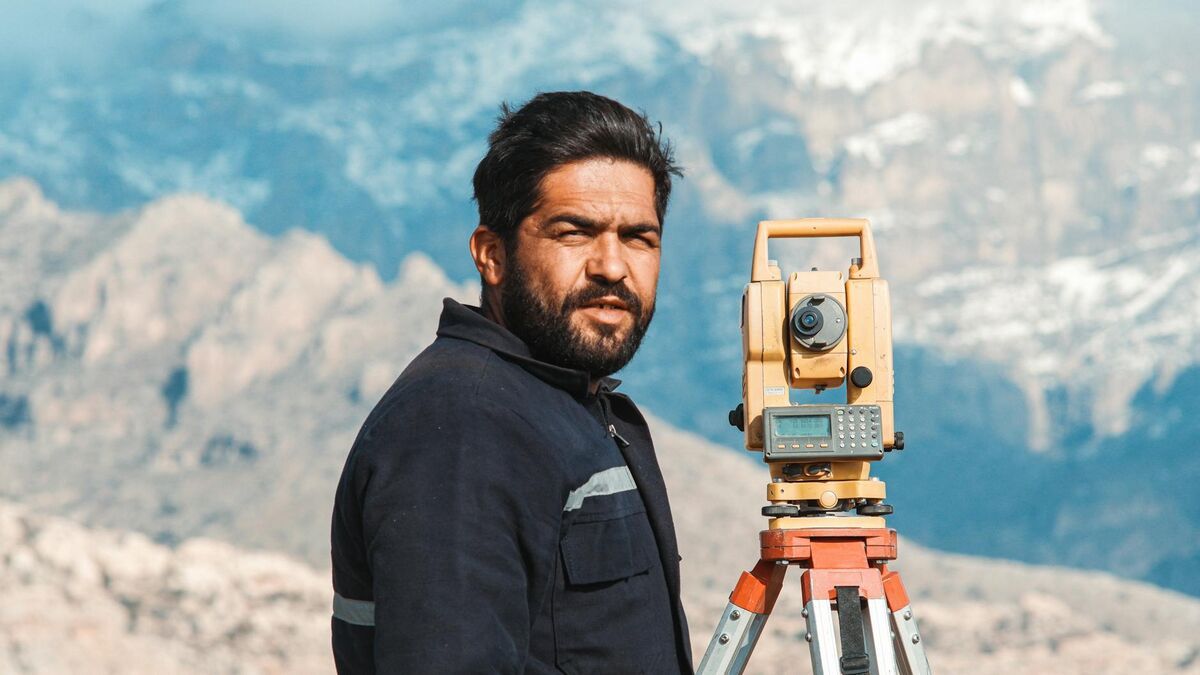
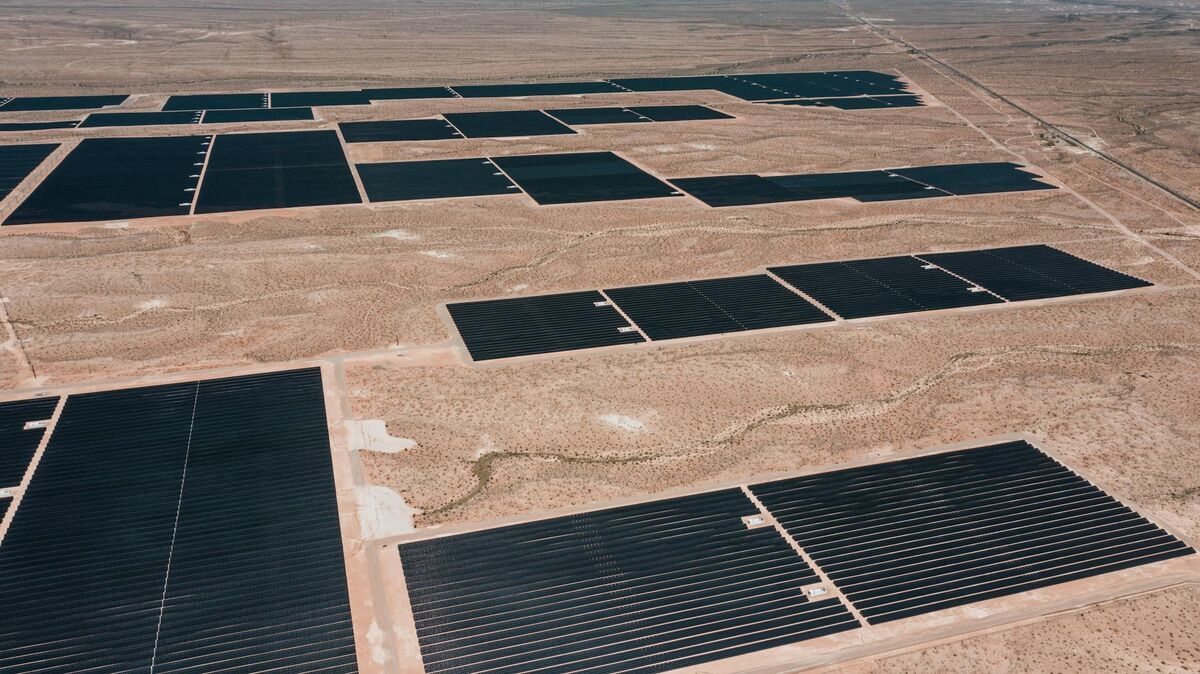
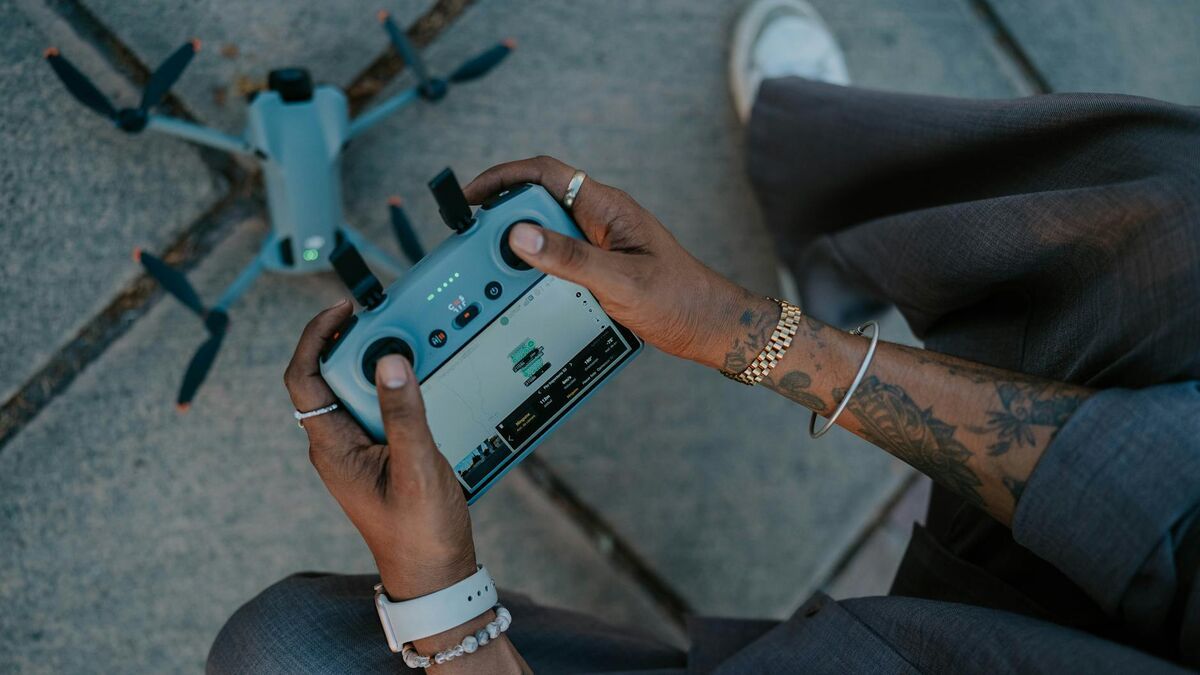
Drone photogrammetry — the science of extracting precise measurements and 3D geometry from overlapping aerial images — has moved from a specialist surveying technique to a workflow used by public safety teams, construction managers, and infrastructure inspectors worldwide. This guide explains how drone-based photogrammetry works, where accuracy comes from, how to choose between a photo and video capture workflow, and how modern cloud platforms have cut the time between flight and finished model from hours to minutes.

Key Takeaways
- Drone photogrammetry reconstructs 3D geometry by matching overlapping aerial images and triangulating tie points — no laser scanner required.
- Flight altitude and image overlap (typically 70–80% forward, 60–70% side) are the two biggest controllable factors in final model accuracy.
- Videogrammetry captures frames from continuous drone video, skipping the pre-planned photo grid and cutting on-scene time by 50% or more for unplanned events.
- Ground control points can push horizontal accuracy to sub-centimeter levels; without them, expect 1–3x ground sampling distance.
- SkyeBrowse's cloud processing converts drone video to a georeferenced 3D model entirely in the browser — no desktop photogrammetry software or GPU required.
Contents
- What is drone photogrammetry and how does it work?
- What factors determine accuracy in a photogrammetry drone mapping system?
- How does video-based capture compare to a photo grid mission?
- How is drone photogrammetry changing in 2026?
- What drone photogrammetry software should you use?
- How do you get started with a drone photogrammetry workflow?
- FAQ
What is drone photogrammetry and how does it work?
Drone photogrammetry is the process of flying a drone over a scene, capturing hundreds or thousands of overlapping images, and using software to reconstruct a precise 3D model or 2D map from those images. The software identifies matching features across image pairs, calculates the camera position for each frame using structure-from-motion (SfM) algorithms, and builds a dense point cloud that can be exported as a mesh, orthomosaic, or georeferenced map. The result is a measurable, spatially accurate record of the physical world — created without touching the ground.
The term photogrammetry comes from the Greek words for light (photos), drawing (gramma), and measurement (metron); for a plain-language photogrammetry definition and the full science behind it, see our dedicated guide. Photogrammetry as a discipline predates drones by over a century, but the combination of consumer-grade UAVs and cloud processing has made it accessible to non-surveyors. The American Society for Photogrammetry and Remote Sensing (ASPRS) defines the discipline broadly to include any method that uses photographs as the basis for mensuration — a definition that now encompasses the millions of drone mapping flights conducted every year.
In practice, drone photogrammetry follows a consistent sequence: mission planning, capture flight, image processing, and model export. Mission planning sets the flight path (typically a lawn-mower grid for open terrain), altitude, and photo overlap. During capture, the drone's camera triggers at set intervals to ensure the required overlap. Processing ingests all images, detects and matches features across frames, triangulates 3D point positions, and produces the final deliverable. Learn more about how the aerial capture phase is structured in our guide to aerial photogrammetry.
What factors determine accuracy in a photogrammetry drone mapping system?
The three primary accuracy drivers in any photogrammetry drone mapping system are ground sampling distance (GSD), image overlap percentage, and the use of ground control points (GCPs). GSD — the real-world area represented by one pixel — is set by flight altitude and camera sensor size; a lower flight altitude produces a smaller GSD and higher potential accuracy. Overlap ensures each feature appears in multiple images so SfM algorithms can triangulate its position reliably. GCPs are surveyed reference markers photographed from the air; they anchor the model to a known coordinate system and can push horizontal accuracy to sub-centimeter levels.
Without GCPs, drone photogrammetry accuracy is typically 1 to 3 times the GSD. At 100 meters altitude with a standard 20-megapixel camera, GSD is roughly 2.7 centimeters, so absolute accuracy without GCPs will be in the 3–8 centimeter range. That is sufficient for many construction progress checks and reconnaissance tasks. For surveys that will inform engineering decisions or legal proceedings, GCPs become essential — the USGS National Geospatial Program recommends a minimum of five GCPs distributed across the site, with additional checkpoints to validate the result independently.
Camera quality also matters. A higher-resolution sensor captures more detail per square meter, enabling finer feature matching and denser point clouds. This is why SkyeBrowse's Premium tier — which processes at 8K — delivers roughly 0.25 inch accuracy, while the Lite tier (faster, lower-resolution processing) produces results in the 2–6 inch range. For forensic-grade outputs where every centimeter counts, see our in-depth walkthrough of ground control points.
How does video-based capture compare to a photo grid mission?
A photo grid mission requires pre-planning: the pilot programs a flight path, sets an overlap percentage, and the drone automatically captures still images at timed intervals. A video-based capture approach — sometimes called videogrammetry — records continuous footage during a freehand or orbit flight, then extracts frames at regular intervals for 3D reconstruction. Video capture is faster to execute, requires no mission programming, and can use footage captured retroactively from any existing drone video. The trade-off is that unstructured video flights can produce uneven overlap if the pilot does not maintain consistent altitude and speed.
For events that cannot be pre-planned — traffic collisions, fires, crime scenes, structural emergencies — video capture is the practical choice. A responder can begin a simple orbit or perimeter flight immediately after landing, upload the MP4 file to a cloud platform, and have a georeferenced 3D model ready before clearing the scene. This is the core workflow that SkyeBrowse was built around: the platform accepts standard MP4 and MOV files from any supported DJI or Autel drone, pairs them with a telemetry file (.SRT for DJI, .ASS for Autel) for georeferencing, and processes the model in the cloud with no desktop hardware required.
The distinction between photo and video workflows is examined in detail in our comparison of videogrammetry vs photogrammetry. For planned survey missions where absolute accuracy is the priority — land boundary surveys, engineering-grade stockpile volumes — a structured photo grid with GCPs remains the gold standard. For time-sensitive documentation and situational awareness, a video-based approach reduces total on-scene time and eliminates the planning step entirely.

How is drone photogrammetry changing in 2026?
The biggest shift in drone photogrammetry through 2026 is the move from photo-grid capture to video-first workflows and AI-assisted processing. Instead of programming a still-photo mission, an operator can record a single continuous video — from a drone, a smartphone, a 360 camera, or a body-worn camera — and a cloud engine extracts and aligns the frames automatically. Processing that once took hours on a desktop GPU now finishes in minutes in the browser, and AI post-processing can remove moving people and vehicles and push accuracy to a tenth of an inch on the highest tier.
Three developments are driving this change. First, videogrammetry has matured into a production workflow: SkyeBrowse processes roughly one minute of compute per minute of video, with most models ready in under five to ten minutes after upload, and validation studies have shown it meeting or exceeding traditional photogrammetry and laser-scanning accuracy without ground control points. Second, input sources have broadened well beyond survey drones — SkyeBrowse's Universal Upload accepts standard MP4 and MOV footage from manually flown DJI, Autel, Skydio, and Parrot aircraft, smartphones, action cameras, and 360 cameras, so teams are no longer locked to a single supported airframe. Third, AI processing now handles work that used to require a specialist: the Premium Advanced tier applies 16K AI-enhanced reconstruction for 0.1 inch accuracy and automatically removes moving objects for cleaner scene documentation. The net effect is that drone photogrammetry in 2026 is faster, accepts more kinds of input, and needs far less specialist setup than the photo-grid workflows that defined the previous decade.
What drone photogrammetry software should you use?
The right drone photogrammetry software depends on whether you need desktop-grade precision, cloud convenience, or time-to-model speed. Desktop platforms like Pix4D and Agisoft Metashape offer deep control over every processing parameter and are the default choice for licensed surveyors producing engineering deliverables. Cloud platforms like SkyeBrowse prioritize speed and accessibility: upload a video, receive a model in minutes, share a link — no GPU, no software installation, no desktop processing queue.
When evaluating drone photogrammetry software, consider four dimensions: processing speed, accuracy tier, output formats, and compliance posture. Pix4D and DroneDeploy are strong in the first two dimensions for planned survey missions. SkyeBrowse prioritizes speed and compliance: cloud processing returns a finished model in minutes rather than an overnight desktop job, and SkyeBrowse hosts data on AWS in the United States with full CJIS-compliance support maintained for Premium subscribers — the chain-of-custody posture many public safety agencies require for evidence. Exports cover the full range of deliverables — LAZ point clouds, GLB 3D meshes, and GeoTIFF orthomosaics — so the output integrates with GIS, CAD, and evidence management systems downstream.
For a broader look at the software landscape, our drone mapping software guide compares platforms across processing method, pricing model, and use-case fit.
How do you get started with a drone photogrammetry workflow?
Starting a drone photogrammetry workflow requires four things: a compatible drone with a quality camera, a flight plan or video capture strategy, processing software, and a clear understanding of FAA airspace requirements for your location. In the United States, commercial drone operations — including photogrammetry surveys — require a FAA Part 107 Remote Pilot Certificate. Once you have regulatory clearance, a basic workflow runs: pre-flight planning, capture flight (photo grid or video orbit), file upload to your chosen platform, processing, and model review.
For new practitioners, the fastest path to a completed model is a video-based workflow with a prosumer drone. Fly a simple perimeter orbit at 100–120 feet, record in 4K at 30fps, and upload the MP4 alongside the drone's telemetry log. Most DJI drones write an .SRT subtitle file during recording; pairing that with the video gives the processing engine the GPS track needed for georeferencing without any post-processing GCP work. Review your airspace restrictions at faa.gov/uas before every flight — the B4UFLY app provides a quick visual check of controlled airspace, temporary flight restrictions, and local ordinances.
For teams that want to scale from individual captures to a full drone 3D mapping program, the most important investment is a consistent capture protocol. Define a standard altitude, overlap target, and video settings once, then enforce them across all operators. Consistency in the input data drives consistency in model quality — and it simplifies training when new team members join. SkyeBrowse's tutorial library at skyebrowse.com/tutorials walks through both the flight settings and the upload workflow step by step for the most common DJI and Autel platforms.

FAQ
What accuracy can you expect from drone photogrammetry?
Accuracy depends on flight altitude, camera resolution, and whether ground control points are used. Without GCPs, most drone photogrammetry workflows produce horizontal accuracy of 1–3 times the ground sampling distance. With GCPs, sub-centimeter horizontal accuracy is achievable on open terrain. SkyeBrowse's Premium tier delivers approximately 0.25 inch accuracy using 8K processing, and the Premium Advanced tier reaches 0.1 inch with 16K AI-enhanced processing.
What is the difference between drone photogrammetry and videogrammetry?
Traditional drone photogrammetry uses a planned grid of still photos captured at timed intervals. Videogrammetry — the approach SkyeBrowse is built on — extracts frames from continuous drone video, eliminating the need for a pre-planned photo mission. This makes videogrammetry faster to execute in the field and allows retroactive processing of any existing drone footage. For unplanned scenes like accidents or fire investigations, videogrammetry is significantly more practical because the pilot never has to program a route before capturing.
Do I need a Part 107 license to use a drone for photogrammetry?
Commercial drone operations in the United States, including photogrammetry surveys, require a FAA Part 107 Remote Pilot Certificate unless the operation qualifies for a recreational exception. Public safety agencies operating under a government Certificate of Authorization (COA) or waiver may have additional operational flexibility. Always consult the FAA UAS regulations before conducting commercial flights and verify that your operations comply with any local restrictions.
What outputs does drone photogrammetry produce?
A typical drone photogrammetry workflow produces three main deliverables: an orthomosaic (a georeferenced 2D aerial map stitched from the individual images), a 3D point cloud (a dense set of georeferenced XYZ coordinates), and a 3D textured mesh (a photorealistic surface model). Depending on the platform, you may also receive contour lines, digital elevation models (DEMs), and volumetric measurements. SkyeBrowse exports LAZ point clouds, GLB meshes, and GeoTIFF orthomosaics — the standard interchange formats for GIS, CAD, and evidence management workflows.
How long does drone photogrammetry processing take?
Desktop photogrammetry software processing time scales with the number of images and the host computer's GPU. A 500-image dataset on a mid-range workstation typically takes 1–3 hours to process. Cloud-based platforms offload this to server infrastructure, but queuing and data transfer can add latency. SkyeBrowse's video-to-model pipeline processes most standard captures in under 10 minutes after upload, because it works from compressed video frames rather than hundreds of full-resolution RAW images — the tradeoff is slightly lower maximum resolution compared to processing hundreds of full-resolution RAW images, but for most commercial and public safety workflows the difference is negligible.
What drones can you use for drone photogrammetry?
Almost any drone that records video or stills can feed a drone photogrammetry workflow. SkyeBrowse's Flight App automates capture for specific DJI and Autel models such as the Mavic 3E/3T, Matrice 30/300/350, Matrice 4E/4T, and Autel Evo II (iOS only) — always check the official Supported Drones list, since compatibility changes. For any other aircraft — consumer DJI drones, Skydio, Parrot, or any manually flown drone — Universal Upload accepts standard MP4 or MOV video, and pairing the drone's GPS subtitle file (.SRT for DJI, .ASS for Autel) georeferences the model automatically. You are not limited to drones either: phones, action cameras, and 360 cameras all work as capture sources.