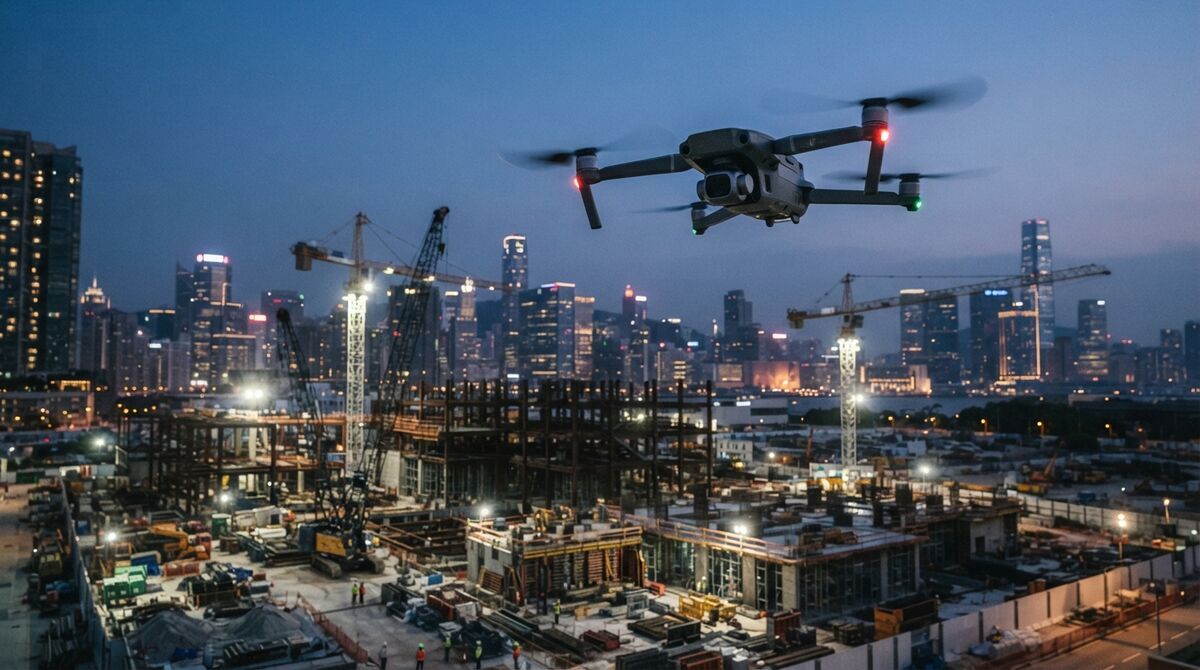
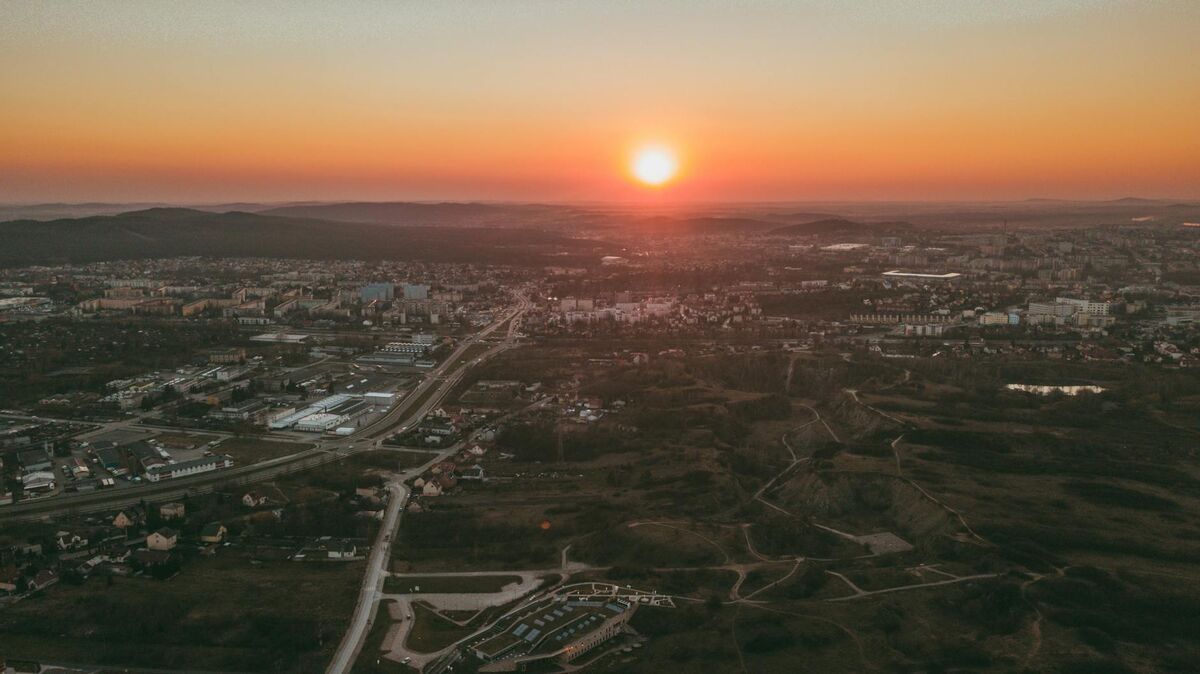
DJI Mini 4 Pro mapping is one of the easiest ways to start building measurable 3D models without owning a heavy enterprise drone. The Mini 4 Pro weighs under 249 grams, so recreational pilots face lighter registration rules, and its stable 4K video captures enough detail for photogrammetry, the science of measuring real-world geometry from overlapping images. Paired with videogrammetry, which reconstructs 3D geometry from video frames instead of still photos, that footage becomes a full 3D model in the cloud. This guide covers what accuracy to expect, the exact capture workflow, where the small sensor runs out of room, and how the Mini 4 Pro handles roof inspection.
Key Takeaways
- Gimbal-steadied 4K video from the Mini 4 Pro's 1/1.3-inch sensor gives SkyeBrowse enough overlap for site documentation, small-scene 3D, and roof work.
- Measurement precision tracks your SkyeBrowse plan, from half an inch on a Commercial or Pro model to a tenth of an inch on Public Safety & Enterprise, and you won't need ground control points.
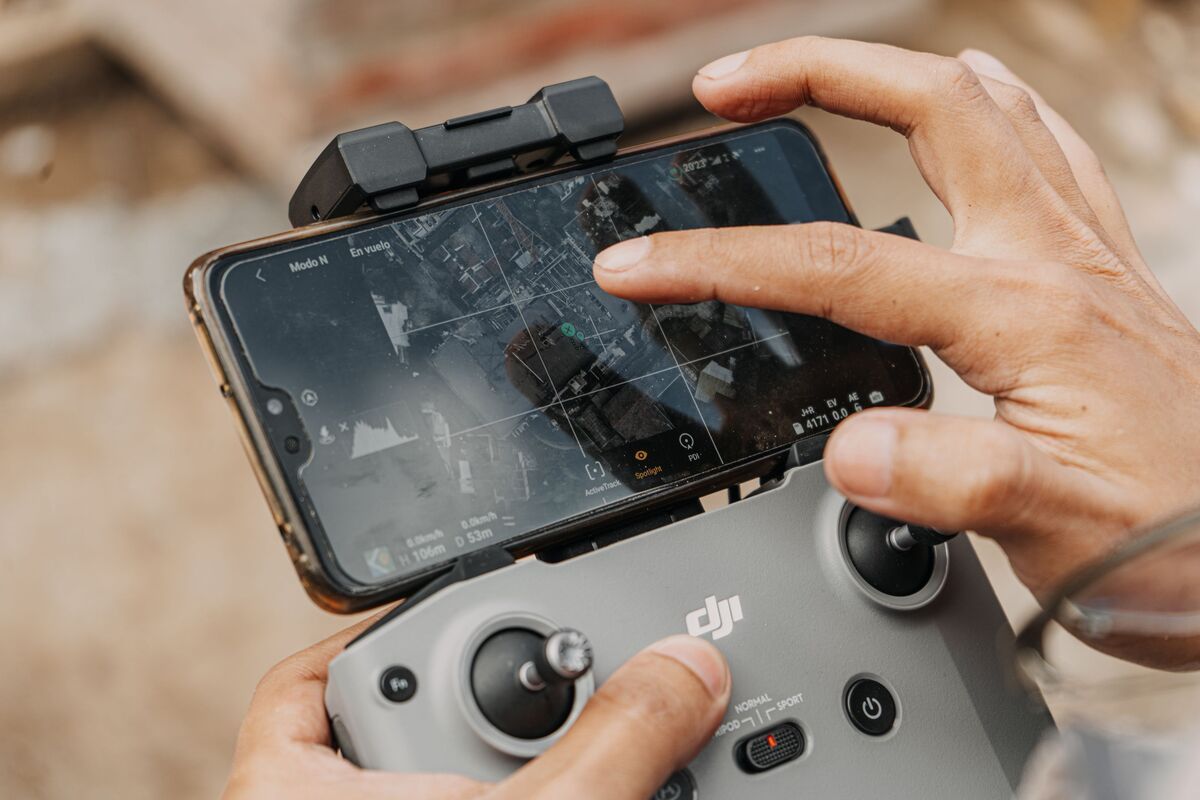
- Paired with the DJI RC Pro, the Mini 4 Pro is fully supported in the SkyeBrowse Flight App for automated orbit and grid capture; on other controllers, fly manually and use Universal Upload.
- The Mini 4 Pro has no LiDAR or RTK (real-time kinematic) positioning. Its downward 3D infrared sensor handles obstacle sensing, and the mapping point cloud comes from the video.
- Under 249 grams means lighter registration rules for recreational flyers, though commercial mapping still requires an FAA Part 107 certificate in the United States.
Contents
- Can the DJI Mini 4 Pro do mapping?
- What accuracy can you expect from Mini 4 Pro photogrammetry?
- How do you map with the Mini 4 Pro in SkyeBrowse?
- When does the small sensor limit you?
- Does the DJI Mini 4 Pro have LiDAR or RTK?
- Is the DJI Mini 4 Pro good for roof inspection?
- FAQ
Can the DJI Mini 4 Pro do mapping?
Yes. Point the Mini 4 Pro's 4K camera at a subject, circle it smoothly, and SkyeBrowse has the overlapping frames it needs to rebuild that subject at true scale. Flown with the DJI RC Pro controller, it's fully supported in the SkyeBrowse Flight App, so orbit capture can run automatically. With other controllers you fly a manual orbit and upload the footage.
The Mini 4 Pro uses a 1/1.3-inch CMOS sensor with 48 effective megapixels, a maximum still resolution of 8064 by 6048 pixels, a 24mm-equivalent f/1.7 lens, and a takeoff weight under 249 grams, per the DJI Mini 4 Pro specifications. Add 4K video at up to 100 frames per second and a stable 3-axis gimbal, and you have smooth, sharp footage that suits video-based 3D. Because SkyeBrowse turns video into 3D rather than requiring hundreds of triggered stills, the Mini 4 Pro is a natural fit: fly a smooth arc, keep the subject framed, and let the cloud do the reconstruction. For the broader tooling picture, see the drone mapping app roundup, and confirm the aircraft's current automation level on the SkyeBrowse supported drones page.
What accuracy can you expect from Mini 4 Pro photogrammetry?
The tier you process on sets the precision. A Mini 4 Pro scene processed as a Commercial or Pro model, with 8K processing, holds half-inch measurements; the same footage run through Public Safety & Enterprise at 16K Ultra holds a tenth of an inch. RTK and ground control points aren't required, and a lower, closer orbit simply adds detail.
Be honest with yourself about what "accurate" means for your job. Relative accuracy, the distance between two points inside the model, is strong on the Mini 4 Pro because its gimbal holds smooth 4K video and every frame adds another view of the same surface. Absolute accuracy, how well the model aligns to real-world coordinates, comes from georeferencing. Uploading the drone's .SRT subtitle file lets SkyeBrowse pull GPS from every frame and place the model on the map automatically. If a client needs a stamped survey tied to a specific coordinate system, the surveyor of record adds their own control for certification, a paperwork requirement separate from how precisely the model measures; the American Society for Photogrammetry and Remote Sensing sets out those positional accuracy standards. To see how altitude changes detail, the table below lists ground sample distance (how much ground each pixel spans) for a Mini 4 Pro 4K video frame (3840 pixels wide) using its 24mm-equivalent focal length. SkyeBrowse builds models from video, so these are the numbers that matter.
| Altitude | Ground sample distance | Practical read |
|---|---|---|
| 20 m | 0.78 cm/px | Roof shingles, close structure detail |
| 30 m | 1.17 cm/px | Residential roofs, site features |
| 40 m | 1.56 cm/px | Wider site documentation |
Run your own numbers for any focal length and altitude with the GSD calculator.
How do you map with the Mini 4 Pro in SkyeBrowse?
We recommend two slow, even laps around the subject with the camera angled down around 45 degrees and the zoom left alone. If your controller is on the supported list, SkyeBrowse orbit mode automates the flight. Otherwise fly manually, then upload the .MP4 plus its .SRT log at app.skyebrowse.com and the model builds in minutes.
The capture pattern is the same idea whether the flight is automated or manual: circle the subject twice, tilt the camera down about 45 degrees, and move slowly enough that frames stay sharp. For scenes under an acre the automated orbit mode is ideal. Larger sites benefit from a grid pass, and the Mini 4 Pro supports WideBrowse grid missions when it's paired with the required DJI RC Pro controller, so it isn't limited to compact subjects. Turn on video caption recording in the drone settings so the .SRT file is written, then pair the video and log in the upload dialog of the SkyeBrowse drone mapping software. A full walkthrough lives in how to make a 3D model with a drone.
When does the small sensor limit you?
The Mini 4 Pro's 1/1.3-inch sensor limits you in low light and on large area grids. It gathers less light than a 1-inch or enterprise sensor, so dawn, dusk, and shaded scenes get noisier, and covering many acres at low altitude takes many batteries. For those jobs a larger aircraft with a bigger sensor and longer endurance is the better fit.
The physics are simple: a smaller sensor collects less light per pixel, so noise rises as conditions dim. Keep Mini 4 Pro mapping flights in good daylight, avoid pointing too much sky into the frame, and hold altitude low enough to keep ground sample distance tight. Wind is the other ceiling. A 249-gram airframe gets pushed around in gusts, which softens video and breaks the smooth motion photogrammetry depends on. If you routinely map multi-acre sites, step up to a heavier aircraft; the mini drone surveying guide covers exactly where the sub-250g class stops. When you need a bigger sensor in the same easy-to-carry format, compare the DJI Mini 5 Pro mapping workflow.
Does the DJI Mini 4 Pro have LiDAR or RTK?
No. The Mini 4 Pro has neither LiDAR nor an RTK module. It avoids obstacles with omnidirectional vision cameras and a downward 3D infrared sensor, and it positions itself with standard satellite positioning (GNSS). The 3D point cloud you map with is built from its video.
The LiDAR question comes up constantly because people want a point cloud, and they assume a sensor has to produce it. The DJI Mini 4 Pro specifications list an "omnidirectional binocular vision system, supplemented with a 3D infrared sensor at the bottom of the aircraft," which exists for collision avoidance and landing, so nothing from it reaches your deliverable. SkyeBrowse reconstructs a dense point cloud from the camera footage instead, and a Pro or Public Safety & Enterprise model exports it as LAZ for CAD, GIS, or volume work.
Without RTK, georeferencing runs on the drone's GNSS track. Because the .SRT log from each flight rides along with the video upload, the model is placed on the map for you. That covers roof reports, site progress, and insurance files; stepping up to an RTK enterprise aircraft only matters when a project specification calls for it.
Is the DJI Mini 4 Pro good for roof inspection?
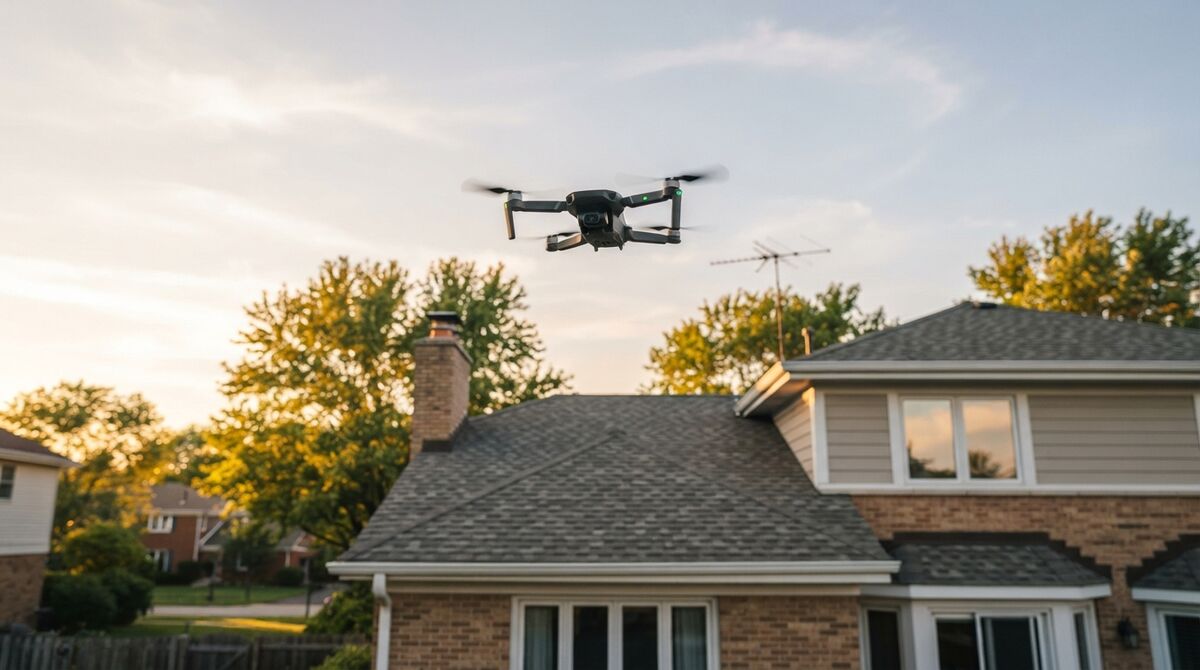
Yes. The Mini 4 Pro is an affordable roof inspection drone that flies close, captures shingle-level detail, and produces a measurable 3D model you can pull dimensions from without climbing a ladder. Flying 20 meters up, a straight-down 4K frame covers about 0.78 cm per pixel, and the automated orbit captures every slope in one short flight.
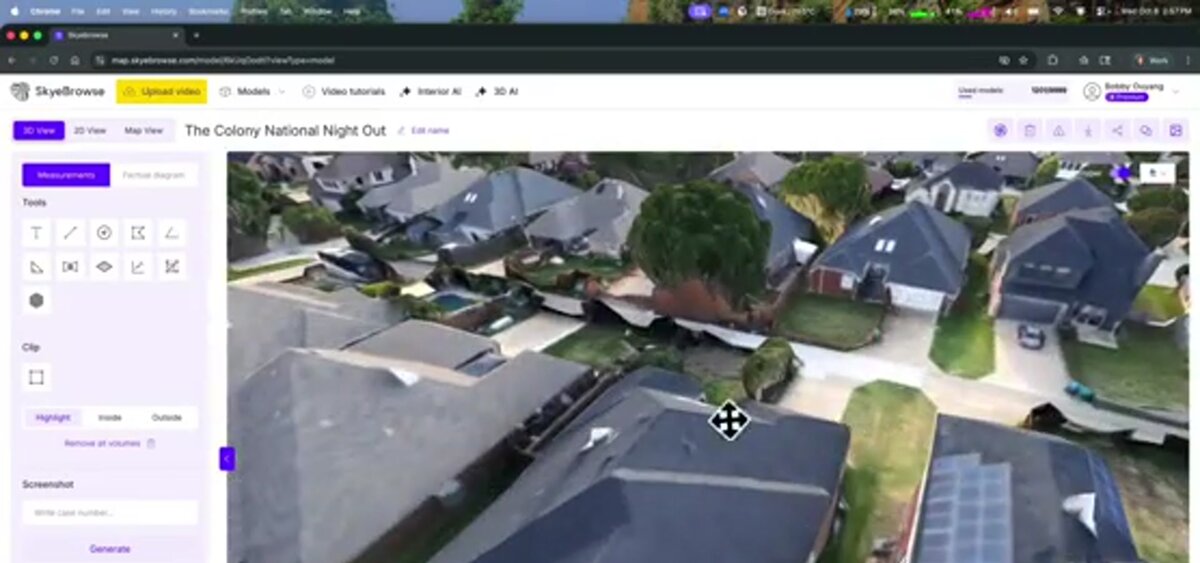
For a typical residential roof, fly a two-orbit pass at 20 to 30 meters with the camera tilted down, then let SkyeBrowse rebuild the roof planes in the cloud. You get pitch, area, and edge measurements from a safe standoff, with nobody on a ladder. On a Pro model the result exports as a GLB mesh or LAZ point cloud for reporting, and the same model doubles as before-and-after evidence for insurance claims. The Mini 4 Pro will not replace an enterprise thermal rig, though for visual roof condition work it punches far above its size.
FAQ
Can you make a 3D model with a DJI Mini 4 Pro?
Yes. The Mini 4 Pro shoots stable 4K video that a videogrammetry platform like SkyeBrowse turns into a measurable 3D model in minutes. Fly a slow double orbit at a 45-degree camera tilt, upload the .MP4 with its .SRT log, and the cloud handles the reconstruction. Start free at app.skyebrowse.com.
How accurate is DJI Mini 4 Pro photogrammetry?
Accuracy comes from the SkyeBrowse processing tier. A Mini 4 Pro model measures to 0.5 inch on Commercial or Pro and to 0.1 inch on Public Safety & Enterprise, without RTK or ground control points. Flying a lower, closer orbit sharpens fine detail such as shingle edges.
Is the DJI Mini 4 Pro supported by the SkyeBrowse Flight App?
Yes, with the DJI RC Pro controller. That pairing is fully supported, so SkyeBrowse can automate both the orbit and WideBrowse grid missions. With the standard DJI RC 2 or RC-N2, fly the orbit manually and upload the video through Universal Upload. Check skyebrowse.com/supported-drones for the current status.
Does the DJI Mini 4 Pro have LiDAR?
No. DJI lists an omnidirectional binocular vision system plus a downward 3D infrared sensor for obstacle sensing, and neither produces a mapping point cloud. The point cloud you actually map with is computed from the drone's 4K footage, and you can download it as a LAZ file whenever the model is processed as Pro or Public Safety & Enterprise.
Upload your first video free. Create a free SkyeBrowse account, upload a drone video, and get a 3D model processed in the cloud. Freemium organizations that have never had a paid plan can get their first full Commercial model for $5 (normally $24.99), with every Commercial tool, every export, and 90-day storage.