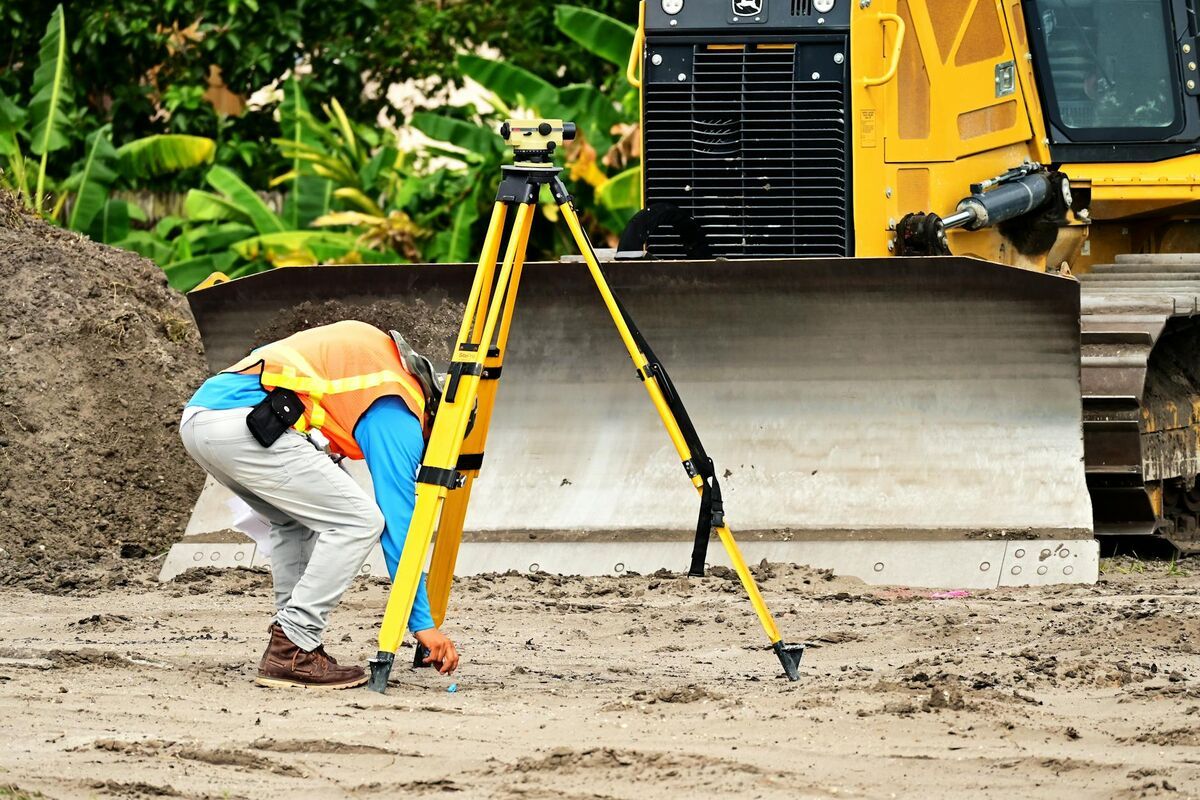
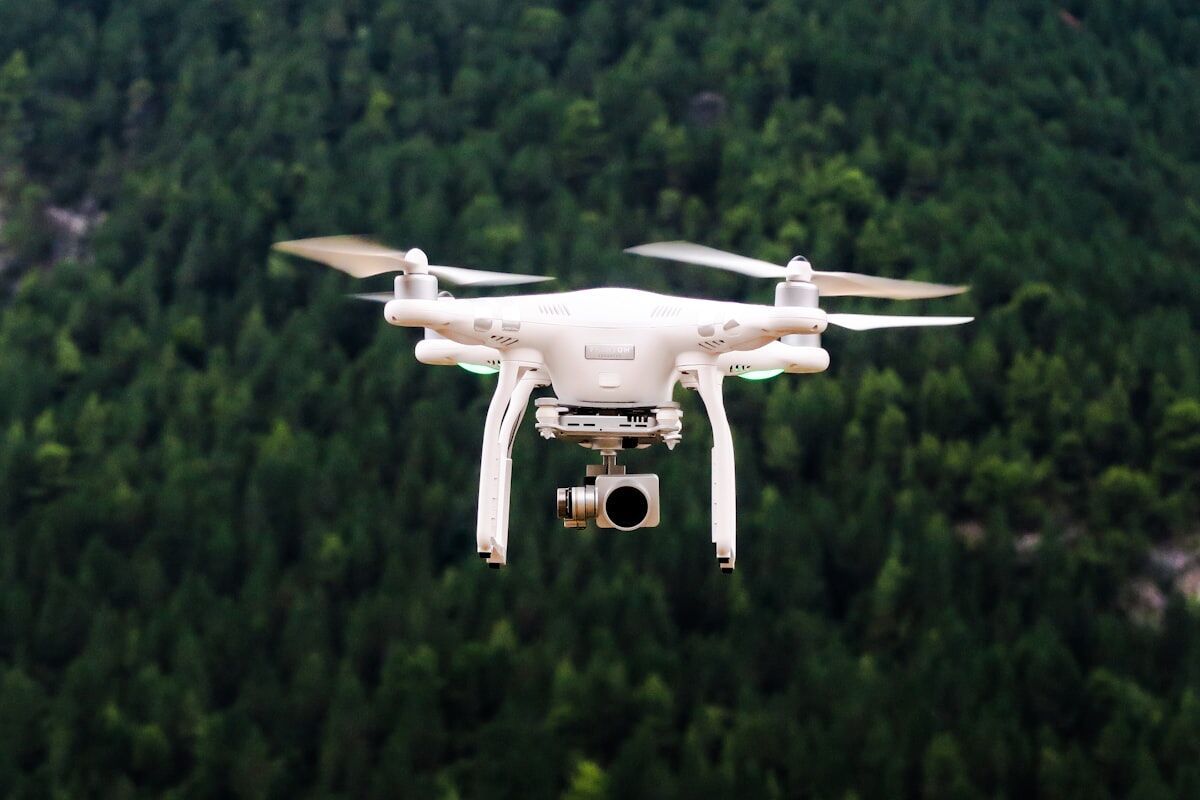
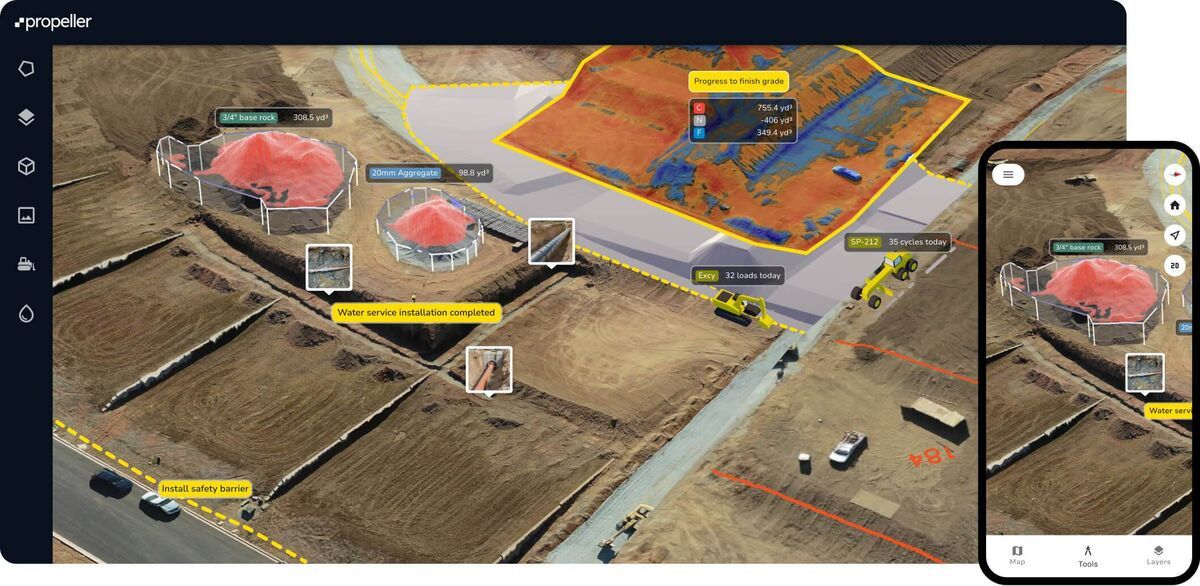
Indoor and outdoor environments present fundamentally different challenges for 3D mapping. Outdoors, operators fly drones at altitude with open-sky GPS and consistent natural light. Indoors, there is no GPS signal, lighting varies room to room, ceilings constrain flight paths, and walls create constant occlusion. These differences ripple through every stage of the pipeline from capture to final measurement accuracy.
Understanding which environment you face determines whether you reach for a drone, a handheld camera, or a combination of both.
Key Takeaways
- GPS availability is the single biggest dividing line: outdoor drone mapping uses satellite telemetry for automatic georeferencing, while indoor mapping relies entirely on visual feature matching between frames.
- Device choice follows environment — multirotor drones handle outdoor scenes efficiently, while smartphones and action cameras are the practical tool for interior documentation.
- Indoor models can achieve excellent relative accuracy for measuring distances and positions, but lack absolute map coordinates unless ground control points are added manually.
- Lighting control is a significant challenge indoors; consistent illumination across all rooms directly determines feature-matching quality and final model fidelity.
- Many real-world scenes — structure fires, parking garage crashes, multi-building investigations — require separate indoor and outdoor captures that are combined during analysis.
Contents
- How Does GPS Availability Change the Mapping Workflow?
- What Capture Devices Work Best in Each Environment?
- How Does Lighting Affect Model Quality?
- Does Accuracy Differ Between Indoor and Outdoor Models?
- When Should You Combine Both in One Project?
- Indoor vs Outdoor Mapping Comparison
- Where Does SkyeBrowse Fit?
- FAQ
How Does GPS Availability Change the Mapping Workflow?
GPS is the single largest variable separating indoor and outdoor 3D mapping workflows. Outdoor drone mapping relies on satellite positioning to geotag every frame, anchoring the finished model to real-world coordinates automatically. Indoor scenes lack GPS entirely, so reconstruction software must calculate camera positions from visual overlap alone — a process that demands slower movement, higher frame overlap, and careful planning around repetitive or low-texture surfaces.
GPS is the single biggest variable separating indoor and outdoor 3D mapping. Outdoor drone mapping relies on satellite positioning to geotag every frame, which anchors the model to real-world coordinates automatically. Indoor scenes lack GPS entirely, so the software must reconstruct camera positions from visual overlap alone.
Outdoors, DJI and Autel drones embed GPS coordinates into video metadata through .SRT and .ASS subtitle files. These telemetry files let processing software place the model on a map with minimal manual intervention. Indoors, that telemetry does not exist. The reconstruction engine depends on feature matching between consecutive frames, which means operators need to maintain slow, steady movement with generous overlap between adjacent spaces. Without satellite lock, interior models are spatially accurate relative to themselves but not anchored to geographic coordinates unless ground control points or manual alignment are added after processing. For teams building exterior site models, the drone mapping guide covers how GPS telemetry integrates with the photogrammetry pipeline.
What Capture Devices Work Best in Each Environment?
Outdoor mapping is the domain of multirotor drones, which cover large areas at consistent altitude with minimal operator input. Indoor mapping shifts to handheld devices — smartphones, action cameras, or body-worn cameras — because ceilings, walls, furniture, and the absence of GPS-assisted stabilization make powered drone flight impractical in most interior spaces. The right device for each environment is not interchangeable.
Outdoors, multirotor drones are the standard tool. They cover large areas quickly at consistent altitude, and automated orbit patterns produce even coverage with minimal operator skill. Indoors, space mapping shifts to handheld devices — smartphones, action cameras, or body-worn cameras — because drone flight indoors is constrained by ceilings, furniture, and the absence of GPS-assisted stabilization.
The device choice changes file handling too. Drone video typically arrives as a single continuous .MP4 with embedded telemetry. Handheld indoor video may come from a phone or GoPro without any positional metadata. Both formats work for 3D reconstruction, but the presence or absence of telemetry changes how accurately the final model can be georeferenced. For public safety teams documenting interior crime scenes, a review of best crime scene documentation equipment covers how handheld capture compares to specialized forensic scanning tools.
How Does Lighting Affect Model Quality?
Outdoor mapping benefits from broad, consistent natural daylight that illuminates surfaces uniformly and gives feature-matching algorithms strong contrast to work with. Indoors, mixed light sources — fluorescent overhead fixtures, window glare, and dark corridors — cause exposure shifts between frames that reduce match quality and can introduce holes or distortion into the finished model. Controlling indoor lighting before capture is one of the highest-impact steps an operator can take.
Lighting is consistent outdoors during daylight hours but unpredictable indoors. Feature-matching algorithms need visible texture and contrast to align frames. Outdoor scenes benefit from broad, even sunlight that illuminates surfaces uniformly. Indoor spaces often have mixed lighting — fluorescent overhead, window glare, dark hallways — that creates exposure shifts between frames and reduces match quality.
For indoor captures, operators get better results by turning on all available lights, avoiding direct shooting into windows, and keeping camera movement steady so the auto-exposure system does not hunt between bright and dark zones. Outdoor captures face different issues: harsh shadows at midday can obscure detail on one side of a structure, and dawn or dusk lighting can shift color temperature during a long flight. The broader tradeoffs between capture methods are covered in the LiDAR vs photogrammetry comparison, which also addresses how sensor choice affects performance in challenging light.
Does Accuracy Differ Between Indoor and Outdoor Models?
Outdoor models built with GPS telemetry achieve strong absolute positioning — the model sits correctly on a real-world map. Indoor models can match or exceed outdoor relative accuracy for measuring distances and spatial relationships within the scene, but without GPS they cannot be placed on a map without manual anchoring. The type of accuracy that matters depends entirely on the application.
Outdoor drone mapping with GPS telemetry typically produces models with strong absolute positioning — the model sits correctly on a map. Relative accuracy (measurements within the model) depends on resolution, overlap, and processing tier. Indoor models can achieve excellent relative accuracy for measuring room dimensions, evidence positions, or structural elements, but without GPS they lack absolute geolocation unless manually pinned.
For forensic or engineering work, relative accuracy is often what matters. A crime scene investigator measuring the distance between two objects inside a building needs the internal geometry to be precise, not the building's latitude and longitude. Outdoor models serve a different need: placing a crash scene on a road network or measuring setback distances from property lines where absolute position is critical. For construction teams working across both environments, 3D mapping for construction explains how interior and exterior models integrate into site documentation workflows.

When Should You Combine Both in One Project?
Teams should plan combined indoor and outdoor captures whenever the scene of interest spans both environments. Structure fire investigations, parking garage collisions, and multi-building inspections all require exterior drone coverage for context and handheld interior documentation for detail. Running separate captures for each environment and combining them during analysis is more reliable than attempting a single continuous recording that crosses the GPS boundary at a doorway.
Many real-world scenes span both environments. A structure fire investigation requires exterior drone mapping of the building footprint and interior walkthroughs of damaged rooms. Crash reconstruction at a parking garage involves outdoor roadway context and indoor structural documentation. In these cases, teams capture separate videos for each environment and combine them during processing or analysis.
Running separate captures is usually more reliable than attempting one continuous capture that transitions between environments. The GPS dropout at the doorway creates a stitching challenge that separate uploads handle more cleanly. For disaster response teams managing large multi-structure scenes, the videogrammetry vs photogrammetry comparison explains why video-based workflows reduce the per-scene setup time compared to photo-based approaches.
Indoor vs Outdoor Mapping Comparison
| Indoor Mapping | Outdoor Mapping | |
|---|---|---|
| Primary device | Smartphone, action camera, body camera | Multirotor drone |
| GPS available | No — relies on visual feature matching | Yes — telemetry embedded in video |
| Typical lighting | Mixed artificial, variable exposure | Natural daylight, consistent |
| Coverage per capture | Room-by-room, slower | Large area from altitude, faster |
| Georeferencing | Relative only (no map coordinates) | Absolute with telemetry files |
| Best for | Interior crime scenes, building inspections, facility planning | Crash scenes, construction sites, property surveys |
| Operator skill | Steady handheld movement, overlap discipline | Flight planning, orbit execution |
Where Does SkyeBrowse Fit?
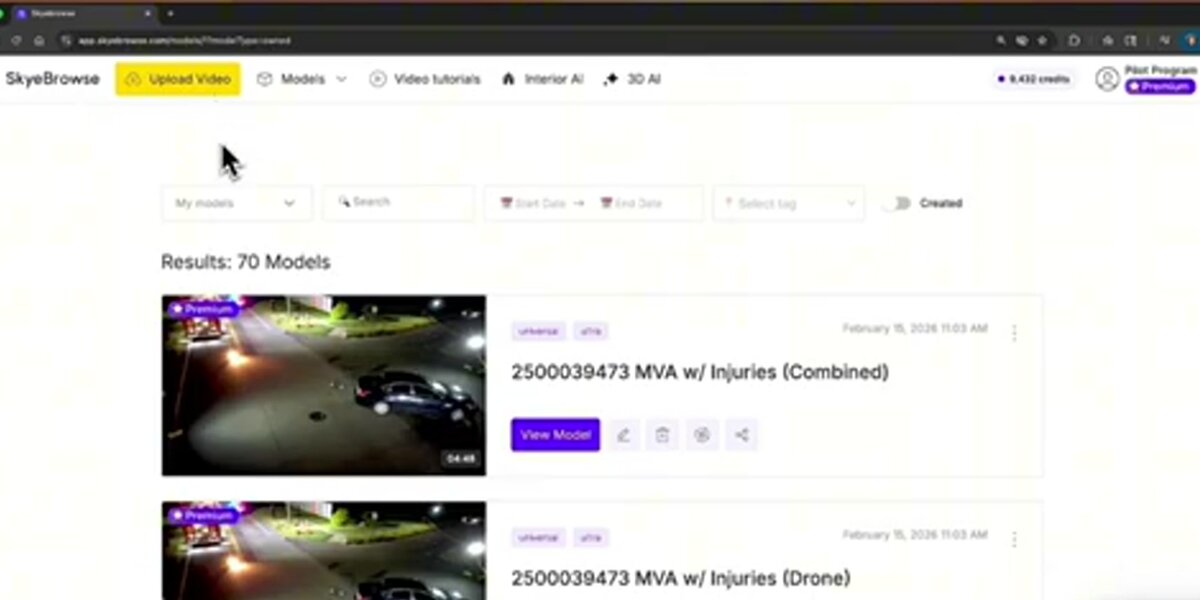
SkyeBrowse handles both environments through a single cloud platform at app.skyebrowse.com. For outdoor drone mapping, the SkyeBrowse Flight App automates orbit capture on supported drones, and uploading the .SRT or .ASS telemetry file alongside the video improves georeferencing. For indoor space mapping, the dedicated Interior Mapping upload mode at app.skyebrowse.com is optimized for handheld video without GPS. Universal Upload accepts .MP4 and .MOV files from any device, so teams can process drone footage and phone video through the same pipeline. Processing runs at roughly 1:1 — a 10-minute video returns a model in about 10 minutes regardless of whether it was captured indoors or outdoors.
FAQ
Can you use a drone for indoor 3D mapping?
Drones can be flown indoors in large open spaces such as warehouses, hangars, or atriums, but standard consumer drones are not practical for most interior mapping. Without GPS signal, the drone loses position-hold stability and the risk of collision with walls, ceilings, and furniture is high. Most teams use smartphones, action cameras, or body-worn cameras for interior spaces and reserve drones for outdoor environments. See the drone mapping guide for outdoor capture best practices.
How accurate are indoor 3D models without GPS?
Indoor 3D models built from handheld video can achieve strong relative accuracy — meaning measurements between objects within the model are precise — even without GPS. Absolute georeferencing (placing the model on a map) requires manually added ground control points or post-processing alignment. For most interior applications such as crime scene documentation or building inspections, relative accuracy is sufficient. The GCP vs no GCP accuracy guide covers when adding ground control points meaningfully changes results.
What is the best camera for indoor 3D mapping?
Smartphones and action cameras such as GoPro are the most common tools for indoor 3D mapping because they are compact, handheld, and capture video that videogrammetry software can reconstruct into 3D models. The key factors are steady movement, sufficient overlap between adjacent areas, and consistent lighting. 360-degree cameras can improve coverage around objects with complex geometry.
When should a team capture both indoor and outdoor 3D models for the same scene?
Any investigation or documentation project where the scene spans both environments benefits from dual capture. Structure fire investigations, parking garage crashes, and building collapses all require exterior context from a drone and interior detail from a handheld device. The two captures are processed separately and combined during analysis rather than as a single continuous recording.
Get a SkyeBrowse Recommendation
Whether your team maps indoor crime scenes, outdoor crash sites, or complex scenes that span both environments, SkyeBrowse can help you build the right capture workflow.