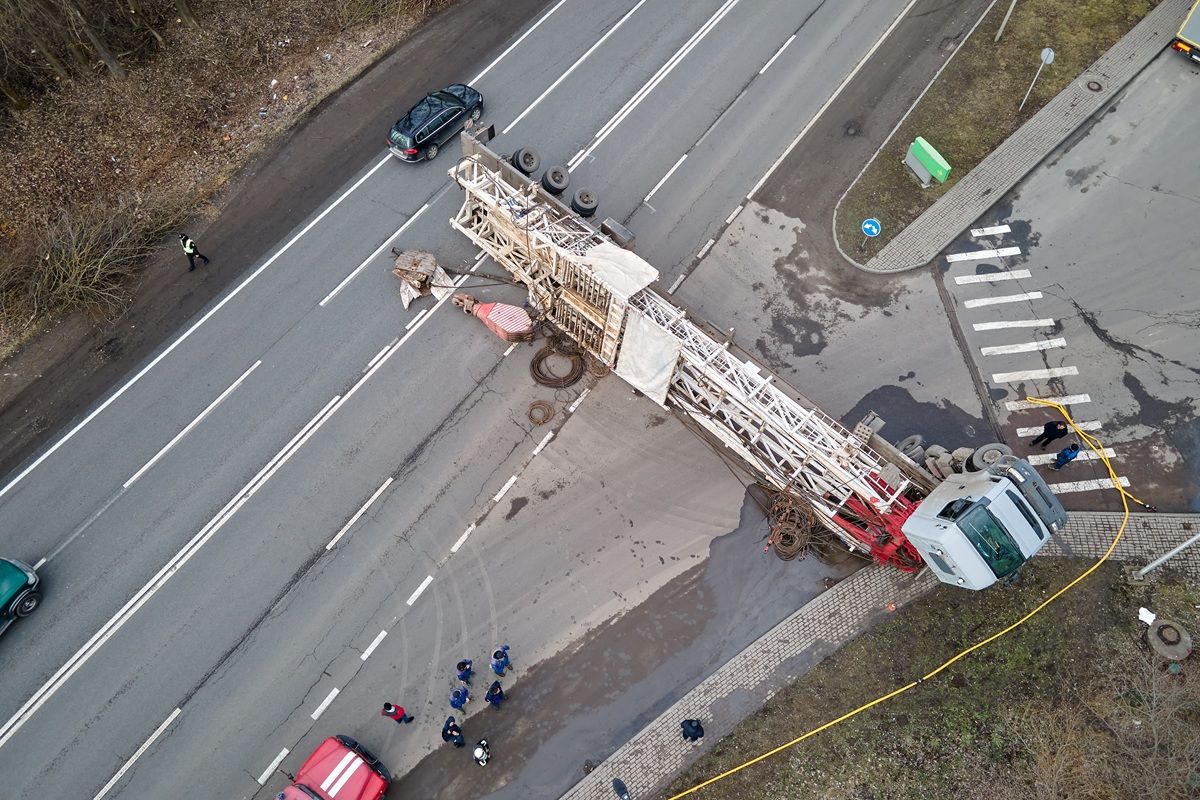
 Accident reconstruction doesn’t have to mean hours of measurements, sketches, and working under time pressure in challenging field conditions. With software that lets you quickly and conveniently create modern 3D models directly from video, you can transform a crash scene into a digital environment in just minutes—one you can return to again and again, calmly, precisely, and with full spatial context. In this article, we’ll show you how to use the capabilities of SkyeBrowse to document incidents faster and carry out forensic analysis more effectively.
Want to see what the process looks like in practice—from drone or smartphone footage to a finished 2D/3D model? We’ll walk you step by step through the entire workflow, from your first upload using the free version to the moment you decide to unlock measurement features for work on a specific case. Get started now and see how much you can speed up your work with the power of 3D technology.
Contents:
- SkyeBrowse in forensics – What is accident reconstruction and how does 3D from video create an advantage?
- Freemium vs. Premium SkyeBrowse for accident reconstruction – What does each offer and what are the limitations in investigative work?
- How to start accident reconstruction step by step – From recording to a 2D/3D model in SkyeBrowse
- From a preview model to working evidence – When to unlock Pay-Per-Model and how to approach data reliability
SkyeBrowse in forensics – What is accident reconstruction and how does 3D from video create an advantage?
Accident reconstruction is the process of recreating the course of an incident based on physical evidence left at the scene, the geometry of the surroundings, and the relative positions of objects. In practice, this involves:
- documenting the scene
- analyzing trajectories
- assessing lines of sight
- measuring distances
- verifying spatial relationships
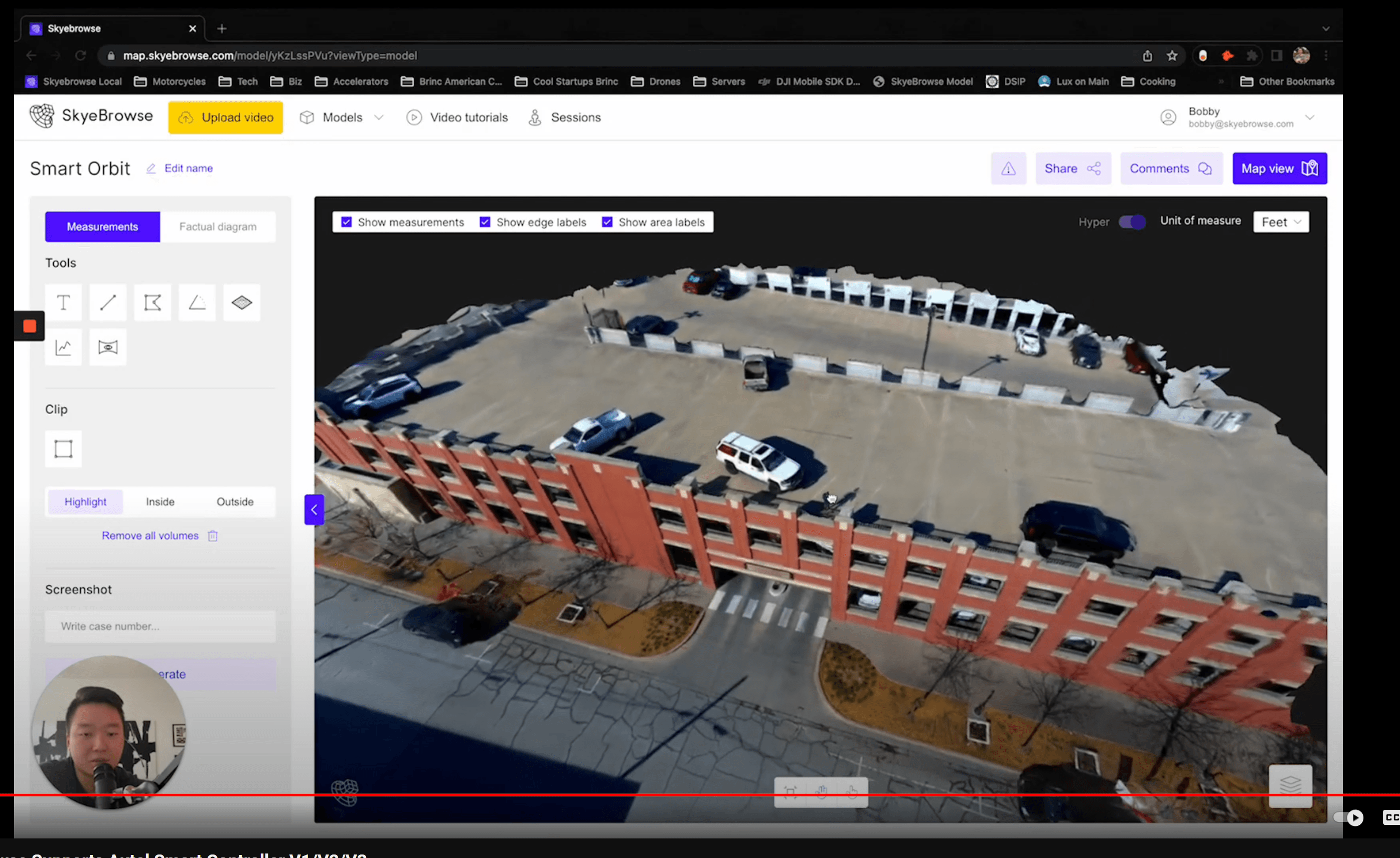
The collected data must then be translated into operational conclusions or material for an expert report. With SkyeBrowse, you can turn raw video footage into a clear 2D/3D model that allows you to revisit the scene in a digital environment. This means you can analyze the collected data multiple times without time pressure.
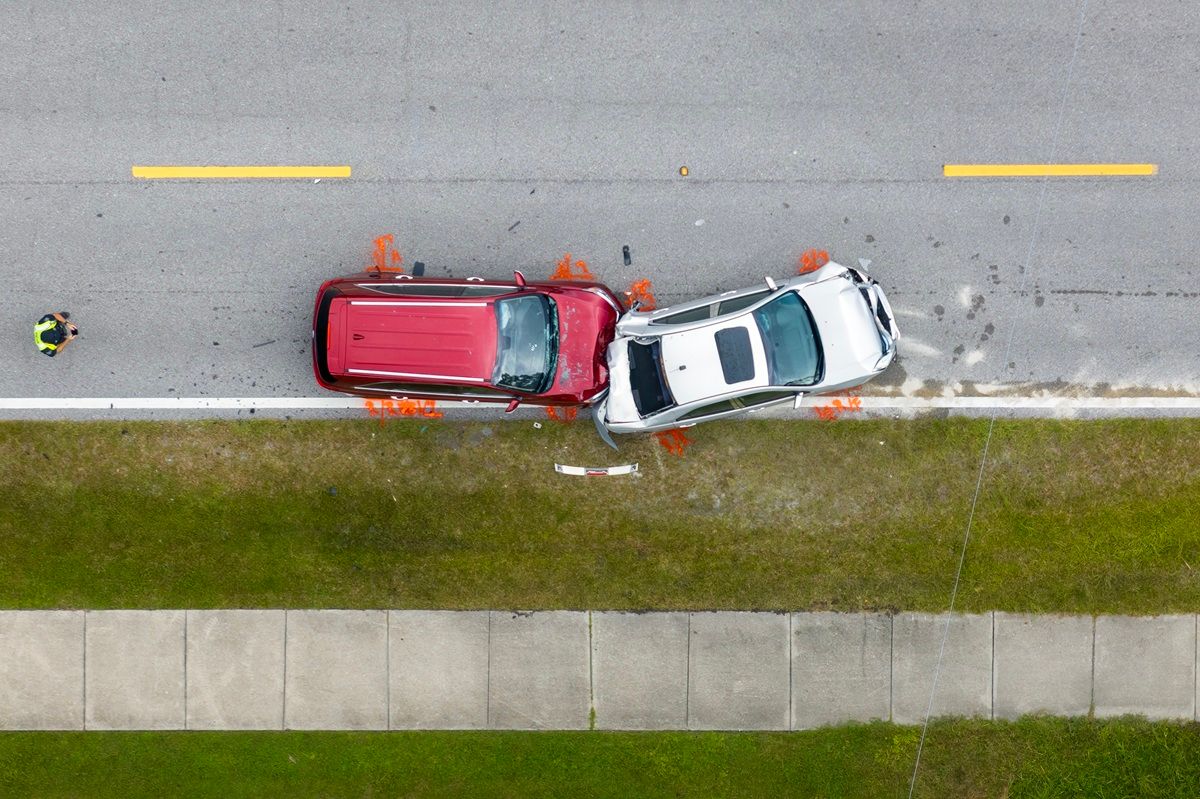 The key difference between the standard approach and 3D accident reconstruction from video lies in the speed and completeness of documentation. Traditional methods rely on photographs, sketches, and manual measurements taken in dynamic and often hazardous conditions. A model created in SkyeBrowse is generated from a short drone or smartphone video and then automatically processed into a spatial format. Instead of working with isolated measurement points, you get a continuous representation of the scene that can be rotated, zoomed, and examined from any perspective. For you, this means securing the scene faster, reducing downtime for the affected area, and gaining the ability to begin a preliminary analysis the very same day.
Remember: You don’t have to invest in the full feature set right away. You can start with the free version. See how 3D accident reconstruction works in practice, and only later unlock measurement tools and per-model exports when you’re ready to work on a specific case.
Freemium vs. Premium SkyeBrowse for accident reconstruction – What does each offer and what are the limitations in investigative work?
The Freemium model in SkyeBrowse is designed so anyone can step into the world of 3D accident reconstruction without financial barriers or lengthy purchasing procedures. There’s no subscription fee, and you can upload video footage and generate 2D and 3D models directly in your browser. That’s enough to learn the workflow, understand how recording quality affects results, and quickly visualize a scene in a spatial format.
 However, it’s important to understand that the free version has meaningful limitations from an investigative standpoint. The Freemium plan does not include access to advanced measurement tools or the ability to export full model data into external software. There are also limits on the number of models that can be processed simultaneously, file sizes, and how long projects are stored in the cloud. This means Freemium works very well as a training tool and for rapid visualization, but not always as a final working environment for handling evidentiary material.
In practice, you can treat the free version as a reconnaissance stage. When you need precise measurements of distances, areas, or heights—or when you want to export data for an expert report—you can unlock features through the Pay-Per-Model option and work with the platform’s full capabilities.
Want to learn more about SkyeBrowse security and functionality? Accident reconstruction is a process that demands precision. Find out how terrain mapping with our tool can streamline your work and help ensure alignment with your operational and documentation requirements.
How to start accident reconstruction step by step – From recording to a 2D/3D model in SkyeBrowse
Start with the basics:
- Open the platform in your web browser.
- Create an account.
- Use the Universal Upload feature (you don’t need specialized sensors or complex photogrammetry missions).
- Upload standard video footage from a drone, smartphone, or action camera. The system automatically processes the footage into a 2D/3D model. If your device records telemetry data (such as SRT files), you can attach it to achieve even more accurate scene geometry.
The way you record your footage has the biggest impact on model quality. The good news is you don’t need technical jargon to do it well. Move smoothly, avoid sudden altitude changes and abrupt close-ups, and try to walk or fly around the scene so every important area is visible from multiple directions. Stable, steady motion and even coverage of the site result in a more complete 3D model from video—so you’ll see more detail during analysis later.
The free version of SkyeBrowse is an ideal testing environment. Try recording the same scene from different heights, angles, and movement speeds. Compare a model created from a short clip with one recorded more methodically around the entire incident area. Within 15–30 minutes, you’ll clearly see how your decisions in the field translate into the quality of step-by-step drone-based accident reconstruction.
 Keep in mind that paid versions of the tool, designed for use in industrial and government environments, offer even greater precision. Explore the full details at: Skyebrowse.com/pricing.
From a preview model to working evidence – When to unlock Pay-Per-Model and how to approach data reliability
A preview model in the free version of SkyeBrowse lets you quickly view a scene in 3D, understand the spatial layout, and make an initial assessment of how the incident unfolded. It’s an excellent tool for visualization and team communication, but at some point, you may need more than just a visual reference. When you begin asking questions about exact distances, surface areas, elevations, or want to use the data in external analytical tools, you move into the realm of technical work.
Important: Accident reconstruction is a process that demands a high level of precision. It may become evidentiary material, but only if it meets specific standards. In these situations, a Premium model is the better choice.
At the same time, it’s essential to ensure the reliability of your 3D documentation through strong evidence-handling practices. Keep project names organized, save different model versions, and clearly document recording dates and sources. Limit data access to authorized personnel only and follow a consistent workflow for every case. SkyeBrowse communicates compliance with CJIS requirements, which is particularly important for many public agencies working with sensitive material. This allows you to move smoothly from rapid visualization to a reliable, spatial working model ready for further analysis.