Turn Drone Video into 3D Models Survey-grade results in
under 5 minutes
Turn drone, phone, or 360 video into court-ready 3D models, AI floor plans, and orthomosaics.
- Quick results
- No credit card required
- Cancel anytime

What you can do with your model
SkyeBrowse users save up to 90% of their time on data processing
Faster results, unmatched accuracy, and affordable solutions

DFW Airport Police
80%
Faster processing, precise measurements

Utah State Fire Marshal
10x
easier and quicker than Pix4D

Middletown Police Department
10 min
Average road opening time
How it works
From video to 3D model in four steps
Record the scene, upload the video and get a measurable 3D model, an orthomosaic map and more.
- 1
Fly or record a video
Capture the scene with a drone, phone, or 360 video. One continuous video is all it takes.
- 2
Upload it
Upload to our web app from any device. Your drone, phone and 360 camera video files go straight in.
- 3
We build the 3D model
Cloud videogrammetry turns your video into a 3D model and a top-down orthomosaic map in minutes, about one minute per minute of video.
- 4
Get the deliverables your job needs
Every model includes an orthomosaic and an image walkthrough. Depending on your plan, add stockpile volumes, CAD site plans, roof damage reports, AI floor plans for interiors, factual diagrams and Crush & Claims Analysis.
DELIVERABLESREADY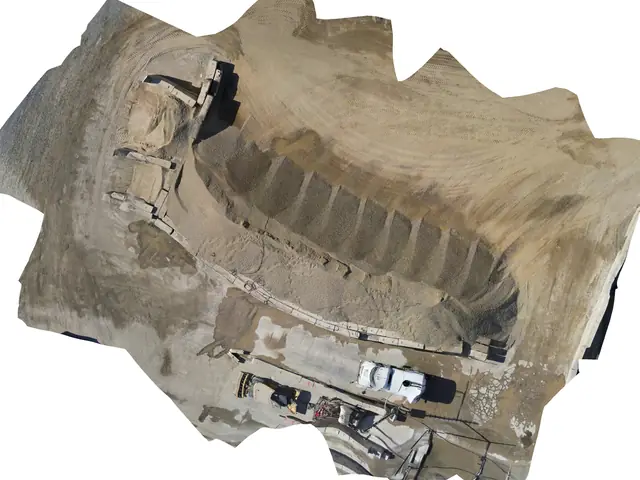 Orthomosaic
- 1,240 yd³
Volume report
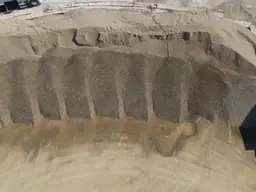
Image walkthrough
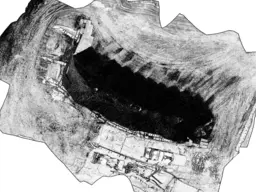
Sketch drawing
Built for the work that matters.
From active scenes to active sites, agencies and operators use SkyeBrowse to capture once and answer questions for years.


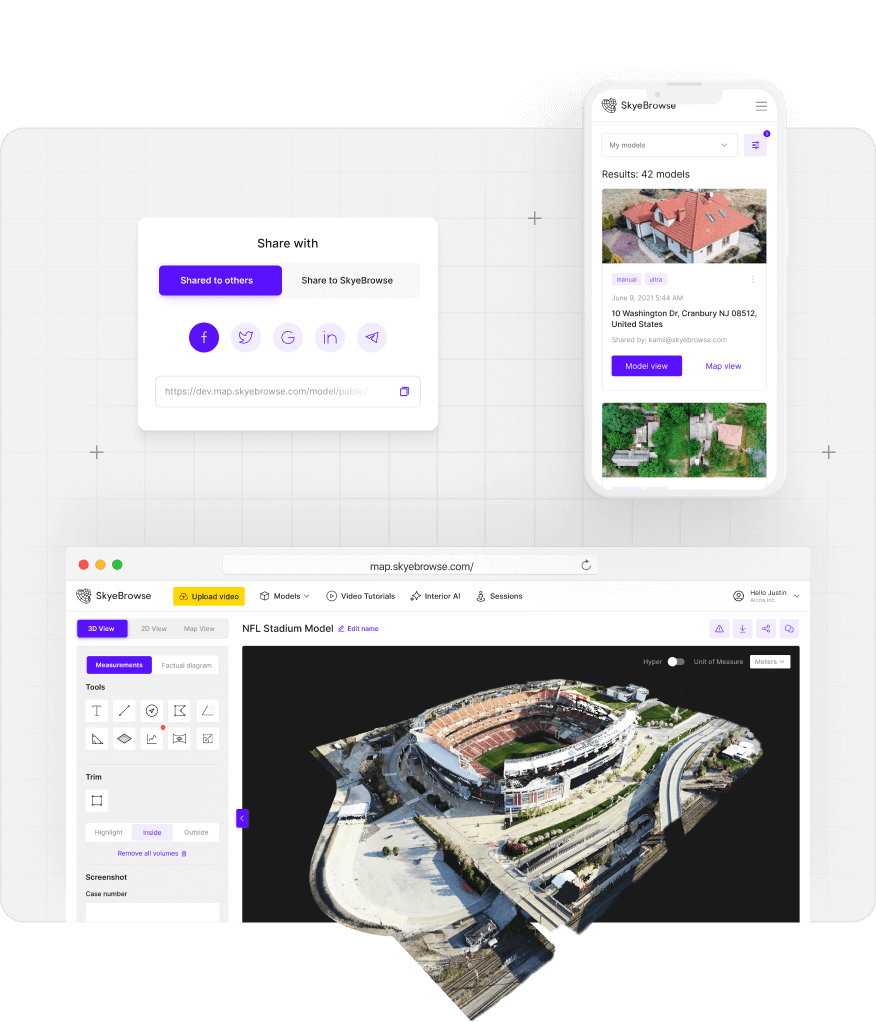

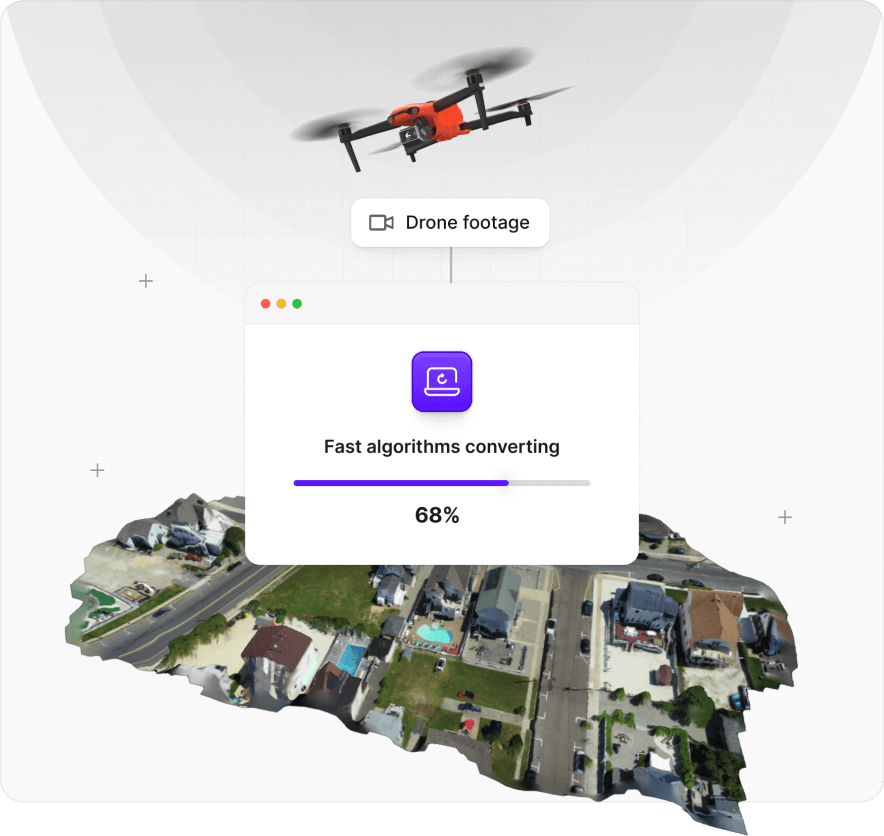
Walk through a real SkyeBrowse model.
Click the model below to load it. Drag to orbit, right-click to pan, scroll to zoom, and explore the scene from every angle.
So easy a 5-year-old can do it.
See how fast a complete novice can capture a scene and turn it into a finished 3D model.
Trusted by agencies that keep our country safe







Get started now
Sign up to make 3D models for free
- Quick results
- No credit card required
- Cancel anytime


