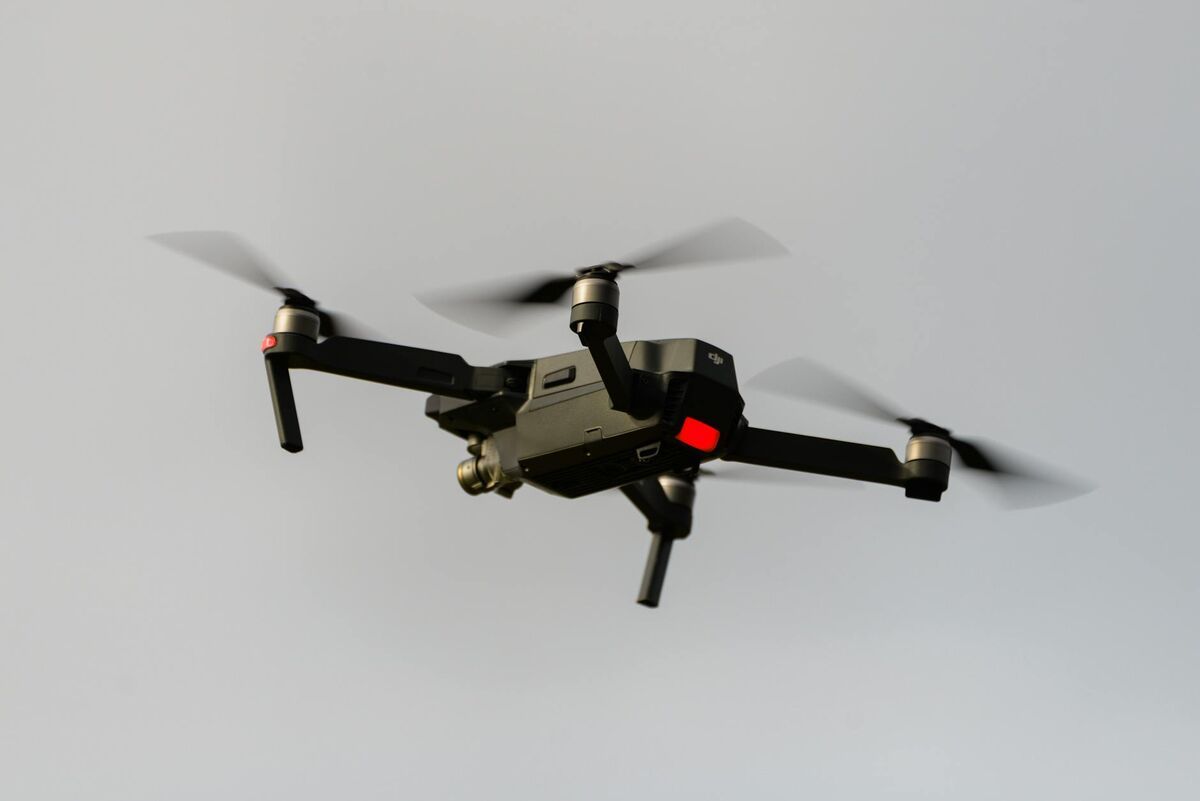
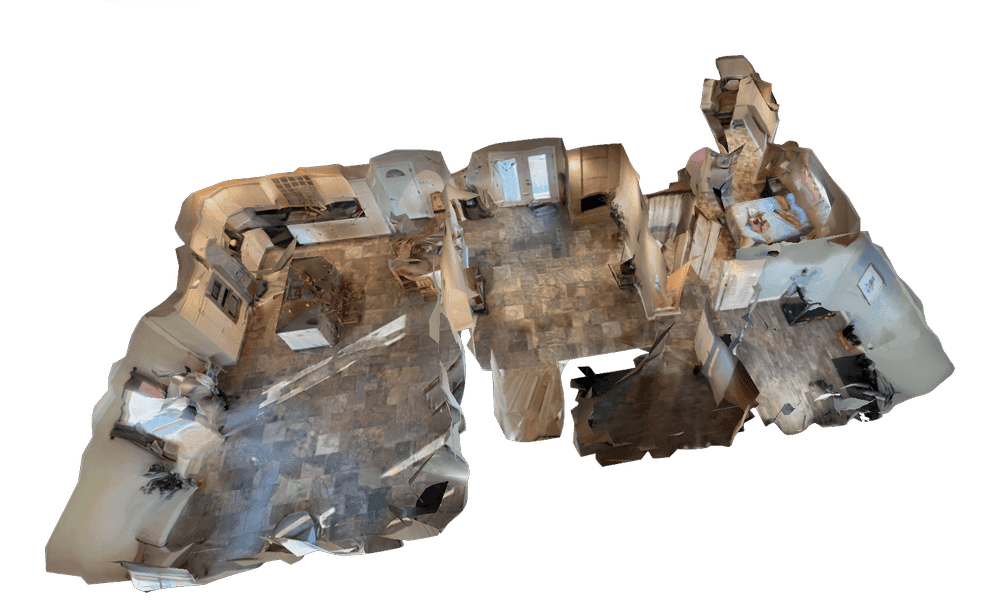
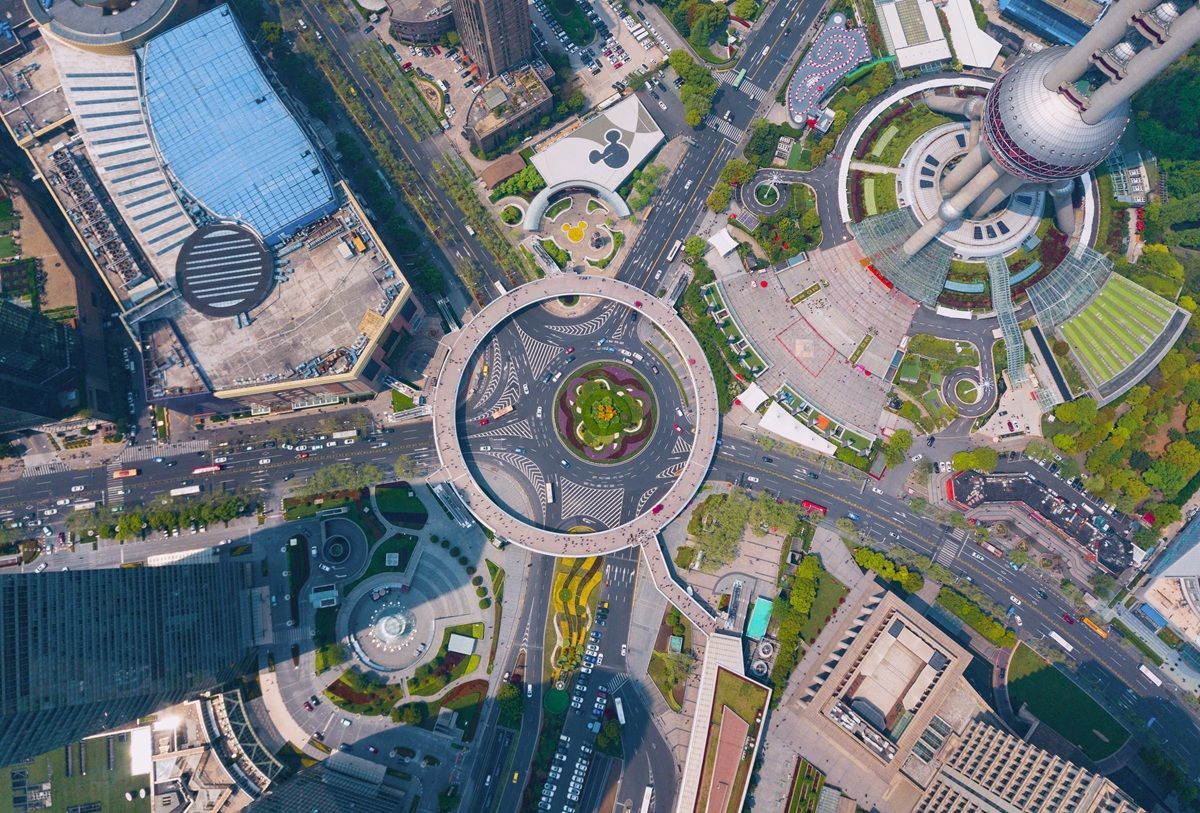
The DJI Mavic 3E is easy to buy and surprisingly easy to misuse. Many teams assume enterprise hardware automatically produces enterprise mapping results, but mapping quality still depends on configuration, flight pattern, and post-flight processing. A good DJI Mavic 3E mapping setup is a field workflow that turns a short flight into a reliable model or map without adding unnecessary steps.
Key Takeaways
- Mapping quality on the DJI Mavic 3E depends on configuration, flight pattern, and processing workflow — enterprise hardware alone does not produce enterprise results.
- An orbit or short series of overlapping oblique passes is the best flight pattern for fast 3D mapping; it captures side geometry, corners, and elevation changes in a single pass where a nadir-only grid cannot.
- Retaining DJI
.SRTtelemetry files and uploading video directly to a cloud platform eliminates the workstation queue and keeps the Mavic 3E operationally fast after landing. - RTK and ground control points are only required when the job demands design-grade absolute accuracy; most inspection, progress-monitoring, and documentation flights work well without them.
- Export formats matter:
LAZfor engineering and GIS workflows,GLBfor visual coordination, andGeoTIFFfor 2D georeferenced raster deliverables.
Contents
- What should a Mavic 3E mapping setup accomplish?
- What settings matter most before takeoff?
- Which flight pattern works best for fast 3D mapping?
- How do you process a Mavic 3E mapping flight efficiently?
- When do you need RTK, ground control, or stricter survey workflow?
- FAQ
What should a Mavic 3E mapping setup accomplish?
A Mavic 3E mapping setup should accomplish two things: clean capture and predictable downstream output. The aircraft needs to record stable, geometry-rich footage, and the workflow needs to turn that footage into a model or map fast enough to matter operationally.
DJI's enterprise positioning for the Mavic 3E focuses on professional mapping and inspection use because the aircraft combines portability with features like a mechanical shutter and RTK path. But the aircraft alone does not determine the workflow. For many teams, especially those flying under the FAA's commercial drone guidance, the real win comes from eliminating extra handoffs. The fewer times footage gets moved between controllers, hard drives, and desktop software, the more often the mapping workflow gets used.
What settings matter most before takeoff?
The most important settings before takeoff are capture mode, resolution, exposure stability, and telemetry retention. For fast 3D mapping, the goal is not cinematic footage but consistent frames that preserve geometry and spatial context.
Use the widest practical field of view, record at a stable high resolution, and avoid exposure shifts that change image detail mid-flight. For most routine 3D capture, a smooth orbit or perimeter pass recorded as .MP4 works better operationally than a complex photo-grid mission. Keep the horizon level, use a moderate gimbal angle that shows both surface and vertical features, and retain DJI .SRT files whenever the controller writes them. Those subtitle files carry telemetry that can improve georeferencing later.
You also need the regulatory basics covered. FAA guidance for commercial operators still governs the flight even when the mission feels routine, and Remote ID compliance applies to drones that are required to be registered. A mapping setup that is fast but noncompliant is not a real workflow. For a broader overview of how UAV data collection produces deliverables, see our aerial mapping guide.
Which flight pattern works best for fast 3D mapping?
The best flight pattern for fast 3D mapping on a Mavic 3E is usually an orbit or a short series of overlapping oblique passes, not a rigid survey grid. That is especially true when the objective is rapid 3D documentation rather than a formal large-area survey deliverable.
An orbit works because it captures side geometry, corners, and elevation changes in a single pass. For buildings, stockpiles, crash scenes, and small sites, one clean orbit often carries more useful 3D information than a large set of nadir-only photos. A second orbit at a different altitude improves completeness when the site has height variation.
That same capture logic underpins how to make a 3D model with a drone and fast drone stockpile measurements workflows.

| Mission type | Recommended capture pattern | Why |
|---|---|---|
| Building or structure | Single or double orbit | Captures vertical faces and roofline |
| Small construction site | Orbit plus short perimeter pass | Balances site context and detail |
| Stockpile or earthwork | Tight orbit around feature | Preserves surface shape for volume analysis |
| Large acreage survey | Planned grid or mixed workflow | Better for broad absolute coverage |
How do you process a Mavic 3E mapping flight efficiently?
The most efficient way to process a Mavic 3E mapping flight is to keep the workflow cloud-based from the moment the aircraft lands. Upload the .MP4 or .MOV file, add the DJI .SRT file if available, and let processing run without a desktop reconstruction pass.
That workflow matters because the Mavic 3E's biggest operational strength is that it is always available. If the post-flight process requires exporting still frames, aligning image sets, and waiting on a workstation queue, the team has effectively turned a rapid deployment drone into a traditional survey system. SkyeBrowse keeps the value proposition aligned with the aircraft: short flight, short upload, short turnaround.
For teams that need more formal mapping outputs, export options matter. LAZ supports engineering and GIS workflows, GLB works well for visual sharing and coordination, and GeoTIFF gives teams a georeferenced 2D raster when that is the required output.
On active job sites, this setup also pairs naturally with construction progress monitoring and cut and fill map workflows.

When do you need RTK, ground control, or stricter survey workflow?
You need RTK, ground control, or a stricter survey workflow when the job depends on strong absolute accuracy rather than fast relative documentation. That usually includes design-grade topographic work, control-network deliverables, and projects that require a conventional survey QA trail.
For many Mavic 3E jobs, that level of rigor is unnecessary. Construction progress checks, roof documentation, inspection records, tactical preplans, and many as-built reference models are judged on internal consistency and operational speed. In those cases, a simpler video-to-3D workflow usually creates more value than a slower survey routine. For guidance on when and how to use ground control points effectively, see the GCP vs no-GCP accuracy comparison.
FAQ
Do I need RTK enabled for every Mavic 3E mapping flight?
No. RTK improves absolute positioning, but many inspection, progress-monitoring, and documentation flights only need strong relative accuracy and can operate without a full RTK workflow.
Can I upload DJI SRT files with Mavic 3E video?
Yes. SkyeBrowse can use DJI telemetry subtitle files to improve georeferencing when they are uploaded alongside the video.
What is the fastest Mavic 3E mapping workflow?
For most 3D documentation work, it is a short orbit flight plus a direct cloud upload. That keeps the Mavic 3E fast in the field and fast after landing.
A strong DJI Mavic 3E mapping setup is really a decision about workflow discipline. Keep capture consistent, keep telemetry, and use processing software that respects the aircraft's speed instead of neutralizing it. For teams evaluating software options specifically for the Mavic 3E, see our best drone mapping software for DJI Mavic 3E comparison guide.