Happy Wednesday, SkyeBrowsers.
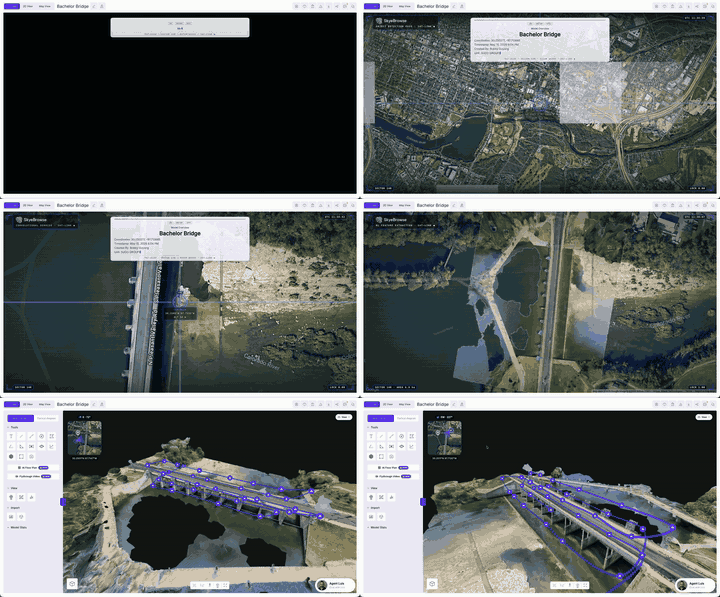
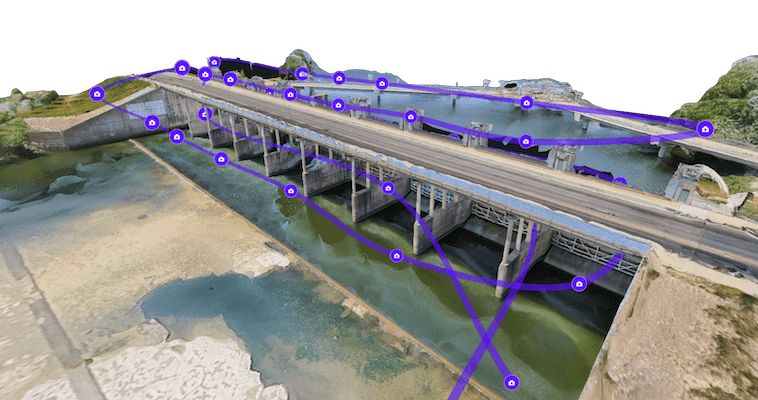
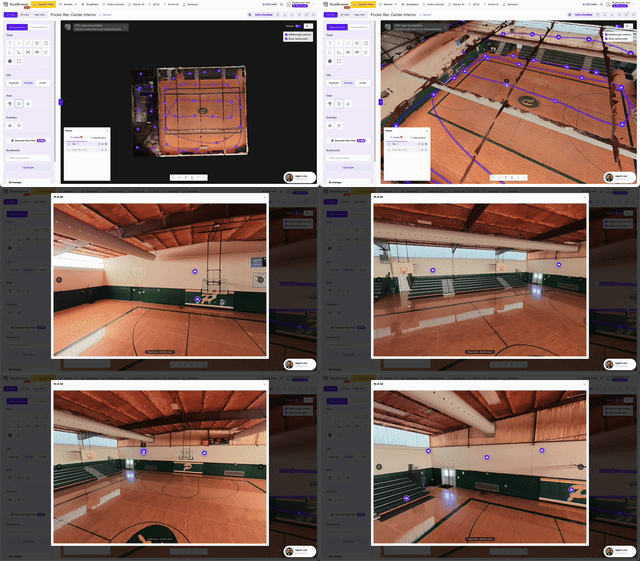
I just rolled out several updates to make your scene documentation cleaner and faster. I focused on making our viewer tools easier to use, improving court report generation, and adding tools for everyone to use.
New Factual Diagrams and Sketch Tools
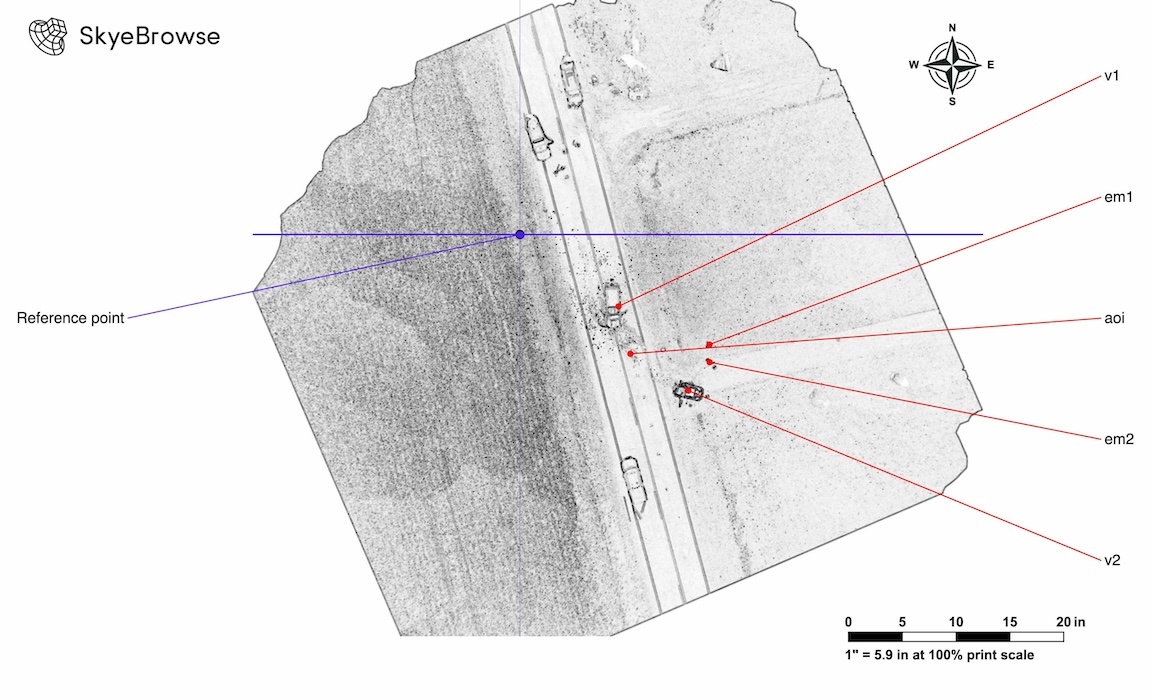
I talked to a police department in LA, and they helped me shape this tool.
The problem was simple. A 3D model is powerful, but agencies still need clean diagrams and reports that are easy to explain in court, briefings, and case files.
So I built the new Factual Diagram and Sketch tool.
Factual Diagrams now generate cleaner reports with structured scene details, orientation, compass context, and improved PDF output. I also added new drawing tools, like the arrow and curvy arrow tool for your diagrams.
The goal is to take the model you already made and turn it into something easier to read, share, and present.
An Update For Our Power Users (and a gift for everyone)
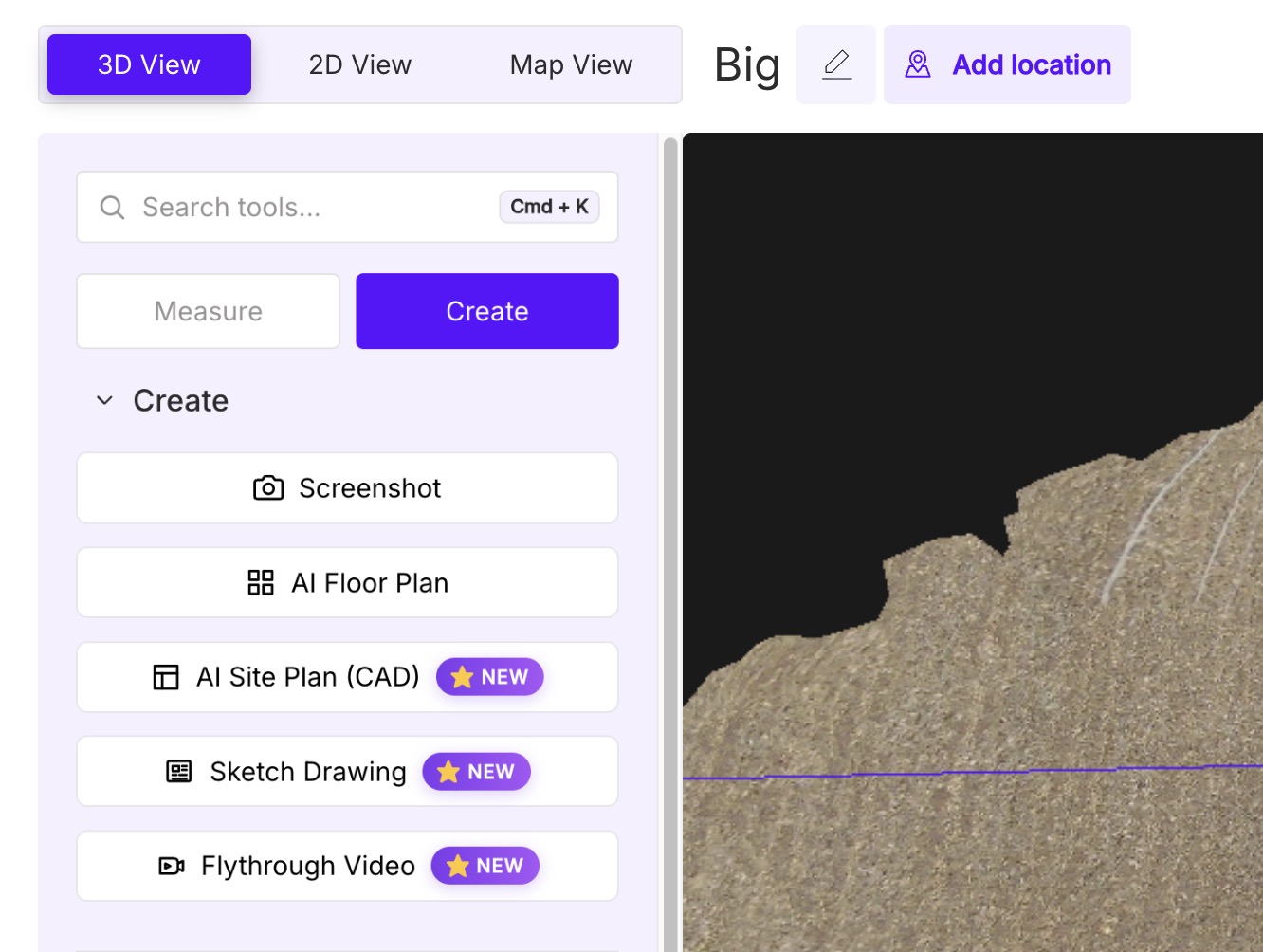
I added a whole slew of new tools. The left panel is now organized nicely between Measure and Create tools. Everything you need to produce a deliverable now lives in one place. As a small token of gratitude for your loyalty, you get access to all of our tools for free for the next month.
While you get used to the new tools, you can also use the power search to find them fast. With Cmd + K (on Mac) and Ctrl + K (on Windows), you can search up a tool and select it, which makes your workflow 3X faster. You don't even need to use the mouse or trackpad to use a tool.
New Line of Sight Tool
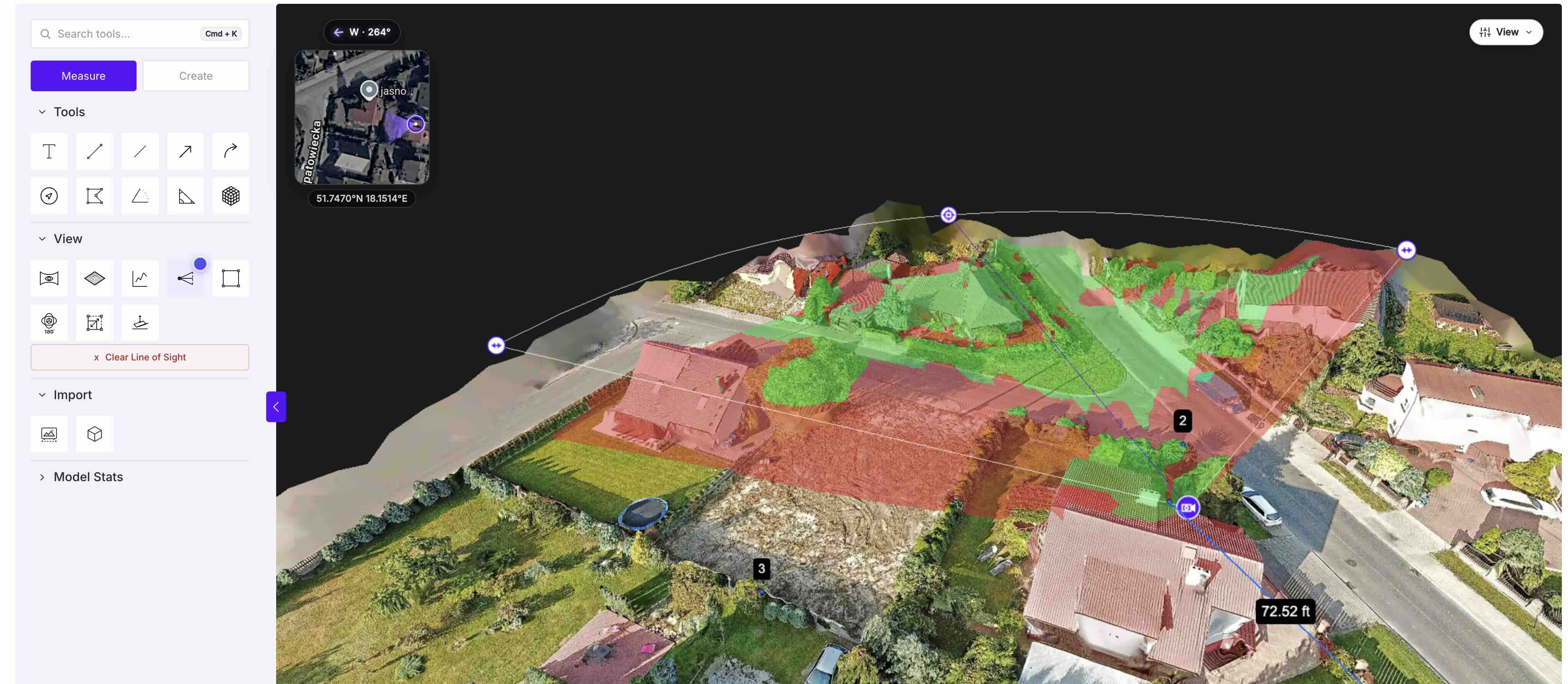
During a recent meeting, a SWAT commander asked me a brutal question. We were looking at a 3D model of a building. He pointed to a second-floor window and asked if an officer behind a blue sedan was visible to the suspect.
I rotated the camera, made a guess, and said, "I think so."
That felt terrible to say. In tactical operations, guessing is a matter of life or death. I built our new Line of Sight tool to solve this.
You select any spot on your 3D model to see the vision path in seconds. Visible areas turn green. Obstructions like walls, cars, or trees turn red.
I tested it on a 2,500 square foot training facility. It took one tap and one second to map every blind spot in the courtyard. If a sniper has a three-degree blind spot behind an air conditioning unit, you see it instantly.
This is why reality capture matters. A 3D model should answer real questions about a scene.
New AI Factual Diagrams
AI Factual Diagrams are now cleaner and more structured. You can generate factual diagrams and reports with better scene details, orientation, compass context, and improved PDF output.
This is especially useful for accident reconstruction, CSI, and court presentations. The goal is simple: turn your 3D model into a clearer report with less manual formatting.
It's now in public beta. Let me know what you think of these updates.