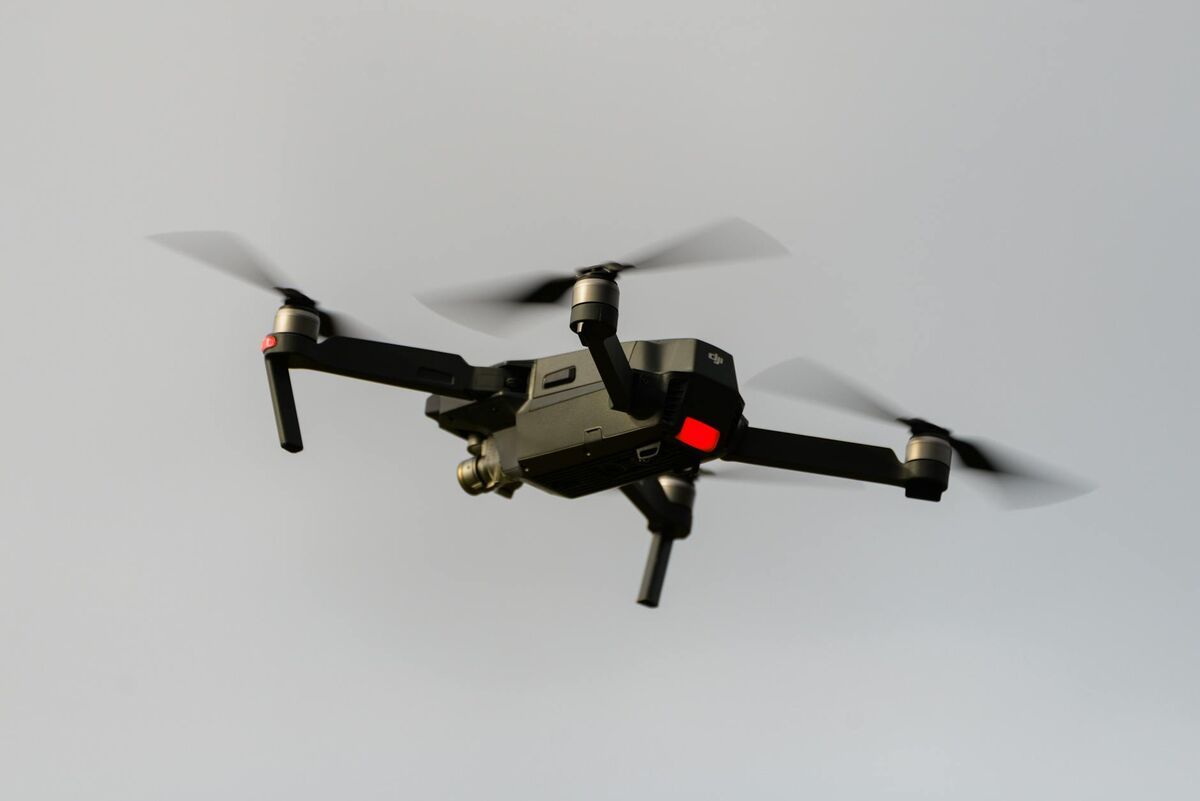
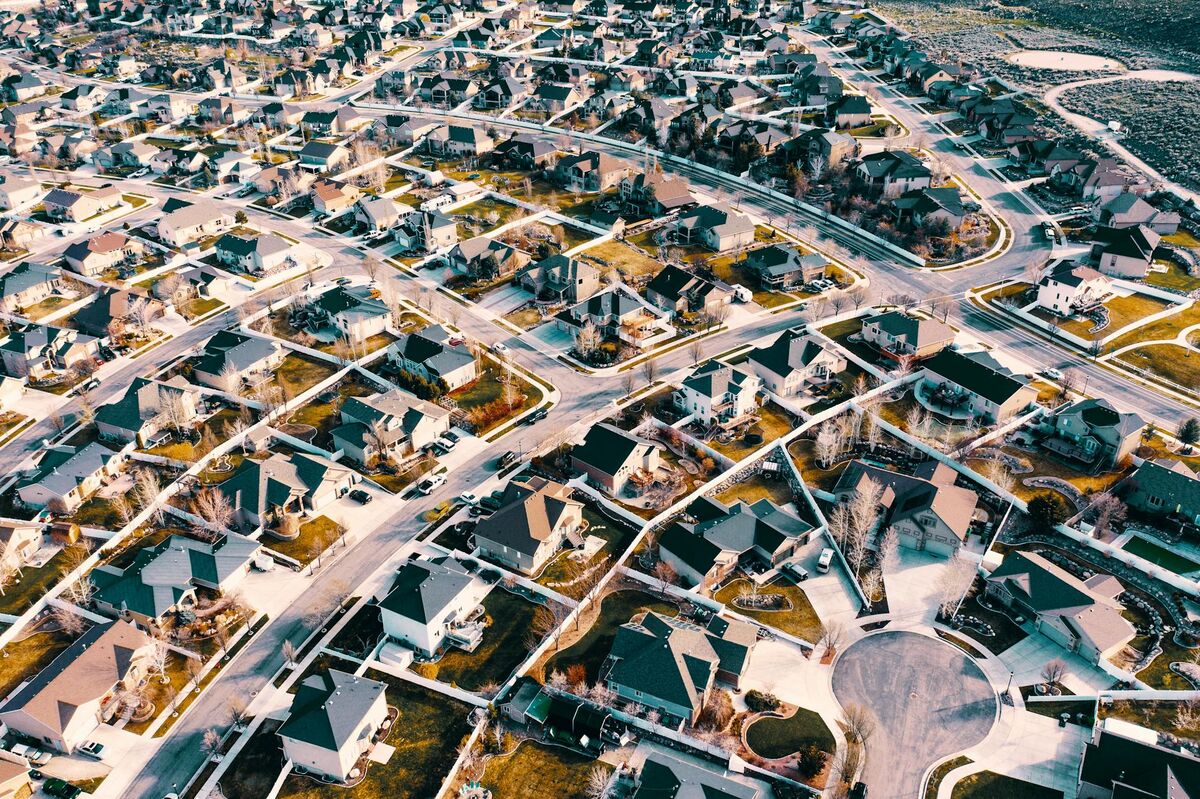
A drone that maps homes does more than take aerial photos — it captures enough overlapping visual data to reconstruct the property as a measurable, navigable 3D model. The technology behind this is called videogrammetry (the video-equivalent of photogrammetry), which analyzes motion and parallax across video frames to calculate real-world geometry. Whether you are a homeowner curious about your roof, a real estate agent preparing a listing, or an insurance adjuster documenting damage, drones that map homes make it possible to capture a full property in minutes without setting foot on a ladder.
Key Takeaways
- Any GPS-capable consumer drone — including the DJI Mini 4 Pro, Air 3, and Mavic 3 — can generate a detailed 3D model of a home when paired with the right processing software.
- The standard residential mapping workflow takes 5–10 minutes of flight: fly a steady orbit around the property at 100–150 feet, record in 4K or higher, then upload the video to a cloud platform.
- SkyeBrowse's video-to-3D workflow requires no photogrammetry expertise — homeowners and agents upload an MP4 from any supported drone and receive a measurable model, orthomosaic, or point cloud export.
- Accuracy ranges from approximately 2–6 inches at entry level to 0.1 inch with premium processing, making drone models precise enough for insurance claims, roof measurements, and renovation estimates.
- Commercial residential mapping (real estate, insurance, inspections) requires an FAA Part 107 Remote Pilot Certificate; recreational flights over private property follow separate hobbyist rules.
Contents
- Which drones work best for mapping a residential property?
- What does a residential drone mapping flight look like?
- What can you do with a 3D model of your home?
- How does SkyeBrowse turn drone video into a home map?
- What do residential drone mapping services cost?
- FAQ
Which drones work best for mapping a residential property?
The best drones for mapping homes are compact consumer and prosumer models that record stabilized 4K video with embedded GPS telemetry. The DJI Mini 4 Pro, DJI Air 3, and DJI Mavic 3 series consistently produce high-quality residential models because their cameras include a wide field of view, optical stabilization, and DJI's SRT subtitle telemetry format. You do not need an enterprise drone — a sub-250g mini-class aircraft is sufficient for most single-family homes.
The drone you already own is probably good enough. Any GPS-capable drone recording 4K video at 30fps or higher can serve as a home mapping drone. What differentiates a great mapping flight from a mediocre one is consistency of altitude, overlap between frames, and flying a complete circuit around the property rather than hovering in place.
For the DJI Mini 4 Pro and Air 3, enable the SRT subtitle file in the camera settings before flight. This embeds GPS coordinates, altitude, gimbal angle, and timestamp directly into a companion file, which SkyeBrowse uses to georeference the model accurately. Without telemetry, models are still generated but may require manual scale correction.
The DJI Mavic 3 series — including the Mavic 3 Classic and Mavic 3 Enterprise — adds a 4/3-inch CMOS sensor with a wider dynamic range, which improves texture quality on shadow-heavy subjects like north-facing rooflines. For properties with complex rooflines, dormer windows, or significant elevation change, the Mavic 3's larger sensor produces noticeably cleaner mesh geometry.
Autel drones (EVO II, EVO Lite, EVO Max 4T) are also fully supported. Autel embeds telemetry in an .ASS subtitle file format; enable this in the camera's subtitle settings before the flight. See the full list of supported drones at skyebrowse.com/supported-drones.
What does a residential drone mapping flight look like?
A standard residential mapping flight consists of one or two orbital passes around the property at a consistent altitude of 100–150 feet, with the camera pointed at roughly 45–60 degrees downward (oblique angle) to capture both rooftop and facade detail. The entire flight typically takes 5–10 minutes for a single-family home. Recording in 4K at 30fps gives the processing engine enough frames per second to reconstruct accurate geometry from overlapping perspectives.
Start by activating the camera and confirming video is recording before takeoff. Fly to your starting altitude — 100 feet is a useful default for single-story and two-story homes — then begin a slow, steady clockwise orbit around the home. Keep the drone approximately 50–80 feet away from the structure horizontally, and maintain the same altitude throughout the orbit. Avoid abrupt yaw changes or altitude dips, as these introduce motion blur and reduce overlap quality.
For best results, complete two full orbits: one at a lower, oblique angle (camera 45 degrees) to capture wall faces and windows, and a second pass at a higher altitude (120–150 feet) with the camera tilted 30–40 degrees to emphasize rooftop geometry. This dual-pass approach is particularly valuable for a drone roof inspection, where ridge lines, flashing details, and gutter alignment all need to be visible in the final model.
For larger properties or homes with multiple detached structures (garage, pool house, workshop), plan a single continuous flight path that encircles all structures before landing. Editing together separate video clips from multiple flights can introduce seams; a single uninterrupted recording produces the cleanest model. Learn more about capture techniques in our drone 3D mapping overview.
The FAA requires that commercial drone pilots hold a Part 107 Remote Pilot Certificate. Recreational pilots flying over their own private property may operate under hobbyist rules, but any paid service — a real estate photo package, an insurance documentation flight, or a professional inspection — is considered commercial use and requires proper certification.
What can you do with a 3D model of your home?
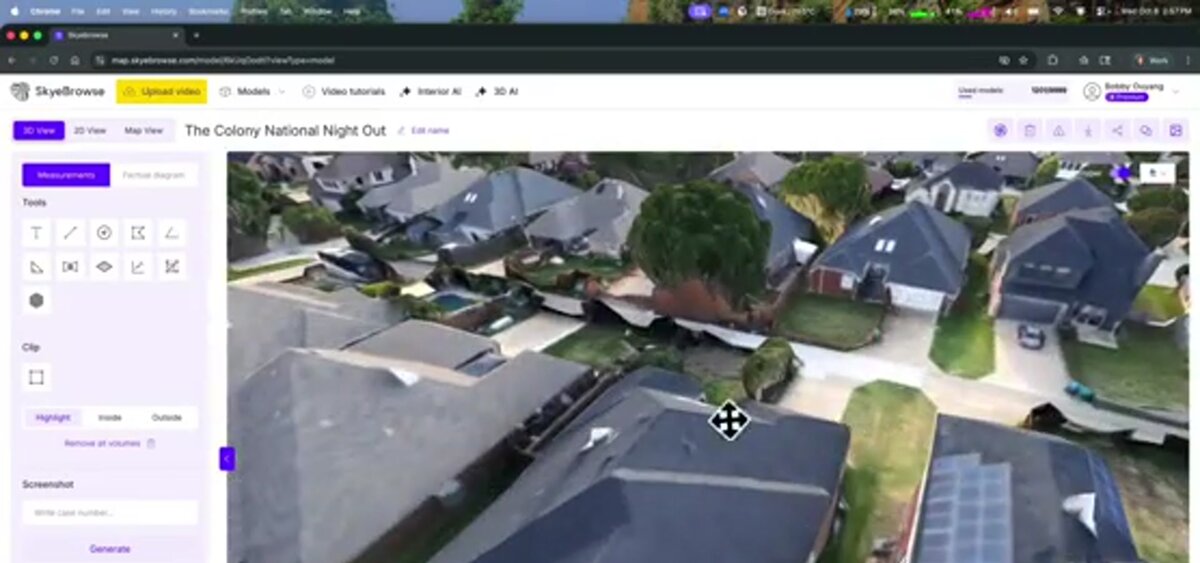
A 3D model of your home lets you measure roof surfaces, document property condition, create insurance records, plan renovations, and generate marketing visuals — all without physical access to the roof or scheduling multiple site visits. The model is a permanent spatial record that can be revisited, shared, and measured at any time from any device.
Real estate professionals have adopted residential drone mapping rapidly. According to the National Association of Realtors, listings with aerial imagery sell faster and command stronger buyer interest than ground-only photography. A 3D model goes further: potential buyers can virtually walk through the exterior, check roofline condition, and measure lot dimensions without visiting in person — reducing wasted showings and accelerating decisions.
For insurance documentation, a drone model provides an objective, time-stamped record of a property's condition before or after a loss event. Adjusters using a home inspection drone can capture hail damage, wind-lifted shingles, or storm debris without climbing the structure. The National Roofing Contractors Association notes that drone-based roof assessments reduce inspector exposure to fall hazards while producing more complete documentation than ground-level observation alone.
HOA property managers use residential drone mapping to audit a community's exterior compliance. Rather than walking every unit, a single drone flight generates a navigable map that inspectors can annotate digitally to flag peeling paint, damaged fencing, or unauthorized structures. For more on this use case, see our HOA drone inspection guide.
Renovation planners and contractors find drone models useful for measuring exterior surfaces — siding square footage, roof pitch, gutter lengths — from the office before sending a crew to bid. Property records teams at county assessor offices have begun using residential 3D mapping to update parcel data when building permits are filed.
How does SkyeBrowse turn drone video into a home map?
SkyeBrowse is a cloud-based videogrammetry platform that accepts an MP4 or MOV video from any GPS-capable drone and automatically processes it into a georeferenced 3D model, orthomosaic, and point cloud — with no desktop software installation or photogrammetry expertise required. Upload your orbit video at app.skyebrowse.com, select your processing tier, and receive a shareable, measurable model within minutes.
The upload process is designed for anyone who can fly a drone, not just GIS professionals. After logging into app.skyebrowse.com, select Universal Upload, drag in your MP4 file, and optionally attach the SRT telemetry file from the same DJI recording. The platform automatically pairs the GPS log with the video frames, calibrates the camera model, and runs photogrammetric reconstruction in the cloud — no local GPU or specialized hardware needed.
Processing tiers let you match accuracy to your use case. Entry-level processing delivers approximately 2–6 inch accuracy, which is sufficient for real estate previews and general condition documentation. For insurance measurement work, the Premium tier processes at 8K resolution and achieves approximately 0.25 inch accuracy — precise enough to calculate roof surface area and identify specific areas of damage. For renovation contractors who need sub-quarter-inch precision, the Premium Advanced tier uses 16K processing with AI-assisted moving object removal to reach 0.1 inch accuracy.
Outputs are available as a GLB mesh (viewable in any browser), a GeoTIFF orthomosaic (importable to GIS tools), or a LAZ point cloud (for professional survey workflows). Every model includes a built-in measurement tool — click any two points on the 3D model to read a real-world distance. To understand how to frame the orbit flight for the cleanest possible output, see our step-by-step guide on how to make a 3D model with a drone.
What do residential drone mapping services cost?
Hiring a professional drone pilot for a residential mapping job typically runs $150–$400 for a basic aerial photo and video package, with 3D model delivery adding $99–$300 depending on the platform and processing tier. Do-it-yourself mapping with your own drone costs only the software processing fee — starting at $99 per model credit on SkyeBrowse's Premium tier — making it the most economical option for homeowners who fly regularly.
The full pricing picture depends on who is flying and why. For real estate agents who want a 3D model for every listing, a SkyeBrowse subscription or block of model credits quickly pays for itself when compared to outsourcing each flight. For homeowners filing an insurance claim after a storm, a single $99 model credit is a worthwhile investment — the output gives the adjuster everything needed to calculate replacement costs without scheduling a return visit.
Professional drone operators offering residential mapping services typically charge more because their pricing includes pilot time, equipment, travel, insurance, and editing. A full-service package — flight, 3D model, orthomosaic, and a PDF measurement report — might run $300–$600 for a standard single-family home. Enterprise insurance companies and property management firms that run high volumes of inspections often negotiate annual SkyeBrowse licenses that reduce the per-model cost significantly.
For a breakdown of how drone service pricing is structured across different project types, see our drone photography cost guide.

FAQ
What drone is best for mapping a home?
Consumer drones like the DJI Mini 4 Pro, DJI Air 3, and DJI Mavic 3 Classic are excellent choices for residential mapping. They are portable, produce stabilized 4K video, and embed GPS telemetry that processing platforms can use for accurate georeferencing. If you already own a GPS-capable drone with 4K recording, it can almost certainly produce a usable home map when paired with SkyeBrowse.
Do I need a Part 107 license to map my home with a drone?
Recreational flights over your own private property may qualify under hobbyist rules, but commercial use — including real estate listings, insurance claims, or paid inspections — requires a Part 107 Remote Pilot Certificate from the FAA. Always verify current requirements at faa.gov/uas before flying commercially.
How accurate is a drone 3D model of a house?
Accuracy depends on the processing tier and whether GPS telemetry data is included. With SkyeBrowse's entry-level processing, expect approximately 2–6 inch accuracy. Premium processing at 8K achieves roughly 0.25 inch accuracy, and Premium Advanced at 16K with AI moving object removal reaches 0.1 inch — precise enough for insurance measurements and renovation estimates.
Can I map the interior of my home with a drone?
Interior drone mapping is possible with compact aircraft like the DJI Mini series, but it is more demanding than exterior flights due to GPS signal loss indoors. SkyeBrowse supports interior mapping through its Interior Mapping workflow, which relies on visual odometry rather than GPS to reconstruct indoor spaces.
How long does it take to get a 3D model after uploading?
Processing time depends on video length and the selected tier. Most residential videos (5–10 minutes of footage) return a completed model within a few minutes to about 30 minutes on SkyeBrowse's cloud infrastructure. You receive a notification when the model is ready, and it is immediately viewable and shareable from any browser.