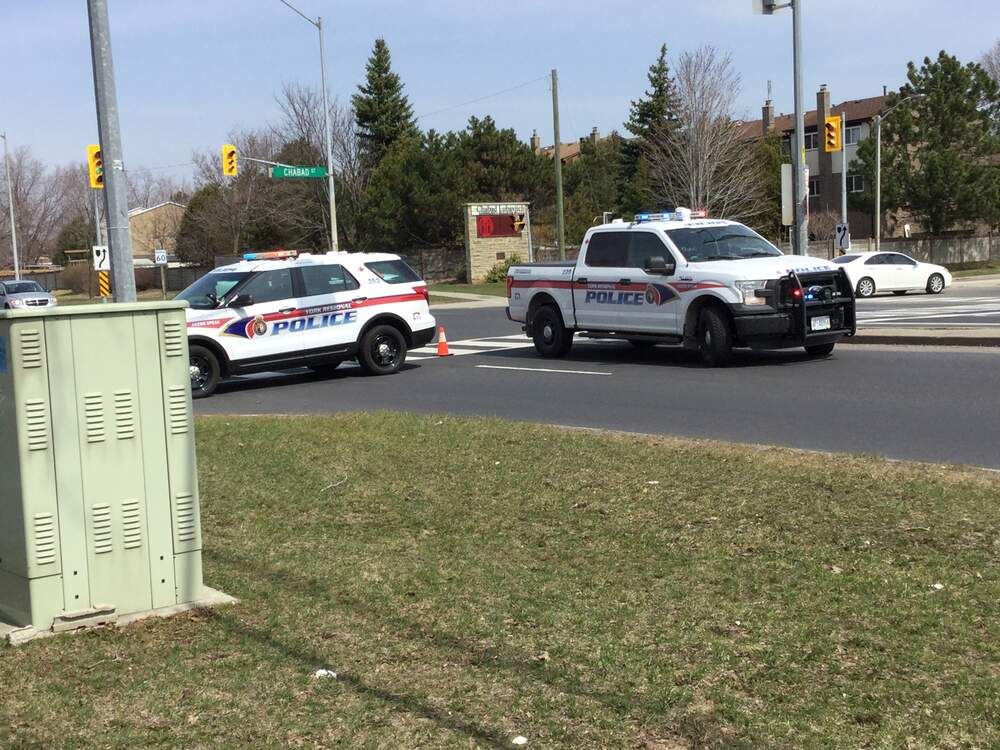
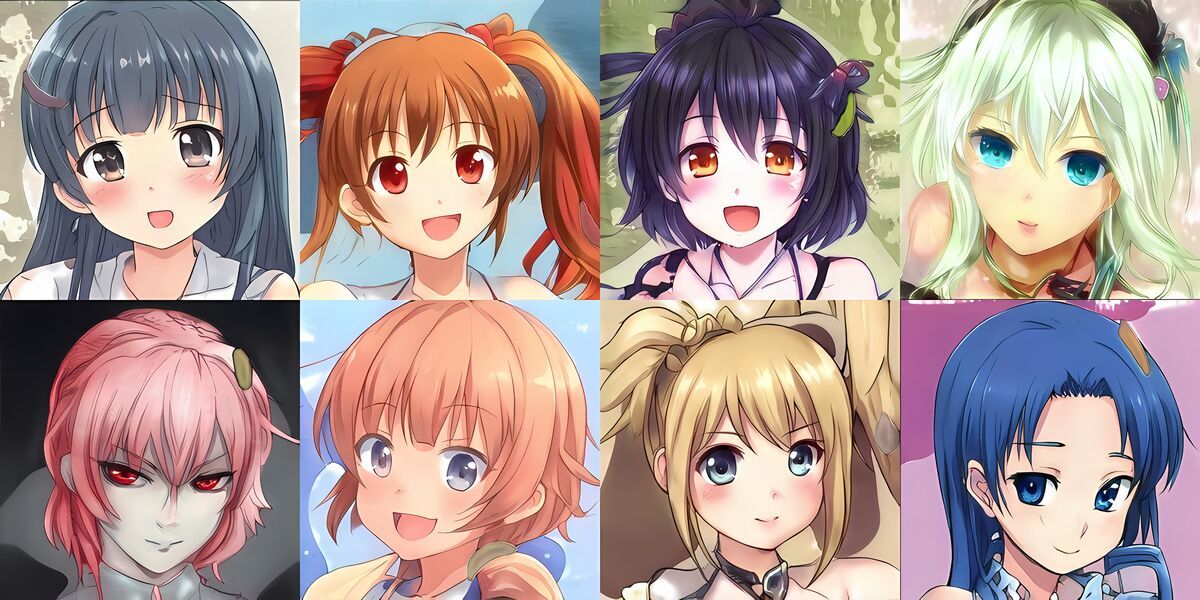
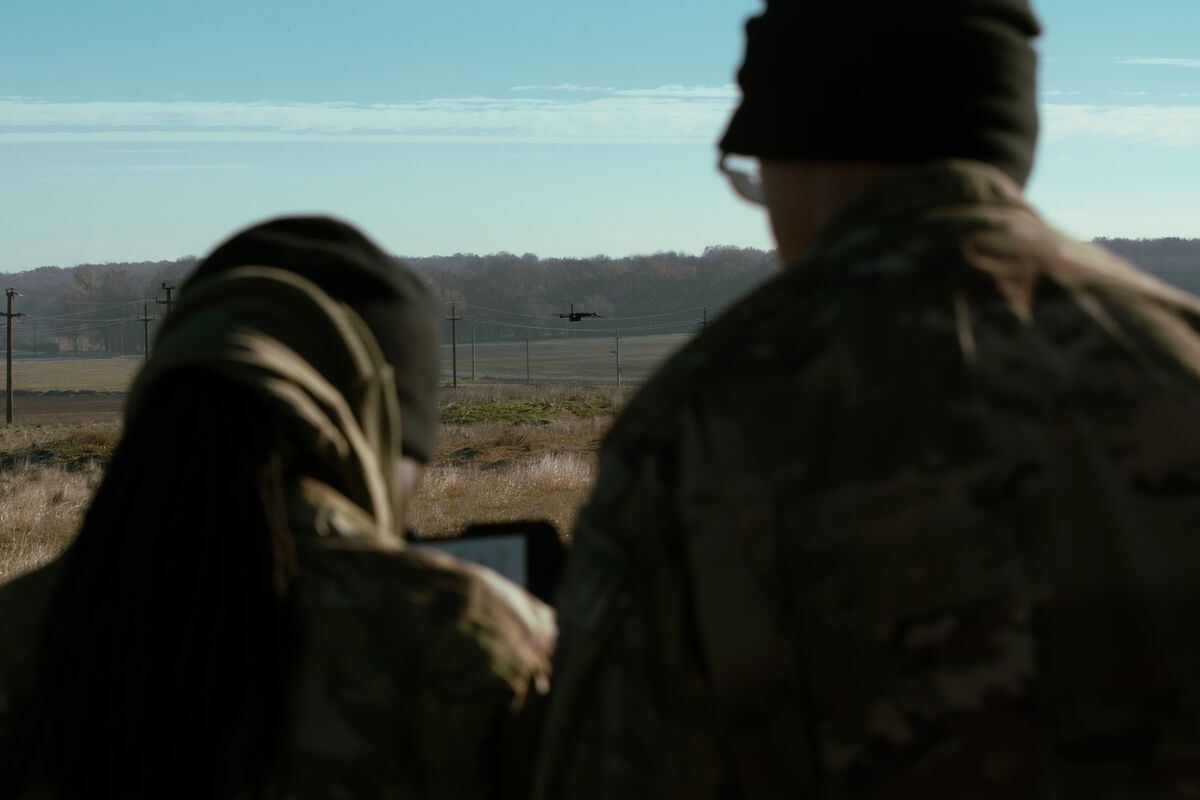
Converting a photograph into a 3D model traditionally requires photogrammetry software, dozens of overlapping images, and significant processing time. Photogrammetry -- the science of extracting 3D measurements from photographs -- has long demanded specialized expertise and hardware. Pocket 3D AI changes that equation: upload a single image and this free AI 3D model generator produces a textured, downloadable 3D model in seconds, directly in your browser, with no software installation.

Key Takeaways
- Pocket 3D AI generates a textured 3D model from a single photograph in seconds, entirely in the browser — no account, GPU, or software installation required.
- The tool uses a two-stage neural pipeline (sparse structure generation followed by structured latent generation) based on the TRELLIS framework to infer geometry and texture from one viewpoint.
- Output files are downloadable as GLB (for 3D viewers, game engines, and web apps) or STL (ready for 3D printing), supporting product visualization, game asset prototyping, and creative projects.
- Because AI infers geometry it cannot see from a single image, the output is suited for visualization and prototyping rather than precision measurement.
- For applications requiring dimensional accuracy — accident reconstruction, construction documentation, surveying — SkyeBrowse's full videogrammetry platform delivers 0.1 inch accuracy from continuous video.
Contents
- What is Pocket 3D AI?
- Try Pocket 3D AI free
- How do you turn a photo or video into a 3D model with AI?
- Is there a free AI 3D model generator?
- What can you do with the 3D models?
- When do you need full-scale 3D reconstruction?
- FAQ
What is Pocket 3D AI?
Pocket 3D AI is a free browser-based AI 3D scanner app built by SkyeBrowse that converts a single photograph into a textured 3D model. Upload any image -- a building, a vehicle, a piece of furniture, a product -- and the AI generates a full 3D reconstruction with downloadable GLB and STL files. The tool uses a two-stage neural reconstruction pipeline to infer geometry and texture from a single viewpoint, with no account or GPU required on your end.
Unlike traditional photogrammetry workflows that require capturing dozens or hundreds of overlapping photos from multiple angles, Pocket 3D AI works from one image. The tradeoff is that AI-inferred geometry fills in what the camera cannot see, so the output is best suited for visualization, conceptual modeling, 3D printing prototypes, and creative projects rather than precision measurement.
The tool runs entirely in the browser. No account, no download, no GPU required on your end -- processing happens in the cloud. It is the fastest path from a photo to a 3D model available today, and it is completely free.
Try Pocket 3D AI free
Upload a photo or select one of the examples below to generate a 3D model instantly.
How to use it:
- Upload any image or select from the example gallery.
- Click Generate to start the two-stage reconstruction.
- Preview the 3D model interactively in the viewer -- rotate, zoom, and inspect.
- Download the result as a GLB file (textured 3D model) or STL file (for 3D printing).
How do you turn a photo or video into a 3D model with AI?
For a single-photo workflow, Pocket 3D AI uses a two-stage neural pipeline: the first stage predicts the rough 3D shape and spatial layout from the input image, and the second stage refines geometry and applies photorealistic textures. For video-based workflows requiring measurement accuracy, SkyeBrowse's videogrammetry engine reconstructs geometry from thousands of frames, producing survey-grade 3D models from drone footage.
The single-image approach works because modern AI 3D model generators are trained on massive datasets pairing 3D objects with their 2D photographs. When you upload an image, the model recognizes structural cues -- shadows, perspective lines, surface curvature -- to predict what the object looks like from angles the photo does not show. According to the TRELLIS research paper that underpins the pipeline, structured latent representations allow the model to generate geometrically consistent meshes from a single viewpoint.
You can adjust generation parameters including guidance strength (how closely the output follows the input image), sampling steps (more steps produce finer detail), and mesh simplification (reducing polygon count for lighter files). For most images, the default settings produce strong results.
For a quick 3D model from a single photo, start with Pocket 3D AI. For video-based 3D reconstruction, SkyeBrowse's Universal Upload accepts drone video in .MP4 or .MOV format and processes it into measurement-grade models. If you are building 3D models from aerial drone footage, the guide to how to make a 3D model with a drone covers that full workflow.
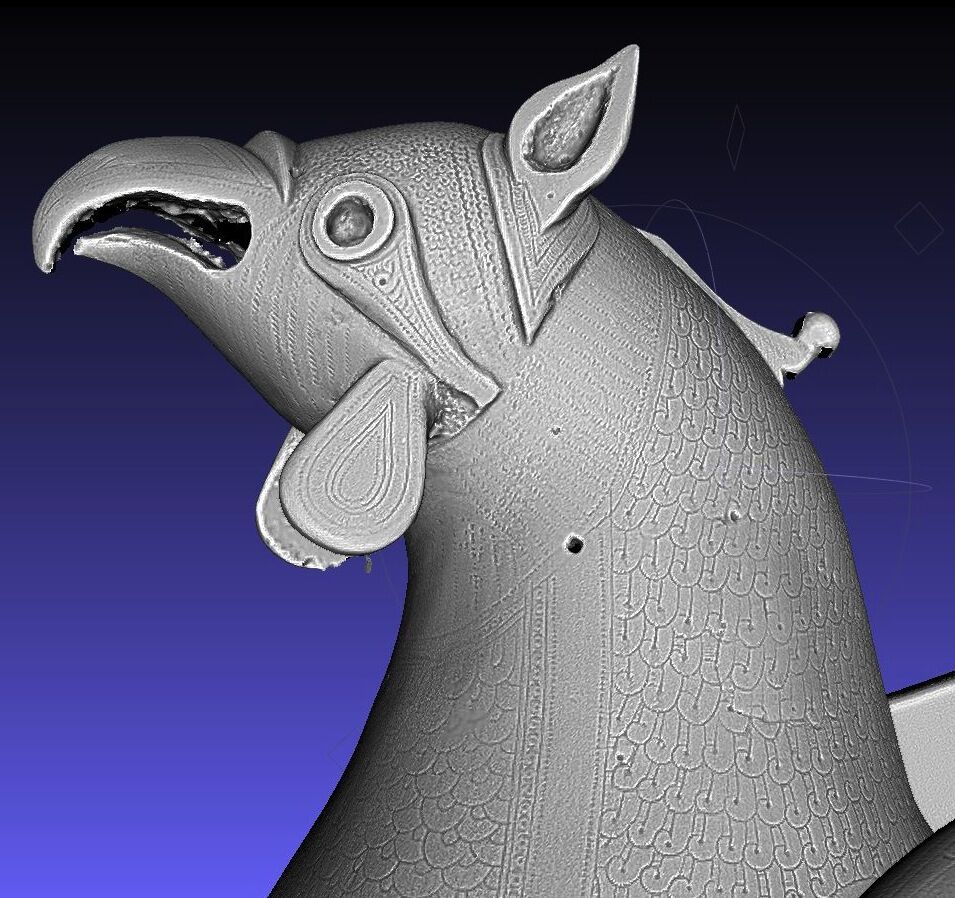
Is there a free AI 3D model generator?
Yes. Pocket 3D AI at 3dai.skyebrowse.com is completely free to use — no account, no subscription, and no software installation required. The output GLB and STL files are yours to download and use immediately. Most other AI 3D generators either require payment, a sign-up, or local GPU hardware.
Several free options exist in the AI 3D generator space, but they vary significantly in quality and accessibility:
- Pocket 3D AI (this tool): Single-image input, instant cloud processing, GLB and STL export, no account required. Best for quick visualization and prototyping.
- Meshy AI: Requires an account, offers a free tier with watermarks and limited exports.
- Shap-E (OpenAI): Open-source text-to-3D model, runs locally, requires GPU and technical setup.
- TripoSR: Open-source single-image model, also requires local installation.
For users who want a zero-friction path from photo to downloadable 3D model, Pocket 3D AI remains one of the most accessible free options available in a browser. For anime-style or stylized 3D generation from images, the AI anime image generator covers tools optimized for illustrated and stylized content.
What can you do with the 3D models?
GLB files open in any 3D viewer, game engine, or web-based 3D application -- including Blender, Unity, Unreal Engine, and Three.js. STL files are ready for 3D printing on any consumer or professional printer. Common use cases include product visualization, game asset prototyping, architectural concept models, educational demonstrations, and creative art projects.
Practical applications include:
- Product visualization: Convert a product photo into a 3D model for e-commerce previews or AR try-on experiences.
- 3D printing: Generate an STL from a reference photo and print a physical prototype in hours.
- Game development: Create quick concept assets from reference images before investing in manual modeling.
- Education: Students and instructors can demonstrate 3D reconstruction concepts without expensive software licenses.
- Creative projects: Artists use AI-generated 3D models as starting points for sculpting, texturing, and scene composition.
For a deeper look at AI-powered image-to-3D pipelines and how they compare to traditional methods, the image to 3D model guide covers the broader tool landscape and workflow considerations.
When do you need full-scale 3D reconstruction?
Pocket 3D AI generates visually convincing models from a single image, but professional applications requiring dimensional accuracy -- accident reconstruction, construction documentation, surveying, or forensic evidence -- require multi-angle capture and calibrated processing. SkyeBrowse's core videogrammetry platform builds measurement-grade 3D models from continuous video with accuracy ranging from 0.5 inch (Commercial and Pro) to 0.1 inch (Public Safety & Enterprise).
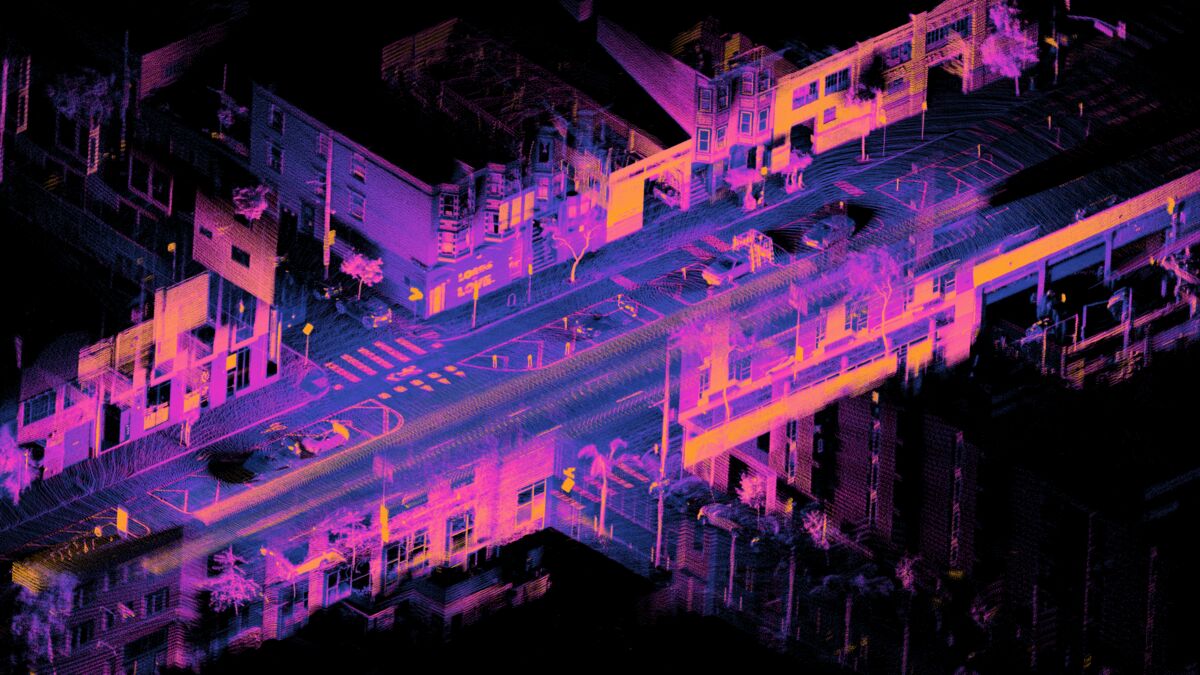
The difference comes down to input data. A single photograph contains limited depth information, so AI must infer geometry. Videogrammetry -- the process of extracting 3D measurements from continuous video -- captures real geometry from thousands of frames, producing models that support court-admissible measurements, volume calculations, and GIS-referenced exports.
If your workflow requires accuracy for drone mapping, accident reconstruction, construction monitoring, or surveying, SkyeBrowse's full platform delivers professional-grade results via Universal Upload. For everything else, keep creating in Pocket 3D AI. For drone-specific workflows, the guide to DJI Mavic 3 Pro 3D model creation shows how to configure your drone for survey-grade outputs.
FAQ
What is Pocket 3D AI?
Pocket 3D AI is a free browser-based tool at 3dai.skyebrowse.com built by SkyeBrowse that converts a single photograph into a textured, downloadable 3D model. No account, GPU, or software installation is needed. It outputs GLB and STL files compatible with Blender, Unity, and most 3D printers.
Is there a free AI 3D model generator that works in a browser?
Yes. Pocket 3D AI is entirely free and runs in any modern browser without installation. Upload a photo, click Generate, and download your GLB or STL file in seconds. Most competing tools require sign-ups, paid plans, or local GPU hardware.
How do you turn a photo into a 3D model with AI?
Open Pocket 3D AI, upload your image, and click Generate. The two-stage neural pipeline (based on the TRELLIS framework) infers 3D geometry and textures from your single image. Preview the model in the interactive 3D viewer, then download as GLB for 3D viewers or STL for 3D printing.
What is the difference between an AI 3D scanner app and a videogrammetry platform?
An AI 3D scanner app like Pocket 3D AI infers geometry from one or a few images -- fast and free, but the output is an approximation suited for visualization. A videogrammetry platform like SkyeBrowse processes thousands of frames from continuous video to measure real geometry, producing models with accuracy down to 0.1 inches for professional use cases like accident reconstruction, construction documentation, and surveying.
Can I use Pocket 3D AI for 3D printing?
Yes. Pocket 3D AI exports STL files directly compatible with any consumer or professional 3D printer. The output is well-suited for concept prototypes, decorative prints, and prop mockups. For mechanically precise parts, a physical scanner or CAD software will produce more accurate geometry.
Turn a photo into a 3D model. Upload a single photo to Pocket 3D AI and get a textured 3D model you can download, right in your browser.