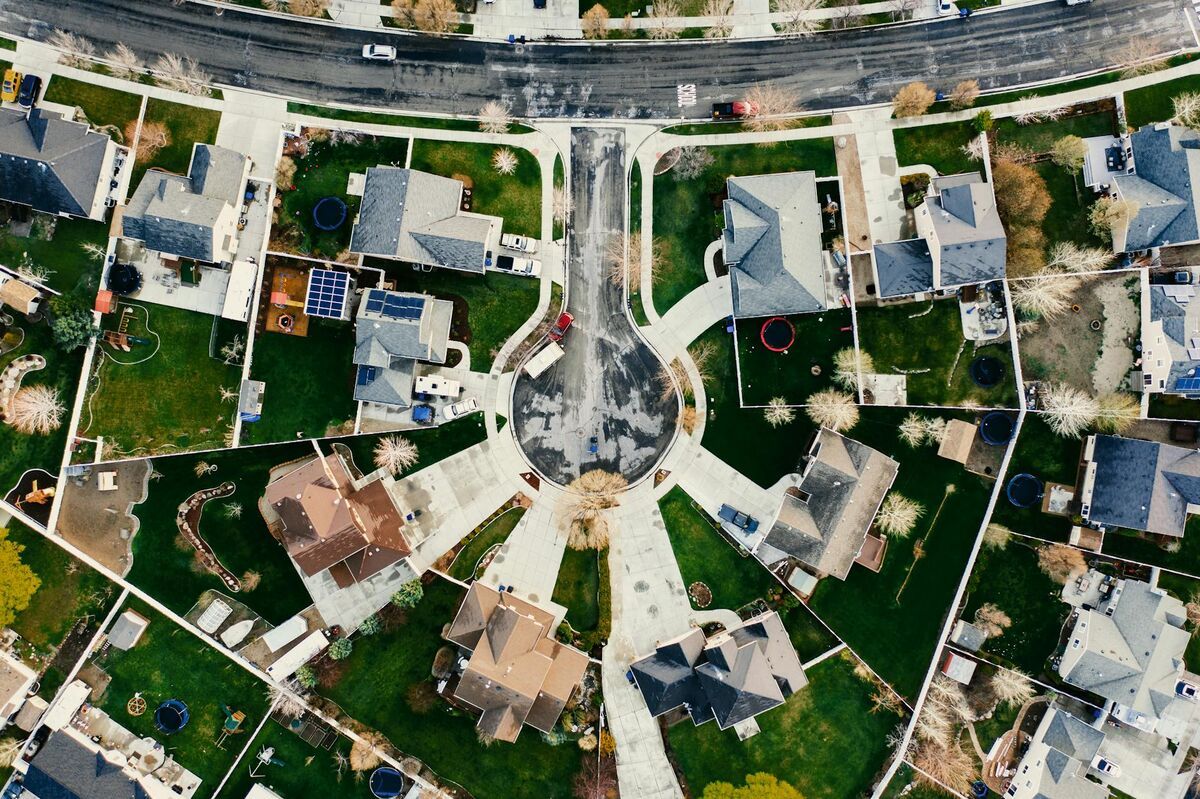
Choosing between DJI Terra vs Pix4D usually comes down to one question: are you locked into DJI hardware, or do you need software that works across drone brands? Both tools turn drone imagery into usable maps through photogrammetry, the process of measuring and reconstructing real-world objects and terrain from overlapping photographs. This guide compares pix4d vs dji terra on license pricing, the free trial, platform requirements, inputs, and outputs so Matrice 4E and M350 RTK pilots can pick the right one for 2026.
Key Takeaways
- DJI Terra only processes data from DJI drones and DJI payloads; Pix4D is drone-agnostic and accepts imagery from any aircraft or ground-based capture.
- On the US DJI Store as of September 30, 2026, DJI Terra Standard costs 1,850 USD per year or 5,280 USD permanent, and the one-month trial caps reconstruction at 500 photos; PIX4Dmatic's cheapest plan costs 2,290 USD billed yearly.
- DJI Terra requires Windows with an NVIDIA GPU and has no macOS support; Pix4D supports both Windows 11 and macOS.
- Both tools export standard formats like point clouds and orthomosaics, a georeferenced aerial image mosaic corrected for lens distortion and terrain, but Pix4D's format list extends further into CAD and GIS deliverables.
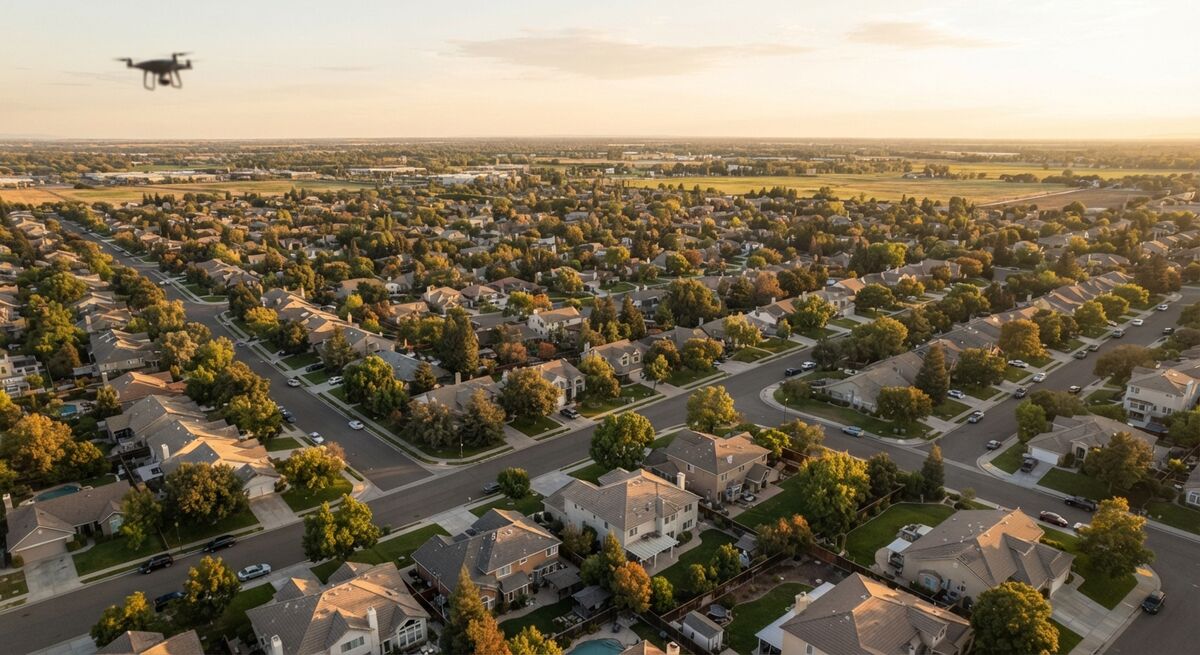
- DJI Matrice 4E and M350 RTK pilots who want to skip desktop licensing entirely have a third option in cloud-based videogrammetry, which processes video instead of still photos.
Contents
- What Is the Core Difference Between DJI Terra and Pix4D?
- How Do DJI Terra and Pix4D Pricing Models Compare?
- Is There a DJI Terra Free Trial or Free Version?
- Which Drones and Data Types Does Each Platform Support?
- Should Matrice 4E or M350 Pilots Choose DJI Terra or Pix4D?
- Is There an Alternative to Both DJI Terra and Pix4D?
- FAQ
What Is the Core Difference Between DJI Terra and Pix4D?
DJI Terra is DJI's own desktop mapping software, built exclusively for imagery and LiDAR data captured by DJI drones. Pix4D is a drone-agnostic photogrammetry suite that processes imagery from any manufacturer's aircraft, plus terrestrial and LiDAR data. The practical difference is ecosystem lock-in: Terra only works if you fly DJI, while Pix4D works regardless of hardware.
DJI positions Terra as the integrated companion to its Matrice and Zenmuse lineup, including 2D and 3D reconstruction from visible-light imagery and processing of DJI LiDAR datasets from the Zenmuse L-series. That tight integration is convenient for all-DJI fleets but becomes a constraint the moment an operation adds a non-DJI aircraft or wants to standardize on one tool across a mixed fleet. Pix4D was built the opposite way: its flagship desktop product, PIX4Dmatic, is described by the vendor as turning "any aerial or terrestrial capture into precision geospatial data," which is why survey firms and public agencies with multi-vendor drone fleets often standardize on it instead of a manufacturer-specific tool. For a closer look at how Pix4D performs in day-to-day survey work, see our full Pix4D review.
How Do DJI Terra and Pix4D Pricing Models Compare?
As of September 30, 2026, the US DJI Store lists DJI Terra Standard at 1,850 USD per year or 5,280 USD for a permanent license, and Flagship at 3,700 USD per year or 10,580 USD permanent. The Agriculture edition costs 300 USD per year for three devices. Pix4D's desktop product, PIX4Dmatic, costs 2,290 USD billed yearly for its entry Analyst plan, with monthly and three-year terms also offered.
| DJI Terra license (US DJI Store, Sep 30, 2026) | Yearly | Permanent |
|---|---|---|
| Agriculture (3 devices) | 300 USD | Not offered |
| Standard | 1,850 USD | 5,280 USD |
| Flagship | 3,700 USD | 10,580 USD |
| Standard + DJI Modify Flagship | 2,780 USD | 7,890 USD |
| Flagship + DJI Modify Flagship | 4,440 USD | 12,650 USD |
Those are DJI list prices for online-authorized licenses on the DJI Store, and the bundles add DJI Modify, DJI's 3D model editing software. Per DJI's Terra FAQ, offline Standard and Flagship licenses and the Cluster version are sold only through official DJI dealers, so treat any reseller figure for those as a dealer estimate.
Which edition you need depends on the deliverable. DJI's version table shows the Agriculture license covers real-time 2D mapping, field 2D reconstruction, and multispectral reconstruction, with no 3D reconstruction or ground control points, so survey and public safety teams should budget for Standard or Flagship. In both of those editions, the permanent price equals just under three years of the yearly plan. Permanent licenses also skip renewal costs: DJI's FAQ states that Terra V5.0.0 and later require no upgrade or maintenance fees.
Pix4D sells PIX4Dmatic, PIX4Dfields, and PIX4Dcloud as subscriptions that renew monthly, yearly, or every three years and can be canceled before renewal, per Pix4D's pricing page. PIX4Dmatic's cheapest plan, Analyst, costs 2,290 USD billed yearly on Pix4D's PIX4Dmatic pricing page, about 440 USD more than a year of Terra Standard. A cancelable subscription still suits short projects, while a permanent Terra Standard license costs less for an all-DJI team keeping it into a third year.
| DJI Terra | Pix4D (PIX4Dmatic) | |
|---|---|---|
| Pricing (as of Sep 2026) | Standard: 1,850 USD/year or 5,280 USD permanent; Flagship: 3,700 USD/year or 10,580 USD permanent; Agriculture: 300 USD/year (3 devices) | Subscription; Analyst plan 2,290 USD billed yearly, with monthly and 3-year terms |
| Platform/OS | Windows 10+ (64-bit) only; NVIDIA GPU required | Windows 11 and macOS (Catalina+, Apple silicon on recent versions) |
| Input type | DJI drone imagery and DJI LiDAR (Zenmuse L-series) only | Drone-agnostic: any aerial or terrestrial imagery, plus LiDAR |
| Processing model | Desktop, online or hardware-bound offline license | Desktop-first, with optional PIX4Dcloud sync for sharing |
| Key outputs | Orthomosaic, 3D mesh, point cloud, multispectral, Gaussian splatting | Point cloud, orthomosaic, 3D mesh, DSM/DTM, vectors, contours, Gaussian splatting |
| Best-fit user | All-DJI fleets standardized on one manufacturer | Mixed-fleet or survey teams needing hardware flexibility |

Is There a DJI Terra Free Trial or Free Version?
DJI offers a one-month DJI Terra trial through an application form on its Terra product page. The trial can't reconstruct more than 500 photos, caps LiDAR reconstruction at 8 GB of data, and works on one computer only. There's no free tier for photogrammetry, though DJI lists Zenmuse L2 point cloud processing as free and made Zenmuse L3 processing free in Terra V5.1.
Each person can apply once, and the activation code expires if it isn't used within 3 days, per DJI's Terra page. It also needs the latest Terra version and an internet connection. A high-overlap mapping flight can pass 500 photos quickly, so plan a small test area before you apply.
LiDAR operators have more room. DJI's FAQ lists Zenmuse L2 point cloud processing as free, including accuracy optimization, and DJI's Terra V5.1 release post from November 4, 2025 added free Zenmuse L3 point cloud reconstruction with no license purchase.
Which Drones and Data Types Does Each Platform Support?
DJI Terra accepts only DJI drone photos and DJI LiDAR sensor data, including output from the Zenmuse L-series payloads. Pix4D accepts imagery from any drone brand, plus ground-based capture through its PIX4Dcatch mobile app and RTK devices, and it can combine that imagery with LiDAR point clouds from any source.
For an all-DJI operation, including the new Matrice 4E, Terra's tight DJI integration means flight logs, camera calibration, and LiDAR data flow in with minimal setup. Our breakdown of the DJI Matrice 4 mapping workflow covers that native pipeline in practice. Pix4D's drone-agnostic design matters most for teams running multiple aircraft brands or planning to switch manufacturers later, since the workflow stays the same regardless of which drone captured the imagery. Both platforms process still-photo datasets, following the overlap and ground-control principles ASPRS documents in its positional accuracy standards for geospatial data.
Should Matrice 4E or M350 Pilots Choose DJI Terra or Pix4D?
Matrice 4E and M350 RTK pilots flying an all-DJI fleet with no plans to add other aircraft generally get the smoothest workflow from DJI Terra, since it reads DJI flight and LiDAR data natively. Pilots who need survey-grade output formats, cross-brand consistency, or who already use Pix4D for other aircraft in their fleet are usually better served standardizing on Pix4D instead.
The decision often comes down to what happens outside the cockpit. Government and enterprise fleets frequently run DJI Matrice aircraft alongside other brands for redundancy or procurement reasons, and running two separate DJI-only and drone-agnostic pipelines adds training and support overhead. Teams handing off deliverables to civil engineers or GIS departments may lean toward Pix4D's broader export list, which includes DXF and SHP vector formats alongside point clouds and orthomosaics. For M350 RTK-specific comparisons, see our guide to mapping software for the DJI Matrice 350 RTK. Flying under FAA Part 107 still requires the same pilot certification and airspace authorization regardless of which processing software follows the flight.
Is There an Alternative to Both DJI Terra and Pix4D?
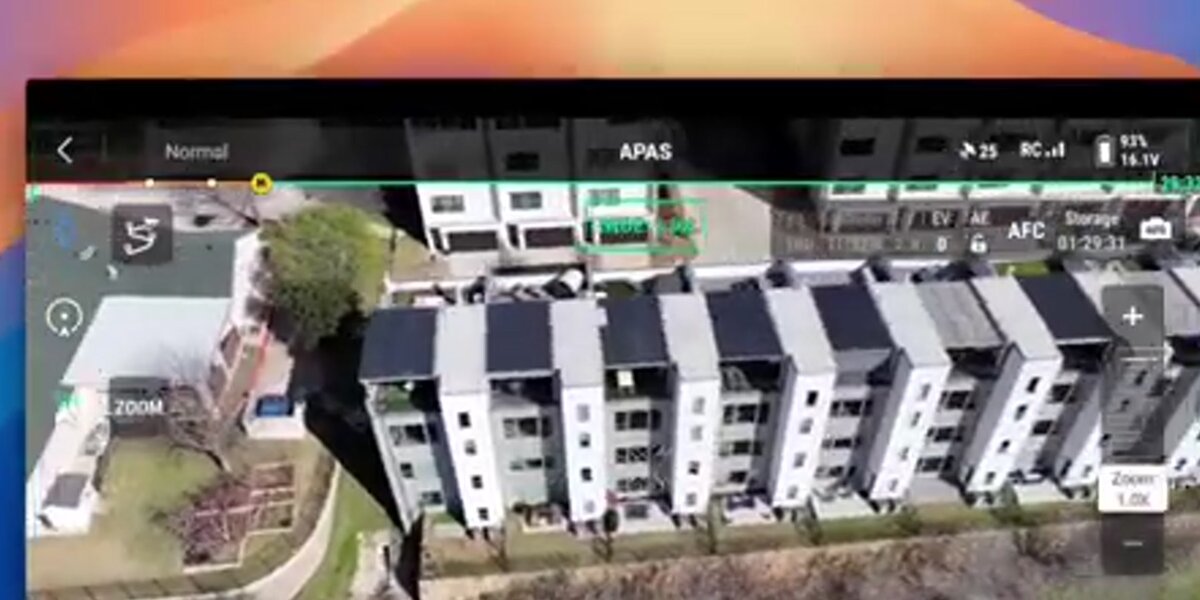
Yes. For DJI enterprise pilots who want a mapping workflow without a desktop workstation or a per-seat license, cloud-based videogrammetry through the SkyeBrowse Flight App is a practical third option. It processes drone video instead of still photos and supports the M30 and M300/M350 directly, plus the Matrice 4E and 4T with the DJI RC Pro controller, so there is no NVIDIA workstation to maintain and no perpetual license to manage.
Where DJI Terra and Pix4D both process still-photo datasets on a local machine, SkyeBrowse takes a different input entirely: standard .MP4 or .MOV drone video, optionally paired with the drone's own .SRT telemetry file for georeferencing. That video is uploaded through the Flight App or a browser and processed in the cloud at app.skyebrowse.com, so a laptop without a dedicated GPU can still hand off a mapping job. A Matrice 4E or M350 team that mainly needs a fast measurable model without buying and maintaining a mapping workstation may find it worth evaluating alongside Terra and Pix4D, even though it does not match Pix4D's vector and CAD export depth for a full survey deliverable. See how it stacks up in more detail in our SkyeBrowse vs Pix4D comparison.
FAQ
Can DJI Terra process footage from non-DJI drones?
No. DJI Terra is built to process imagery and LiDAR data captured by DJI drones and DJI payloads only. Pilots flying Autel, senseFly, or other non-DJI aircraft need a drone-agnostic tool such as Pix4D instead.
How much does DJI Terra cost?
As of September 30, 2026, the US DJI Store lists DJI Terra Standard at 1,850 USD per year or 5,280 USD permanent, Flagship at 3,700 USD per year or 10,580 USD permanent, and Agriculture at 300 USD per year for three devices. Offline licenses and the Cluster version are quoted by DJI dealers.
Is there a free version or free trial of DJI Terra?
There's no free photogrammetry tier. DJI offers a one-month trial capped at 500 photos and 8 GB of LiDAR data on one computer. Zenmuse L2 and L3 point cloud processing run free without a paid license.
Does a permanent DJI Terra license have yearly maintenance fees?
No. DJI's Terra FAQ states that V5.0.0 and later require no upgrade or maintenance fees. The license does stay bound to your computer's hardware, so replacing that hardware invalidates an offline license.
Is Pix4D more expensive than DJI Terra?
At entry level, yes. PIX4Dmatic's cheapest plan, Analyst, costs 2,290 USD billed yearly as of September 30, 2026, about 440 USD more than a year of DJI Terra Standard at 1,850 USD. A permanent Terra Standard license at 5,280 USD costs less than the Analyst plan by the third year of use. Pix4D's subscription can be canceled before renewal, which can still make it cheaper for short projects.
Do I need a Windows PC to run DJI Terra or Pix4D?
DJI Terra requires Windows 10 or later with an NVIDIA GPU; it does not run on macOS. PIX4Dmatic supports both Windows 11 and macOS (Catalina or later, including Apple silicon on recent versions), though GPU acceleration still requires an NVIDIA card.
Upload your first video free. Create a free SkyeBrowse account, upload a drone video, and get a 3D model processed in the cloud. Freemium organizations that have never had a paid plan can get their first full Commercial model for $5 (normally $24.99), with every Commercial tool, every export, and 90-day storage.