Share your 3D model with other users
 Share Your 3D Model With Other Users
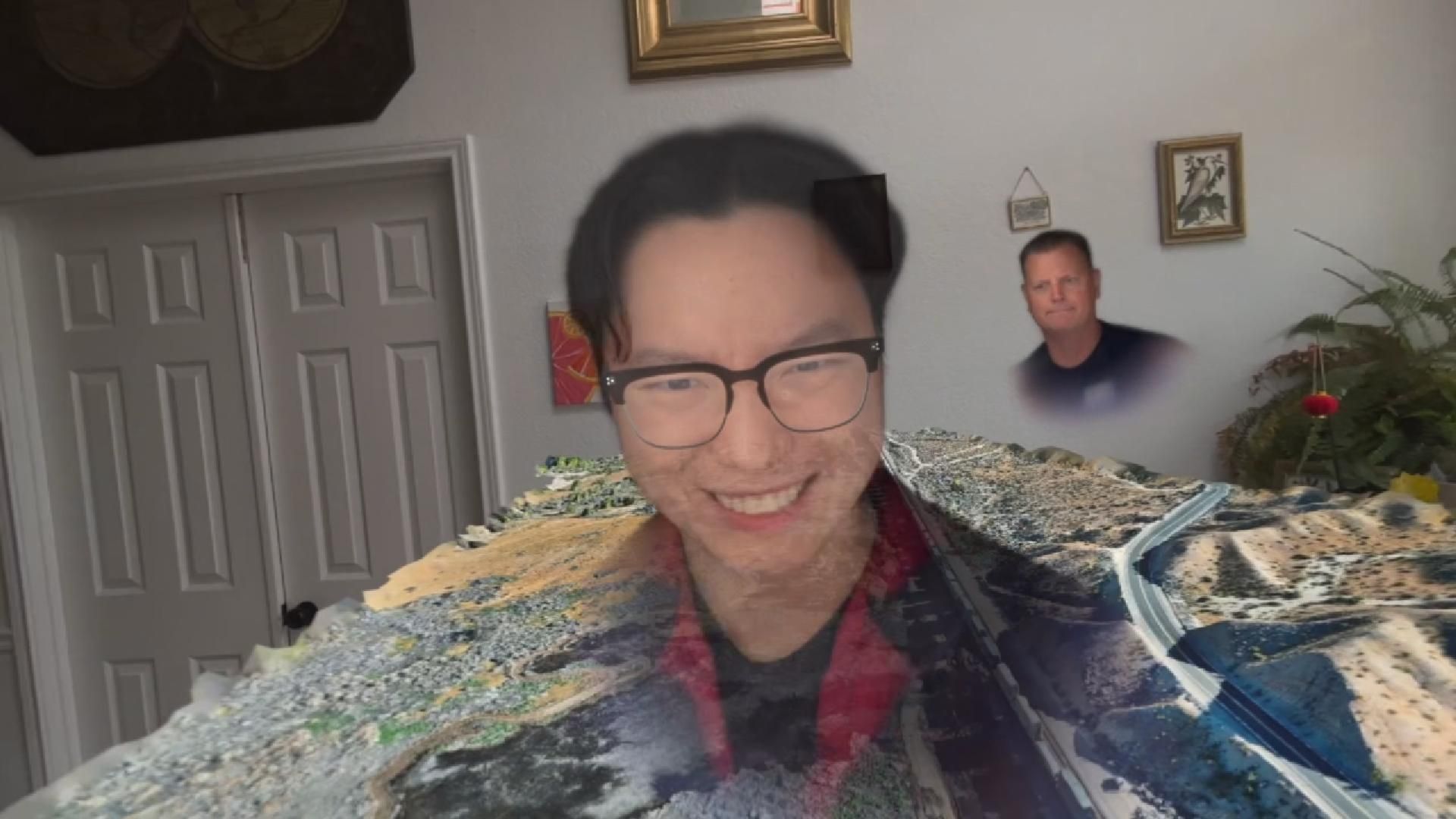
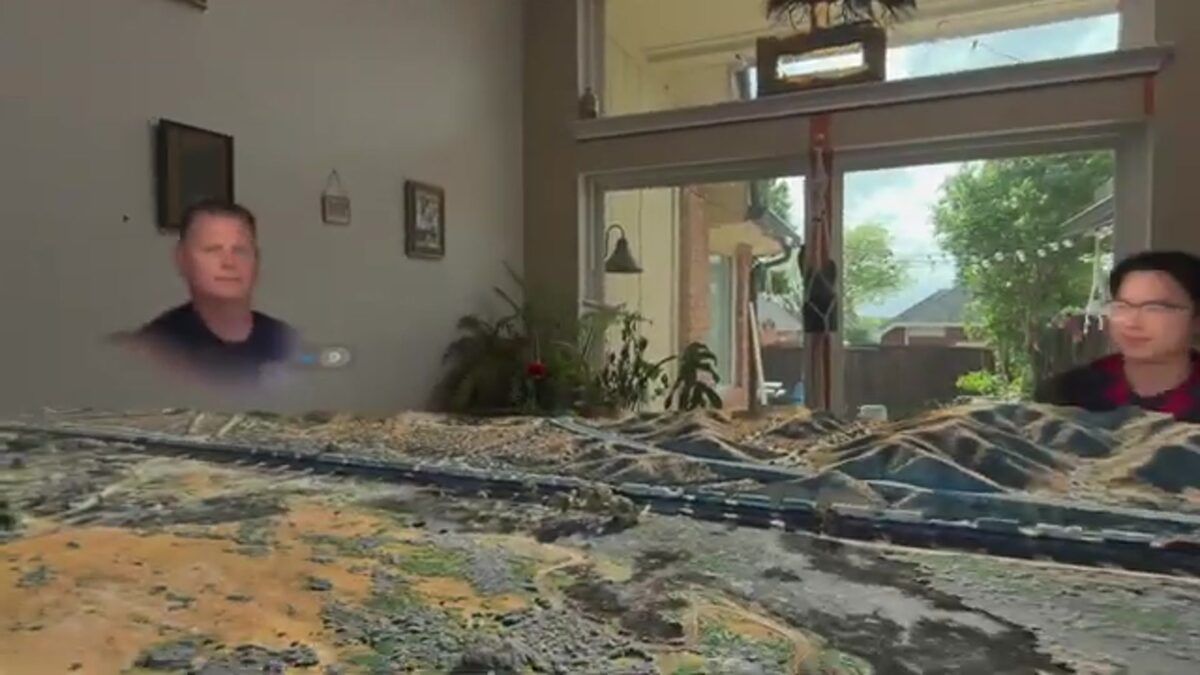
Did you know you could share your 3D models with other users?
Share Your 3D Model With Other Users
Did you know you could share your 3D models with other users?

- Secure share Click the 3 dots in the dashboard and "Share to SkyeBrowser." Sharing to a fellow SkyeBrowse user maintains CJIS compliance and chain of custody.
- Share by link Click the 3 dots in the dashboard and "Share to Others" to make the model visible to anyone with the link. This is ideal for sharing a 3D model via email, text, or social media.
- Export JPEG Screenshot Go into the 3D model viewer and click "Generate" on the bottom of the left panel. This downloads a high-resolution image of your current view to your computer with all measurements and annotations.
Check out our video on how make interior 3D models:

Still have questions? Contact us below and we'd be happy to chat
Save Time, Save Money, Reduce Traffic Conventional methods of accident reconstruction require multiple personnel and can take anywhere from 3 to 5 hours depending on the severity of the accident. This causes traffic and back ups, increases the risk of officer injuries on the scene, and contributes to additional accidents as a result of blocked roadways. With SkyeBrowse you only need one person to record a drone/phone video, so you can save up to 12 man hours with every accident.