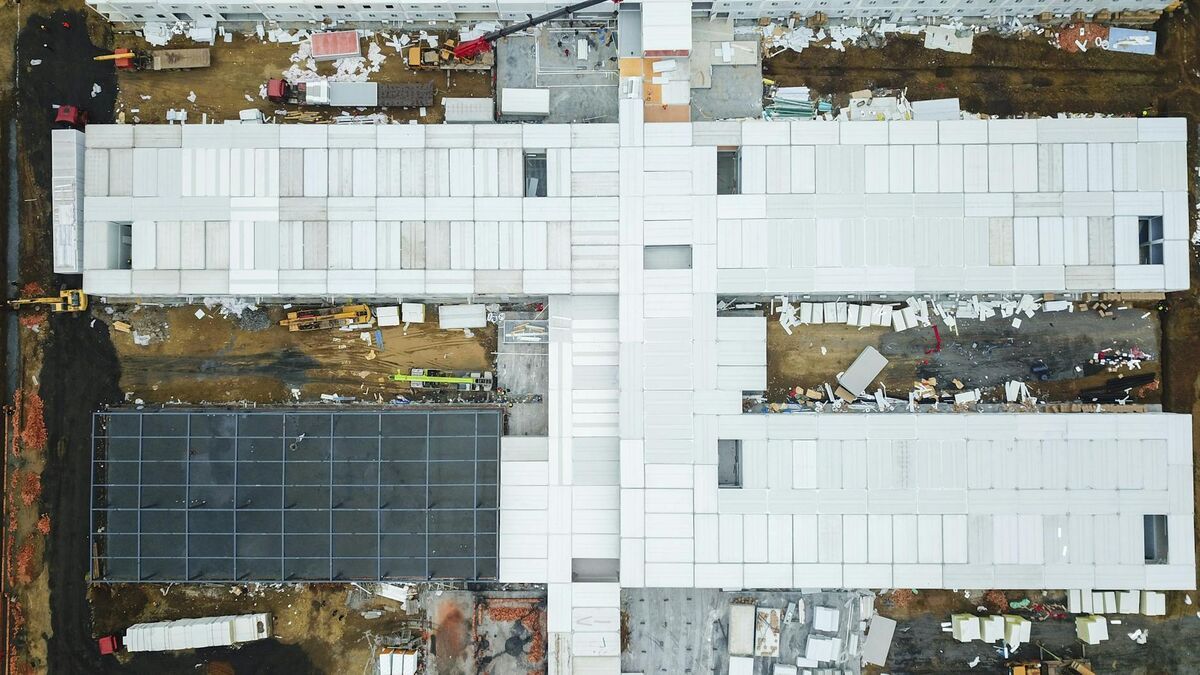
Measuring stockpile volumes has traditionally meant either sending a surveyor onto an unstable material pile with a GPS rover or scheduling a full photogrammetry drone flight with hours of desktop post-processing. Neither option works well when you need weekly inventory numbers across multiple piles. SkyeBrowse's SaltBrowse tool changes the equation: fly a quick orbit, upload the video, and get a volume figure in minutes — no grid flights, no ground control points, no desktop software.
Key Takeaways
- SkyeBrowse's SaltBrowse volume tool processes a two-minute stockpile orbit at roughly 1:1 speed, delivering a volume figure in under five minutes — no grid flight, GCPs, or desktop software required.
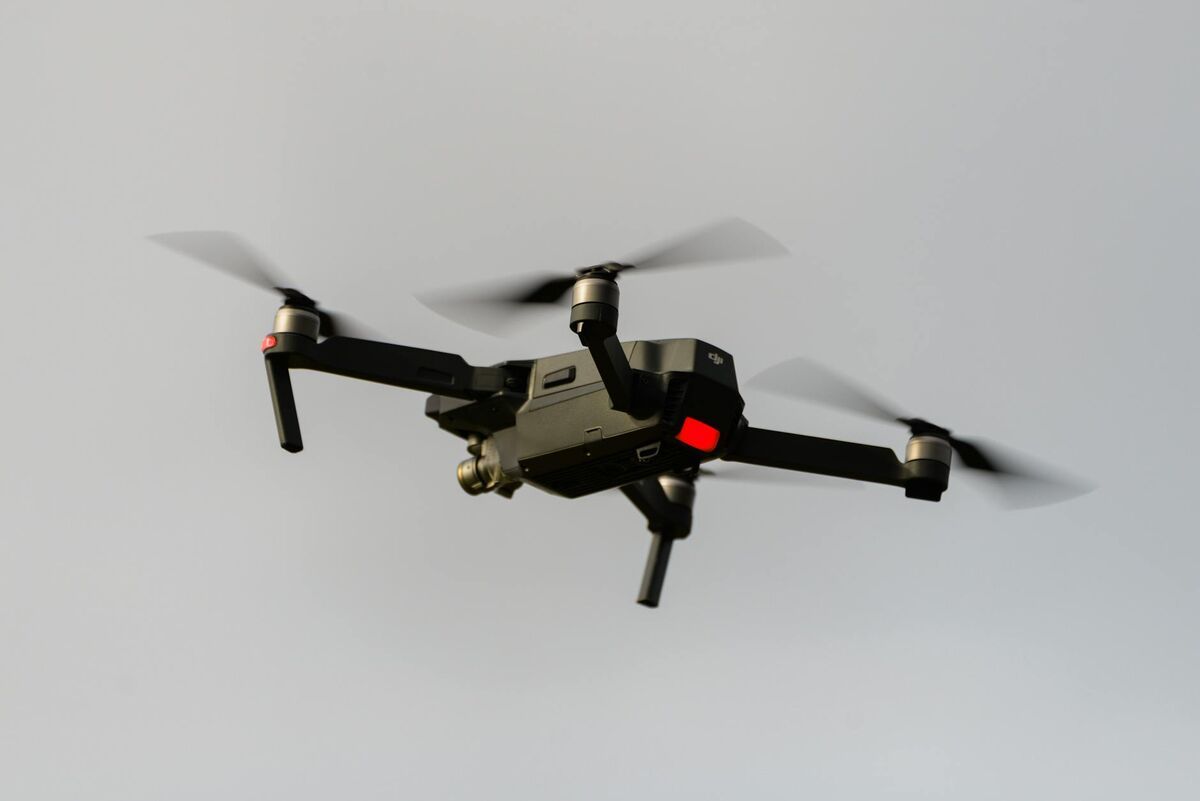
- Any consumer or commercial drone recording .MP4 or .MOV video works; no survey-grade platform or lidar payload is needed.
- Accuracy ranges from 0.5 inch (Commercial and Pro) to 0.1 inch (Public Safety & Enterprise), covering routine inventory tracking through compliance reporting and financial reconciliation.
- Key industries include construction aggregate yards, quarry and mining operations, municipal salt and sand depots, waste management, and grain storage.
- Including a DJI .SRT or Autel .ASS telemetry file with the upload improves absolute georeferencing for multi-date volume comparisons and GIS integration.
Contents
- What is drone stockpile measurement and why does it matter?
- Why do traditional stockpile measurement workflows take so long?
- How does SkyeBrowse deliver instant stockpile volumes?
- Which industries benefit most from drone volumetric surveys?
- How accurate are drone stockpile measurements from video?
- What does the SaltBrowse workflow look like step by step?
- Frequently Asked Questions
What is drone stockpile measurement and why does it matter?
Drone stockpile measurement is the process of using an unmanned aerial vehicle to capture data above a material pile — aggregate, salt, sand, grain, waste, or similar bulk material — and then calculate its volume through 3D reconstruction or photogrammetric analysis. Accurate stockpile volume data feeds directly into inventory accounting, compliance reporting, purchase reconciliation, and safety planning. According to MSHA guidance on surface mining operations, inaccurate material accounting is a recurring source of regulatory exposure and operational cost overruns. Drones reduce the safety risk of manual measurement (walking on unstable piles) while also cutting the time and labor cost of the survey itself.
Why do traditional stockpile measurement workflows take so long?
Traditional photogrammetric drone stockpile surveys require systematic grid-flight patterns, dozens to hundreds of ground control points (GCPs), and hours of desktop processing before a volume number is available. The conventional process typically involves: planning a flight grid over each pile, physically placing and surveying GCPs, flying the drone on an automated lawnmower pattern, downloading imagery to a workstation, running photogrammetry software overnight or for several hours, and then manually extracting volume figures from the output point cloud. For operations with multiple piles or time-sensitive inventory needs, this workflow creates a bottleneck. ASTM E2162 guidance on photogrammetric measurements acknowledges that project setup and georeferencing account for a significant share of total survey time — a constraint that affects smaller operations most.

How does SkyeBrowse deliver instant stockpile volumes?
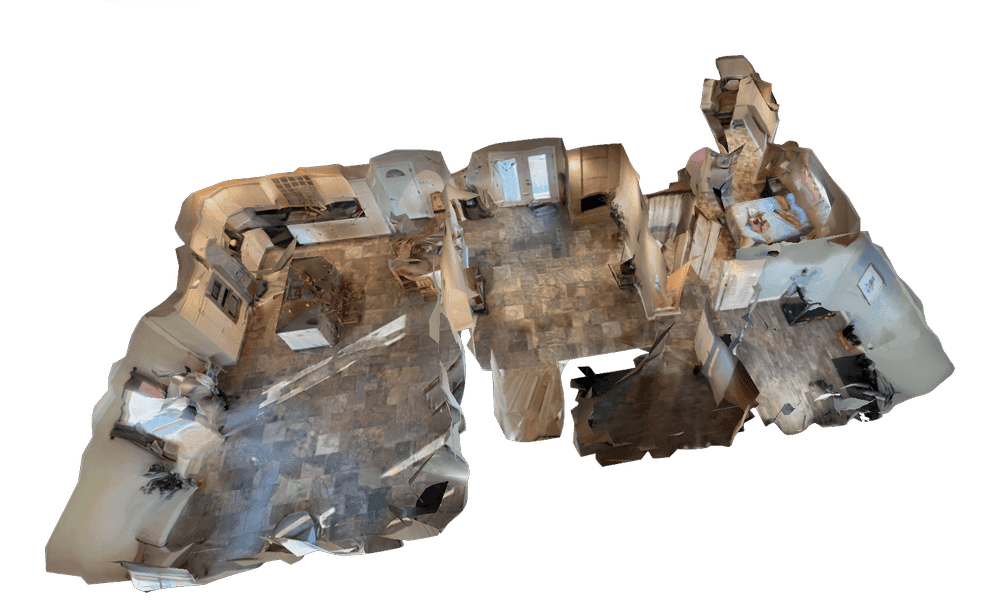
SkyeBrowse uses videogrammetry — a method that reconstructs 3D geometry directly from continuous video frames rather than collecting thousands of individual still photos — to dramatically compress the capture-to-volume timeline. SaltBrowse, SkyeBrowse's dedicated volume measurement tool, processes uploaded drone video in the cloud at app.skyebrowse.com and returns a volume figure as soon as the model is ready. No desktop software, no GCP setup, and no overnight processing queue.
The key difference is capture method and processing location. Where a traditional workflow calls for a grid flight and a local workstation, SkyeBrowse requires only a short orbital pass around the stockpile and an internet connection. Cloud processing runs at roughly one minute of processing time per one minute of captured video, meaning a two-minute orbit of a gravel pile typically yields a ready-to-measure model in under five minutes.
SkyeBrowse accepts .MP4 and .MOV files from virtually any drone via the Universal Upload feature. Operators do not need a specialized drone or a lidar sensor. For improved georeferencing, DJI .SRT or Autel .ASS telemetry subtitle files can be included with the upload, but they are not required to get a volume reading.
The volume tool was introduced as part of SkyeBrowse's ongoing expansion into commercial measurement workflows. Learn more at the introducing volume tool announcement.
Which industries benefit most from drone volumetric surveys?
Operations that measure stockpiles regularly — but cannot justify the cost or time of a full survey crew — are the strongest fit for rapid drone volumetric surveys. SkyeBrowse's SaltBrowse tool is particularly well suited for small-to-mid-size operations where inventory tracking happens weekly or monthly rather than quarterly.

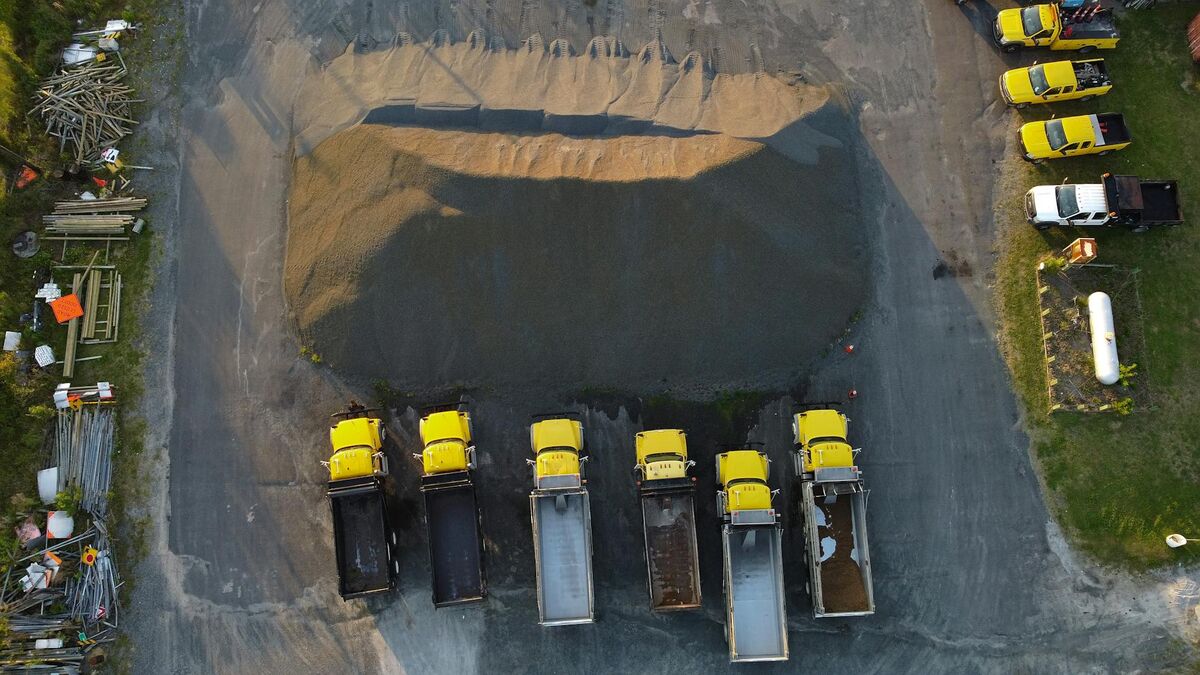
Construction and aggregate yards. Crushed stone, gravel, and sand piles change daily. Knowing accurate volumes in real time prevents shortfalls on active job sites and supports accurate billing to customers. Teams that also need cut-and-fill earthwork analysis can pair stockpile surveys with a cut and fill map workflow using the same drone footage. OSHA safety standards for aggregate operations also discourage workers from manually climbing unstable material piles, making drone capture the safer measurement method.
Mining operations. Run-of-mine and processed material stockpiles at quarries and open-pit mines require frequent volume reconciliation against extraction records. The USGS 3D Elevation Program has documented how aerial volumetric data improves accuracy over tape-and-calculation field methods for bulk material assessments.
Municipal salt and sand depots. Public works departments track salt and sand inventory for winter road maintenance. Manual measurement of dome-stored or open-yard salt piles is time-consuming and subject to compaction variation. A quick drone orbit and SaltBrowse volume output gives supervisors a defensible inventory figure in minutes.
Waste management. Landfill and transfer station operators track daily and monthly fill rates. Drone volumetric surveys provide an efficient method to document progression against permit limits without manual surveying costs.
Agriculture — grain piles. Temporary outdoor grain storage creates large, irregular piles that are difficult to measure manually. Drone video of a grain pile processed through SkyeBrowse returns a volume figure that can be converted to weight using standard bulk density factors.
How accurate are drone stockpile measurements from video?
SkyeBrowse's processing tiers determine measurement accuracy. On Commercial and Pro, expect 0.5 inch accuracy, which is suitable for routine inventory estimation and general operational tracking. Public Safety & Enterprise reaches approximately 0.1 inch accuracy with AI-assisted moving object removal, which is useful in active yards where equipment may be near or on the pile during flight. In an independent accuracy study by AirBorne Works, SkyeBrowse video models came closest to Leica BLK360 laser-scan ground truth on 8 of 9 measurements, outperforming photo-based Pix4D Mapper and Leica BLK3D.
For most stockpile measurement use cases — aggregate inventory, salt depot tracking, construction material staging — Commercial or Pro accuracy is sufficient. ASTM measurement standards for bulk material volumetrics generally accept accuracy tolerances well within what SkyeBrowse's 0.5 inch Commercial and Pro tiers provide.
Telemetry data from the drone's flight improves absolute georeferencing. Including a DJI .SRT file with the video upload brings GPS coordinates into the model, which matters when comparing pile volumes across multiple survey dates or integrating results into a GIS system. For a deeper look at when ground control points further improve accuracy, see the GCP vs. no-GCP accuracy guide. Exports are available in LAZ (point cloud), GLB (3D model), and GeoTIFF (orthoimage) formats, supporting direct ingestion into CAD and GIS workflows.
What does the SaltBrowse workflow look like step by step?
The end-to-end process for a drone stockpile measurement with SkyeBrowse involves four steps:
Fly an orbit. Circle the stockpile at a consistent altitude and distance, recording continuous video in
.MP4or.MOVformat. A two-to-four minute orbit is typically sufficient for a single pile. No grid flight pattern is required.Upload the video. Go to app.skyebrowse.com, use Universal Upload to submit the video file, and select the processing tier appropriate for the required accuracy. Optionally include the drone's telemetry subtitle file for improved georeferencing.
Wait for processing. Cloud processing completes at approximately one minute of compute time per one minute of video. Most stockpile models are ready within five to fifteen minutes of upload.
Read the volume. Open the completed model in SaltBrowse, set the base plane, and the volume tool returns the result. Export the model or the volume data as needed for reporting.
No desktop software installation is required. The entire workflow runs in a web browser.
Frequently Asked Questions
How accurate are drone stockpile measurements? SkyeBrowse's SaltBrowse tool delivers 0.5 inch accuracy on Commercial and Pro and 0.1 inch on Public Safety & Enterprise — sufficient for inventory management and compliance reporting at most operations.
What drone do I need to measure stockpile volume?
Any consumer or commercial drone capable of recording video in .MP4 or .MOV format works with SkyeBrowse's Universal Upload feature. No survey-grade drone or lidar payload is required.
How long does it take to get a stockpile volume measurement with a drone? With SkyeBrowse, the total workflow from flight to volume result typically takes under 15 minutes. Processing runs at roughly one minute of cloud processing per one minute of video, and SaltBrowse reports the volume immediately after the model is ready.
Drone stockpile measurements no longer require a full survey setup. An orbital flight, a video upload, and SaltBrowse's cloud volume tool return an accurate, reportable figure in minutes — without specialized equipment, GCPs, or desktop processing software. For operations that need fast, defensible inventory data, SkyeBrowse provides a direct path from drone to volume. Teams integrating stockpile data into broader site documentation programs can also explore construction progress monitoring workflows that combine volume tracking with weekly site records.
Upload your first video free. Create a free SkyeBrowse account, upload a drone video, and get a 3D model processed in the cloud. Freemium organizations that have never had a paid plan can get their first full Commercial model for $5 (normally $24.99), with every Pro tool and export included and 90-day storage.