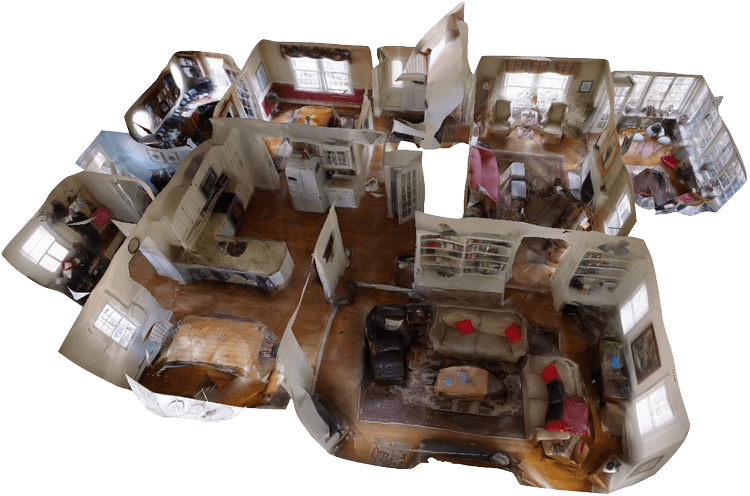
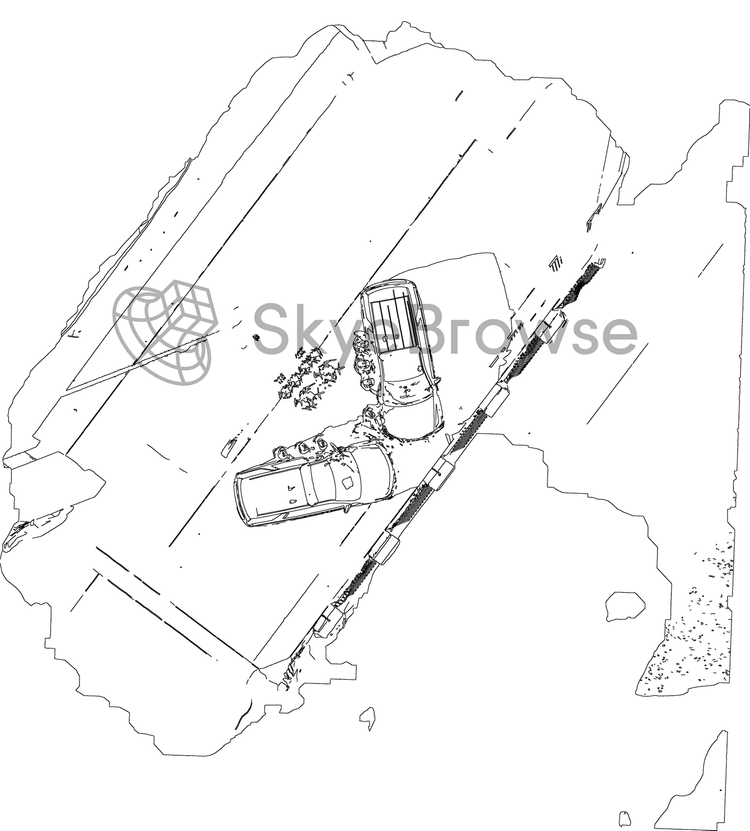
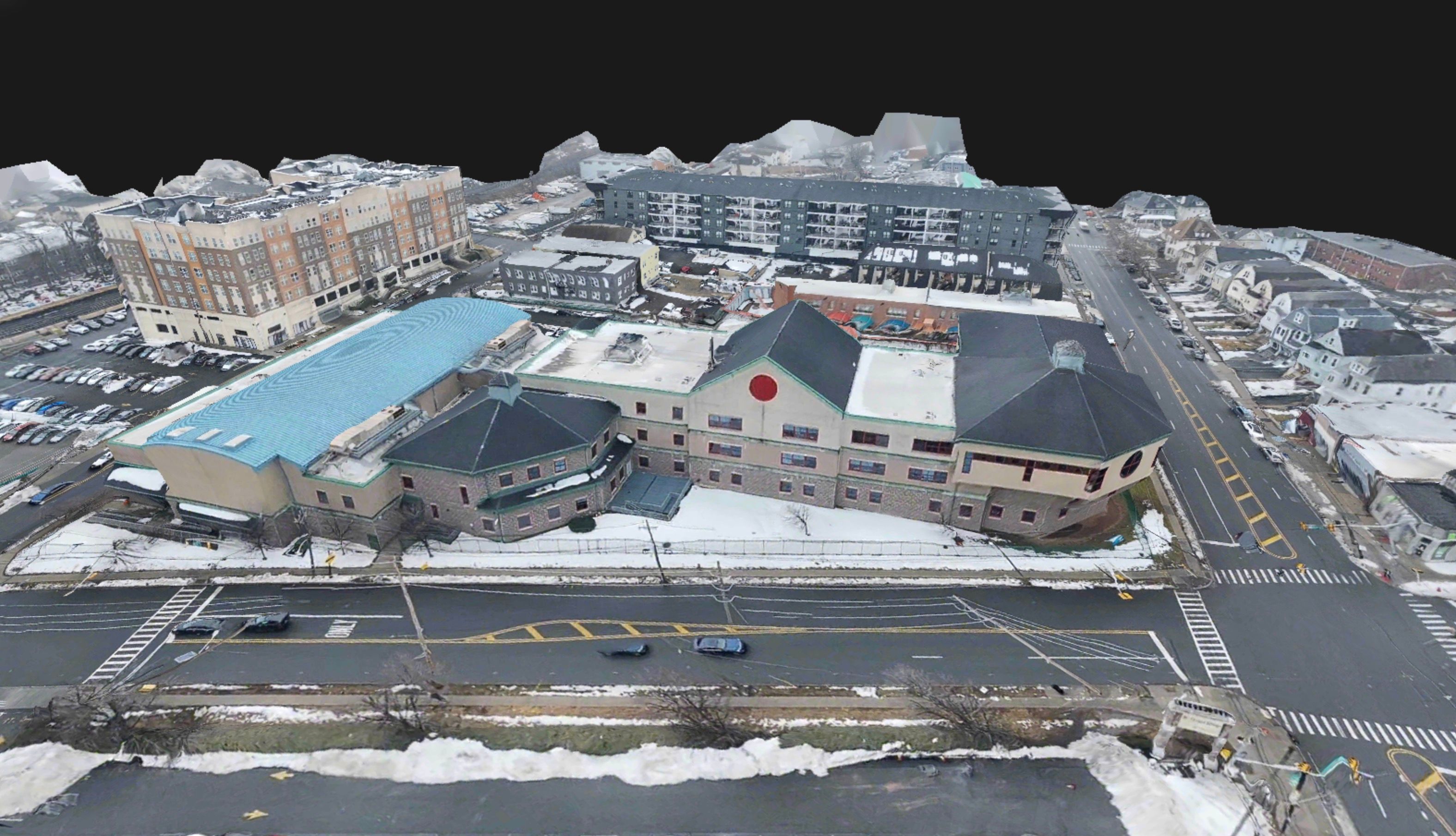
Image Walkthroughs are now available for all users.
This is quicker, easier, and better than Matterport for public safety workflows. You can now see image icons inside your 3D model, along with the capture path from your video.
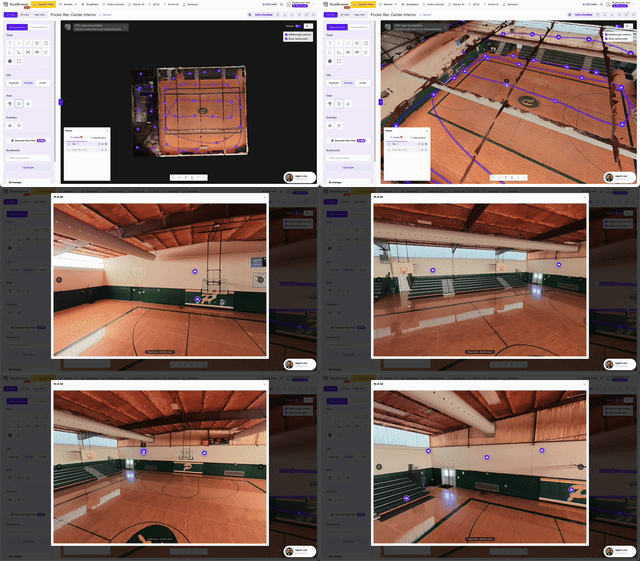
Click an image, and you can view exactly what the camera saw at that moment.
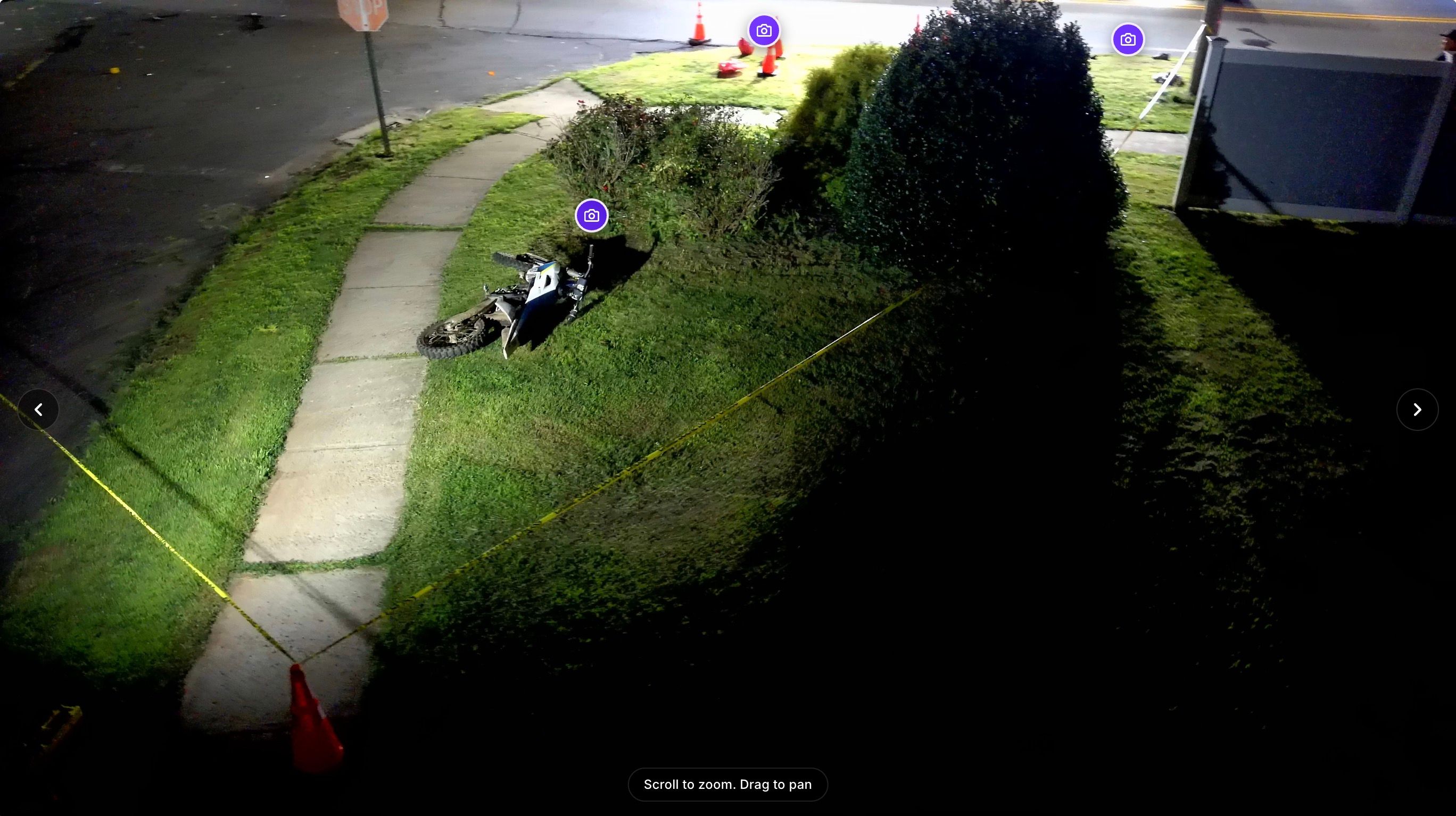
When you upload a video into SkyeBrowse, we now show image icons throughout your 3D model.
Click any image icon and the image viewer opens up. From there, you can zoom in, pan around, and inspect the scene in detail.
This works especially well with 360 videos. Since the camera sees in every direction, you can look around the scene from each capture point.
You can even click other image icons while you are inside the image viewer to move through the 3D model. It feels like walking through the scene from the original video.
For accident reconstruction, CSI, interiors, and pre-plans, this makes the model easier to understand for everyone.
Investigators can revisit a scene after it has been cleared. Command staff can understand a layout without needing to fly through the model manually. Attorneys and juries can follow the scene in a way that makes sense instantly.