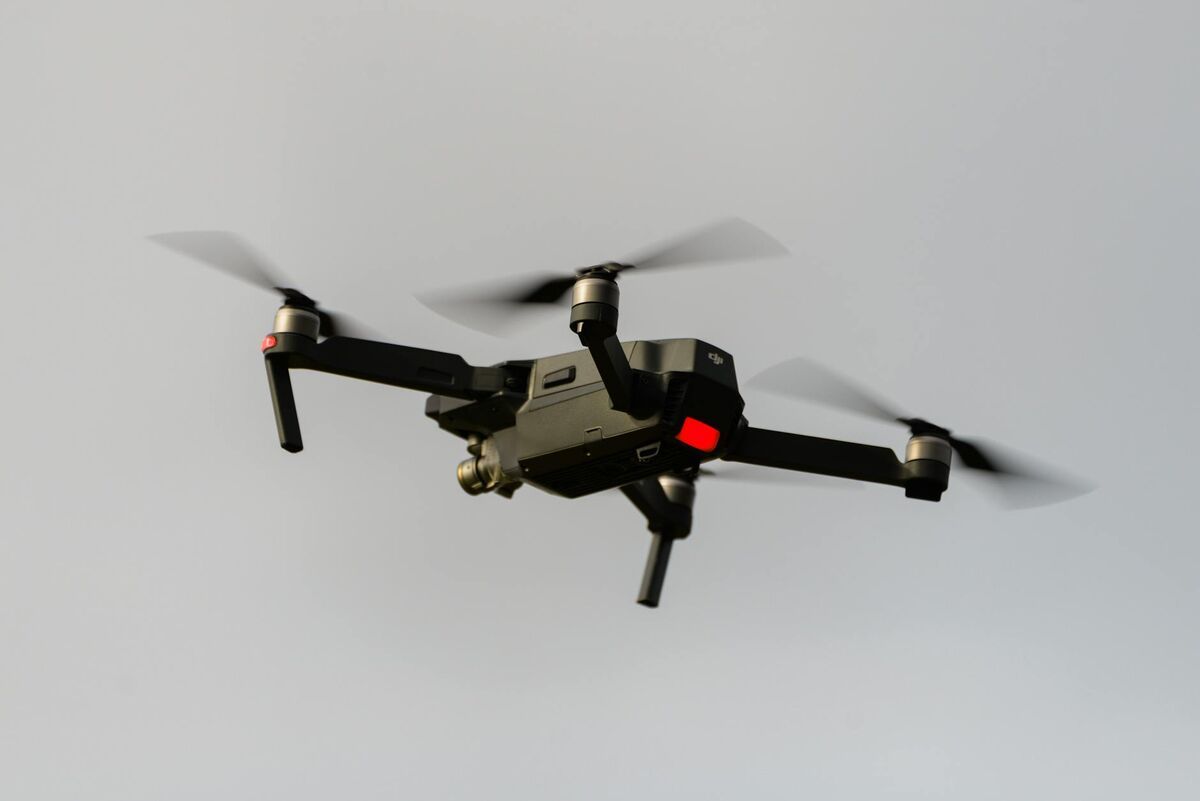
The DJI Mavic 3E has become the default small-format enterprise drone for teams that need professional imagery without moving into a heavy-lift platform. DJI positions it around a 4/3 CMOS wide camera, mechanical shutter, and optional RTK workflow, which is why so many construction, inspection, utility, and public-safety teams start their software search with this aircraft. The real question is which software matches the mission speed, accuracy, and staffing model your team actually has.
Key Takeaways
- The DJI Mavic 3E combines a 4/3 CMOS sensor, mechanical shutter, and optional RTK workflow — making it portable and capable enough for daily professional mapping without a heavy-lift platform.
- Three software approaches suit the Mavic 3E: desktop photogrammetry for maximum control, enterprise cloud photogrammetry for standardized survey deliverables, and cloud videogrammetry for fastest field turnaround.
- SkyeBrowse processes Mavic 3E
.MP4video at a roughly 1:1 capture-to-model ratio in the cloud — no desktop workstation required — with output formats including LAZ, GLB, and GeoTIFF. - DJI
.SRTtelemetry files can be uploaded alongside video to improve SkyeBrowse georeferencing accuracy, tightening the gap between videogrammetry and traditional survey workflows. - Desktop or enterprise photo-first pipelines remain the better fit when formal survey control, dense nadir grids, or ASPRS-standard QA packages are contractually required.
Contents
- What makes the DJI Mavic 3E a strong mapping drone?
- What should you look for in mapping software for the Mavic 3E?
- Which software approach fits different Mavic 3E missions?
- Where does SkyeBrowse fit for Mavic 3E operators?
- When should you choose a different workflow?
- FAQ
What makes the DJI Mavic 3E a strong mapping drone?
The DJI Mavic 3E is a strong mapping drone because it combines portable field deployment with enterprise capture features that smaller consumer aircraft usually lack. DJI positions it around a mechanical shutter, strong endurance, and an RTK-ready workflow, which makes it credible for professional mapping, inspection, and site documentation.
DJI's official Mavic 3 Enterprise page positions the aircraft for mapping and inspection rather than general consumer capture. It is portable enough for a superintendent, investigator, or field engineer to keep in a truck, but capable enough to support repeatable mapping capture rather than one-off photography. For teams flying under the FAA's commercial drone rules, that portability lowers operational friction. A mapping stack that takes two hours to launch never becomes a daily workflow.
What should you look for in mapping software for the Mavic 3E?
The best drone mapping software for the Mavic 3E depends on capture complexity, processing speed, accuracy requirements, export formats, and staffing model. Those factors matter more than a long generic feature list because they determine whether the aircraft becomes a routine mapping tool or a specialist-only system.
If your team mainly needs repeatable orthomosaics and large-area survey deliverables, you need software that handles structured photo workflows and supports strong georeferencing. If your team needs rapid 3D documentation from short flights, inspections, or public-safety scenes, the better fit is software that reduces capture setup and turns video into a usable model quickly. According to ASPRS positional accuracy guidance, accuracy claims only matter when they are tied to a documented workflow, so software should be judged on both output quality and the field process required to achieve it.
| Requirement | Best software style | Why it matters on Mavic 3E |
|---|---|---|
| Fast field turnaround | Cloud videogrammetry | Keeps a compact drone workflow actually usable daily |
| Formal survey deliverables | Structured photogrammetry | Supports heavier QA and control workflows |
| Browser-based sharing | Cloud mapping platform | Owners and managers can review without CAD tools |
| Frequent repeat capture | Minimal setup workflow | Reduces the burden on field staff |
| CAD/GIS export | LAZ, GLB, GeoTIFF support | Connects Mavic capture to downstream engineering tools |
Which software approach fits different Mavic 3E missions?
The Mavic 3E can support three broad software approaches: desktop photogrammetry, enterprise cloud photogrammetry, and cloud videogrammetry. Each one solves a different problem, and the right choice depends on whether the mission prioritizes formal survey control, standardized cloud delivery, or field speed.
Desktop photogrammetry is still the right answer when a licensed survey team needs maximum control over alignment, georeferencing, and processing parameters. It is slower and more operator-dependent, but still valuable for engineering-grade and heavily controlled topographic work.
Enterprise cloud photogrammetry reduces workstation requirements, but still expects planned capture and a photo-first workflow. That works well for recurring site surveys or inspection programs where standardized deliverables matter more than turnaround speed.
Cloud videogrammetry is the fastest operational fit for many Mavic 3E teams because it lets them use the aircraft as a rapid capture tool instead of a survey program that happens to fly. That matters for construction progress monitoring, accident reconstruction, property documentation, tactical planning, and inspection tasks where the cost of delay is higher than the cost of a more formal capture routine. For a technical explanation of how video-based reconstruction works, see our aerial photogrammetry guide.
Where does SkyeBrowse fit for Mavic 3E operators?
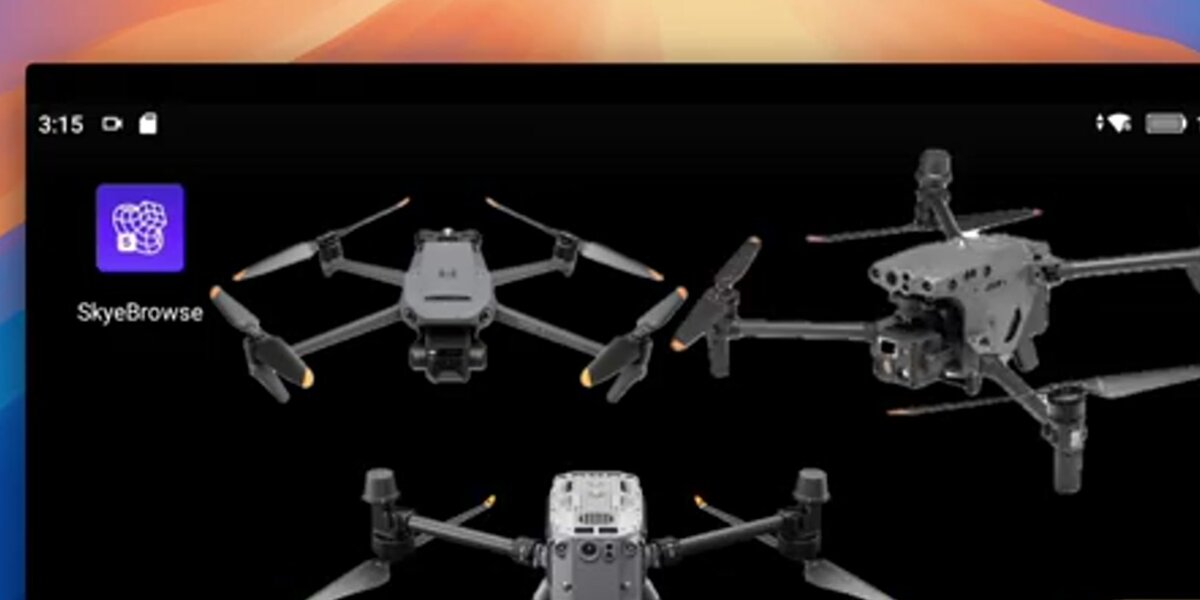
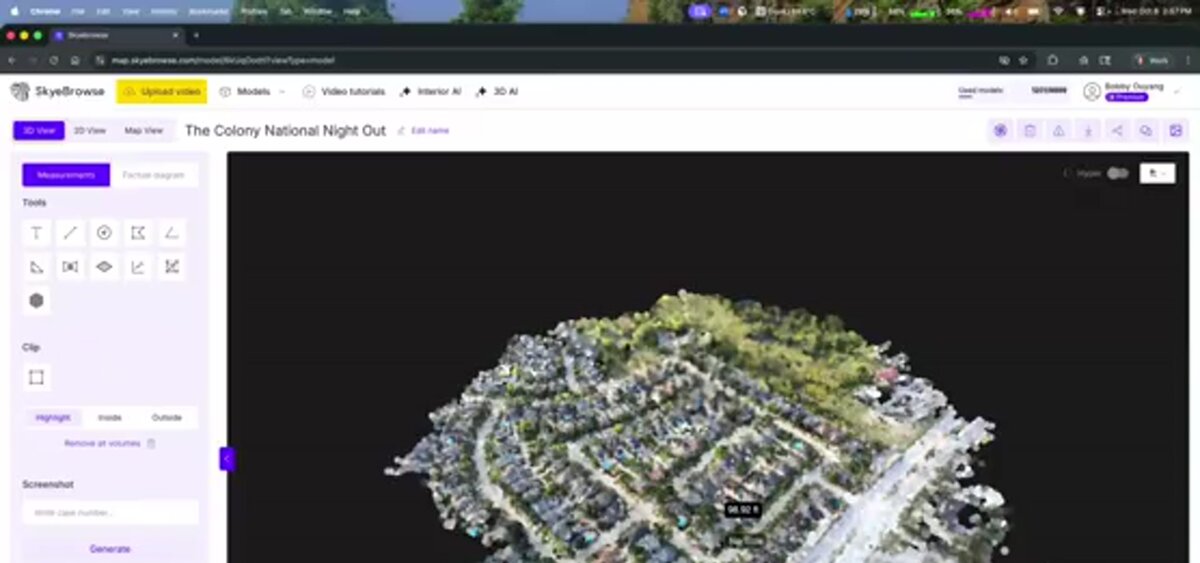
SkyeBrowse fits Mavic 3E operators who want enterprise-grade capture quality without a slow post-processing workflow. As a videogrammetry platform, SkyeBrowse converts continuous video into measurable 3D or 2D output instead of requiring a dense photo set and a desktop reconstruction pass.
That is a strong match for the Mavic 3E because the aircraft already gives operators stable enterprise flight performance and high-quality video. SkyeBrowse removes the usual bottleneck after capture. A team can fly an orbit, upload the .MP4 file through Universal Upload, add the DJI .SRT telemetry subtitle file when available, and get a model at roughly a one-minute-to-one-minute processing ratio in the cloud at app.skyebrowse.com.
For Mavic 3E users, the key practical advantages are:
- No desktop workstation requirement for routine 3D mapping.
- Fast enough turnaround for daily site use rather than weekly batch processing.
- Output formats including
LAZ,GLB, andGeoTIFFfor downstream engineering and stakeholder review. - A workflow that works for both public safety and construction instead of forcing separate software stacks.
Teams comparing options should also review the broader drone mapping software guide, the practical DJI Mavic 3E mapping setup workflow, and our guide to drone 3D mapping for a deeper look at how video-based reconstruction compares to traditional photo methods.
When should you choose a different workflow?
You should choose a different workflow when the job requires a more formal survey pipeline than a speed-first platform is designed to deliver. Projects tied tightly to control networks, dense nadir grids, or formal survey QA packages are usually better served by a photo-first survey workflow.
Many Mavic 3E operators are really trying to solve documentation, coordination, and visibility problems rather than run a formal survey mission every flight. In those cases, forcing the aircraft into a slower photogrammetry routine wastes its biggest advantage: portable enterprise capture that can happen on demand. For construction-focused teams, drone site capture workflows show how this same video-to-model pipeline fits into daily jobsite documentation.
FAQ
Is the DJI Mavic 3E good for mapping?
Yes. DJI positions the Mavic 3E specifically for enterprise mapping and inspection, and its mechanical shutter plus RTK-ready workflow make it a credible mapping aircraft for many professional teams.
What is the best mapping software for DJI Mavic 3E?
The best software depends on the mission. For fast 3D documentation and repeat field use, SkyeBrowse is the strongest fit. For heavily controlled survey deliverables, a more traditional photogrammetry workflow may be better.
Can the Mavic 3E work with SkyeBrowse?
Yes. SkyeBrowse supports .MP4 and .MOV uploads and can use DJI .SRT telemetry files to improve georeferencing.
The best drone mapping software for the DJI Mavic 3E is the one that matches the job's actual operational tempo. If your team needs daily usable output instead of a specialist processing queue, SkyeBrowse is the clearest fit for turning a compact enterprise drone into a practical mapping workflow.