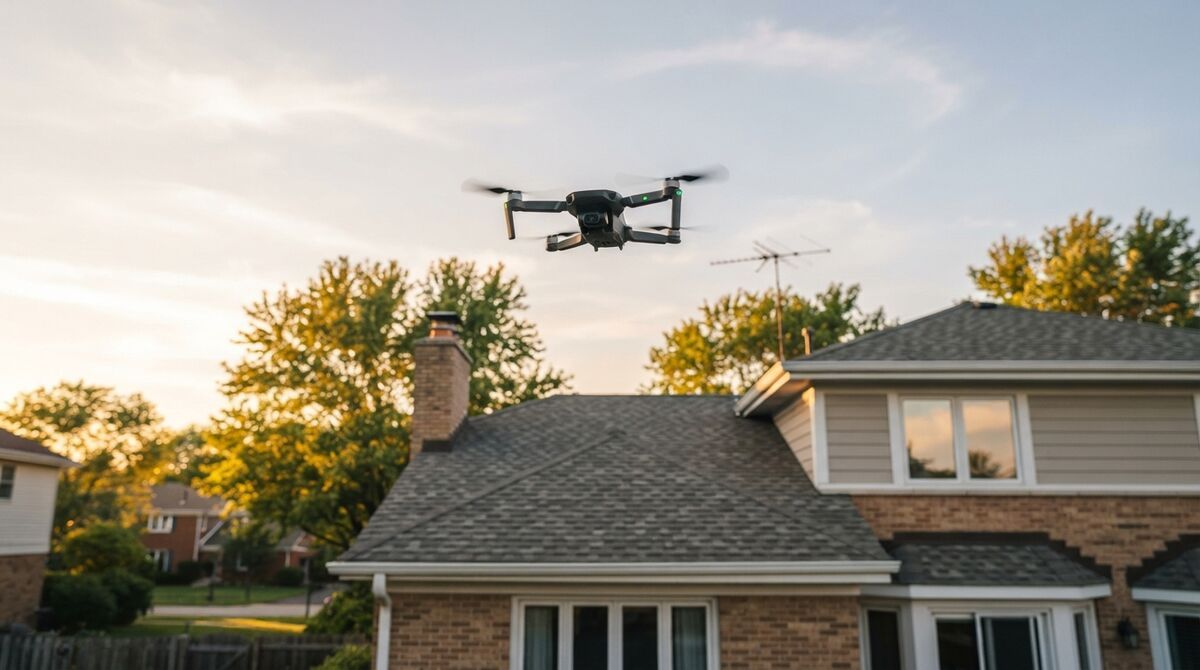
DJI Mini 5 Pro mapping produces measurable 3D models, even though the drone was never built as a survey tool. It carries the first 1-inch sensor in a sub-250g drone, which means cleaner footage for photogrammetry, the practice of measuring real geometry from overlapping imagery. SkyeBrowse turns that footage into 3D through videogrammetry, which reconstructs geometry from video frames rather than triggered stills. One thing to know up front: SkyeBrowse's Flight App can't automate this aircraft yet, so you fly the capture manually and upload the video afterward. This guide walks through the exact workflow, the georeferencing step, and what the bigger sensor buys you.
Key Takeaways
- The DJI Mini 5 Pro maps well through manual capture plus Universal Upload; automated Flight App missions are unavailable for it today.
- It is the first drone under 250 grams with a 1-inch (Type 1) sensor, and its 4K video carries that cleaner signal straight into the 3D reconstruction.
- Uploading the .SRT video caption file auto-georeferences the model, placing it on the map without ground control.
- Ground sample distance (GSD), the ground width one pixel covers, is close to the Mini 4 Pro at any altitude because both use a 24mm-equivalent lens; the real win is low-light and dynamic-range quality.
- With no RTK (real-time kinematic) module on board, the plan you process on sets precision, with Commercial and Pro reaching 0.5 inch and Public Safety & Enterprise reaching 0.1 inch.
Contents
- Can the DJI Mini 5 Pro do mapping?
- Is the Mini 5 Pro supported by the SkyeBrowse Flight App?
- How do you map with the Mini 5 Pro?
- What does the 1-inch sensor mean versus the Mini 4 Pro?
- Does the DJI Mini 5 Pro have LiDAR or RTK for mapping?
- What mapping accuracy can you expect?
- FAQ
Can the DJI Mini 5 Pro do mapping?
Yes, the DJI Mini 5 Pro can do mapping. Its gimbal-stabilized 4K footage from a 1-inch sensor gives SkyeBrowse plenty of overlapping views to reconstruct a scene you can measure. Since the Flight App has no automated mission for this model, you fly the orbit by hand and upload the footage afterward.
The Mini 5 Pro pairs a 1-inch (Type 1) 50MP CMOS sensor with a 24mm-equivalent f/1.8 lens, a maximum still resolution of 8192 by 6144 pixels, a takeoff weight of 249.9 grams, and up to 36 minutes of flight time, per the DJI Mini 5 Pro technical specifications published by Dr. Drone. That sensor is the headline: DPReview calls it the first Type 1 chip in an ultralight drone, and larger sensors capture cleaner light, which photogrammetry rewards with less noise and better feature matching. For the full landscape of mapping tools, see the drone mapping app roundup.
Is the Mini 5 Pro supported by the SkyeBrowse Flight App?
No. SkyeBrowse lists the Mini 5 Pro under drones the Flight App can't automate, so there's no one-tap orbit or grid mission for it today. You fly the pattern yourself in DJI Fly, then send the .MP4 or .MOV through Universal Upload in the browser. Compatibility changes, so confirm the current status on the supported drones page.
This is worth stating plainly so you plan correctly. The Flight App automates capture only for specific aircraft and controller combinations, and the Mini 5 Pro is not among them today. Mapping still works fine; you simply fly the pattern yourself. Always check the SkyeBrowse supported drones page before a job, because DJI releases and SDK updates shift the list over time. If you want automated orbit capture in the same tiny form factor right now, the DJI Mini 4 Pro mapping workflow covers the supported-controller path.

How do you map with the Mini 5 Pro?
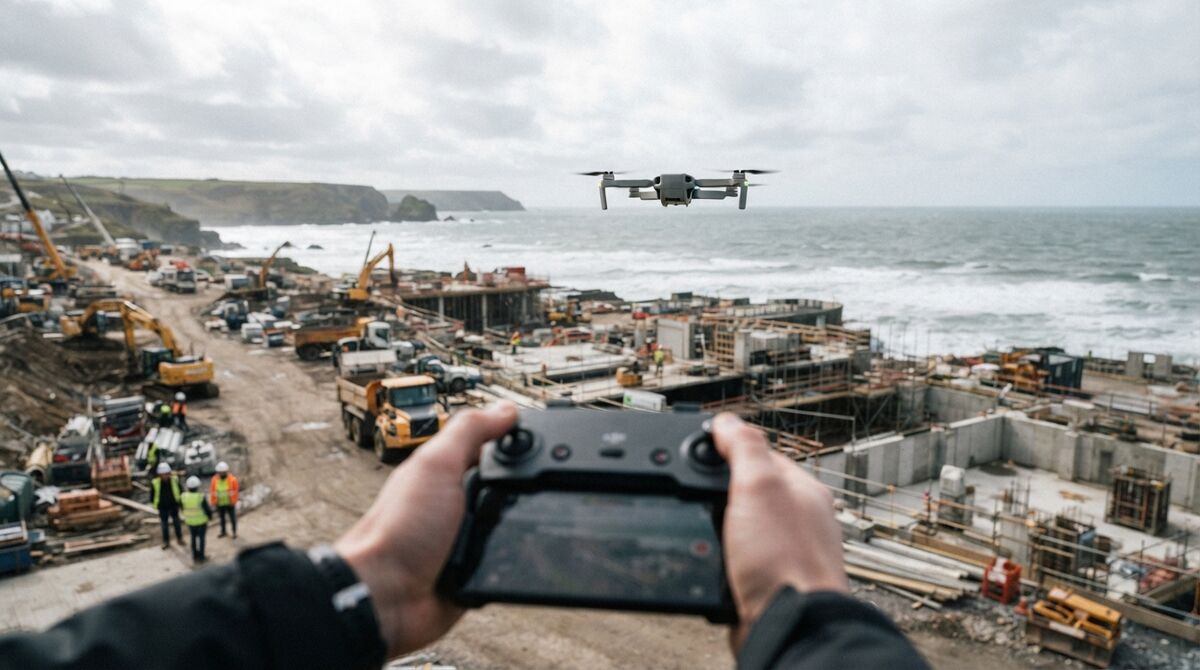
Orbit the subject twice by hand at a steady pace, pitch the gimbal down to roughly 45 degrees, and leave the zoom fixed. For a larger site add a grid pass over the top, then finish with an orbit. Enable video caption recording so the .SRT log is written, then upload the .MP4 and .SRT together at app.skyebrowse.com. The cloud builds the model in minutes.
Manual capture follows a simple rhythm. Circle the subject twice at a steady speed, tilt the camera down about 45 degrees for small scenes, and avoid pointing large amounts of sky into the frame. Slow, smooth motion keeps every frame sharp, which is what videogrammetry needs to lock features together. Before you fly, turn on the video subtitle or caption setting so the drone writes its GPS track to a .SRT file; feeding that file to SkyeBrowse georeferences the finished model automatically. The upload goes straight into SkyeBrowse drone mapping software in the browser, so there is no desktop processing step. The step-by-step is in how to make a 3D model with a drone. For sites that push past what a mini airframe handles well, the mini drone surveying guide explains where to stop.
What does the 1-inch sensor mean versus the Mini 4 Pro?
The Mini 5 Pro's 1-inch sensor mainly improves low-light performance and dynamic range, so frames stay cleaner at dawn, dusk, and in shade. Ground sample distance at a given altitude is close to the Mini 4 Pro because both use a 24mm-equivalent lens, so the ground detail per pixel is similar. The upgrade you feel is image quality, which helps feature matching and model cleanliness.
It helps to separate two ideas. GSD is driven by focal length, sensor pixel count, and altitude. Since the Mini 5 Pro and Mini 4 Pro share a 24mm-equivalent lens and both record 4K video 3840 pixels wide, their per-pixel ground detail tracks closely. SkyeBrowse builds models from video, so the table below uses the 4K video frame. What the larger sensor changes is how much clean signal each pixel carries, which is why the Mini 5 Pro holds up better in marginal light. That cleaner signal reduces noise-driven errors in the reconstruction.
| Altitude | Mini 5 Pro 4K video GSD | Read |
|---|---|---|
| 25 m | 0.98 cm/px | Roof and facade detail |
| 35 m | 1.37 cm/px | Building and lot documentation |
| 50 m | 1.95 cm/px | Wide-area context |
Does the DJI Mini 5 Pro have LiDAR or RTK for mapping?
The Mini 5 Pro carries a forward-facing LiDAR sensor, though it's there for obstacle avoidance and night flight, so it doesn't record a mapping point cloud you can download. There's no RTK module either. SkyeBrowse builds the 3D point cloud from the camera's video, which is why the aircraft still maps well without either.
That distinction explains most of the "Mini 5 Pro LiDAR mapping" searches. DPReview describes the drone's forward LiDAR and vision sensors as the system behind its nighttime omnidirectional obstacle sensing, which keeps the aircraft safe near structures and tree lines. The data never leaves the flight controller as a survey product. Your mapping deliverable comes from the imagery: SkyeBrowse reconstructs geometry from the video frames, and Pro or Public Safety & Enterprise models export that geometry as a LAZ point cloud for CAD or GIS.
RTK is the other frequent question. The Mini 5 Pro positions itself with standard satellite positioning (GNSS), and the .SRT caption file carries that position data into the upload so the model lands on the map automatically. One buying note for U.S. readers: DPReview reported at launch that the Mini 5 Pro wouldn't be officially sold in the United States, so check local availability and FAA registration rules before you plan a fleet around it.
What mapping accuracy can you expect?
The SkyeBrowse processing tier decides accuracy on a Mini 5 Pro model. Pick Commercial or Pro and you measure to half an inch; pick Public Safety & Enterprise, with its 16K Ultra processing, and you measure to a tenth of an inch. Flying lower and closer to the subject tightens detail, and no RTK or ground control is required.
For inspection and documentation jobs, the Mini 5 Pro's clean frames help SkyeBrowse resolve edges and surfaces tightly, and the .SRT file georeferences the result without extra steps. If a client needs a stamped deliverable tied to a surveyed coordinate system, a licensed surveyor will still set their own control, which is a certification requirement separate from how precisely the model measures. Those stamped products follow the ASPRS positional accuracy standards for geospatial data. You can test the whole workflow on a free Freemium account before paying for a model.
FAQ
Can the DJI Mini 5 Pro do mapping?
Yes. The Mini 5 Pro can map even though it is not on the SkyeBrowse Flight App supported list. Fly a slow manual double orbit at a 45-degree tilt, record the video caption file for GPS, then upload the .MP4 and .SRT through Universal Upload at app.skyebrowse.com and the 3D model builds in minutes.
Is the DJI Mini 5 Pro on the SkyeBrowse supported drones list?
No. As of now the DJI Mini 5 Pro is not on the SkyeBrowse Flight App supported list, so automated capture is unavailable. You still map with it by flying manually and using Universal Upload. Check skyebrowse.com/supported-drones for the latest status, since compatibility changes.
Does the Mini 5 Pro one-inch sensor improve 3D models over the Mini 4 Pro?
The larger Type 1 sensor mainly helps in low light and dynamic range, giving cleaner frames at dawn, dusk, and in shade. Ground sample distance at a given altitude is close to the Mini 4 Pro because both use a 24mm-equivalent lens, so the biggest gain shows up as image quality in marginal light.
Can the DJI Mini 5 Pro do LiDAR mapping?
No. The forward LiDAR serves obstacle avoidance only; it feeds the flight controller and never hands you a downloadable scan. Your point cloud is reconstructed in SkyeBrowse from the 4K footage, and on a Pro or Public Safety & Enterprise model you can download it in LAZ, the compressed point cloud format most GIS and CAD tools open.
Upload your first video free. Create a free SkyeBrowse account, upload a drone video, and get a 3D model processed in the cloud. Freemium organizations that have never had a paid plan can get their first full Commercial model for $5 (normally $24.99), with every Commercial tool, every export, and 90-day storage.