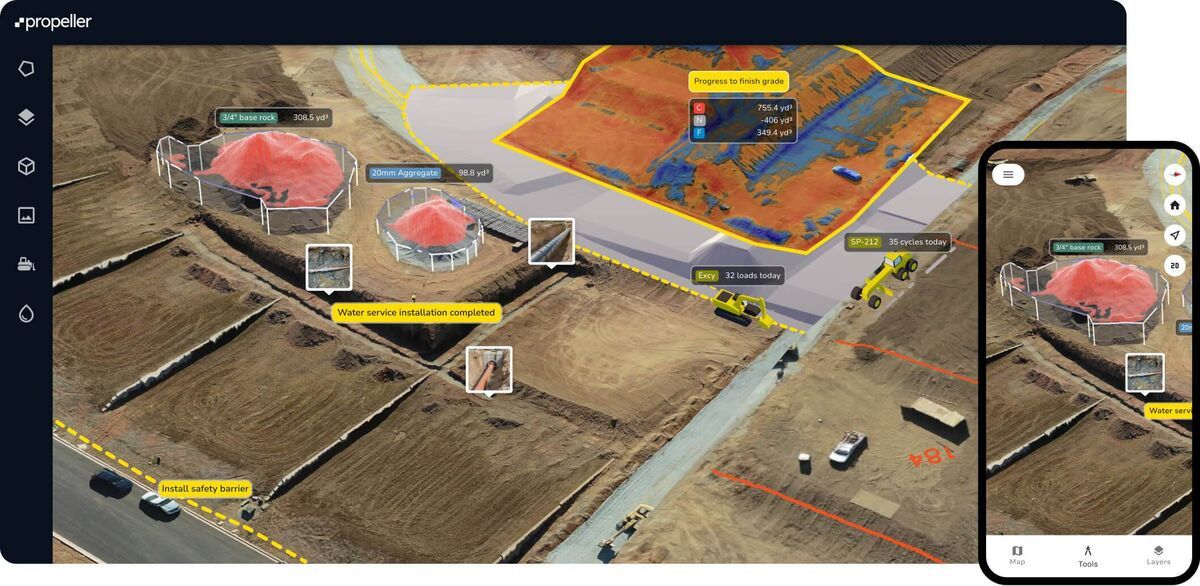
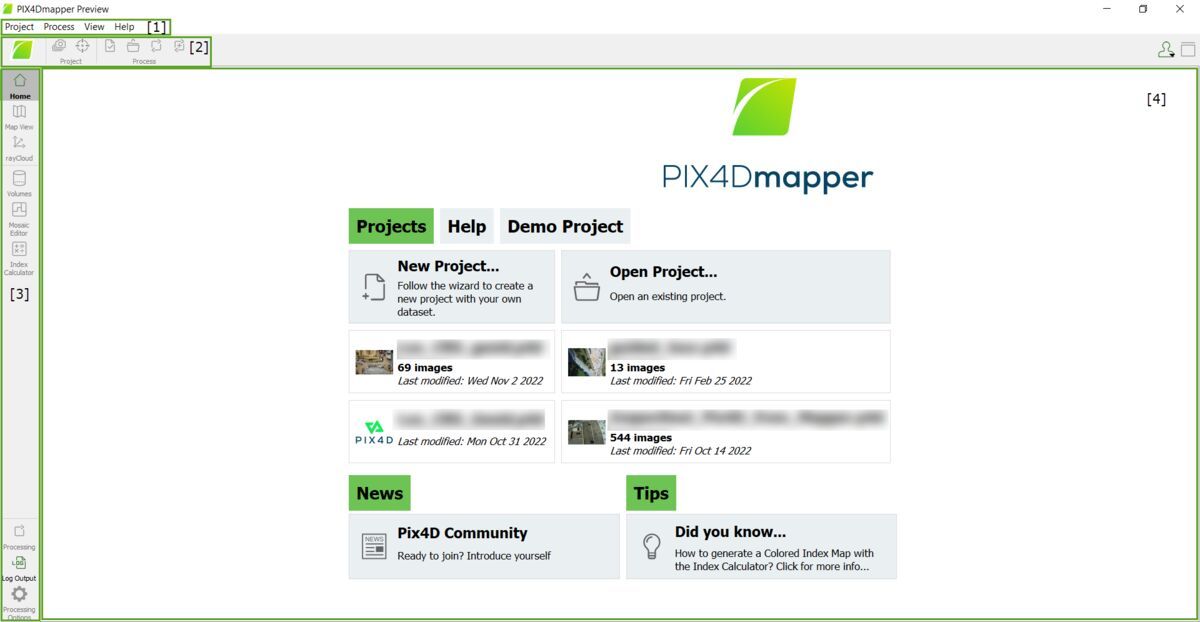
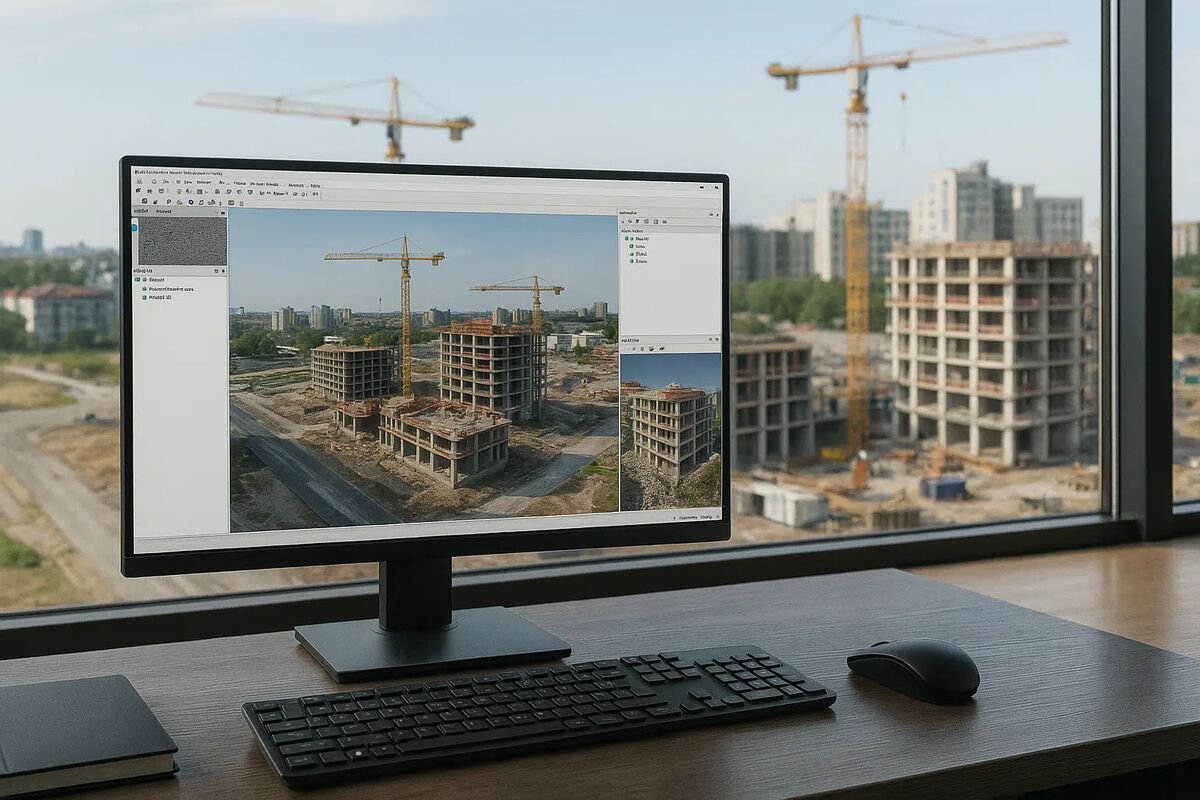
DroneDeploy is a cloud-based drone mapping software platform built around automated flight planning and photogrammetry (the technique of extracting measurements from overlapping images) for construction, mining, and agriculture. It requires specific DJI drones, a proprietary flight app, and hours of cloud processing time. SkyeBrowse takes a fundamentally different approach through patented videogrammetry — converting continuous video from any camera into a 3D model in minutes, without a flight plan or dedicated hardware.
Key Takeaways
- DroneDeploy supports only select DJI drones with its proprietary flight app — no Skydio, Autel, smartphones, body-worn cameras, or 360 cameras. SkyeBrowse accepts any .MP4 or .MOV from any device.
- DroneDeploy cloud processing takes 2-24 hours depending on dataset size. SkyeBrowse processes at a 1:1 ratio, delivering models in minutes instead of hours.
- DroneDeploy requires a pre-planned automated flight mission and cannot handle unplanned scenes. SkyeBrowse requires only that an operator press record — no flight plan, no app install, no boundary definition.
- DroneDeploy charges $329-$499 per month per seat, reaching approximately $30,000/year for a five-person team. SkyeBrowse uses per-model credits or a subscription with no per-seat multiplier.
- DroneDeploy offers only SOC 2 Type II compliance. SkyeBrowse runs on AWS GovCloud (US) with FedRAMP Moderate alignment and full CJIS compliance — a requirement for public safety agencies.
Contents
- Which Devices Work with DroneDeploy vs SkyeBrowse?
- How Fast Does DroneDeploy Process Compared to SkyeBrowse?
- Can You Map Without a Flight Plan on DroneDeploy or SkyeBrowse?
- How Does Accuracy Compare Between DroneDeploy and SkyeBrowse?
- How Much Does DroneDeploy Cost vs SkyeBrowse?
- Is DroneDeploy CJIS Compliant Like SkyeBrowse?
- What File Formats Do DroneDeploy and SkyeBrowse Export?
- Drone Mapping Software Head-to-Head
- Which Platform Should You Choose: DroneDeploy or SkyeBrowse?
- FAQ
Which Devices Work with DroneDeploy vs SkyeBrowse?
DroneDeploy supports only a specific set of DJI drones running its proprietary mobile flight app. Skydio, Autel, and all non-DJI platforms are excluded, as are smartphones, body-worn cameras, GoPros, and 360 cameras. SkyeBrowse accepts any .MP4 or .MOV video file from any recording device through its Universal Upload interface, with no hardware restrictions.
The DroneDeploy compatibility limitation has real operational consequences. If your agency or team already flies an Autel EVO II or a Skydio 2+, that hardware is incompatible with DroneDeploy's flight automation system. Every operator must have DroneDeploy's mobile app installed and configured before capture begins — there is no fallback for unplanned footage from a phone or action camera. For enterprise teams with standardized DJI fleets and dedicated operators, this is manageable. For mixed-hardware environments or unplanned documentation needs, the constraint becomes a blocker.
SkyeBrowse's videogrammetry pipeline is hardware-agnostic by design. A DJI Mavic 3 Enterprise, an iPhone, a GoPro, an Autel EVO II, or a 360 camera all feed the same processing engine through app.skyebrowse.com. Including telemetry files — .SRT for DJI drones or .ASS for Autel — improves georeferencing accuracy, but the model processes successfully even without them. The practical result: any team member with any recording device can contribute usable data on the same platform.
How Fast Does DroneDeploy Process Compared to SkyeBrowse?
DroneDeploy's photogrammetry pipeline processes a typical 200-400 photo dataset in 2 to 6 hours, with larger or high-resolution jobs reaching 12 to 24 hours. SkyeBrowse processes video at a 1:1 ratio — ten minutes of footage yields a model in approximately ten minutes. That difference determines whether results are available during an active incident or the following business day.
DroneDeploy's cloud queue adds latency on top of its base processing time. During peak usage periods, submissions wait before processing even begins. A scene captured at 9 AM may not produce a viewable model until late afternoon or the next morning. For construction progress tracking on a weekly cycle, that window is acceptable. For crash reconstruction, insurance assessment, or any time-sensitive operational context, it is not.
The FAA requires commercial drone operators to maintain records of their operations under 14 CFR Part 107, and timely documentation is often operationally critical regardless of regulatory requirements. SkyeBrowse's 1:1 processing ratio means an officer who orbits a crash scene for ten minutes uploads once and receives a court-ready 3D model before clearing the scene. A construction manager who walks a site during a morning visit reviews measurements during that same visit. The speed difference is not incremental — it changes whether results are usable in the field or only in hindsight.
Can You Map Without a Flight Plan on DroneDeploy or SkyeBrowse?
DroneDeploy requires a pre-planned automated drone mission: operators define boundaries, set overlap parameters, and launch a grid or orbit pattern using the DroneDeploy app on a supported DJI drone. Unplanned scenes, freehand video, and footage from non-drone devices cannot be processed. SkyeBrowse requires only that an operator press record on any video-capable device — the videogrammetry engine handles the rest regardless of capture method.
The flight-plan requirement is where DroneDeploy's design assumptions become most visible. The platform was built for scheduled enterprise drone surveys at known locations: construction sites with consistent geometry, agricultural fields with defined boundaries, mining stockpiles revisited on a regular cadence. That model works well for its intended use cases. It does not work when a patrol officer arrives at an unplanned crash scene, when a firefighter needs interior documentation during a structure fire investigation, or when an insurance adjuster is walking a property with nothing but a smartphone.
SkyeBrowse's videogrammetry approach removes the planning dependency entirely. There is no boundary to define, no overlap percentage to configure, and no app to install before capture. The SkyeBrowse Flight App provides automated orbits for supported drones when pre-planned capture is possible, but Universal Upload at app.skyebrowse.com accepts freehand video from phones, body-worn cameras, and action cameras with equal fidelity. The same platform handles a scheduled construction survey on Monday and an emergency scene documentation call on Wednesday without any workflow change.
Need help deciding whether DroneDeploy or SkyeBrowse fits your team's workflow? Reach out and we can map the right approach to your mission, staffing model, and timeline.
How Does Accuracy Compare Between DroneDeploy and SkyeBrowse?
SkyeBrowse publishes three documented accuracy tiers achievable without ground control points: Lite at 2-6 inch, Premium at 8K resolution, and Premium Advanced at 0.1-inch accuracy with 16K resolution and AI-based moving object removal. DroneDeploy does not publish standardized accuracy tiers — results vary by flight altitude, photo overlap percentage, and whether ground control points are placed in the field.
The GCP dependency is a meaningful operational distinction. Ground control points require licensed surveyors to place and verify physical targets at known coordinates before a flight, adding preparation time, equipment, and personnel cost to every survey. DroneDeploy's relative accuracy without GCPs depends entirely on the drone's onboard GPS, which varies by model and atmospheric conditions. For construction or agriculture teams running repeat surveys at established sites with GCPs already placed, this workflow is workable. For public safety or insurance teams documenting scenes on arrival, it is not.
SkyeBrowse's Premium Advanced tier — 0.1-inch accuracy at 16K resolution — is achievable with an RTK-equipped drone and no GCPs in the field. The AI moving object removal layer strips pedestrians, vehicles, and other transient elements from the final model automatically, which is critical for evidentiary models where scene contamination affects admissibility. Read more about orthomosaic outputs and how SkyeBrowse's three accuracy tiers apply to different field conditions. Every SkyeBrowse tier is documented, repeatable, and defensible in court or in front of an insurance claims committee.
How Much Does DroneDeploy Cost vs SkyeBrowse?
DroneDeploy charges $329 to $499 per month per seat with no volume break for multi-operator teams. Five operators on Business plans cost approximately $30,000 per year before hardware. SkyeBrowse uses per-model credit packs and subscription tiers with no per-seat multiplier, so ten officers can upload under one account without ten separate licenses.
DroneDeploy's per-seat structure creates compounding costs for growing teams. Each new operator added to the platform requires a full additional seat license at $329-$499 per month, regardless of how many models that person actually submits. Teams that map infrequently — a public safety unit that documents 8-10 scenes per month, for example — still pay the full monthly rate for every seat every month. The Individual plan covers one user with limited processing, and Business adds collaboration and API access at $499 per seat. Enterprise pricing requires a custom contract negotiation.
SkyeBrowse's per-model credit model scales with usage rather than headcount. A department that processes 10 models per month pays for 10 models, whether one officer uploads all of them or ten different officers each submit one. Premium credits run $99 per model and Premium Advanced $199 per model, with subscription tiers available for higher-volume teams. Traditional scene documentation costs roughly $360 in personnel time and equipment across a typical incident. SkyeBrowse reduces that to approximately $25 per scene by cutting documentation from 3 hours with 4 staff to 10 minutes with 1 operator.
Is DroneDeploy CJIS Compliant Like SkyeBrowse?
DroneDeploy holds SOC 2 Type II certification but does not provide CJIS compliance, FedRAMP authorization, or government-specific cloud hosting. SkyeBrowse runs on AWS GovCloud (US) with FedRAMP Moderate alignment, full CJIS compliance, audit trails, controlled sharing permissions, and guaranteed 5-year data retention on Premium and Premium Advanced tiers.
SOC 2 Type II verifies that a vendor's internal controls for security, availability, and confidentiality meet AICPA standards. It is a meaningful compliance certification for commercial enterprise software. It is not sufficient for law enforcement agencies subject to the FBI's Criminal Justice Information Services Security Policy, which mandates specific requirements for data storage, access controls, transmission encryption, and audit logging when handling criminal justice information.
SkyeBrowse was built to meet those requirements from the ground up. AWS GovCloud (US) hosting isolates government data from commercial cloud infrastructure. FedRAMP Moderate alignment covers the security control baseline required for federal and state law enforcement use. CJIS-specific workflows on Premium and Premium Advanced tiers include audit trails that log every access event, controlled sharing that limits who can view a given model, and guaranteed 5-year retention so evidentiary data persists through investigation, prosecution, and appeals. For any agency subject to CJIS policies — which includes virtually all state and local law enforcement in the United States — DroneDeploy's compliance posture creates a gap that SkyeBrowse closes.
What File Formats Do DroneDeploy and SkyeBrowse Export?
DroneDeploy exports orthomosaics as GeoTIFF and JPEG, 3D meshes as OBJ, and point clouds as LAS, with measurement and annotation tools confined to its proprietary dashboard. SkyeBrowse exports LAZ point clouds, GLB meshes, and GeoTIFF orthomosaics in open formats, and provides a browser-based 3D viewer where anyone can review models through a shared link without an account or software install.
DroneDeploy's export suite is functional, but its analytics layer — AI annotations, volumetric calculations, progress comparisons — lives inside the proprietary dashboard. Integration with Procore, Autodesk, and Bluebeam keeps data flowing within the DroneDeploy ecosystem, which is a strength for enterprise construction teams already using those tools. The tradeoff is that prosecutors, adjusters, command staff, or partner agencies who need to view a model must either have DroneDeploy accounts or receive a processed export file.
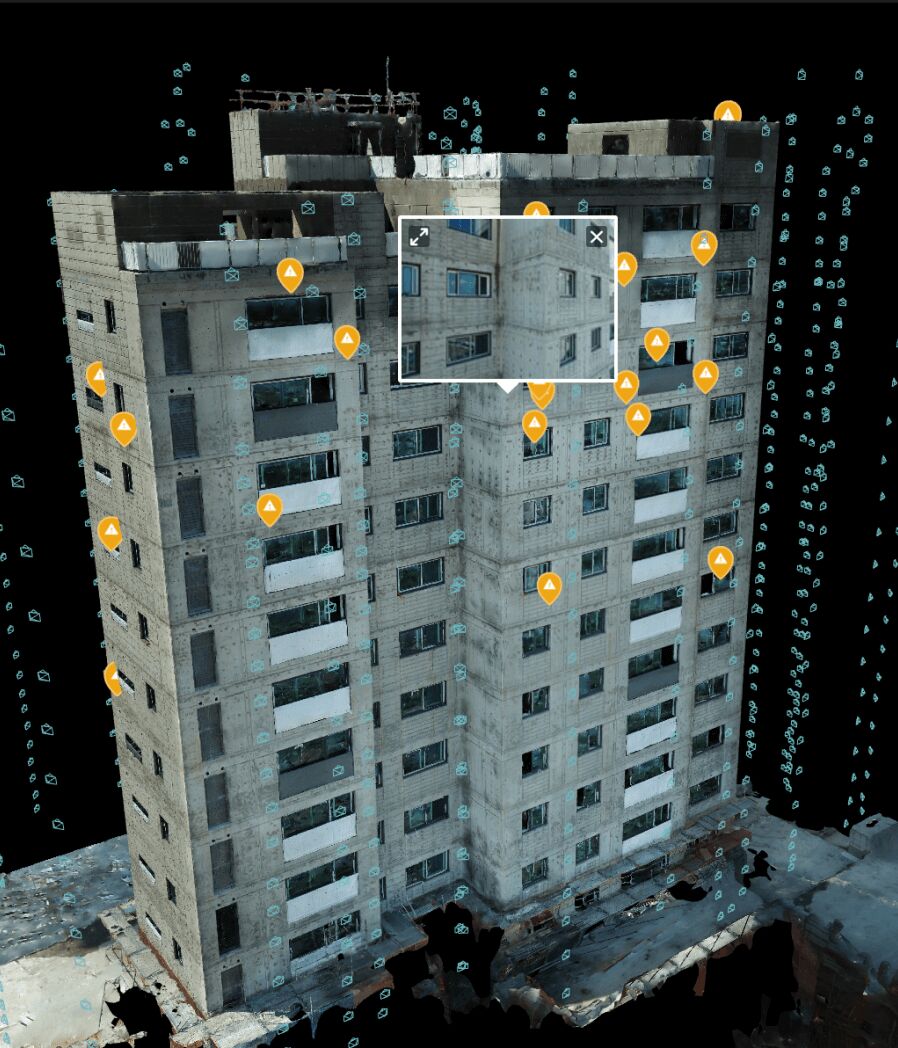
SkyeBrowse's open export formats — LAZ, GLB, GeoTIFF — feed directly into any GIS, CAD, or forensic reconstruction tool without vendor lock-in. The browser-based 3D viewer at app.skyebrowse.com lets anyone with a shared link review measurements, annotate observations, and navigate the model in three dimensions using only a web browser. No account, no software install, no proprietary viewer required. For public safety agencies sharing scene documentation with district attorneys, insurers sharing models with policyholders, or construction teams sharing progress with project owners, that distinction matters at every handoff.
Drone Mapping Software Head-to-Head
DroneDeploy and SkyeBrowse differ across device support, processing speed, accuracy documentation, pricing structure, compliance certifications, and export openness. The table below summarizes every major decision factor side by side so teams can identify the platform that matches their operational requirements.
| DroneDeploy | SkyeBrowse | |
|---|---|---|
| Device Compatibility | Select DJI drones only | Any .MP4/.MOV device |
| Capture Method | Automated flight plan via proprietary app | Any video: drone, phone, BWC, 360 camera |
| Processing Time | 2-24 hours | 1:1 ratio (minutes) |
| Accuracy | Varies by setup, GCPs required for survey grade | Consistent 0.1-inch to 6-inch across three tiers, no GCPs needed |
| Pricing | $329-$499/mo per seat | Per-model credits or subscription (no per-seat fee) |
| Compliance | SOC 2 | CJIS, FedRAMP Moderate, AWS GovCloud |
| Outputs | GeoTIFF, OBJ, LAS (proprietary dashboard) | LAZ, GLB, GeoTIFF (open formats, browser sharing) |
| Hardware Required | DJI drone + DroneDeploy app | Any camera that records video |
| Data Retention | Platform-dependent | 5-year guaranteed (Premium/Advanced) |

Which Platform Should You Choose: DroneDeploy or SkyeBrowse?
DroneDeploy is a fit for enterprise teams running scheduled photogrammetry surveys with standardized DJI fleets, existing Procore or Autodesk integrations, and the tolerance for 2-24 hour processing windows. SkyeBrowse is the stronger choice for public safety, construction, and insurance teams that need fast results from mixed hardware, CJIS-compliant data handling, and pricing that scales with usage rather than headcount.
DroneDeploy's strengths are real within its intended scope. Planned drone surveys at known sites with DJI equipment produce detailed orthomosaics and point clouds that integrate cleanly with construction management platforms. If your workflow is exclusively scheduled enterprise photogrammetry and your team already operates within the DroneDeploy-Procore-Autodesk stack, the platform covers that use case well.
The gap appears at the edges of that scope. The moment a team needs to document an unplanned scene, process data in the field, use non-DJI hardware, share models with parties outside the organization, or meet CJIS compliance requirements, DroneDeploy reaches its design boundary. SkyeBrowse covers the planned-survey use case and every scenario outside it — any device, any operator, any location, with models in minutes and compliance built in. For 1,200+ agencies that have standardized on SkyeBrowse, the choice comes down to whether the platform needs to work only on the schedule or also when the schedule breaks.
FAQ
Is DroneDeploy free?
No. DroneDeploy does not offer a free tier. Plans start at $329 per month per seat for the Individual plan, rising to $499 per month per seat on the Business plan. Enterprise pricing requires a custom contract. SkyeBrowse offers per-model credit packs starting at $99 per model, so teams that map infrequently are not locked into a full monthly seat fee regardless of usage volume.
Can DroneDeploy work with Skydio or Autel drones?
No. DroneDeploy's automated flight planning app is built around a specific set of supported DJI drones. Skydio, Autel, and other non-DJI platforms are not compatible with the DroneDeploy flight app and cannot be used to capture data for the platform. SkyeBrowse accepts any .MP4 or .MOV video file, including footage from Autel EVO II and MAX 4T, Skydio, DJI, smartphones, GoPros, and body-worn cameras, through the same Universal Upload interface.
Which is better for public safety — DroneDeploy or SkyeBrowse?
SkyeBrowse is the stronger choice for public safety. It runs on AWS GovCloud (US) with FedRAMP Moderate alignment and full CJIS compliance, which is a hard requirement for law enforcement agencies handling criminal evidence or sensitive investigation data. DroneDeploy offers SOC 2 Type II compliance but does not advertise CJIS compliance or government-specific cloud hosting. SkyeBrowse also processes video in minutes at a 1:1 ratio, which is critical at active scenes where waiting 2-24 hours for results is not operationally viable. For agencies that need to share evidentiary models with prosecutors or partner agencies, SkyeBrowse's browser-based viewer allows access via shared link without requiring recipients to hold DroneDeploy accounts.
Upload your first video free. Create a free SkyeBrowse account, upload a drone video, and get a 3D model processed in the cloud. Freemium organizations that have never had a paid plan can get their first full Commercial model for $5 (normally $24.99), with every Commercial tool, every export, and 90-day storage.