WebODM sits in an unusual position in the drone mapping software landscape: it is genuinely free, genuinely capable, and genuinely difficult to operate. For the right user, it is one of the best options available. For the wrong user, it becomes an exercise in Docker troubleshooting, disk management, and parameter experimentation. This review cuts through the community enthusiasm and the "free = good" logic to give a realistic picture of what WebODM does, where it struggles, and who should actually use it.
Key Takeaways
- WebODM is a genuinely capable open-source drone mapping tool — free to download, auditable, and vendor-lock-in free.
- Setup requires Docker and Linux familiarity. Windows and macOS users regularly encounter resource allocation and configuration issues.
- Accepts only geotagged drone photos. No video, no smartphone input, no body camera footage, no ground-level capture.
- Processing quality is highly parameter-sensitive — dozens of configuration options with no sensible defaults for non-expert users.
- No compliance certifications (CJIS, FedRAMP, SOC 2), no SLA, and no enterprise support — disqualifying for government and public safety use.
WebODM at a Glance
| Category | Details |
|---|---|
| What It Is | Open-source, self-hosted drone photogrammetry platform (web interface for OpenDroneMap) |
| Best For | Technical users, researchers, and hobbyists with Linux/Docker skills and capable hardware |
| Input | Geotagged JPEG/TIFF drone photos only. No video, no smartphone, no body camera input. |
| Processing | Self-hosted (hardware-dependent). Cloud option via WebODM Lightning (per-job pricing). |
| Pricing | Free (self-hosted). Lightning cloud: per-job pricing. Real cost: hardware + storage + IT time. |
| Accuracy | Dependent on GCPs, flight parameters, and processing configuration. No built-in accuracy validation. |
| Compliance | None. No CJIS, no FedRAMP, no SOC 2, no enterprise support tier. |
| Key Limitation | Docker setup barrier, drone-photos-only input, parameter complexity, no compliance, no SLA |
Contents
- What is WebODM?
- How hard is the setup process?
- How does processing quality compare to paid tools?
- What devices and inputs work with WebODM?
- Is WebODM accurate enough for professional use?
- What does "free" actually cost?
- Who should use WebODM?
- Alternatives Worth Considering
What is WebODM?
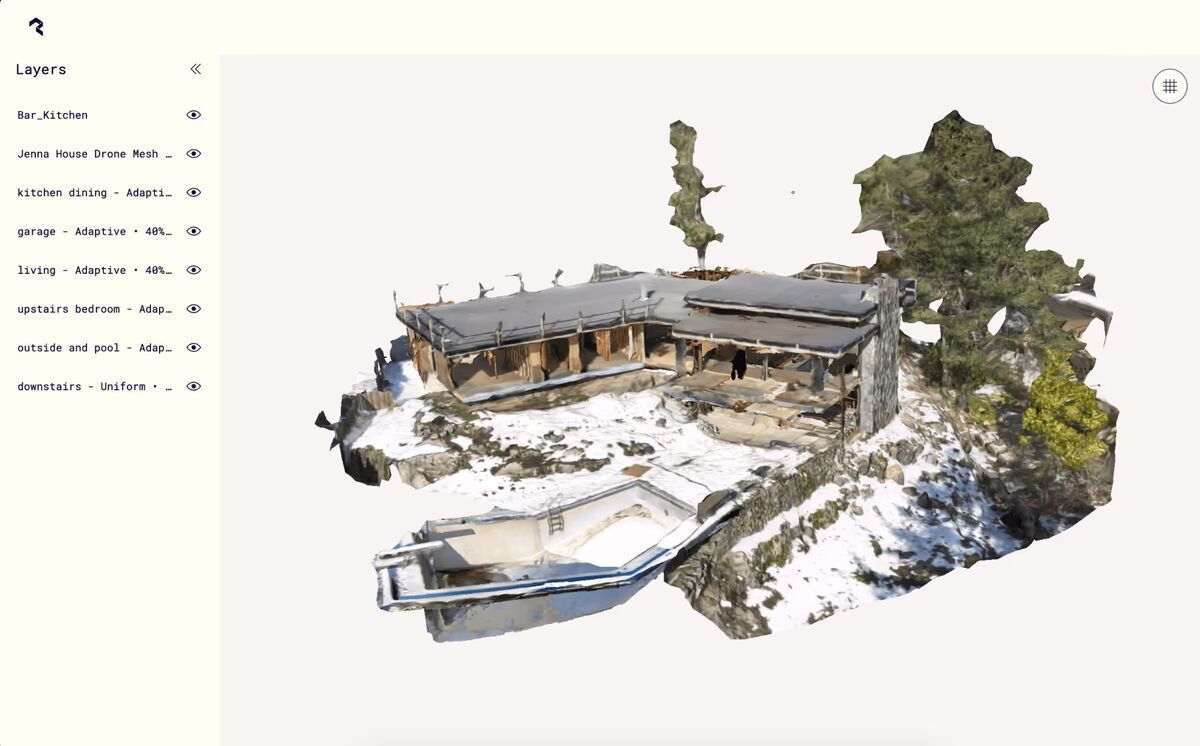
WebODM is an open-source, browser-based interface built on top of OpenDroneMap (ODM), a command-line photogrammetry engine maintained on GitHub. Photogrammetry is the process of extracting 3D spatial data from overlapping 2D photographs — the same principle used in aerial survey, forensic documentation, and construction site monitoring. WebODM wraps the ODM engine in a web dashboard so users can upload geotagged drone photos, configure processing parameters, and retrieve outputs like orthomosaics (geometrically corrected aerial maps stitched from individual drone images), point clouds, and digital surface models — all without writing command-line instructions.
It is self-hosted by default, meaning you run it on your own hardware using Docker. A managed cloud option called WebODM Lightning exists for users who want to pay per job rather than maintain infrastructure.
How hard is the setup process?
Setup is straightforward if you are comfortable with Docker and Linux. It is genuinely painful if you are not. The official installation process requires Docker Desktop on Windows or macOS, or a native Docker install on Linux. Linux is the most stable environment; Windows and macOS users regularly encounter resource allocation problems — Docker Desktop does not always release RAM between sessions and imposes CPU limits that throttle processing jobs mid-run.
The installation itself is documented in the OpenDroneMap GitHub repository and takes roughly 10-20 minutes on a clean Linux system with a stable internet connection. On Windows or macOS, that estimate often doubles once Docker Desktop configuration is factored in. Users need to manually tune Docker's memory and CPU ceilings in the Docker Desktop settings panel, and those settings are not obvious to non-technical operators.
WebODM also has no installer wizard, no MSI package, and no packaged desktop app. Every update is a git pull followed by a container rebuild. For organizations used to software that installs with a double-click, this friction is significant and should not be underestimated before committing to the platform.
How does processing quality compare to paid tools?
WebODM produces solid photogrammetry outputs for non-critical mapping work, but result quality is highly sensitive to processing parameter selection. The software exposes dozens of configuration options — point cloud quality, feature extraction algorithm, mesh size, radiometric calibration — and choosing wrong settings can produce outputs that are blurry, misaligned, or geometrically distorted. Paid platforms like DroneDeploy and Pix4D hide most of this complexity behind sensible defaults.
Processing time depends entirely on local hardware. A modest laptop may take several hours to process a 400-image survey that a cloud-based platform completes in 20 minutes. Even on capable workstations, a single project can generate 10-20 GB of intermediate files before producing final outputs, which puts pressure on storage management. There is no automatic cleanup of intermediary data.
For users willing to invest time learning the parameter documentation maintained by the OpenDroneMap community, output quality for orthomosaics and point clouds can approach that of commercial tools. For users who need consistent, repeatable results without tuning, the variability is a real liability.
What devices and inputs work with WebODM?
WebODM accepts geotagged JPEG or TIFF images from drones — and only from drones. The platform has no support for video files, smartphone imagery, body-worn camera footage, or ground-level capture. Every input must be a still image with embedded GPS coordinates. If a photo lacks geotag data, WebODM requires ground control points (GCPs) — known physical reference markers with surveyed coordinates — to anchor the model spatially.
This constraint is by design rather than oversight: OpenDroneMap is built for aerial photogrammetry workflows where a drone captures a systematic grid of nadir or oblique photos over a defined area. That workflow works well for agricultural surveys, construction site monitoring, and environmental mapping. It does not translate to incident documentation scenarios where a first responder arrives on scene without a pre-planned flight grid, or where the only available imagery is from a smartphone or dashcam.
Is WebODM accurate enough for professional use?
For general mapping and non-critical surveys, WebODM is accurate enough. For legal, forensic, or compliance-sensitive applications, it falls short in several important ways. Geometric accuracy depends on GCP placement, photo overlap, flight altitude, and parameter configuration — all variables the user must control independently. There are no built-in accuracy validation reports that meet evidentiary standards.
More significantly, WebODM holds no compliance certifications. There is no CJIS compliance, no FedRAMP authorization, no ITAR compliance, and no SOC 2 attestation. For law enforcement agencies, federal government users, or any organization operating under data handling mandates, this is a disqualifying limitation regardless of output quality. The platform has an active community forum for support, but there is no service level agreement, no guaranteed response time, and no enterprise support tier for self-hosted installations.
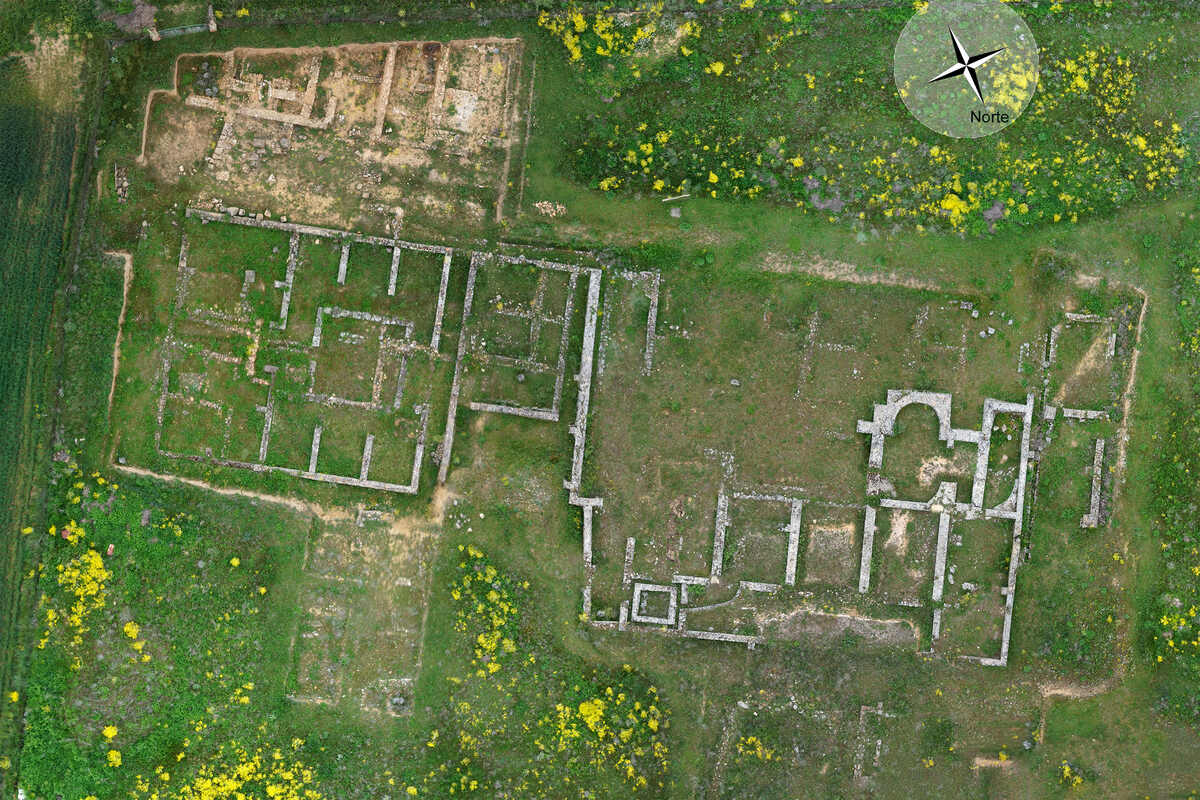
According to Docker's official system requirements documentation, Docker Desktop itself imposes overhead that affects performance on consumer hardware — a factor that compounds the hardware demands of large photogrammetry jobs. Users running WebODM on underpowered machines will see accuracy degraded by incomplete processing jobs or forced parameter trade-offs to manage memory.
What does "free" actually cost?
The self-hosted version of WebODM is free to download and run, but the real cost of operating it is hardware, storage, and IT time. A machine capable of processing a 500-image dataset without throttling needs at least 16 GB of RAM and a multicore processor — ideally 32 GB or more for larger projects. If that hardware does not already exist, the procurement cost is real.
Disk usage is aggressive. A single project producing 10-20 GB of intermediate files means a standard 512 GB SSD fills up quickly for active users. External storage or a NAS becomes necessary overhead. There is no built-in file lifecycle management to automatically archive or delete old project files.
The WebODM Lightning cloud option removes the hardware burden but introduces per-job pricing, which scales unpredictably with project volume. For organizations running frequent jobs, Lightning costs can accumulate quickly relative to the "free" expectation the WebODM brand creates.
Time investment is also a legitimate cost. Learning the parameter system, diagnosing Docker issues, managing storage, and staying current with ODM updates are ongoing tasks that require a technically capable user. For a small team or a solo operator, that time has an opportunity cost.
WebODM Pros and Cons
| Pros | Cons |
|---|---|
| Genuinely free and open-source with no vendor lock-in | Requires Docker and Linux familiarity for setup |
| Full source code is auditable for research reproducibility | Windows/macOS Docker Desktop causes resource allocation issues |
| Capable orthomosaic, point cloud, and DSM outputs | Processing quality is highly sensitive to parameter selection |
| Active community and ongoing development on GitHub | A single project generates 10-20 GB of intermediate files |
| No per-seat licensing costs | No video, smartphone, or body camera input — drone photos only |
| Browser-based interface friendlier than raw command-line ODM | No compliance certifications (CJIS, FedRAMP, SOC 2) |
| GCP support for improved accuracy | No SLA, no guaranteed support, no enterprise tier |
What do users say about WebODM?
WebODM has earned strong community support on GitHub (4,500+ stars on the OpenDroneMap repository) and an active user forum. Technical users and researchers consistently praise the platform's transparency, customizability, and freedom from vendor lock-in.
The most common frustration is the setup and configuration barrier. Users on Reddit and the community forum regularly post Docker troubleshooting questions, memory allocation errors, and processing failures that trace back to parameter misconfiguration. The gap between "it works" and "it produces good results" requires meaningful time investment.
Storage management is another recurring theme. Users processing multiple projects report that disk space fills up quickly without manual cleanup, and there is no built-in lifecycle management for intermediate files. For teams accustomed to commercial software that handles these details automatically, the operational overhead is a genuine adjustment.
Who should use WebODM?
WebODM fits a narrow but real audience:
- Hobbyists and students learning photogrammetry who want hands-on exposure to a full pipeline without paying for a subscription.
- Researchers and academics who need an open-source, auditable processing engine for reproducible methodology.
- Technical GIS professionals running Linux workstations who have the hardware and expertise to configure the system properly and interpret variable outputs.
- Small-budget operators doing non-critical agricultural or environmental surveys where accuracy tolerances are forgiving and processing turnaround is not time-sensitive.
WebODM is not a fit for law enforcement or government agencies requiring compliance certifications, for first responders needing rapid turnaround from field capture, for teams without a technically capable administrator, or for anyone whose input comes from video or non-drone sources. The browser-based interface is genuinely friendlier than running raw ODM from the command line, and the lack of vendor lock-in is a legitimate advantage for users with the skills to exploit it — but those qualifications matter.
Alternatives Worth Considering
If WebODM's limitations do not fit your workflow, several alternatives are worth evaluating depending on the use case:
- Pix4D and DroneDeploy are the dominant commercial drone mapping platforms, both cloud-based, with managed processing and stronger accuracy tooling. Both carry significant subscription costs.
- Agisoft Metashape is a desktop photogrammetry application with more processing control than WebODM and a less volatile parameter system, at a one-time license cost.
- SkyeBrowse takes a different approach: it processes drone video rather than still photos, accepts smartphone and body-worn camera input via Universal Upload, and delivers survey-grade accuracy down to 0.1 inch on Public Safety & Enterprise with no GCPs required. It is built for rapid field documentation rather than planned survey grids, with CJIS-compliant hosting on AWS GovCloud. Trusted by 1,200+ public safety agencies including San Bernardino County Fire, Utah State Fire Marshal's Office, and the California Department of Justice. A better fit for law enforcement, fire departments, and first responder teams that need fast results from unplanned incidents — use cases where WebODM's drone-only, photo-only input model creates a hard block.
No single platform is right for every use case. WebODM earns its place in the ecosystem for the users it fits. The key is being honest about whether you are actually one of them before committing the infrastructure time.
Frequently Asked Questions
Is WebODM really free?
The self-hosted version is free to download and run. The real costs are hardware (16-32 GB RAM workstation), storage (10-20 GB per project in intermediate files), and IT time for setup, configuration, and maintenance. WebODM Lightning offers cloud processing at per-job pricing for users who want to avoid infrastructure management.
How hard is WebODM to set up?
On a clean Linux system with Docker installed, setup takes roughly 10-20 minutes. On Windows or macOS via Docker Desktop, expect longer due to resource allocation configuration. There is no installer wizard or packaged desktop app — updates require git pull and container rebuilds.
Can WebODM process video?
No. WebODM accepts only geotagged JPEG or TIFF still photographs from drone flights. Video files, smartphone imagery, body-worn camera footage, and ground-level capture are not supported.
Is WebODM accurate enough for survey work?
With properly placed GCPs, adequate photo overlap, and correct parameter configuration, WebODM can produce usable mapping outputs. However, there are no built-in accuracy validation reports, no compliance certifications, and no standardized accuracy guarantees — limitations that matter for legal, forensic, or regulatory applications.
Can government agencies use WebODM?
WebODM holds no compliance certifications — no CJIS, no FedRAMP, no SOC 2, and no ITAR compliance. For government agencies, law enforcement, or any organization operating under data handling mandates, this is a disqualifying limitation. There is also no enterprise support tier or service level agreement.
Upload your first video free. Create a free SkyeBrowse account, upload a drone video, and get a 3D model processed in the cloud. Freemium organizations that have never had a paid plan can get their first full Commercial model for $5 (normally $24.99), with every Pro tool and export included and 90-day storage.