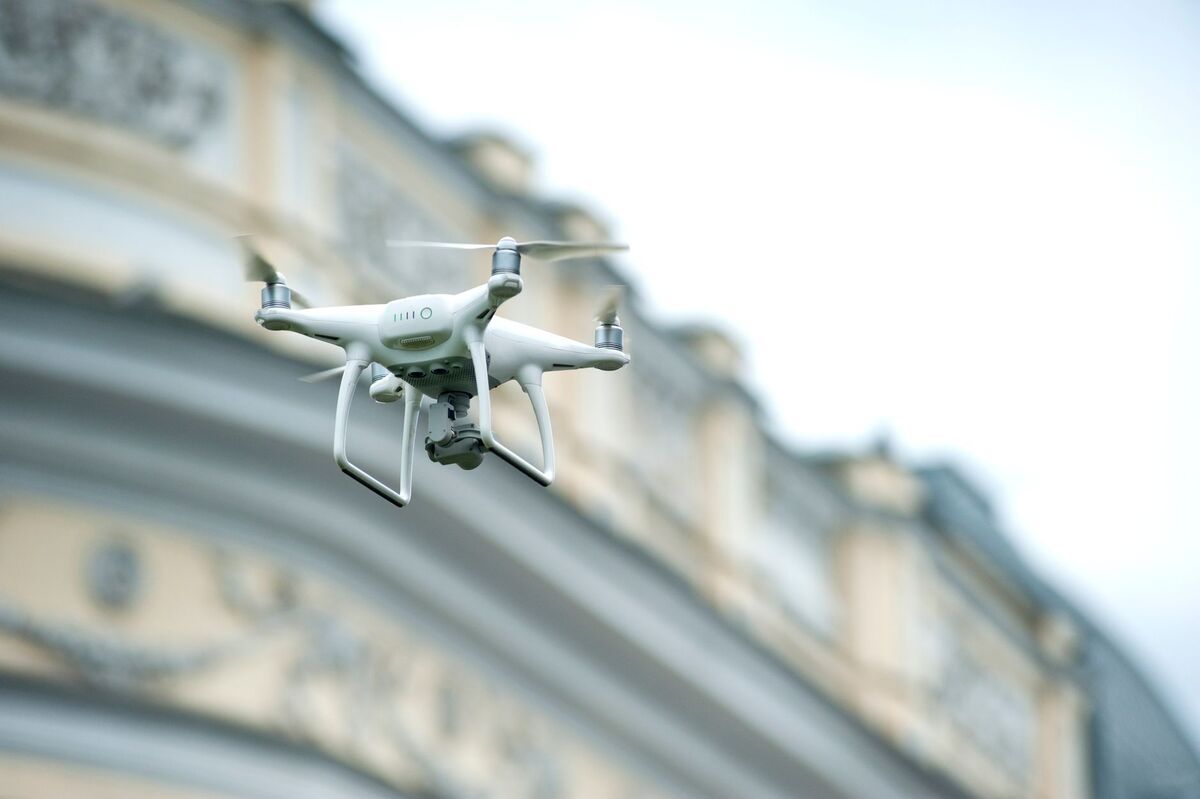
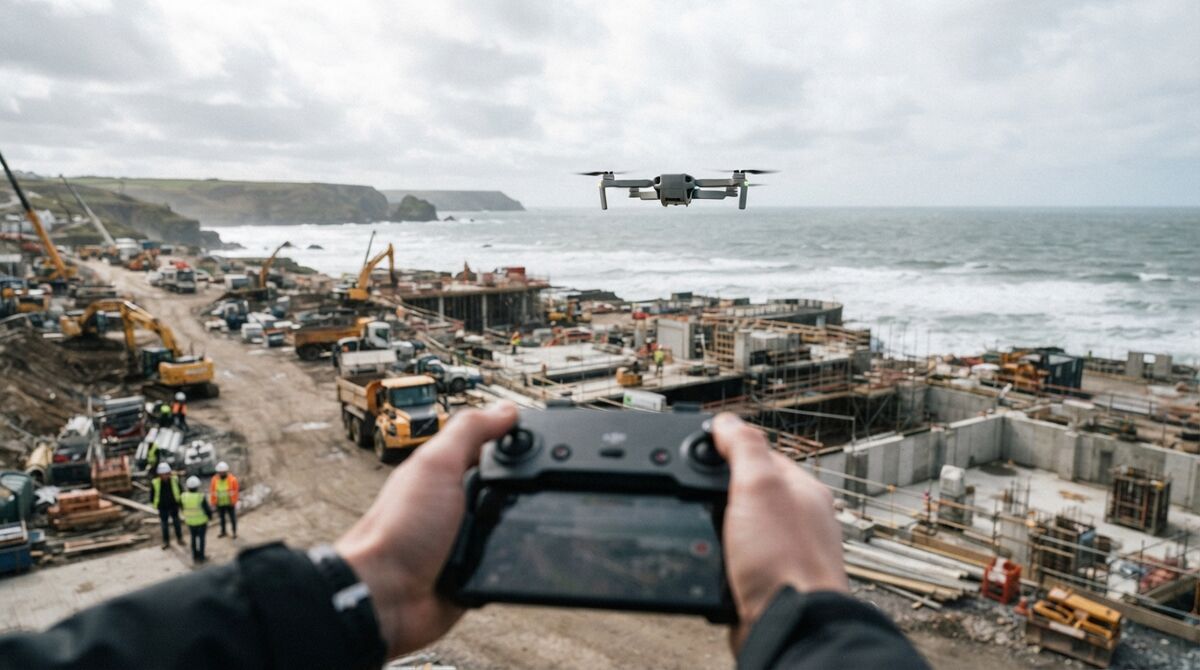
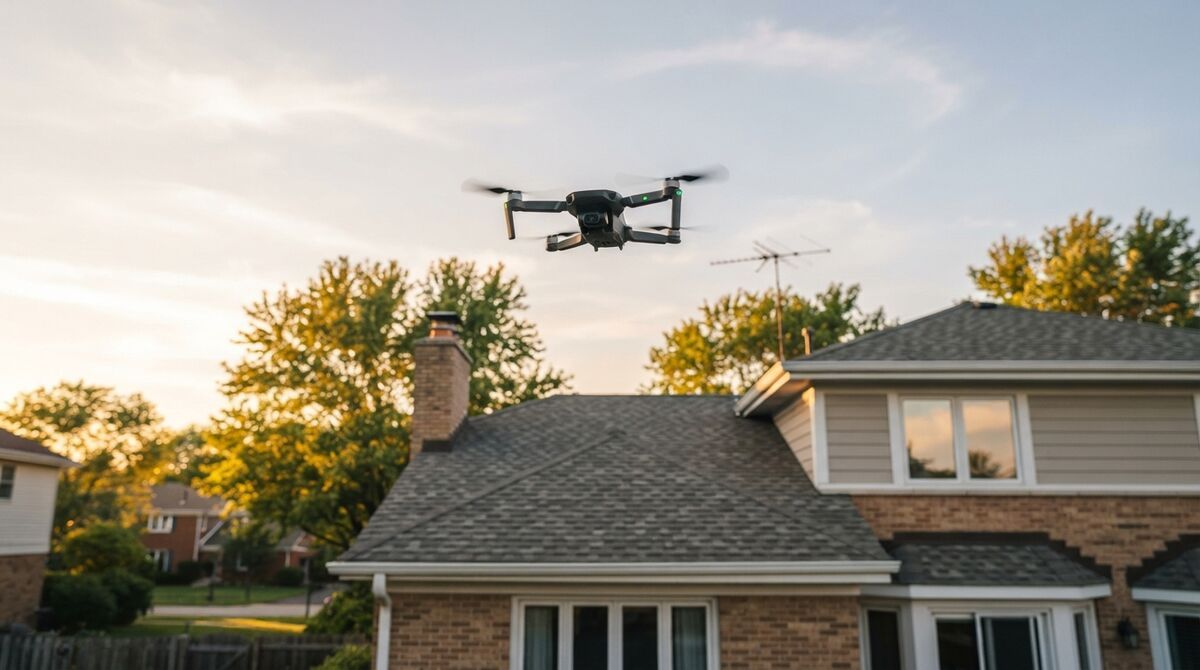
Skydio mapping is a growing question inside US public safety, because the Skydio X10 has become a default drone for agencies and drone-as-first-responder programs while Skydio's own 3D capture tooling is enterprise gated. The practical answer for most agencies is to record video with the X10 and process it with SkyeBrowse, a cloud videogrammetry platform that turns ordinary drone video into a measurable 3D model. This guide covers the capture pattern, the upload workflow, and how a mixed NDAA fleet lives in one account.
Key Takeaways
- SkyeBrowse is drone agnostic, so a Skydio X10 produces a 3D model through Universal Upload even with no Skydio Flight App integration.
- The X10 is NDAA compliant and built for US public safety, which makes it common in drone-as-first-responder and evidence programs.
- Record with the wide camera, let Skydio autonomy hold a smooth orbit, and upload the MP4 for cloud processing that returns a model in minutes.
- One SkyeBrowse account covers mixed DJI, Autel, and Skydio fleets, so agencies standardize on a single mapping deliverable.
- Full CJIS compliance support on Premium fits crash scene, crime scene, and pre-incident planning, with accuracy near a quarter inch on 8K processing.
Contents
- Can SkyeBrowse map from Skydio X10 video?
- How do you capture a Skydio scene for a 3D model?
- What are the Skydio X10 camera specs for mapping?
- How does Skydio mapping help public safety?
- Can one account cover a mixed NDAA fleet?
- FAQ
Can SkyeBrowse map from Skydio X10 video?
Yes. SkyeBrowse is drone agnostic, so any MP4 or MOV clip from a Skydio X10 becomes a georeferenced 3D model through Universal Upload at app.skyebrowse.com. There is no Skydio Flight App integration, so you fly the drone with Skydio's own software and upload the finished video. Cloud processing returns the model in minutes.
Skydio does not expose a third-party flight SDK the way some manufacturers do, so no in-app automated capture exists for it, and none is claimed here. That is fine, because photogrammetry, the science of taking measurements from imagery, only needs good video frames. The X10 records those natively, and Universal Upload accepts them like any other source. Confirm current compatibility details on the official supported drones page; the drone-agnostic upload path is what makes Skydio work regardless of the automated-flight list.
How do you capture a Skydio scene for a 3D model?
Record video with the X10 wide camera while flying two slow orbits around the subject at roughly a 45 degree camera tilt. Skydio's autonomy keeps the aircraft smooth and obstacle aware, which produces steady frames. For a larger site, add a nadir grid pass over the orbits, then Universal Upload the clip.
The X10's autonomy is an advantage for capture. Where a manual pilot fights to hold a constant radius, Skydio's flight controller keeps spacing even and avoids obstacles, and that consistency is exactly what videogrammetry rewards. Keep motion slow, lock the camera at the wide lens, hold a fixed tilt near 45 degrees for small scenes, and avoid filling the frame with sky. Enabling the drone's video subtitle or telemetry output helps carry position data into processing, so turn on whatever caption logging the X10 offers before you fly.
Once you land, uploading into the SkyeBrowse drone mapping software mirrors the flow shown in the generic drone crime scene mapping walkthrough. A free Freemium account processes clips up to 2GB, which covers most single-scene captures, and paid tiers raise the cap for longer flights.
What are the Skydio X10 camera specs for mapping?
The Skydio X10 wide camera is a 1 inch, 50.3MP CMOS sensor at an 8mm lens, roughly a 20mm equivalent with a 93 degree field of view, recording up to 3840 x 2880 video. Use that wide camera for mapping and reserve the 64MP narrow and 48MP telephoto lenses for standoff detail. Flight time reaches about 40 minutes.
Verified figures from the Skydio X10 technical specs list a 1 inch 50.3MP wide sensor at 8mm, a 1/1.7 inch 64MP narrow camera at a 46mm equivalent, a 48MP telephoto at a 190mm equivalent, and an integrated FLIR Boson+ thermal sensor at 640 x 512. Maximum video resolution is 3840 x 2880 and rated flight time is 40 minutes. For mapping, the wide lens is the right choice because its broad field of view gives generous frame overlap on a single orbit.
Ground sample distance, the ground size each pixel covers, scales with altitude, so plan the flight height that hits the detail you need. Because Skydio publishes lens focal lengths as equivalents rather than the raw values a resolution formula requires, use the GSD calculator to set altitude rather than estimate from the wrong numbers. Lower and slower yields finer detail.
How does Skydio mapping help public safety?
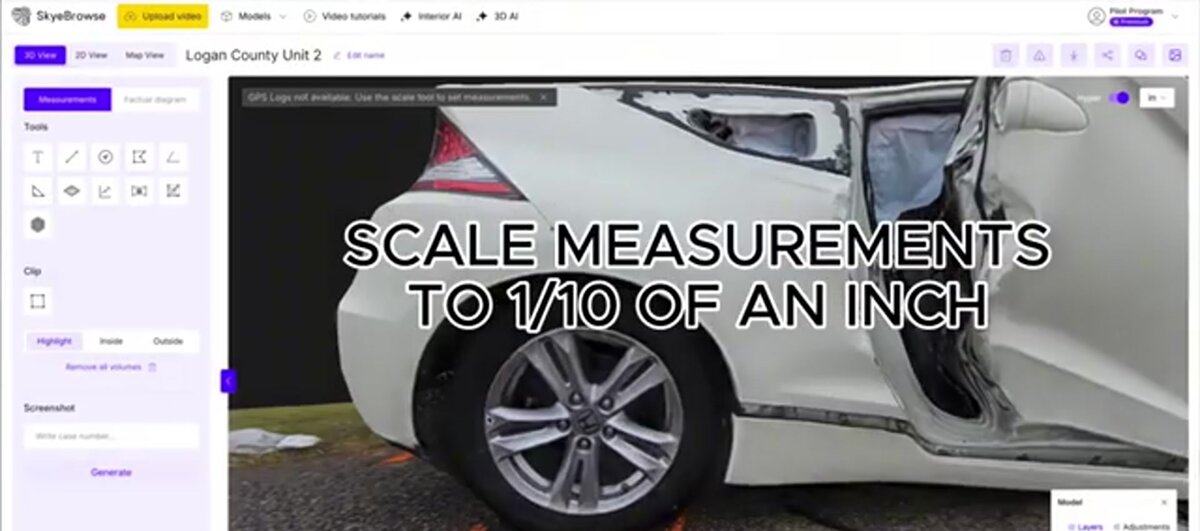
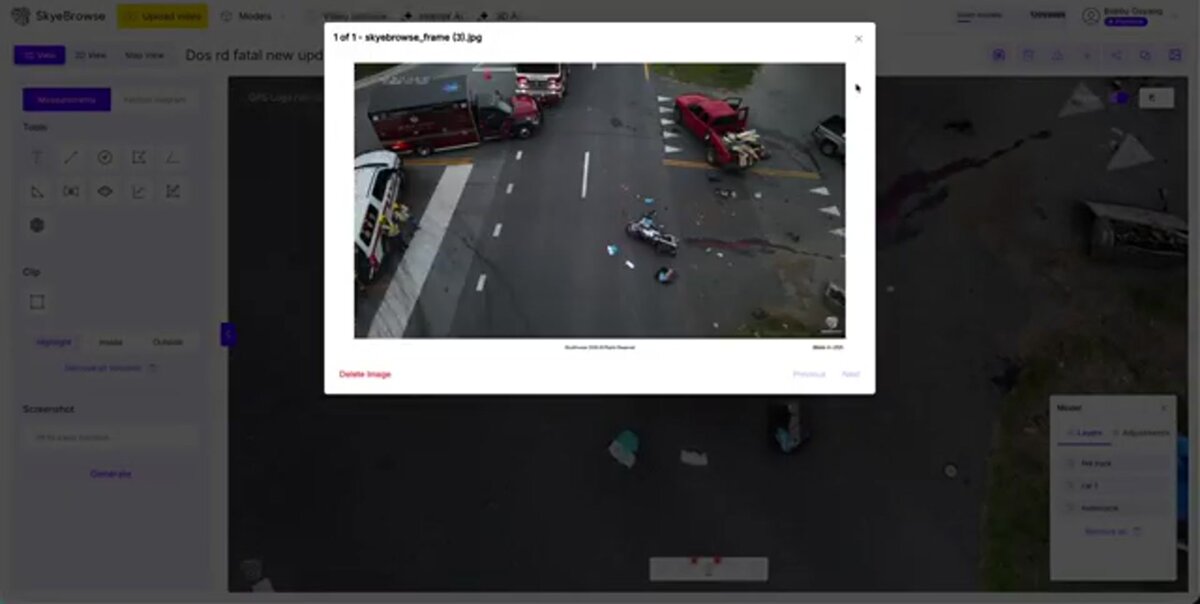
A 3D model from Skydio video gives responders measurable spatial evidence of a crash or crime scene without leaving personnel exposed on the roadway. SkyeBrowse maintains full CJIS compliance support for Premium subscribers, and models are shareable for pre-incident planning. Premium 8K processing reaches roughly a quarter inch of accuracy.
For agencies already running the X10 in drone-as-first-responder roles, the same aircraft that flies the call can document it. A crash reconstruction team gets a scaled model to pull distances from long after the road reopens, and detectives get a walkable record of a scene. Full CJIS compliance support on Premium, aligned with the FBI CJIS Security Policy, is what makes those outputs viable for evidence handling. The first responder drone and law enforcement drone guides go deeper on those field workflows. Accuracy that approaches a quarter inch on 8K processing lines up with common survey needs described in the ASPRS accuracy standards.
Can one account cover a mixed NDAA fleet?
Yes. Because SkyeBrowse ingests video from any drone, one account covers a fleet mixing Skydio, DJI, and Autel aircraft. That matters for agencies balancing NDAA-compliant Skydio units with other platforms, since every aircraft feeds the same 3D mapping pipeline and the same shareable output format.
Public safety fleets are rarely single vendor. An agency might fly Skydio for its NDAA compliance and US manufacturing while keeping other drones for specialized payloads. Universal Upload flattens that difference, so pilots do not learn a separate mapping tool per aircraft. The drone-agnostic mapping platform overview explains the model, and if Autel is in your fleet, the companion Autel EVO Max 4T mapping guide covers that aircraft's workflow. One dashboard, one deliverable, every drone.
FAQ
Can SkyeBrowse make a 3D model from Skydio X10 video?
Yes. Record with the X10 wide camera and use Universal Upload. SkyeBrowse is drone agnostic and accepts MP4 or MOV from any aircraft, so the X10 produces a georeferenced 3D model with no Skydio Flight App integration required.
Does SkyeBrowse have a Skydio Flight App integration?
No. There is no automated in-app flight for Skydio. You fly with Skydio's own autonomy, record video, and upload the clip. Check the supported drones page for the current automated-flight list.
Is SkyeBrowse suitable for public safety evidence from a Skydio drone?
Yes. SkyeBrowse maintains full CJIS compliance support for Premium subscribers, which fits crash scene, crime scene, and pre-incident evidence work. Models are measurable and shareable, and Premium 8K processing reaches roughly a quarter inch of accuracy.
Upload your first video free. Create a free SkyeBrowse account, upload a drone video, and get a 3D model processed in the cloud. Freemium organizations that have never had a paid plan can get their first full Commercial model for $5 (normally $24.99), with every Commercial tool, every export, and 90-day storage.