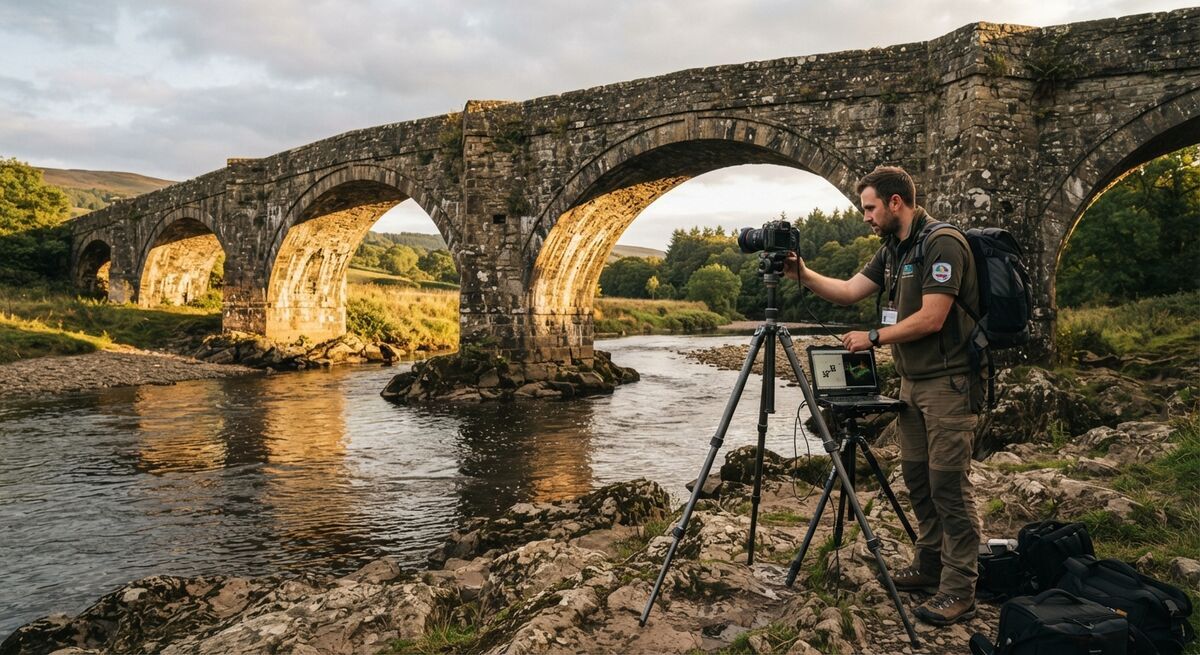
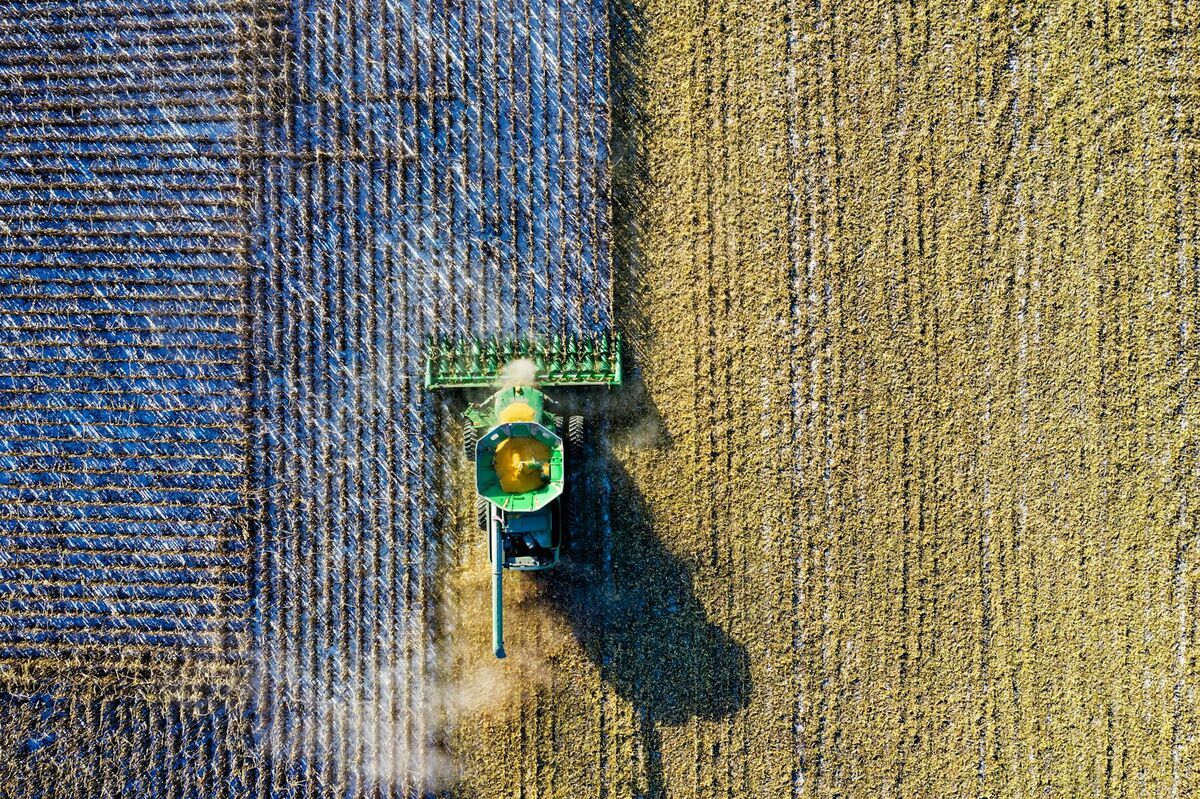
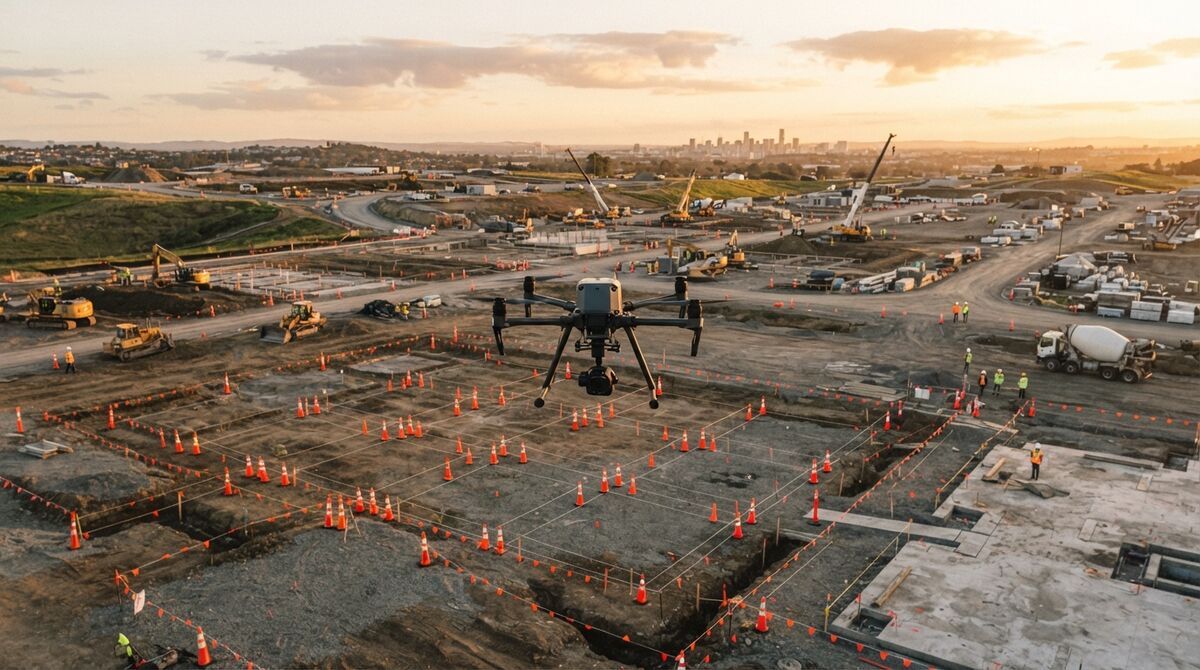
Comparing Pix4D vs Metashape usually comes down to one question: do you want to pay a recurring subscription for guided workflows, or buy a perpetual license and control the processing pipeline yourself? Both are established photogrammetry tools that turn overlapping photographs into orthomosaics, point clouds, and 3D meshes, but they differ sharply on cost structure, platform support, and how much manual tuning they expect from you. This guide breaks down agisoft metashape vs pix4d on pricing, hardware, and workflow so you can pick the one that fits your budget and skill level.

Key Takeaways
- PIX4Dmapper is a subscription at roughly $332.50/month or $3,990/year as of 2026, while Agisoft Metashape sells perpetual node-locked licenses at $179 (Standard) and $3,499 (Professional) as of 2026.
- Metashape runs natively on Windows, macOS, and Linux; PIX4Dmapper requires 64-bit Windows, so Mac users need Boot Camp to run it.
- Over a 3-year span, Metashape Professional's one-time cost is typically lower than three years of PIX4Dmapper subscription payments, though Pix4D's subscription includes ongoing updates and support by default.
- Both tools process still photographs, not raw video, and both expect a capable desktop or workstation with a discrete GPU for anything beyond small datasets.
- SkyeBrowse offers a cloud-based, video-first alternative for teams that want a fast model without managing desktop hardware or a full photogrammetry workflow.
Contents
- What's the fundamental difference between Pix4D and Metashape?
- How much do Pix4D and Metashape cost over three years?
- Which one has an easier learning curve?
- What hardware do you need to run Pix4D vs Metashape?
- Is there an alternative to both Pix4D and Metashape?
- FAQ
What's the fundamental difference between Pix4D and Metashape?
Pix4D sells PIX4Dmapper as a desktop subscription built around guided, template-driven workflows for surveying, agriculture, and construction. Agisoft Metashape is a perpetual-license desktop application aimed at users who want granular control over every step of the photogrammetry pipeline, from camera calibration to mesh generation. Both take overlapping still photographs and reconstruct them into georeferenced 3D data, but Pix4D leans toward turnkey processing while Metashape leans toward configurable processing.
Photogrammetry is the practice of extracting measurements and 3D geometry from overlapping two-dimensional photographs by matching common points across images. Both tools implement this process through structure-from-motion algorithms, but the software philosophy differs. Pix4D's interface groups settings into presets aimed at specific outputs (orthomosaics for agriculture, DSMs for construction), which shortens the path from import to deliverable. Metashape exposes more of the underlying pipeline: alignment accuracy, depth map quality, and mesh reconstruction settings are all manually configurable, which rewards experienced users but adds a steeper setup for newcomers.
| PIX4Dmapper | Agisoft Metashape | |
|---|---|---|
| Pricing (2026) | About $332.50/month or $3,990/year (subscription) | $179 Standard / $3,499 Professional (perpetual, node-locked) |
| Platform/OS | 64-bit Windows only (Mac via Boot Camp) | Windows, macOS, Linux |
| Input type | Still aerial/drone photographs | Still photographs, plus LiDAR and multispectral in Professional |
| Processing model | Desktop app, floating license (one device at a time) | Desktop app; node-locked or floating (floating via resellers) |
| Key outputs | Orthomosaic, point cloud, DSM, index maps | Orthomosaic, dense point cloud, textured mesh, DEM |
| Best-fit user | Teams that want guided templates and don't mind recurring billing | Users who want full pipeline control and a one-time purchase |
Sources: pix4d.com/pricing/pix4dmapper, agisoft.com/buy/online-store, agisoft.com/features/compare.
How much do Pix4D and Metashape cost over three years?
Three years of PIX4Dmapper on annual billing runs about $11,970 as of 2026 pricing, and that cost repeats every three years for as long as you subscribe. Metashape Professional is a one-time $3,499 as of 2026, with Agisoft historically offering free updates within a major version and paid upgrades between major versions. For teams that keep using the software past year one, Metashape's upfront cost is usually the cheaper path over a multi-year horizon.
The math is straightforward once you have both numbers. PIX4Dmapper's subscription includes ongoing support and access to new features as they ship, which has real value if you want predictable per-year budgeting or plan to use the tool for only a season or two. Metashape's perpetual license means you own the version you bought indefinitely, but major version upgrades (for example, moving from Metashape 1.x to 2.x) can carry an additional fee, so the "one-time cost" assumption holds best if you're comfortable staying on your purchased major version for a while. If your organization processes photogrammetry projects continuously and expects to use the software for more than three years, Metashape's licensing math tends to win. If you need month-to-month flexibility or plan a short-term project, Pix4D's subscription avoids a large upfront outlay.
Which one has an easier learning curve?
Pix4D's guided templates and industry-specific presets generally get new users to a usable deliverable faster. Metashape's deeper configurability means more decisions at each processing stage, which benefits experienced photogrammetrists but can slow down someone new to structure-from-motion concepts.
Neither tool is a five-minute learning experience. Both require understanding ground control points, camera calibration, and coordinate systems to hit survey-grade accuracy, and both publish extensive documentation because the underlying photogrammetry workflow has genuine complexity regardless of interface polish. Pix4D's workflow is organized around a project wizard that walks through image import, processing options, and output generation in a fixed sequence, which reduces the number of open-ended choices a first-time user faces. Metashape's workbench-style interface gives access to every processing parameter from the start, which is efficient for someone who already knows what alignment accuracy or depth filtering mode they want, but can feel unstructured to a beginner. Teams onboarding new staff onto either tool should budget for training time; this isn't software you pick up in an afternoon.

What hardware do you need to run Pix4D vs Metashape?
Both tools are desktop-bound and demand real horsepower once your dataset grows beyond a small test project. PIX4Dmapper needs 64-bit Windows and an OpenGL 3.2-compatible GPU, with RAM requirements scaling from 4 GB for small jobs to 32 GB for very large ones. Metashape's own system requirements recommend a discrete GPU with 1024 or more unified shaders and 16 to 32 GB of RAM for a basic configuration, climbing to 128 GB or more for large or "extreme" datasets.
This is where both tools ask the most of the user. Processing hundreds or thousands of overlapping images into a dense point cloud or textured mesh is computationally heavy, and neither Pix4D nor Metashape offloads that work to the cloud by default (Pix4D sells cloud processing separately as PIX4Dcloud, and Metashape offers optional network/cloud processing for distributed rendering in the Professional edition). If your team is already running workstation-class machines with a modern NVIDIA or AMD GPU, either tool will function well. If you're processing on a laptop or a shared office machine, expect long render times, and budget for a hardware upgrade before committing to either license. Per FAA Part 107 guidance, commercial drone operations already require pilot certification, and pairing that with a hardware-intensive photogrammetry pipeline is a meaningful operational commitment on top of flight training.
Is there an alternative to both Pix4D and Metashape?
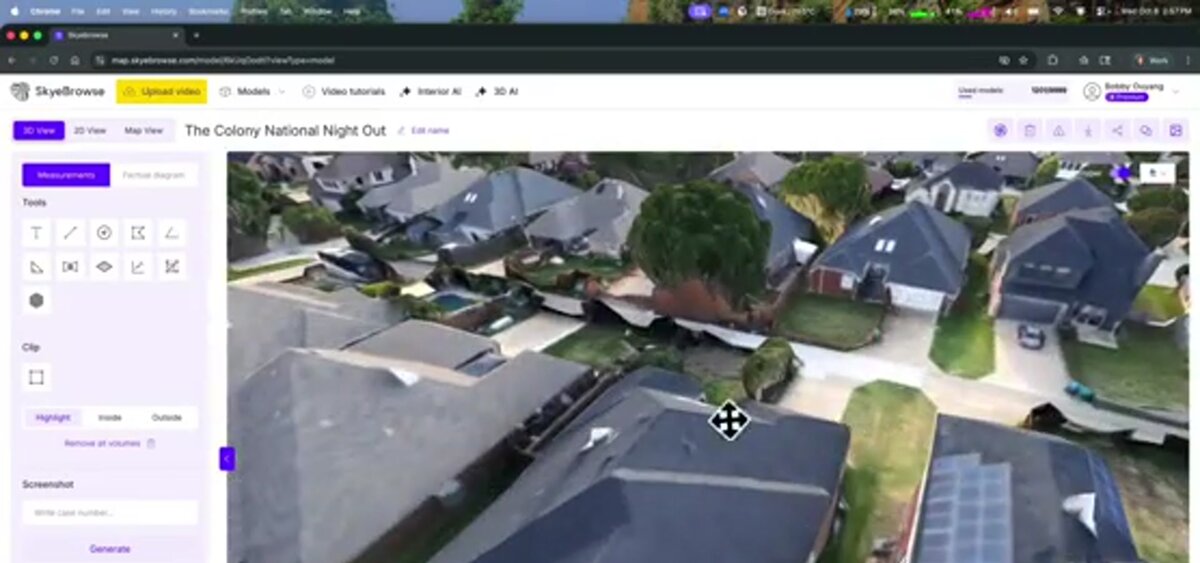
Yes. SkyeBrowse is a cloud-based videogrammetry platform that builds 3D maps and models directly from drone video instead of still photographs, with processing handled in the cloud rather than on a local workstation. It trades some of the granular control that Pix4D and Metashape offer for faster turnaround and a free tier to get started.
Pix4D and Metashape both require desktop processing power and a working knowledge of photogrammetry concepts like ground control and camera calibration to get survey-grade results. That's the right tradeoff for teams that need maximum control over the reconstruction pipeline. SkyeBrowse takes a different approach for teams that value speed over manual tuning: it accepts .MP4 or .MOV video captured with a drone (via Universal Upload or the SkyeBrowse Flight App) and processes it entirely in the cloud at app.skyebrowse.com, so there's no desktop hardware to size or maintain. Accuracy scales with the plan you choose, from roughly 2 to 6 inches on the Lite tier up to about 0.1 inch on Premium Advanced with AI-based moving object removal, and exports come out as LAZ point clouds, GLB meshes, or GeoTIFF orthomosaics, formats that are compatible with the same downstream CAD and GIS tools Pix4D and Metashape users already rely on. SkyeBrowse is hosted on AWS in the United States at FedRAMP Impact Level 2, with CJIS compliance support maintained for Premium subscribers, which has made it a common choice among the 1,200+ public safety and government agencies already using the platform. Unlike Pix4D or Metashape, SkyeBrowse offers a Freemium tier with unlimited uploads and two concurrent models at no cost, so you can test whether a video-first, cloud-processed workflow fits your project before spending anything.
FAQ
Can Pix4D and Metashape open each other's projects?
Not directly. Each tool uses its own project file format and processing pipeline. You can export shared deliverables like point clouds, orthomosaics, and meshes in common formats (LAS/LAZ, GeoTIFF, OBJ) and open those in either program, but the underlying project with camera calibration and tie points does not transfer between them.
Is Metashape cheaper than Pix4D in the long run?
For most users, yes, over a multi-year horizon. Metashape sells perpetual node-locked licenses (Standard $179, Professional $3,499 as of 2026) with a one-time cost and optional paid upgrades, while PIX4Dmapper is a recurring subscription (about $3,990 per year as of 2026) that keeps billing for as long as you use it. See Pix4D's pricing page and Agisoft's online store for current rates.
Do I need a powerful computer for Pix4D or Metashape?
Yes, both are desktop-bound and CPU/GPU intensive. Pix4Dmapper runs on 64-bit Windows (Mac users need Boot Camp), while Metashape supports Windows, macOS, and Linux, but Agisoft's own system requirements page recommends a discrete GPU and 32 GB or more of RAM for anything beyond small datasets. If you'd rather skip the hardware planning entirely, a cloud-processed option like SkyeBrowse is worth evaluating alongside our Pix4D review and SkyeBrowse vs Pix4D and SkyeBrowse vs Agisoft Metashape comparisons. For a broader look at the category, see our best photogrammetry software roundup.
Upload your first video free. Create a free SkyeBrowse account, upload a drone video, and get a 3D model processed in the cloud. Freemium organizations that have never had a paid plan can get their first full Commercial model for $5 (normally $24.99), with every Commercial tool, every export, and 90-day storage.