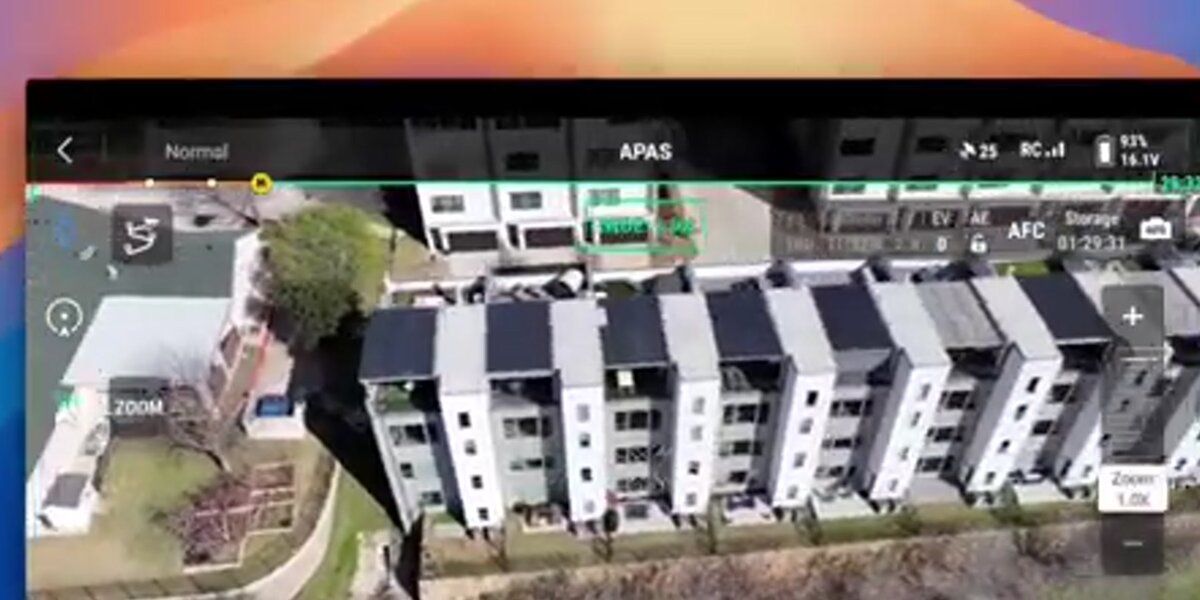
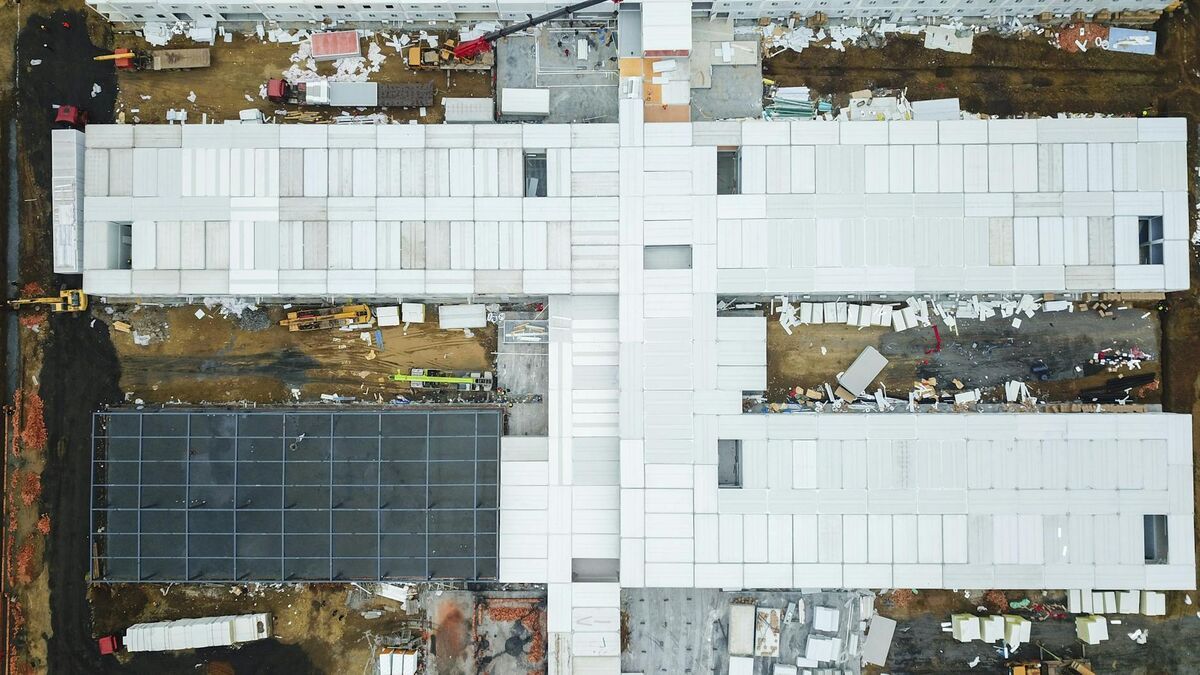
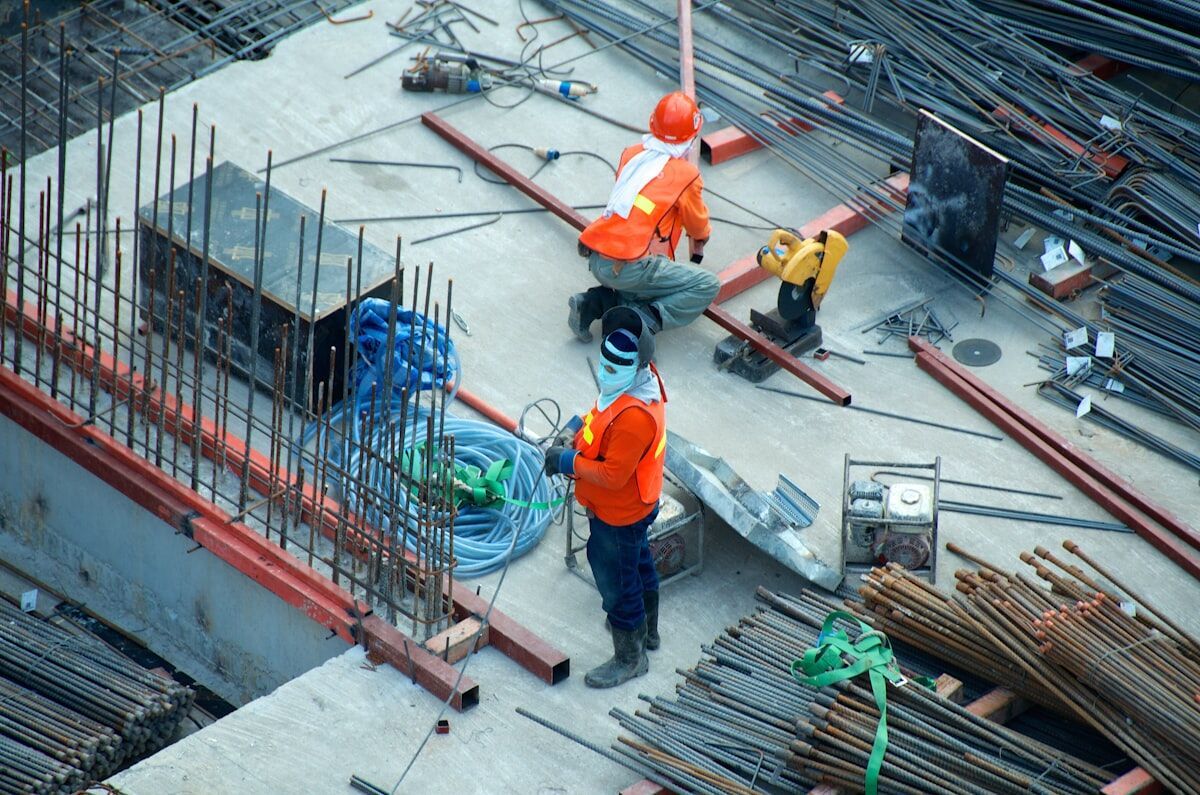
Site capture — the process of documenting a location's current physical state as a georeferenced 2D map or 3D model — is a high-commercial-intent workflow for construction, insurance, and forensic teams. Traditional site capture tools rely on ground-level photos or 360-degree cameras that require a person to walk the entire site. SkyeBrowse's videogrammetry platform (a technique that extracts geometry from video frames rather than discrete photo bursts) replaces that slow walk with a single drone flight and delivers a processed reality model in roughly two minutes. For a broader look at how drones capture accurate spatial data from the air, see our aerial mapping guide.
Key Takeaways
- Drone video site capture covers multi-acre jobsites in 3-5 minutes — replacing 45-minute manual walkthroughs with photo or 360 camera tools
- SkyeBrowse processes the video into a georeferenced map and 3D model in about 2 minutes, no desktop software required
- Accuracy tiers from 2-6 inch (Lite) to 0.1 inch (Premium Advanced) cover everything from weekly progress reports to legal evidence
- Works for construction progress tracking, insurance claims documentation, and forensic investigations — with indoor phone capture for hybrid models
Contents
- What makes drone video better than photo apps for site capture?
- How does construction site capture work with SkyeBrowse?
- Can drone site capture replace 360-camera walkthrough tools?
- How is drone site capture used for insurance claims documentation?
- What accuracy does drone reality capture deliver?
- FAQ
What makes drone video better than photo apps for site capture?
Photo-based site capture apps require a technician to walk the full site, snap hundreds of individual frames, and upload them to a cloud stitching service that may take hours to process. Drone video site capture covers a multi-acre jobsite in a single orbit lasting three to five minutes. The video is uploaded as a single .MP4 or .MOV file, and SkyeBrowse returns a georeferenced map and 3D model within about two minutes of processing.
The operational difference is significant. Tools like SiteCapture.com and OpenSpace were designed for interior walkthroughs and ground-level photo documentation — use cases where a drone cannot fly. For outdoor sites of any appreciable size, however, a drone flying at 100–200 feet AGL (above ground level) captures far more context per minute than any person on foot. A single one-minute drone video at a medium construction site can yield the same spatial coverage that would take an hour to photograph manually.
From a data standpoint, video yields higher frame density than manually triggered photo bursts. SkyeBrowse's videogrammetry engine samples frames at regular intervals from the continuous video stream, giving the reconstruction algorithm more overlapping views per square foot — often resulting in cleaner mesh geometry than a comparable photo-burst session. The FAA's UAS Integration Office has formalized commercial drone operations under Part 107, making outdoor drone site capture a routine, insurable workflow for commercial teams.
How does construction site capture work with SkyeBrowse?
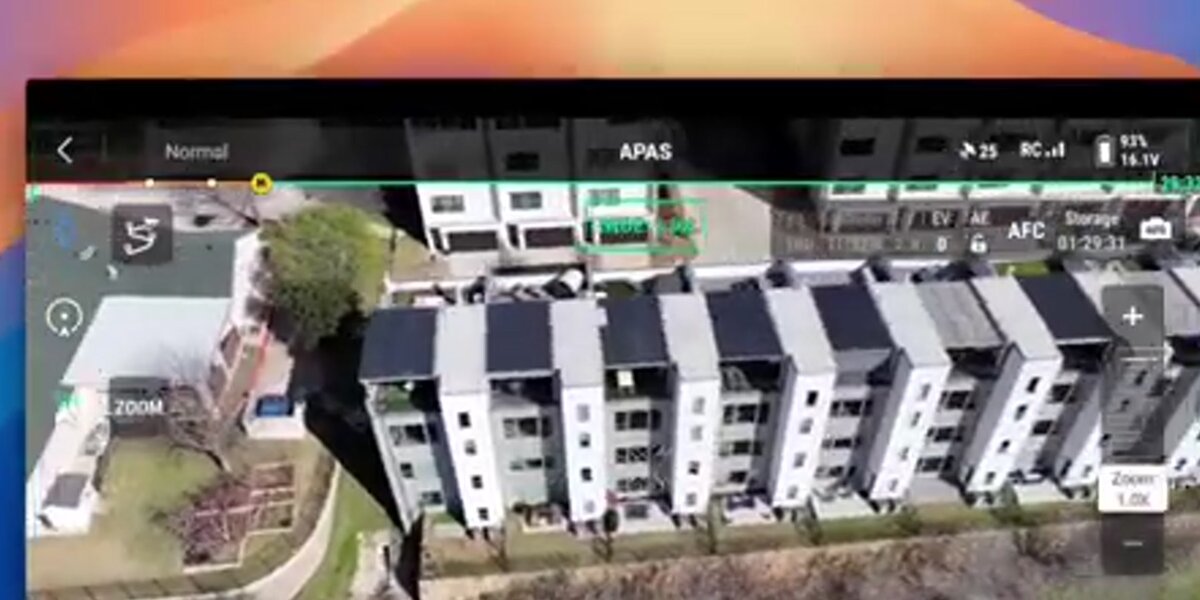
A pilot flies any Part 107-compliant drone over the site in an orbit or grid pattern while recording video. The .MP4 file is uploaded to app.skyebrowse.com — optionally with a .SRT telemetry file from DJI drones for improved georeferencing. SkyeBrowse processes the video and returns a georeferenced orthomosaic, a 3D mesh, and a point cloud. The entire loop from landing to shareable link takes under five minutes.
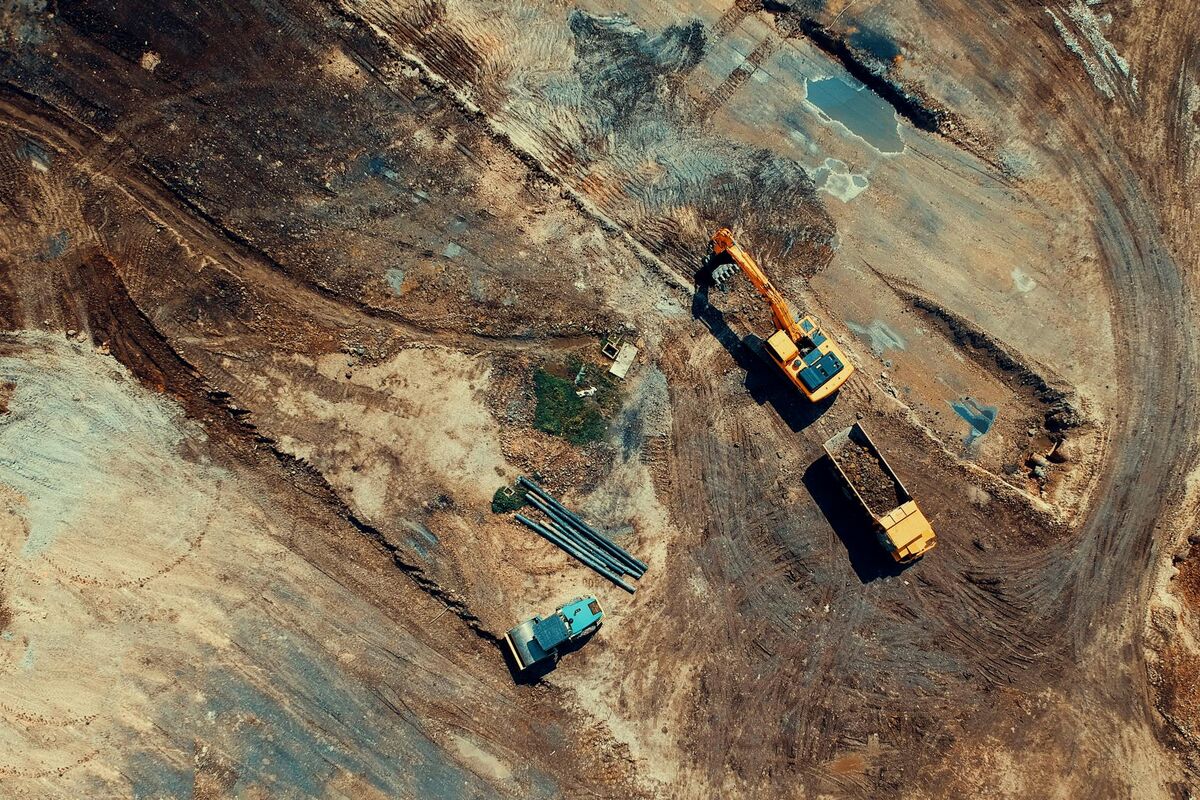
Construction teams use this workflow at every stage of a project. At ground-break, a baseline site capture establishes existing conditions. Weekly or bi-weekly flights document earthwork progress, concrete pours, and structural erection. At substantial completion, a final capture creates the as-built documentation record against which design drawings can be compared. For larger programs, SkyeBrowse models can be linked to BIM coordination workflows to detect deviations between the design model and what was actually built.
The platform requires no desktop software — everything is browser-based through app.skyebrowse.com. Outputs export as GeoTIFF (for GIS import), GLB (for 3D viewing), and LAZ (for point cloud analysis in tools like AutoCAD Civil 3D or Revit). For detailed guidance on integrating drone capture into a construction program, see 3D mapping for construction and construction progress monitoring.
The National Institute of Building Sciences has documented the value of reality capture for facility lifecycle management, noting that accurate as-built data reduces change order disputes and supports long-term owner documentation. (NIBS Facility Information Council)
Can drone site capture replace 360-camera walkthrough tools?
Drone site capture and 360-camera walkthrough tools serve different coverage areas. Drones excel at large outdoor sites — they capture rooflines, excavations, and site perimeters that a ground-level camera cannot see. Indoor spaces and confined areas are better documented with a phone-based walkthrough. SkyeBrowse supports both: its mobile app handles interior phone-video capture, which can be merged with a drone flight to create a combined indoor-outdoor model.
OpenSpace and similar tools are strong choices for interior corridor documentation — following workers through hallways and uploading 360 frames to a floor-plan pin map. That approach breaks down on open jobsites where the area to be documented is measured in acres rather than linear feet of hallway. A drone flying a two-minute orbit replaces what would be a 45-minute walking circuit of the same site perimeter.
The hybrid approach is the most complete: fly the drone for the exterior, walk the SkyeBrowse phone app for interior spaces, and merge both models in a single project. For teams integrating site capture into BIM workflows, BIM coordination with drones covers how SkyeBrowse models plug into design review pipelines.
How is drone site capture used for insurance claims documentation?
After a loss event — hail, wind, fire, flooding — a drone site capture flight creates an objective, timestamped record of damage extent before any remediation begins. The georeferenced orthomosaic and 3D model can be shared with carriers, public adjusters, and legal counsel as a permanent evidentiary record. Processing takes about two minutes, so documentation can happen the same day as the loss without waiting for a specialist to arrive on site.
Insurance adjusters and restoration contractors are adopting drone site capture because it is faster and more defensible than a walk-around with a phone camera. A 3D model produced by SkyeBrowse captures roof damage, structural displacement, and site perimeter conditions in a single session. The georeferenced GeoTIFF provides measurable areas for estimating material quantities, reducing back-and-forth with carriers over scope.
Forensic documentation follows the same logic. When a construction defect, slip-and-fall, or fire loss goes to litigation, a dated 3D model of the site is stronger evidence than a set of flat photographs. The model is interactive — counsel and expert witnesses can measure distances, annotate features, and share a browser link rather than a USB drive of image files. For a full workflow guide, see insurance claims documentation.

What accuracy does drone reality capture deliver?
SkyeBrowse offers three accuracy tiers. Lite processing delivers approximately 2–6 inch accuracy, suitable for progress documentation and visual reporting. Premium processing at 8K resolution reaches approximately 0.25-inch accuracy. Premium Advanced at 16K resolution with AI moving-object removal reaches approximately 0.1-inch accuracy — meeting the requirements for as-built verification and legal evidentiary use.
For most construction site capture use cases — weekly progress reporting, owner updates, and earthwork volume estimation — Lite or Premium accuracy is sufficient. Premium Advanced is appropriate when the model will be overlaid on design drawings for deviation analysis or submitted as a legal exhibit.
Accuracy improves further with telemetry files. DJI drones generate .SRT files that embed GPS coordinates per frame; uploading the .SRT alongside the .MP4 tightens georeferencing without requiring ground control points. For RTK-equipped drones, the telemetry stream alone can achieve sub-inch positional accuracy on Premium Advanced models. SkyeBrowse accepts video from over 300 supported drone models listed at skyebrowse.com/supported-drones.
Reality capture — the broader industry term for converting physical environments into digital representations — has become a baseline expectation on large commercial projects. The ASPRS (American Society for Photogrammetry and Remote Sensing) publishes accuracy standards for aerial imagery that SkyeBrowse's Premium and Premium Advanced tiers are designed to meet for typical mapping applications.
FAQ
What is site capture in construction?
Site capture in construction is the process of documenting the current physical state of a jobsite using imagery, 3D scans, or video. The resulting data is used for progress tracking, as-built verification, dispute resolution, and owner reporting. Drone-based site capture with SkyeBrowse covers large areas in a single flight and produces georeferenced 2D maps and 3D models within minutes.
How is drone site capture different from photo-based site capture?
Photo-based tools like SiteCapture.com and OpenSpace require a worker to walk the site capturing individual stills or 360-degree frames. Drone site capture uses continuous video flown overhead, covering an entire jobsite in one orbit. SkyeBrowse's videogrammetry engine processes that video into a georeferenced orthomosaic and 3D model in about two minutes — with no manual photo stitching required.
What does SkyeBrowse produce from a drone site capture flight?
A single SkyeBrowse flight produces a georeferenced GeoTIFF orthomosaic (2D map), a GLB 3D mesh, and a LAZ point cloud. Accuracy ranges from 2–6 inches on the Lite tier to 0.1-inch on Premium Advanced with 16K processing and AI moving-object removal. All outputs are shareable via browser link — no desktop software required. Pricing starts at $99 per model credit on the Premium tier; see skyebrowse.com/pricing-premium for current rates.