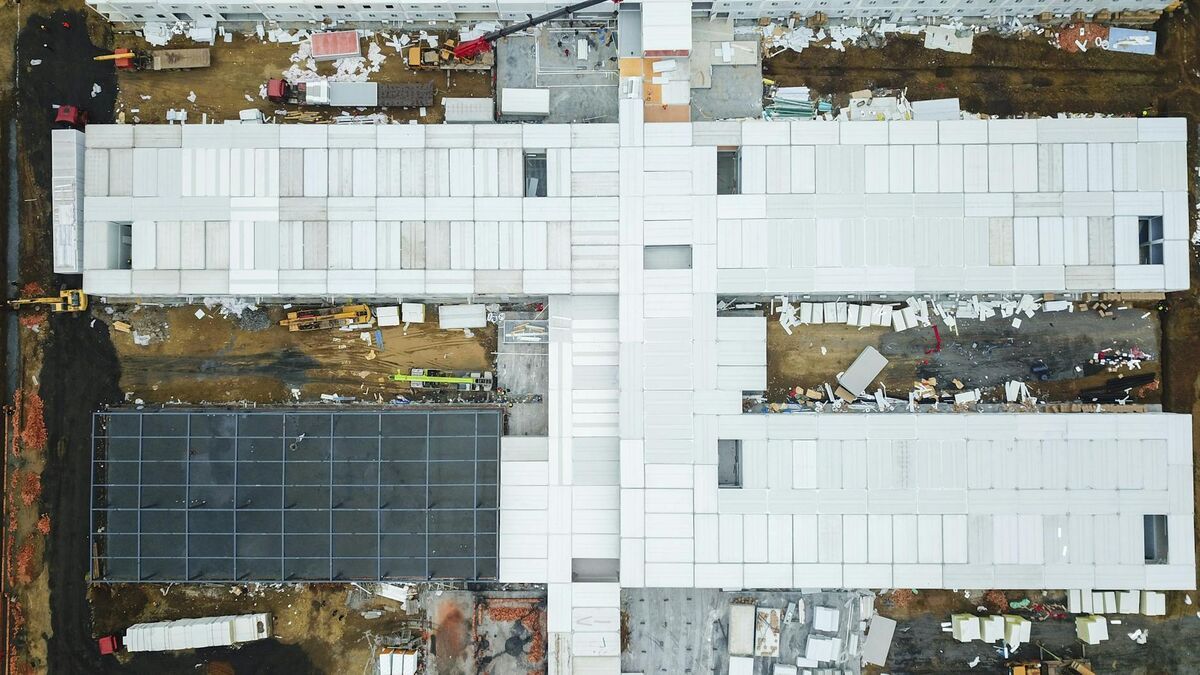
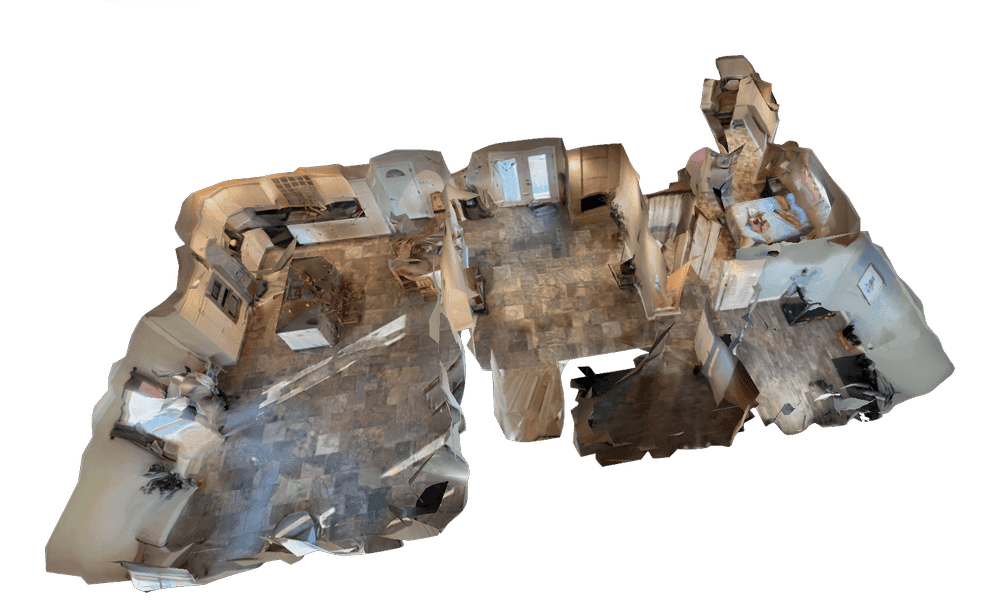
Earthwork quantity estimation is a core cost driver on every grading project. Miscalculate cut and fill volumes and you're either hauling material you didn't budget for or paying disposal fees on excess spoil. Traditional survey methods — total station shots, GPS rovers, laser levels — give you a point-in-time snapshot that's accurate but slow to collect and expensive to repeat. Drone elevation mapping changes the economics: fly the site, process the video, get a digital elevation model (a raster or point-cloud representation of surface height across an area), and run your volume calculations — all inside an hour.
Key Takeaways
- A cut and fill map compares an existing surface elevation model against a design surface — the volume difference determines earthwork quantities and drives mass-haul planning.
- SkyeBrowse processes a five-minute orbital flight into a ready elevation model in approximately five minutes at app.skyebrowse.com, with no desktop software required.
- SkyeBrowse targets the small-to-mid-site segment (sites coverable in a 5–10 minute orbit) where enterprise grid-flight tools like DroneDeploy create a half-day commitment that isn't justified.
- Commercial and Pro deliver 0.5 inch accuracy and Public Safety & Enterprise 0.1 inch — both within ASCE's 0.1–0.5 foot vertical accuracy threshold for earthwork applications.
- LAZ exports load directly into AutoCAD Civil 3D, Bentley OpenRoads, QGIS, and ArcGIS for TIN surface creation, design surface comparison, and volume extraction.
Contents
- What is a cut and fill map and why does it matter for earthwork?
- How does drone elevation mapping work for cut fill analysis?
- Why is DroneDeploy overkill for small-to-mid sites?
- How does SkyeBrowse generate cut and fill data from drone video?
- What accuracy can you expect from videogrammetry on earthwork sites?
- How do you export elevation data for CAD and GIS workflows?
- FAQ
What is a cut and fill map and why does it matter for earthwork?
A cut and fill map is a spatial visualization of earthwork operations that shows where material must be removed (cut) from high areas and where it must be added (fill) to low areas to reach a design grade. The map is generated by comparing an existing surface elevation model against a design surface, and the volume difference between the two surfaces determines the total earthwork quantities. Per FHWA earthwork design guidance, accurate surface comparison is the foundation of mass-haul planning and cost estimation on road and site construction projects.
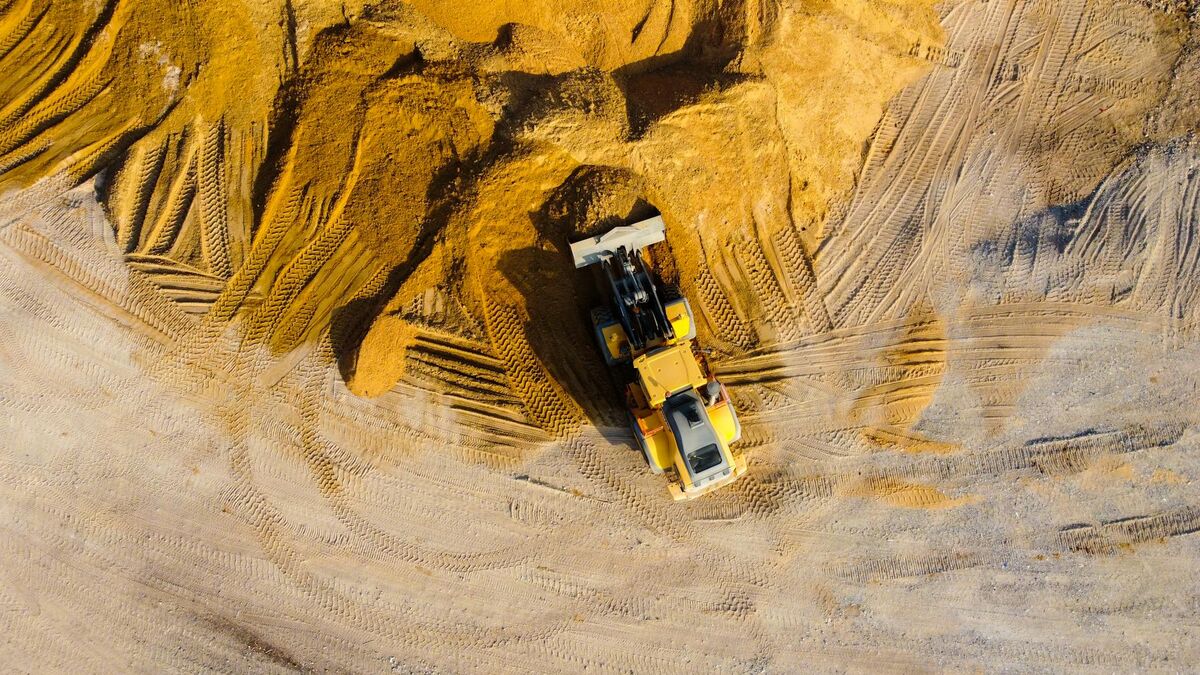
The practical value of a cut and fill map goes beyond the initial bid. Contractors use repeat surveys to track actual cut and fill progress against the plan, identify areas that are over-excavated before they become a costly problem, and verify subgrade elevations before pouring a foundation or paving a pad. This same workflow supports drone stockpile measurements when bulk material volumes need to be reconciled against haul records. Weekly or daily surveys are only practical if the data collection and processing workflow is fast enough to justify the time investment.
How does drone elevation mapping work for cut fill analysis?
Drone elevation mapping for cut fill analysis involves flying the site to collect imagery or video data, processing that data into a digital elevation model (DEM) or point cloud, and then comparing the resulting surface against a design file or a previous survey. The DEM is typically a GeoTIFF raster or LAZ point cloud, both of which load into standard civil engineering software for volume extraction. According to the USGS 3D Elevation Program (3DEP), sub-decimeter vertical accuracy is achievable with low-altitude UAV surveys, which is more than sufficient for earthwork quantity estimates on most commercial and residential grading projects.
Traditional photogrammetry — the process of reconstructing 3D geometry from overlapping still photographs — is the standard approach for drone surveying. The limitation is that capturing hundreds or thousands of still photos takes time in the field and even more time in processing. For single-day site surveys where repeat measurements are needed, the per-survey time cost becomes a barrier.
Why is DroneDeploy overkill for small-to-mid sites?
DroneDeploy is a capable enterprise platform that handles large-scale earthwork mapping well. For major earthmoving operations — highway construction, large commercial developments, quarry volume tracking — the platform's structured grid flight plans, GCP workflow, and deep integrations with Trimble and Autodesk tools deliver the absolute accuracy that projects at that scale require. But for residential grading, pad preparation, small commercial lots, or road and utility trenching, the DroneDeploy workflow is a half-day commitment: plan the grid flight, fly structured passes, upload hundreds of photos, wait for cloud processing, then export and post-process in a separate desktop application.
That overhead is justified when you're managing thousands of cubic yards on a 50-acre site. It is not justified when you're trying to check fill progress on a residential lot or verify that a utility trench has been backfilled to grade. The small-to-mid-site segment — roughly defined as sites where you can cover the area with a five-to-ten-minute orbit — needs a faster loop. That's the segment SkyeBrowse targets.
How does SkyeBrowse generate cut and fill data from drone video?
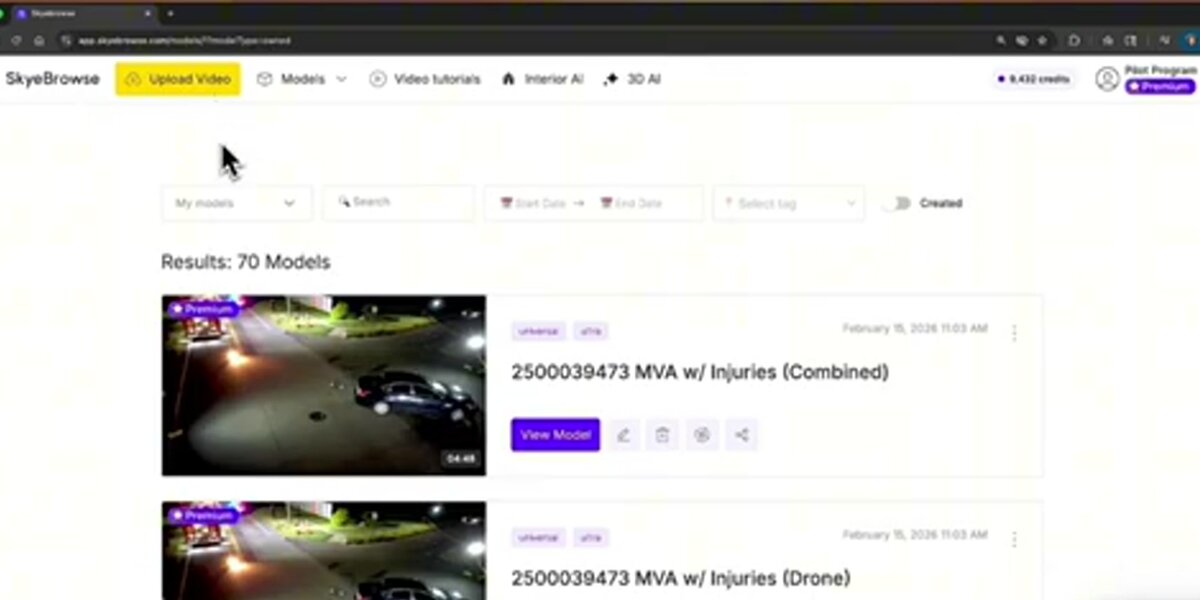
SkyeBrowse uses videogrammetry — a patented process that reconstructs 3D geometry directly from continuous drone video rather than from thousands of still photographs. The SkyeBrowse Flight App flies an automated orbit around the site and records an .MP4 or .MOV file. That video uploads to app.skyebrowse.com, where SkyeBrowse's cloud infrastructure processes it at roughly one minute of output per one minute of video. A five-minute flight produces a processed elevation model in approximately five minutes, with no desktop software required.
Once the model is processed, the Topographical Map View colors the surface by elevation and the Topographic Map overlays contour lines, so high and low areas stand out without manually interrogating the point cloud. Topographic maps are included with Pro and Public Safety & Enterprise models, and slope and profile analysis is included with Public Safety & Enterprise. On Public Safety & Enterprise, SkyeBrowse Thinking also checks each model's quality and reprocesses it automatically until it meets the standard.
The Universal Upload feature extends this to any compatible drone. If your fleet includes DJI, Autel, or another manufacturer's hardware, you can fly your standard orbit pattern, record video to the aircraft's SD card, and upload the .MP4 or .MOV directly. Adding a telemetry subtitle file (.SRT for DJI, .ASS for Autel) improves georeferencing without requiring physical ground control points on every survey.

What accuracy can you expect from videogrammetry on earthwork sites?
SkyeBrowse Commercial and Pro deliver 0.5-inch accuracy; Public Safety & Enterprise delivers 0.1-inch accuracy. Relative accuracy refers to internal measurement consistency within a single model — the reliability of elevation differences measured between two points on the same surface. For earthwork estimation, relative accuracy is the directly relevant metric: you're comparing the existing surface to a design grade or to a previous survey of the same site.
Absolute accuracy — the relationship between model coordinates and real-world GPS positions — depends on the quality of the drone's GPS and the presence of ground control points. For projects where absolute accuracy matters (final as-built surveys, legal boundary work, or integration with a site-wide GIS coordinate system), adding GCPs improves both absolute and relative accuracy. For day-to-day progress checks on a residential grading job, the precision SkyeBrowse delivers without GCPs is sufficient to confirm that fill is tracking to plan.
Per ASCE standards for digital elevation model quality, the vertical accuracy threshold for earthwork applications is typically 0.1 to 0.5 feet depending on the project type. SkyeBrowse Commercial, Pro, and Public Safety & Enterprise all fall within this range for relative measurements at low altitude.
How do you export elevation data for CAD and GIS workflows?
SkyeBrowse exports three formats relevant to earthwork analysis. The LAZ format — a compressed LiDAR point cloud standard — is the most useful for earthwork integration. LAZ files load directly into AutoCAD Civil 3D, Bentley OpenRoads Designer, QGIS, and ArcGIS Pro. From there, you can create a TIN (triangulated irregular network) or grid surface, compare it to your design surface, and extract cut and fill volumes and mass-haul diagrams using your existing software.
GeoTIFF exports provide a raster elevation surface suitable for GIS workflows and orthomosaic analysis. GLB exports deliver a textured 3D mesh that works for visual progress documentation and client presentations but is less useful for precise volume extraction. For engineering-grade earthwork calculation, LAZ is the format of choice.
Because the SkyeBrowse workflow is fast enough to run weekly or even daily on active grading sites, teams can build a time-series of LAZ exports and compare them in Civil 3D to track construction progress against schedule. The entire field-to-export loop — orbit flight, upload, processing, LAZ download — runs in under 30 minutes for a typical small-to-mid site, making repeat surveys a practical part of daily site management rather than an occasional check.
FAQ
How accurate is a drone-generated cut and fill map?
Accuracy depends on the platform and tier. SkyeBrowse Commercial and Pro deliver 0.5-inch accuracy; Public Safety & Enterprise delivers 0.1-inch accuracy. For most earthwork estimation tasks on small-to-mid sites, this level of precision is sufficient to generate reliable cut and fill quantities without ground control points.
Can I export a cut and fill map to CAD or GIS software?
Yes. SkyeBrowse exports elevation data in LAZ (point cloud), GeoTIFF (raster elevation), and GLB (3D mesh) formats. LAZ files load directly into AutoCAD Civil 3D, Bentley OpenRoads, QGIS, and ArcGIS for earthwork volume analysis and design surface comparisons.
How long does it take to generate an elevation model for earthwork calculations?
SkyeBrowse processes roughly one minute of video per one minute of flight time in the cloud at app.skyebrowse.com. A five-minute orbit of a residential grading site produces a processed elevation model in approximately five minutes, with no desktop software installation required.
Upload your first video free. Create a free SkyeBrowse account, upload a drone video, and get a 3D model processed in the cloud. Freemium organizations that have never had a paid plan can get their first full Commercial model for $5 (normally $24.99), with every Pro tool and export included and 90-day storage.