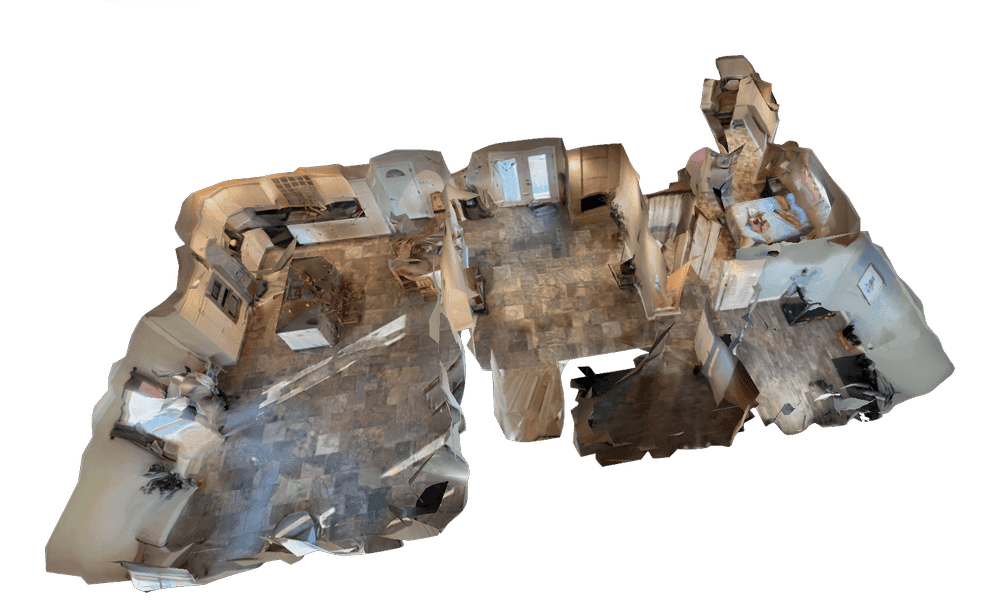
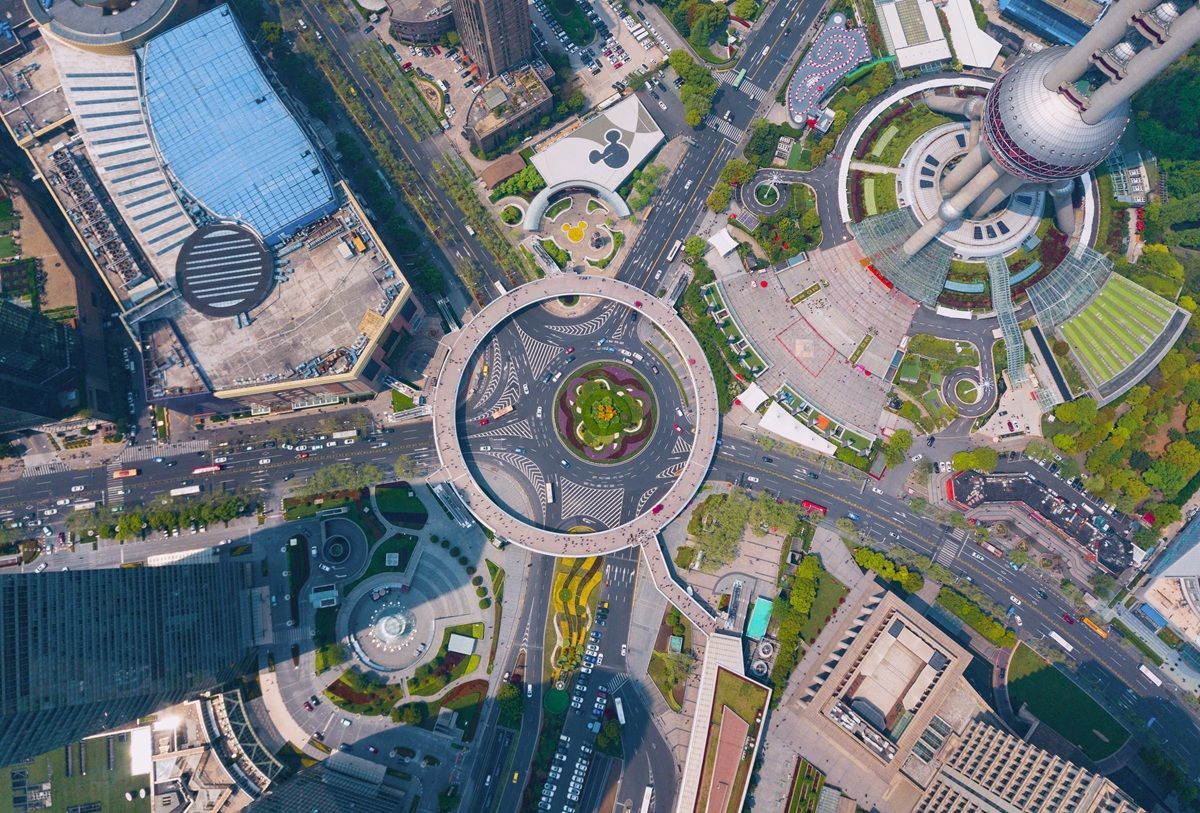
Most guides on creating 3D models from drones assume you need to collect hundreds of overlapping still photographs and process them through complex photogrammetry software on a high-end workstation. That workflow works, but it is slow, expensive, and far more complicated than it needs to be. A newer approach called videogrammetry — the process of generating a video to 3D model output from continuous video frames — lets you fly a simple orbit, upload the video, and get a finished model in minutes instead of hours.
This guide covers both methods so you can choose the right workflow for your project, whether you are documenting an accident scene, inspecting a structure, or building a digital twin of a property. If you need to map an entire site or area rather than model a single object, see our drone 3D mapping guide.
Key Takeaways
- Videogrammetry turns a simple orbit flight into a finished 3D model in 2–10 minutes; traditional photogrammetry from still images takes 30 minutes to 12+ hours for the same scene.
- Any drone recording .MP4 or .MOV video works — no survey-grade hardware, GCPs, or RTK corrections required for most construction, inspection, and documentation use cases.
- The best capture technique is a consistent orbit at 80–150 feet AGL with the camera angled 30–45 degrees down; camera straight down produces a flat orthomosaic, not a true 3D model.
- SkyeBrowse's paid processing tiers (Commercial and Pro 0.5 inch, Public Safety & Enterprise 0.1 inch with AI moving object removal) match accuracy to the use case.
- Exports in LAZ, GLB, and GeoTIFF connect drone video directly to GIS, CAD, BIM, and courtroom presentation workflows.
Contents
- What is the difference between photogrammetry and videogrammetry for drone 3D models?
- What do you need to make a 3D model with a drone?
- How do you capture drone video for a 3D model?
- How Do You Turn Drone Video into a 3D Model? (Video to 3D Model Workflow)
- How accurate are drone 3D models?
- What industries use drone 3D models?
- FAQ
What is the difference between photogrammetry and videogrammetry for drone 3D models?
Photogrammetry is the science of extracting measurements and 3D geometry from overlapping still photographs. It requires carefully planned flight grids, 60-80% image overlap, and desktop processing that can run from 30 minutes to over 12 hours depending on scene size. Videogrammetry achieves a similar result by extracting frames from continuous video, eliminating the need for grid flights and large photo sets entirely. For a deeper dive into the photogrammetry side of this comparison, see our guide to aerial photogrammetry.
The practical difference is workflow complexity. Traditional photogrammetry, as documented in USGS National Uncrewed Systems Office guidance, requires mission planning software, precise overlap settings, and ground control points for survey-grade accuracy. Video-based 3D modeling simplifies this to a single orbit flight and a file upload. Processing happens in the cloud, so there is no workstation hardware requirement.
| Factor | Photogrammetry (Photos) | Videogrammetry (Video) |
|---|---|---|
| Capture method | Grid flight, 200-500+ photos | Orbit flight, continuous video |
| Processing time | 30 min to 12+ hours | 2 to 10 minutes |
| Hardware needed | Desktop workstation with GPU | Any device with a web browser |
| Learning curve | High (flight planning, GCPs, software) | Low (fly, upload, done) |
| Best for | Large-area grid surveys | Rapid site documentation, daily progress, inspections, measurement work |

What do you need to make a 3D model with a drone?
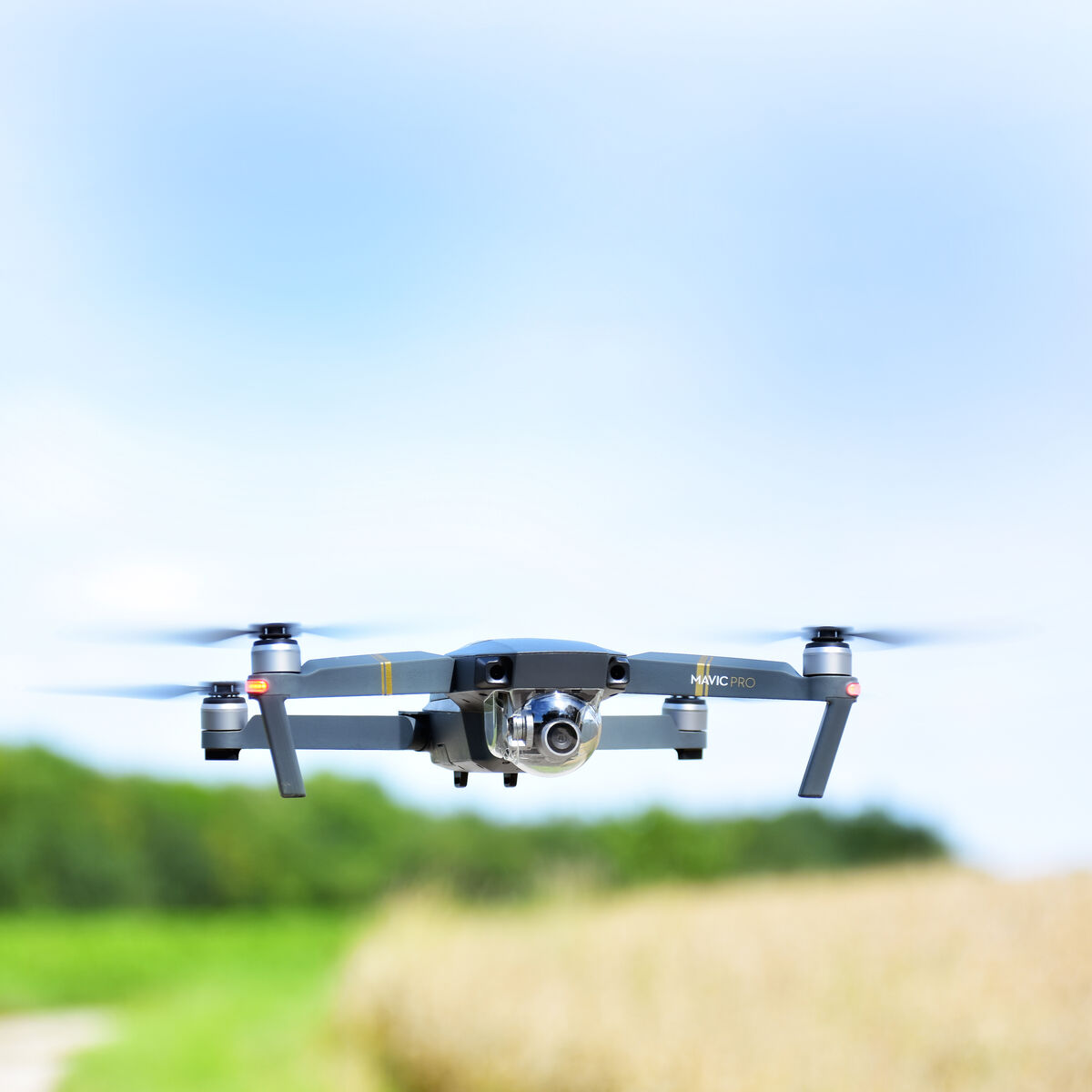
You need a drone that records video, a way to upload the file, and processing software. For video-based modeling, the hardware requirements are minimal because processing happens in the cloud rather than on a local workstation.
Drone requirements:
- Any drone that records
.MP4or.MOVvideo (DJI Mavic 3 Enterprise, DJI Mini 4 Pro, Autel EVO II, and most consumer drones work) - 4K resolution recommended for best detail; 1080p works and processes faster, but produces a lower-resolution model
- Optional: drone telemetry subtitle file (
.SRTfor DJI,.ASSfor Autel) for improved georeferencing
Software requirements:
- For video-based 3D modeling: a cloud platform like SkyeBrowse that accepts video uploads directly
- For photo-based photogrammetry: desktop software like Pix4D, Agisoft Metashape, or open-source tools like OpenDroneMap
Regulatory requirements:
- A Part 107 Remote Pilot Certificate from the FAA is required for any commercial drone operation in the United States
- Check local airspace restrictions before flying
You do not need ground control points, a survey-grade drone, or RTK/PPK corrections for most 3D modeling use cases. These are only necessary when you need absolute positional accuracy within centimeters, such as for legal surveys. For construction monitoring, insurance documentation, inspection, and most other applications, the GPS data from your drone provides sufficient accuracy.
How do you capture drone video for a 3D model?
The best capture technique for video-based 3D modeling is an orbit flight around your subject at a consistent altitude and speed. The camera should remain pointed at the center of the scene throughout the flight. Most DJI drones have a built-in Point of Interest (POI) mode that automates this.
Step-by-step capture process:
- Set your altitude. Fly to 80-150 feet AGL depending on the size of the scene. Lower altitudes produce more detail; higher altitudes cover more area.
- Start recording video. Begin recording before you start the orbit so you capture the full 360-degree path.
- Fly a complete orbit. Circle the subject at a consistent speed. For most scenes, one full 360-degree orbit takes 60-90 seconds.
- Angle the camera down 30-45 degrees. This captures both the roofline and the sides of structures, which gives the 3D model depth rather than just a top-down view.
- Stop recording and land. For larger or more complex scenes, fly a second orbit at a different altitude to capture additional angles.
Common mistakes to avoid:
- Flying too fast (causes motion blur that degrades model quality)
- Keeping the camera pointed straight down (produces a flat orthomosaic rather than a true 3D model)
- Flying in high wind (causes inconsistent positioning between frames)
For interior spaces, you can use a phone or action camera with Universal Upload on SkyeBrowse. Walk through the space at a steady pace while recording video, and the same cloud processing pipeline generates an indoor 3D model.
How Do You Turn Drone Video into a 3D Model? (Video to 3D Model Workflow)
With a video-based platform, processing is straightforward: upload your file and wait. With traditional photogrammetry software, the workflow involves several manual steps.
Video-based processing (SkyeBrowse):
- Go to app.skyebrowse.com and select Universal Upload.
- Upload your
.MP4or.MOVvideo file. Optionally attach the.SRTor.ASStelemetry subtitle file for GPS data. - Select your processing tier (Commercial or Pro for 0.5 inch accuracy, Public Safety & Enterprise for 0.1 inch with AI moving-object removal).
- Processing runs at roughly 1 minute per 1 minute of video. A 90-second orbit produces a finished model in about 2 minutes.
- View, measure, and share the 3D model in your browser. Export as
LAZ,GLB, orGeoTIFFdepending on your downstream workflow.
Photo-based processing (traditional):
- Import 200-500+ geotagged photos into desktop photogrammetry software.
- Run alignment (30 min to 2 hours).
- Build dense point cloud (1 to 4 hours).
- Generate mesh and texture (1 to 6 hours).
- Export and review.
The time difference is significant. According to ASPRS accuracy standards, both methods can meet professional mapping accuracy thresholds, but the video workflow compresses what traditionally takes a full workday into a coffee break. Video does not cost accuracy either: in an independent accuracy study by AirBorne Works, SkyeBrowse video models came closest to Leica BLK360 laser-scan ground truth on 8 of 9 measurements, outperforming photo-based Pix4D Mapper and Leica BLK3D.

How accurate are drone 3D models?
Accuracy depends on the processing tier, the drone's GPS quality, and whether ground control points are used. For most commercial applications, relative accuracy — the consistency of measurements within the model — matters more than absolute positional accuracy.
SkyeBrowse's processing tiers provide increasing levels of detail:
- Commercial: 8K resolution, 0.5 inch accuracy, 3 month storage. Suitable for site documentation, progress monitoring, and general inspections.
- Pro: 8K resolution, 0.5 inch accuracy, 1 year storage plus exports. Suitable for construction measurement, insurance assessment, and detailed as-built records.
- Public Safety & Enterprise: up to 16K resolution, 0.1 inch accuracy with AI-powered moving object removal. Suitable for forensic documentation, legal evidence, and survey-grade deliverables.
For projects requiring absolute accuracy (legal boundary surveys, ALTA/NSPS compliance), add ground control points and RTK/PPK corrections. For the vast majority of construction monitoring, roof inspection, accident documentation, and property assessment use cases, the standard GPS-referenced model provides more than sufficient accuracy.
What industries use drone 3D models?
Drone-generated 3D models serve any industry that needs spatial documentation of real-world sites. The speed of video-based modeling has expanded adoption beyond traditional surveying and mapping firms into fields that previously could not justify the time investment.
- Construction: Daily progress monitoring, stockpile volume measurements (SaltBrowse), cut-and-fill tracking, and BIM coordination overlays.
- Public safety: Accident reconstruction, crime scene documentation, tactical pre-planning, and fire scene investigation.
- Insurance: Roof inspections, property damage assessment, and claims documentation.
- Infrastructure: Bridge inspection, utility corridor mapping, and telecom tower documentation.
- Real estate: Property marketing, interior mapping, and as-built documentation for renovation projects. Teams using 3D models to build living digital replicas of assets should also see our guide to building digital twins with drones.
SkyeBrowse is used by over 1,200 agencies worldwide, with particular strength in public safety and construction where rapid turnaround is critical.
FAQ
Can you make a 3D model from drone video instead of photos?
Yes. Videogrammetry platforms like SkyeBrowse process continuous drone video into 3D models without requiring hundreds of still photographs. You record a video while flying around a subject, upload the .MP4 or .MOV file, and receive a textured 3D model in minutes.
How long does it take to create a 3D model from a drone?
With video-based processing, a typical 3D model is ready in 2 to 10 minutes depending on video length and resolution tier. Traditional photogrammetry from still images can take 2 to 12 hours for the same scene.
What drones work for 3D modeling?
Most consumer and enterprise drones that record .MP4 or .MOV video work for video-based 3D modeling. Popular options include the DJI Mavic 3 Enterprise, DJI Mini 4 Pro, DJI Matrice 350 RTK, and Autel EVO II series. Phone cameras and action cameras also work for ground-level capture via Universal Upload.
Do you need a Part 107 license to fly a drone for 3D modeling?
Yes, if you are flying commercially in the United States. The FAA Part 107 Remote Pilot Certificate is required for any commercial drone operation. Recreational flights follow separate rules under the Exception for Recreational Flyers.
What file formats can you export from a drone 3D model?
Common export formats include LAZ (point cloud for GIS/CAD workflows), GLB (3D mesh for web viewers and BIM tools), and GeoTIFF (georeferenced 2D orthomosaic). SkyeBrowse supports all three depending on the processing tier.
Upload your first video free. Create a free SkyeBrowse account, upload a drone video, and get a 3D model processed in the cloud. Freemium organizations that have never had a paid plan can get their first full Commercial model for $5 (normally $24.99), with every Pro tool and export included and 90-day storage.