Hi SkyeBrowsers,
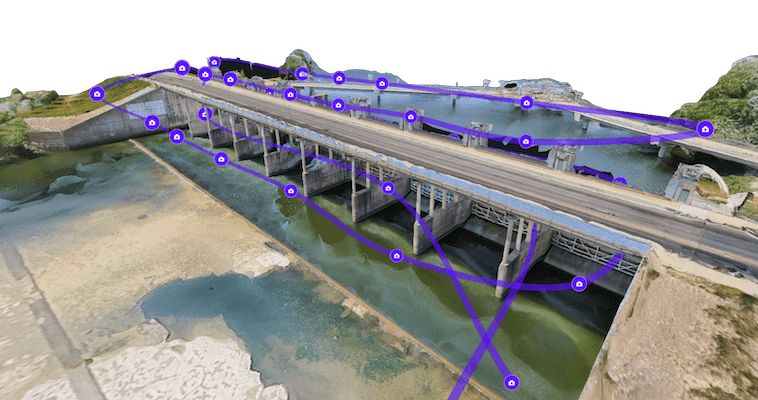
I spent most of last week on the phone with fire and law enforcement teams walking through their pre-plans, and the same request kept surfacing. A 3D model shows them the real scene in detail, and they wanted the standard map symbols their whole department already reads sitting right on top of it.
So I built it, and two more updates shipped alongside it. Here is what is new.
Put Standard Symbols On Any Scene
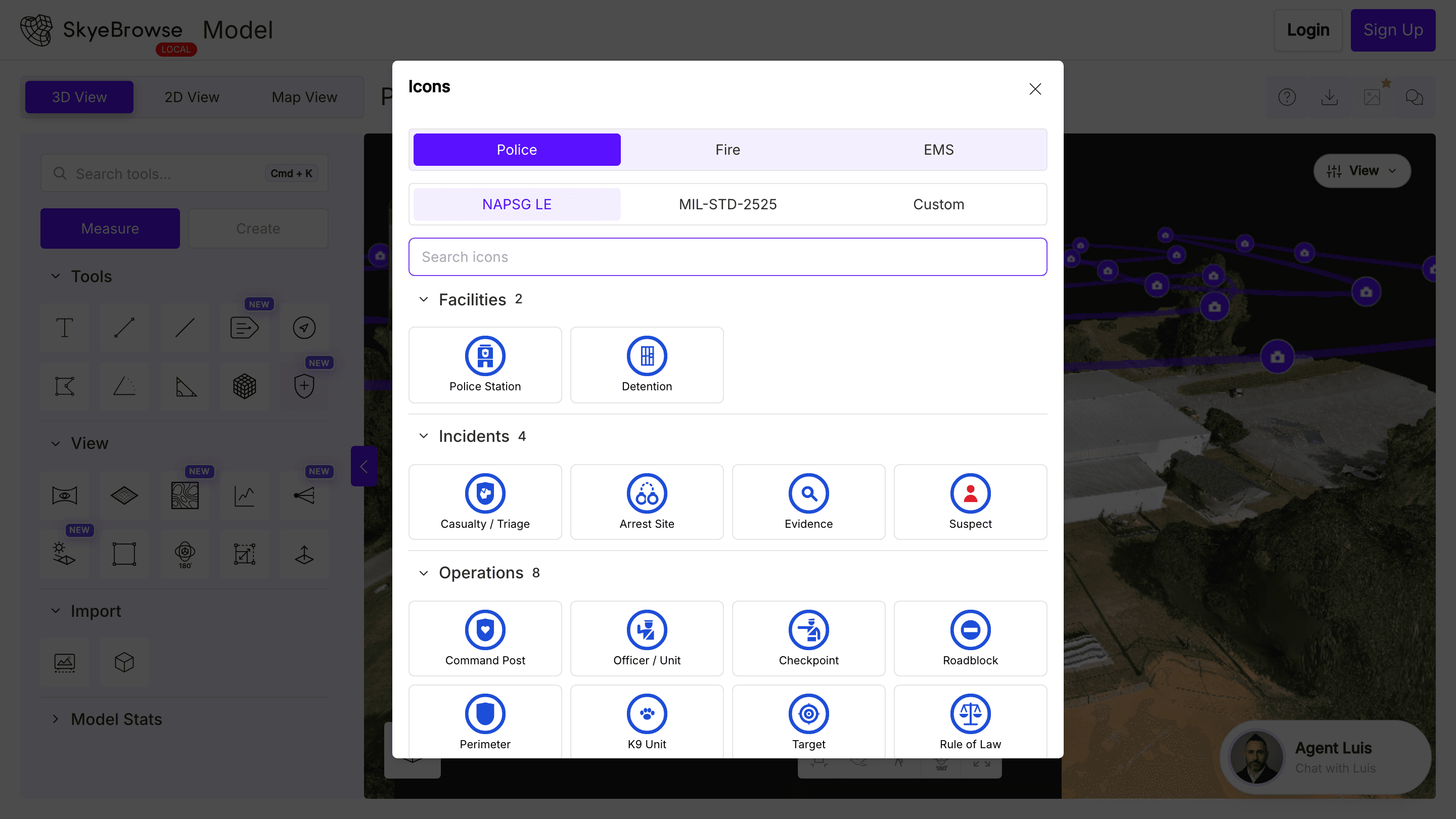
A 3D model tells you what a place looks like. A pre-plan or a scene diagram also has to show a crew where the hydrant, the alarm panel, and the entry point are, in symbols everyone recognizes on sight.
The new Public Safety Icons tool, labeled Icons in the Measure tools, places those symbols directly on your model. Open the searchable picker for the full NAPSG all-hazards library covering fire, law enforcement, and EMS, plus an NFPA 170 fire pre-plan set with hydrants, alarm panels, and suppression equipment. Every icon you drop is listed in the object tree to show, hide, or remove. A standard symbol means the whole team reads the scene the same way.
Document From Your Phone In The Field
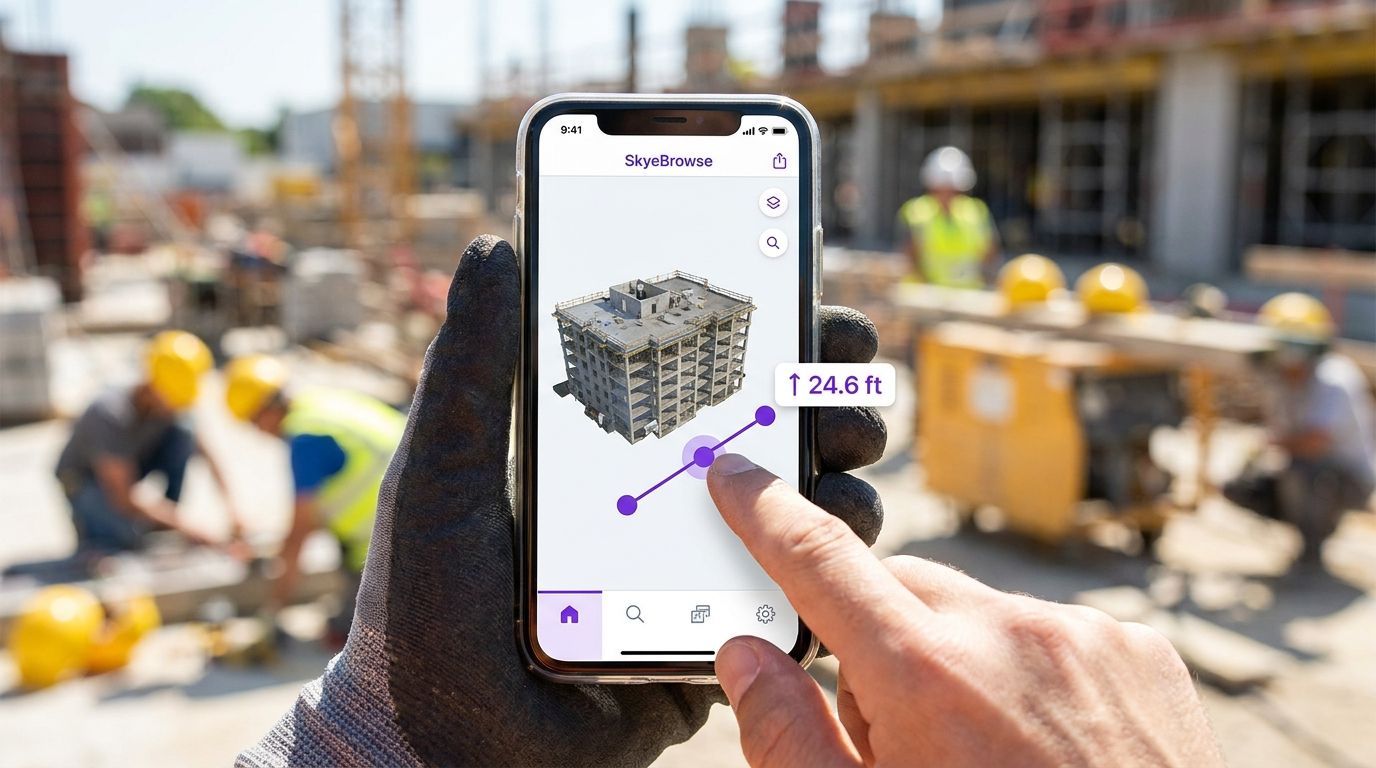
You are standing on a roof or in a parking lot with your phone, and the model is right there in your pocket. Until this week the viewer tools really wanted a mouse.
That changed. Every tool now works with touch on phones and tablets. Measure a span, drop an annotation, place an icon, and drag any marker or slider with your finger. An insurance adjuster can mark hail damage from the ladder and have the diagram done before climbing back down. The deliverable you used to build back at the desk now starts on site.
One Tap To Undo, and Now Redo
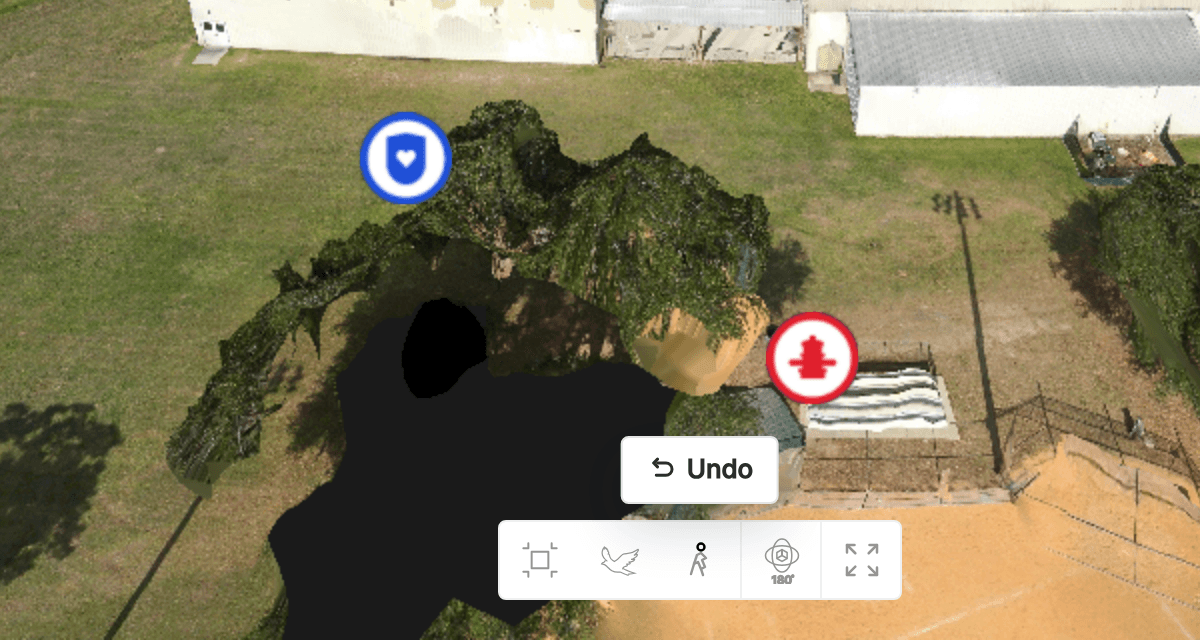
You placed a marker two feet off, or nudged a measurement point by accident. Small mistakes used to mean deleting the item and starting the tool over.
The viewer's one-tap Undo now has a Redo button right beside it. Together they step backward and forward through your placements, measurements, adjustments, overlays, and public-safety icons, on desktop and on mobile. The Cmd+K command palette reaches further this week too, so you can search and run more viewer and model actions by name instead of hunting through panels.
Free Tools Through July 31
Every gated viewer tool is still free for everyone through July 31. That includes Line of Sight, Sun and Shadow, the new Icons, and the rest of the Create and Measure suite. If you have been meaning to run a Premium tool on one of your own models, this is the window to do it at no cost.
I think the best documentation tools disappear into the work. You should be able to study the scene without fighting the interface or hunting for a button. That is the bar I am holding every release to, and it is why this week was as much about reach and polish as it was about new tools.
Reply and tell me which symbol set your agency or industry leans on most, and I will make sure it is in the picker.
We ship updates every week. More soon.