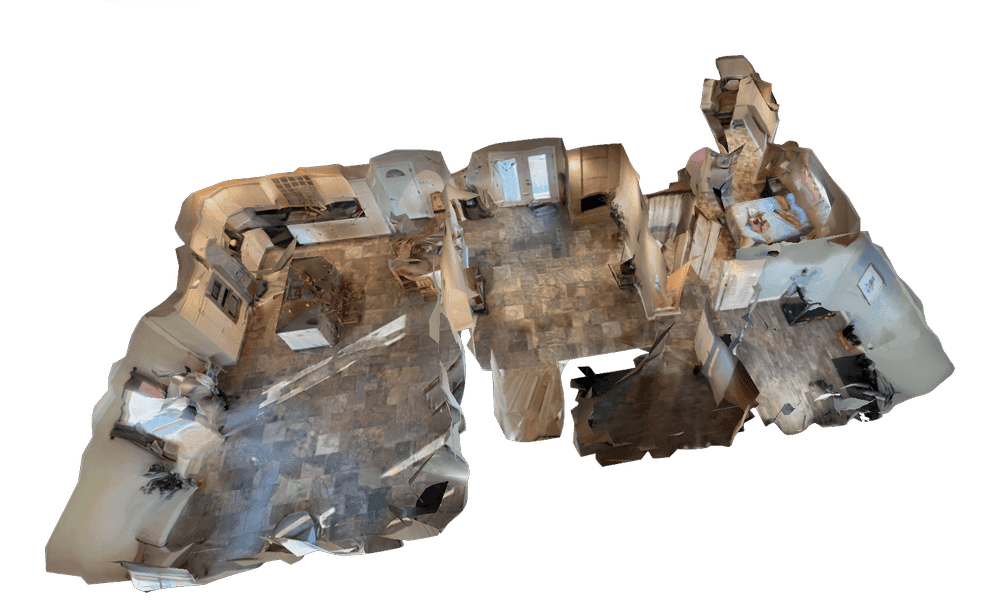
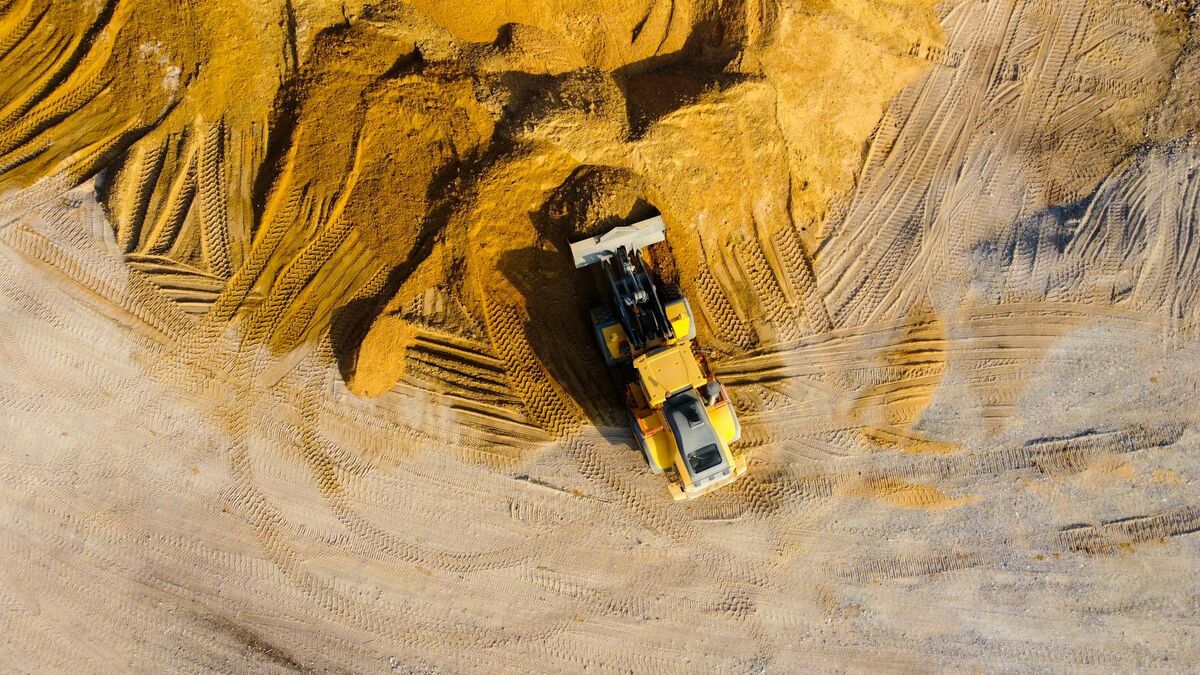
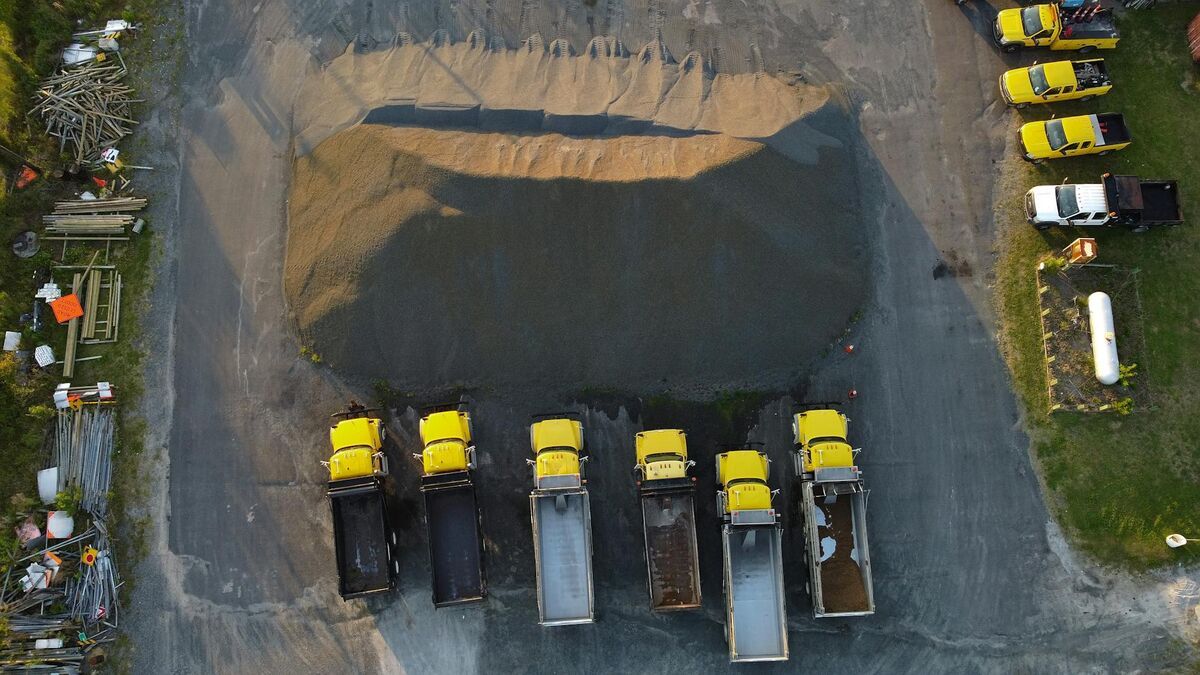
As-built drawings are the final set of plans that show how a building, structure, or site was actually constructed, including every change made in the field after the design drawings were issued. Owners rely on them for maintenance, renovations, permits, and turnover, yet many as-builts arrive late, incomplete, or drawn from memory. This guide explains what as-built drawings include, who is responsible for them, how they differ from record and design drawings, and how a drone or phone video scan processed with videogrammetry (building a measurable 3D model from continuous video) produces CAD-ready as-built drawings in hours instead of weeks.
Key Takeaways
- As-built drawings record the project as constructed, with every deviation from the design: wall and opening locations, MEP routing, structural changes, material swaps, and final site grades.
- The general contractor usually maintains as-builts during construction; an as-built survey is a separate, licensed deliverable that a surveyor seals.
- Measuring the finished building is the slow part. A drone orbit for the exterior and a phone walk-through for the interior give you a measurable 3D model in minutes.
- SkyeBrowse Pro models and Public Safety & Enterprise turn that model into a site plan, floor plans, and wall elevations, then export them to CAD as DXF or GeoJSON.
- Accuracy comes from capture distance: Pro models resolve to 0.5 inch and Public Safety & Enterprise to 0.1 inch, which is survey-grade detail for architectural as-builts.
Contents
- What are as-built drawings?
- What do as-built drawings include?
- Who is responsible for as-built drawings?
- What is the difference between as-built drawings, record drawings, and design drawings?
- What is an as-built survey?
- How are as-built drawings created?
- How do you create as-built drawings from a drone scan?
- How accurate do as-built drawings need to be?
- FAQ
What are as-built drawings?
As-built drawings are revised plans that show a project exactly as it was built, including every change made during construction. They capture final dimensions, moved walls, rerouted utilities, and substituted materials, so owners and future contractors work from what actually exists in the field.
The design set describes what the architect and engineers intended. Construction rarely follows it perfectly: an RFI moves a door, a clash forces a duct reroute, a supplier substitution changes a fixture, or a footing shifts to avoid an unmarked utility. As-builts are where those changes get recorded. You will also hear them called red-lines (after the red pen used to mark up the field set), field drawings, or as-built documentation.
As-builts matter long after closeout. A facility manager tracing a leak, an architect planning a tenant improvement, or an engineer designing an addition all start from the as-built set. When it is wrong, every downstream project pays for it in exploratory demolition, change orders, and repeated field measurement. Interoperable, accurate building records are also the starting point for the openBIM workflows that buildingSMART promotes, where one model of the real asset serves owners and every discipline that touches it later.
What do as-built drawings include?
As-built drawings include the final dimensions and layout of the project, every deviation from the design, the actual routing of mechanical, electrical, and plumbing systems, structural changes, material and equipment substitutions, and site features such as grades, utilities, and hardscape. Each change should be dated and tied to the RFI or change order behind it.
A complete set usually covers:
- Layout and dimensions: wall positions, room sizes, door and window locations, ceiling heights, and stair and shaft openings as built.
- MEP systems: where pipes, conduit, ductwork, valves, cleanouts, and panels actually run, which is the information most often missing after drywall closes.
- Structural changes: relocated columns, added beams, revised footings, and embedded items.
- Materials and equipment: substitutions from the specification, with model numbers where relevant.
- Site work: finished grades, curb and paving limits, underground utility locations and depths, fences, and landscaping.
- Change references: the RFI, ASI, or change order number for each deviation, plus dates and initials.
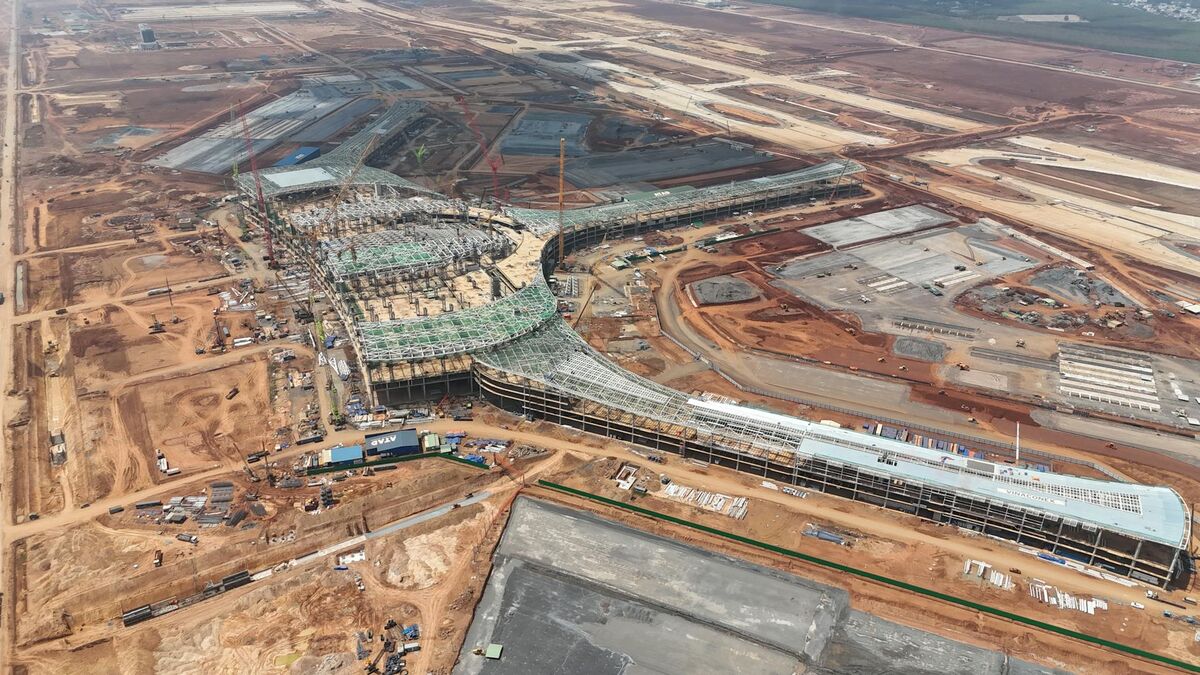
The three common sets split along the same lines as the design documents: architectural as-builts, structural as-builts, and MEP as-builts. Large projects add civil or site as-builts, which is where drone capture of the whole parcel saves the most time.
Who is responsible for as-built drawings?
The general contractor is usually responsible for maintaining as-built drawings during construction, and each subcontractor marks up changes to its own trade. At closeout the contractor delivers the set to the owner. The architect or engineer may then convert it into record drawings. The construction contract defines the exact responsibilities.
Standard general conditions such as AIA A201 require the contractor to keep a current marked-up set on site and submit it to the owner at completion, so incomplete as-builts can hold up final payment. In practice the superintendent owns the process, foremen record field changes as they happen, and the project engineer reconciles them against RFIs and change orders.
The weak point is timing. Changes recorded weeks later from memory are where errors creep in. Teams that capture site conditions on a schedule, for example with weekly drone flights already used for construction progress monitoring, have a dated visual record to check every red-line against. Interior trades benefit the same way when someone walks the floor with a phone video before walls and ceilings close.
What is the difference between as-built drawings, record drawings, and design drawings?
Design drawings, also called construction drawings, show what was planned and are issued for building. As-built drawings are the contractor's marked-up version showing what was actually built. Record drawings are the clean, final set an architect or engineer compiles from the as-builts for the owner's permanent files.
| Drawing type | Prepared by | When | Purpose |
|---|---|---|---|
| Design or construction drawings | Architect and engineers | Before and during construction | Show design intent for pricing, permits, and building |
| Shop drawings | Subcontractors and fabricators | During construction | Show how a specific component will be fabricated and installed |
| As-built drawings | General contractor and subcontractors | During construction through closeout | Record field changes and actual conditions |
| Record drawings | Architect or engineer | At closeout | Clean, consolidated final set for the owner |
"As drawn" and "as designed" both refer to the design set. The gap between those drawings and the as-builts is exactly the information an owner needs, which is why a measured capture of the finished work is more reliable than reconstructing changes from paperwork.
What is an as-built survey?
An as-built survey is a measured survey, usually performed by a licensed land surveyor, that records the location of completed improvements such as foundations, buildings, utilities, and grading relative to property lines and the approved plans. Permitting agencies and lenders often require one before issuing a certificate of occupancy or releasing funds.
An as-built survey answers questions a floor plan cannot: does the foundation sit inside the setbacks, do the utility inverts match the approved civil plans, and does the finished grade drain where it should. Because it can carry legal weight, the final document is signed and sealed by the surveyor.
A drone as-built survey supplies the field data for much of that work. One flight captures every structure, curb, manhole lid, and grade break on the parcel at once, and the resulting point cloud and orthomosaic (a scale-corrected, top-down map stitched from the capture) give the survey team a complete picture to measure from. For certified absolute coordinates, tie the model to RTK positions or ground control points; the measurement accuracy of the model itself does not depend on them.
How are as-built drawings created?
As-built drawings are created by recording field changes during construction, measuring the finished conditions, and drafting the results into 2D CAD or a 3D BIM model. Measurement methods include tape and laser distance meters, total stations, laser scanners, 360 cameras, and drone or phone video processed into a 3D model.
A typical process looks like this:
- Start from the design set. Use the latest issued drawings, RFIs, ASIs, and change orders as the baseline.
- Record changes as they happen. Red-line the field set daily or weekly, with dates and change references.
- Capture conditions before they disappear. Photograph or scan MEP rough-in before insulation and drywall.
- Measure the finished work. Verify dimensions, openings, and site features against the red-lines.
- Draft the deliverable. Update the CAD sheets or BIM model, then review with the architect and owner.
Step 4 is the bottleneck. Measuring a building by hand takes days and misses detail, and dedicated scanning hardware adds equipment and specialist time. Reality capture from video shortcuts both, which is where drones and phones come in.
How do you create as-built drawings from a drone scan?
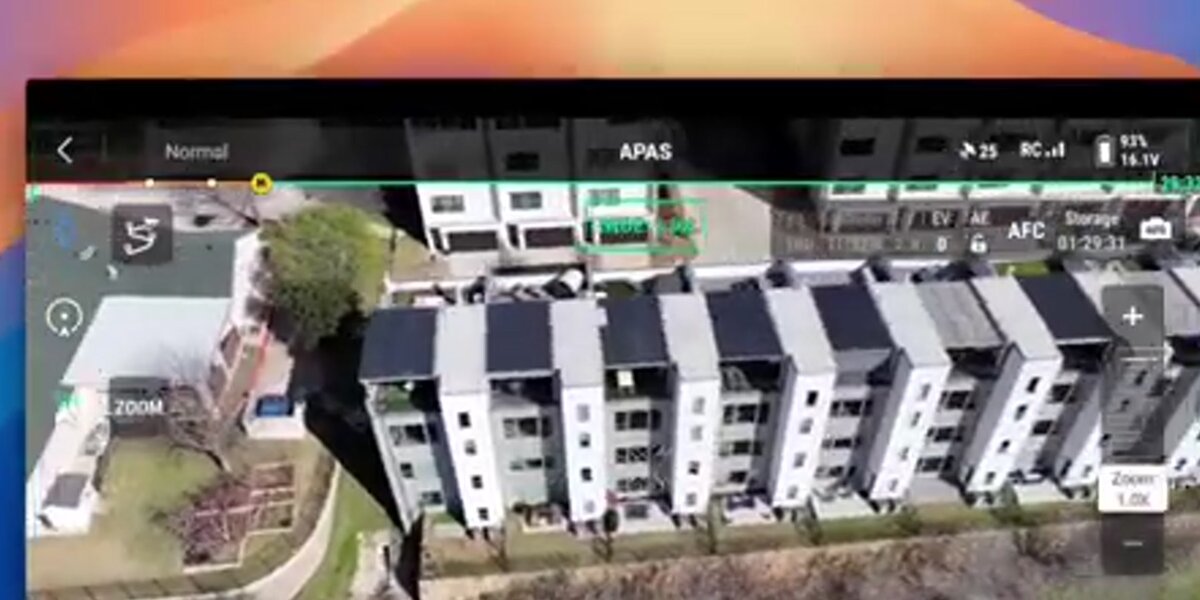
To create as-built drawings from a drone scan, fly a short video orbit or grid over the site, walk the interior with a phone, and upload the video to a videogrammetry platform. SkyeBrowse builds a measurable 3D model in minutes, traces the site plan, floor plans, and wall elevations with AI, and exports them to CAD as DXF.
Here is the workflow in SkyeBrowse:
- Capture the exterior. Use the SkyeBrowse Flight App's Orbit mode for buildings and small sites under an acre, or WideBrowse grid missions for larger parcels; its Side Scan pass captures facades. Any drone flown manually works through Universal Upload with .MP4 or .MOV video. Record the .SRT (DJI) or .ASS (Autel) telemetry file so the model is georeferenced.
- Capture the interior. Walk each floor slowly with a phone or 360 camera and turn on the Interior toggle at upload.
- Process in the cloud. Upload at app.skyebrowse.com. Processing runs at roughly one minute per minute of video, so most models are ready within minutes.
- Generate the drawings. AI Site Plan (CAD) traces the orthophoto into a site plan overlay. AI Floor Plans draws an interior floor plan in under 10 seconds, for the full model or a selected area. AI Wall Elevation, a mode of AI Site Plan, turns any wall face into a 2D elevation with on-wall measurements and annotations.
- Export to CAD. Export CAD writes the site plan, floor plans, wall elevations, and measurements as DXF or GeoJSON, with georeferenced export modes when the model is georeferenced. Point clouds (LAZ), meshes (GLB, OBJ, USDZ), and GeoTIFF orthomosaics are available for BIM and GIS teams.
These AI drawing tools and exports are included with Pro models and Public Safety & Enterprise; a standard Commercial model covers viewing, measuring, and sharing for three months without them. See the 3D model viewer tutorial for a walkthrough of each tool, and BIM coordination with drones for bringing the exports into a coordination model.
The same capture supports the rest of the project: a construction drone program that already flies weekly can produce as-built drawings at each milestone instead of only at closeout.
How accurate do as-built drawings need to be?
As-built drawings need to be accurate enough for the next decision someone will make from them: renovation layouts and MEP tie-ins need inch-level detail, while certified surveys also need coordinates tied to a control network. A drone or phone scan captured close to the subject delivers survey-grade measurement accuracy for architectural as-builts.
The ASPRS Positional Accuracy Standards make the useful distinction: accuracy is stated against a documented capture and check process, and relative accuracy (distances inside the model) is separate from absolute accuracy (where the model sits on the earth). Room dimensions, wall lengths, and opening sizes depend on relative accuracy.
With videogrammetry, detail scales with capture distance. Fly lower around the building and walk the phone close to walls and equipment, and the model resolves to 0.5 inch on Pro models and 0.1 inch on Public Safety & Enterprise. When the deliverable must carry certified state-plane coordinates, an RTK drone or a few ground control points tie the model to the survey network. Commercial drone flights in the US must follow FAA Part 107, so assign a certified remote pilot to the exterior capture.
Video capture records only what the camera can see. Plan the interior walk-through before close-in so concealed pipes, conduit, and ducts appear in the model, and add an orthomosaic of the site to the closeout package for the owner's GIS team.

FAQ
What is an as-built drawing?
An as-built drawing is a revised set of plans that shows a building, structure, or site exactly as constructed, including moved walls, rerouted pipes and ducts, substituted materials, and final dimensions. Owners use as-builts for maintenance, renovation, permitting, and turnover.
Who is responsible for as-built drawings?
The general contractor usually maintains marked-up as-builts during construction, with each subcontractor recording changes to its own trade. At closeout the contractor delivers them to the owner, and the architect or engineer may convert them into record drawings. The contract sets the exact split.
Do as-built drawings need to be stamped?
Contractor as-builts usually do not need a stamp. A seal is typically required for a certified as-built survey from a licensed land surveyor, or when a permitting authority asks for sealed record drawings. Requirements vary by state and jurisdiction.
How much do as-built drawings cost?
Outsourced as-builts are usually quoted per square foot or per sheet, and the price rises with building size, MEP detail, and site visits. Capturing the building yourself and processing it in SkyeBrowse costs $49.99 per Pro model ($39.99 with annual billing), which includes AI Floor Plans, AI Site Plan, and DXF export. Current plans are on the pricing page.
Can a drone scan replace a licensed as-built survey?
A drone scan gives you the measured geometry for as-built drawings at survey-grade relative accuracy, and RTK or ground control ties it to certified coordinates when needed. A legal as-built survey still has to be signed and sealed by a licensed surveyor, who can use the drone data as part of the work.
Upload your first video free. Create a free SkyeBrowse account, upload a drone or phone video, and get a 3D model processed in the cloud. Freemium organizations that have never had a paid plan can get their first full model for $5 (normally $24.99), with every Pro tool and export, including AI Floor Plans and CAD export, and 90-day storage.