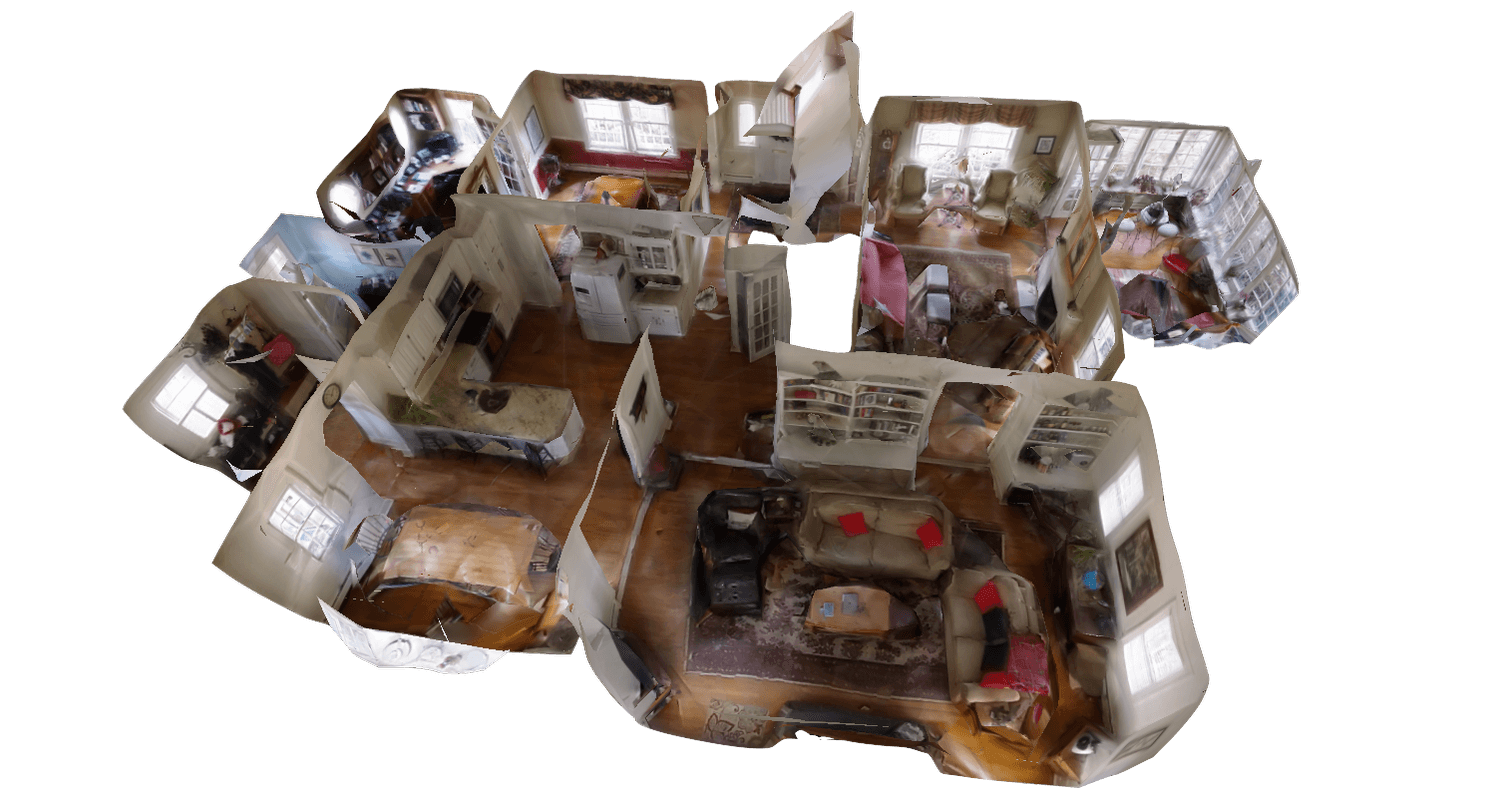
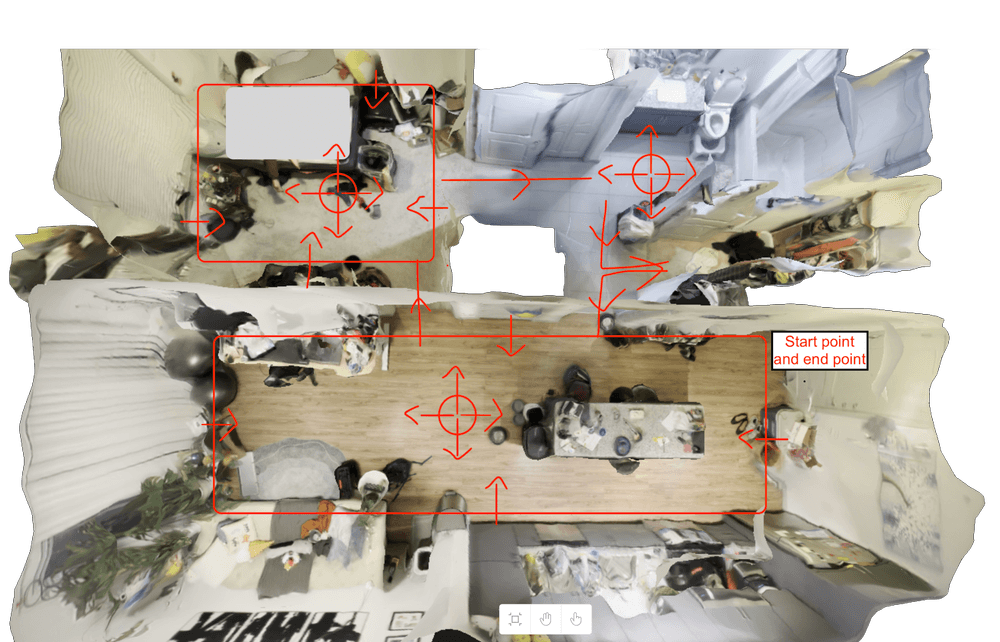
These 3D scanning tips come from the checklist SkyeBrowse gives agencies and contractors who map with a phone or an Insta360 camera. Nearly every bad model traces back to five mistakes: walking too fast, filming the ceiling or sky, spinning in place, mapping a dark room, and forgetting a scale reference. This checklist fixes all five. SkyeBrowse builds the model with videogrammetry, reconstructing 3D geometry from the frames of one continuous video, so camera movement decides model quality.
Key Takeaways
- Slow, continuous movement matters most: walk at half pace and never stand still to pan.
- Phone and 360 video carry no drone GPS log, so every scene needs a measured reference for the Scale Tool.
- Cover interiors with an overlapping lawnmower grid, then orbit key objects, in one recording.
- Insta360 users can upload the native .INSV or .OSV file with no stitching or conversion.
- At an evidence scene, follow your agency's scene-integrity rules and document the room as found.
Contents
- Should you capture with a phone or an Insta360 camera?
- Which camera settings should you lock in before recording?
- What should you set up before you hit record?
- How do you capture an interior for a clean 3D model?
- How do you capture exteriors, vehicles, and small scenes on foot?
- What ruins a phone or 360 camera 3D model?
- How do you transfer and upload the footage?
- How do you set scale and check your work before leaving?
- FAQ
Should you capture with a phone or an Insta360 camera?
Use a phone for single rooms, vehicles, and small scenes you need to document right now. Use an Insta360 or other 360 camera for full interiors, multi-room walkthroughs, and exteriors, because it sees in every direction and needs fewer passes. Neither requires a drone.
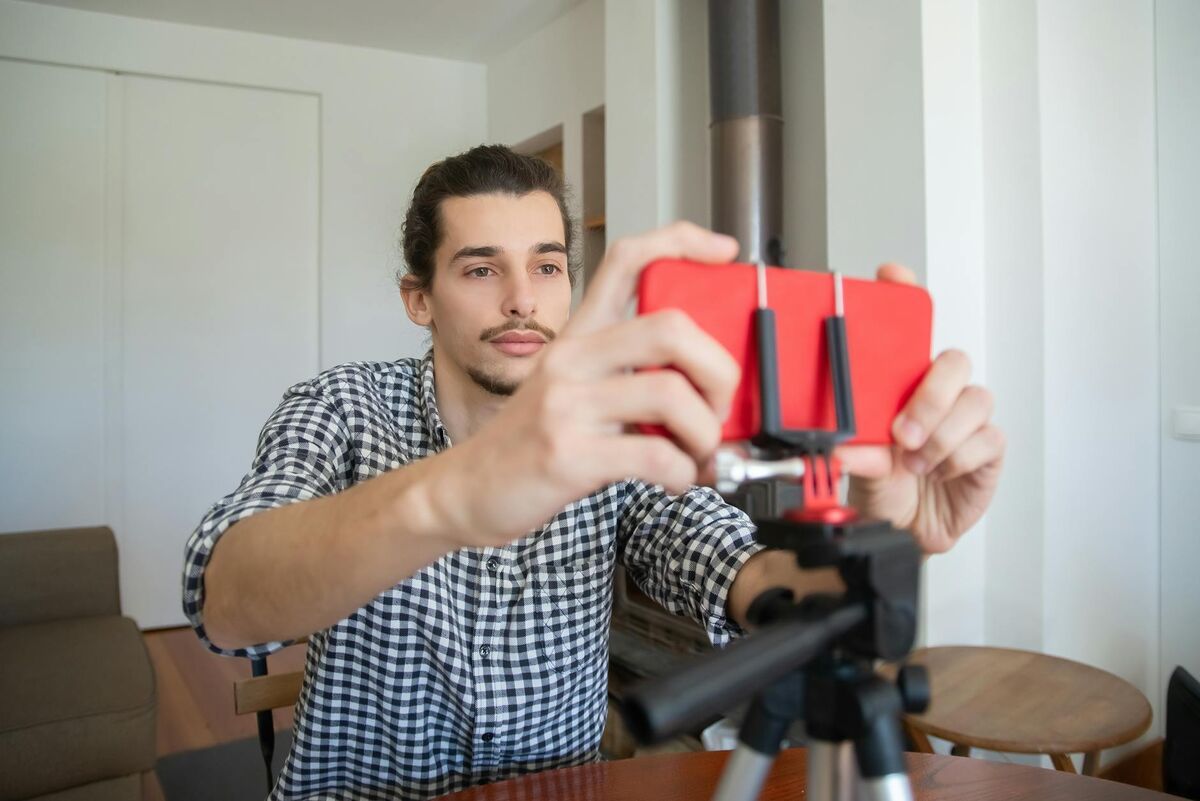
☐ Cell phone: single rooms, vehicles, small scenes, anything you must shoot immediately.
☐ Insta360 (360 camera): full interiors, hallways, multi-room walkthroughs, exteriors. Fewer lanes cover the space, and the Image Walkthrough lets reviewers look around from every capture point.
☐ Either device works with Universal Upload.
Our phone vs 360 camera comparison for indoor mapping covers the trade-offs. Public safety teams can also upload body-worn camera footage when that's the only video of a scene.
Which camera settings should you lock in before recording?
On a phone, record vertically at 4K or 1080p and 60fps with the wide lens, and lock exposure. On an Insta360, record in 360 mode at 4K and 60fps on a pole held above your head. Clean every lens first.
Phone settings
☐ 4K or 1080p at 60fps, the tested phone mapping setting.
☐ Record vertically in portrait mode.
☐ Use the wide angle lens (0.5x) if your phone has one.
☐ Tap and hold the screen for auto exposure lock so brightness doesn't jump.
☐ Never zoom. Keep one lens for the whole recording.
☐ Wipe the lens; phones collect fingerprints.
☐ Free up storage for a large 60fps file.
Insta360 settings
☐ 360 mode (both lenses), 4K at 60fps.
☐ Clean BOTH lenses.
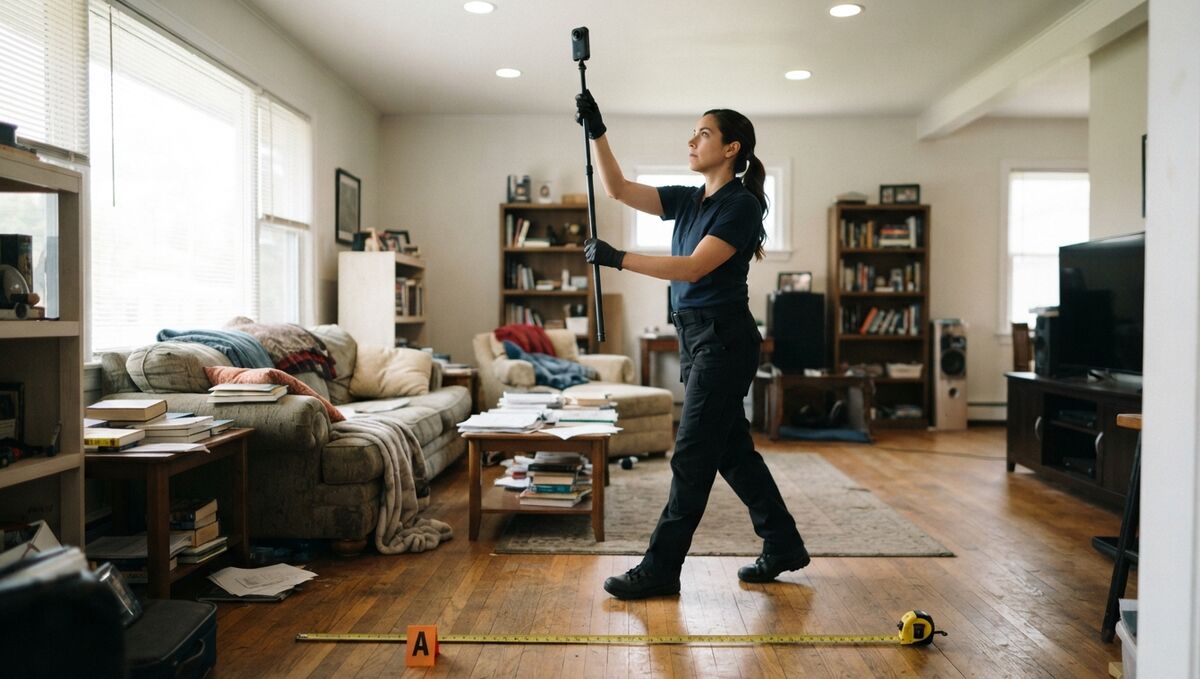
☐ Mount it on a selfie stick or extension pole held above your head. The camera stays level and still; your legs do the moving.
☐ Hold the stick straight up to keep your body out of the shot.
☐ Fresh battery and an empty card.
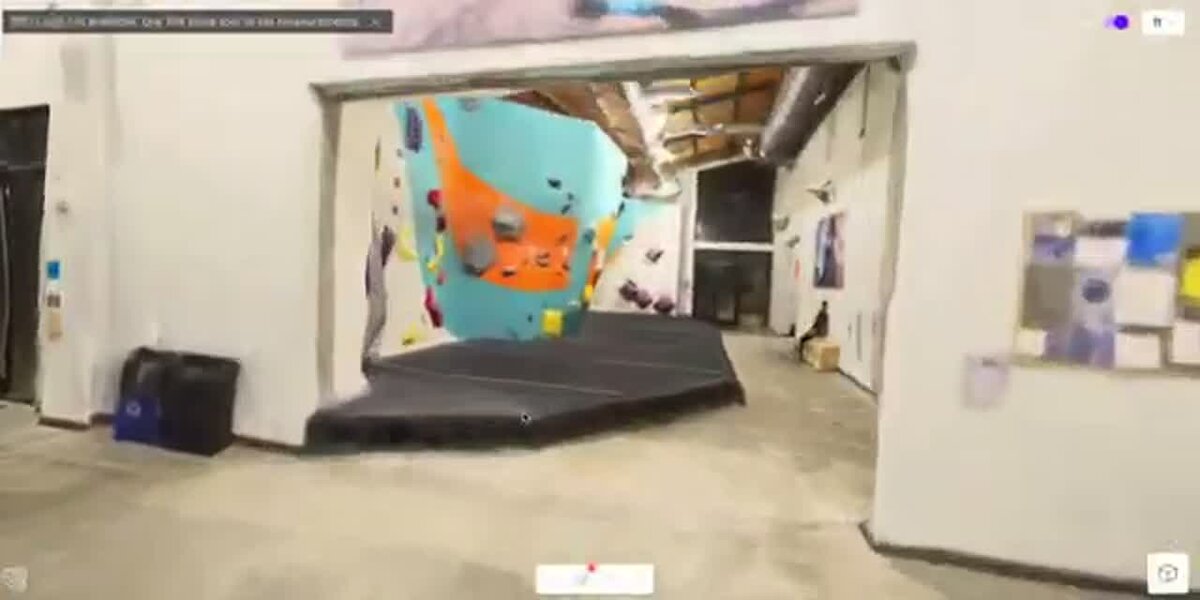
The Insta360 interior mapping tutorial and cell phone interior mapping tutorial walk through a full capture on video.
What should you set up before you hit record?
Turn on every light, place a measured scale reference in the scene, and plan your path. Phone and 360 video have no built-in scale. Where the scene isn't evidence, clear obstacles so you can walk without stopping.
☐ Turn on every light. Open blinds; switch on overheads and lamps.
☐ Place a scale reference. Lay a tape measure on the floor, or measure a doorway or wall width and write it down.
☐ Clear the path. Move chairs and cords and open doors ahead of time.
☐ Plan your path. Indoors, pick a starting wall, lane direction, and objects to orbit. Outdoors, start and finish loops at the same spot.
At a crime or crash scene, skip the furniture moving. The National Institute of Justice's Crime Scene Investigation guide for law enforcement directs investigators to use the established path of entry and photograph evidence with and without a measurement scale.
How do you capture an interior for a clean 3D model?
Walk a slow lawnmower grid with overlapping lanes, then orbit each important object, all in one continuous video. Tilt the camera slightly down so the frame holds more floor than ceiling, and keep moving to new positions.
☐ Point slightly down (phone). Ceiling-heavy footage can flip the model upside down.
☐ Walk a lawnmower grid. Walk a straight lane wall to wall, step over, and walk the next lane back until the room is covered.
☐ Overlap your lanes. Gaps between lanes become holes.
☐ Large or cluttered rooms: add a second set of lanes crossing the first at a right angle.
☐ Orbit objects of interest. Circle each important item (furniture, evidence, a vehicle in a garage) slowly, keeping it centered.
☐ Walk at half speed. If it feels too slow, it's right.
☐ Move, never spin. Every frame should come from a new position.
☐ Doorways and hallways: slow down further at doors. Walk a hallway as two lanes, one per side.
☐ Multiple rooms: keep recording between rooms and grid each in turn.
☐ Stairs: go slowly, camera on the steps ahead, pausing at each landing.
☐ Finish with overlap: re-cover a few seconds of walked ground, then stop.
Walking the camera close to what matters is how you reach survey-grade accuracy: 0.5 inch on Commercial and Pro models, 0.1 inch on Public Safety & Enterprise.
How do you capture exteriors, vehicles, and small scenes on foot?
Walk two full loops around the subject at two distances and two camera heights, keeping it centered. Tilt down to keep sky out of the frame, and shoot in even, overcast light when you can.
☐ Lap 1 (wide): a full loop far enough out that the whole subject fits in frame, camera tilted slightly down.
☐ Lap 2 (close): a closer loop at a different camera height.
☐ Vehicles and small objects: one loop at chest height, one low near the ground, with the vehicle filling most of the frame.
☐ Walls and facades: add a slow pass along each face.
☐ Keep the subject centered. Move around it; don't stand still and pan.
☐ Keep sky out of frame.
☐ Shoot in even light. Overcast is ideal; avoid harsh shadows and dusk.
☐ Finish by overlapping your starting area.
For crash vehicles, our accident reconstruction checklist covers the rest of the scene workflow.
What ruins a phone or 360 camera 3D model?
Fast or jerky motion, spinning in place, and frames full of ceiling or sky cause most failures. Dark rooms, zooming, reflective or featureless surfaces, and stop-start recording cause the rest. A missing scale reference leaves measurements wrong.
✗ Walking fast or jerky motion
✗ Standing in one spot and spinning
✗ Too much ceiling (interior) or sky (exterior) in frame
✗ Dark rooms or lights off
✗ Zooming or switching lenses mid-recording
✗ Frames filled with glass, water, mirrors, or blank walls
✗ Stopping and restarting the recording in each room
✗ Forgetting the scale reference
✗ Sending the video through a messaging app that compresses it
How do you transfer and upload the footage?
Move the original file by AirDrop, cable, or cloud drive, since texting or emailing compresses video. Insta360 users can upload the native .INSV or .OSV file. Turn Interior Mapping on for indoor scenes and off for exteriors.
☐ Phone: move the original file to your computer by AirDrop, cable, or cloud drive.
☐ Insta360, easiest path: upload the .INSV (or .OSV) file straight off the SD card.
☐ Insta360 Studio export (optional, for trimming): in the desktop app, enable FlowState Stabilization and Direction Lock, turn off Stitching Optimization and all Color Optimization, then export 360 Video at 200 bitrate, 59.94fps, H.265. Desktop exports are higher quality than mobile app exports.
☐ Open app.skyebrowse.com and choose Universal Upload.
☐ Interior scene: Interior Mapping toggle ON.
☐ Exterior scene: Interior Mapping toggle OFF.
☐ Most models are ready 5 to 10 minutes after upload.
Freemium takes 1 video per model at up to 2GB. Commercial and Pro models take up to 3 videos at 10GB each, and Public Safety & Enterprise takes up to 10 videos at 100GB each, with full CJIS compliance and chain of custody. See pricing.
How do you set scale and check your work before leaving?
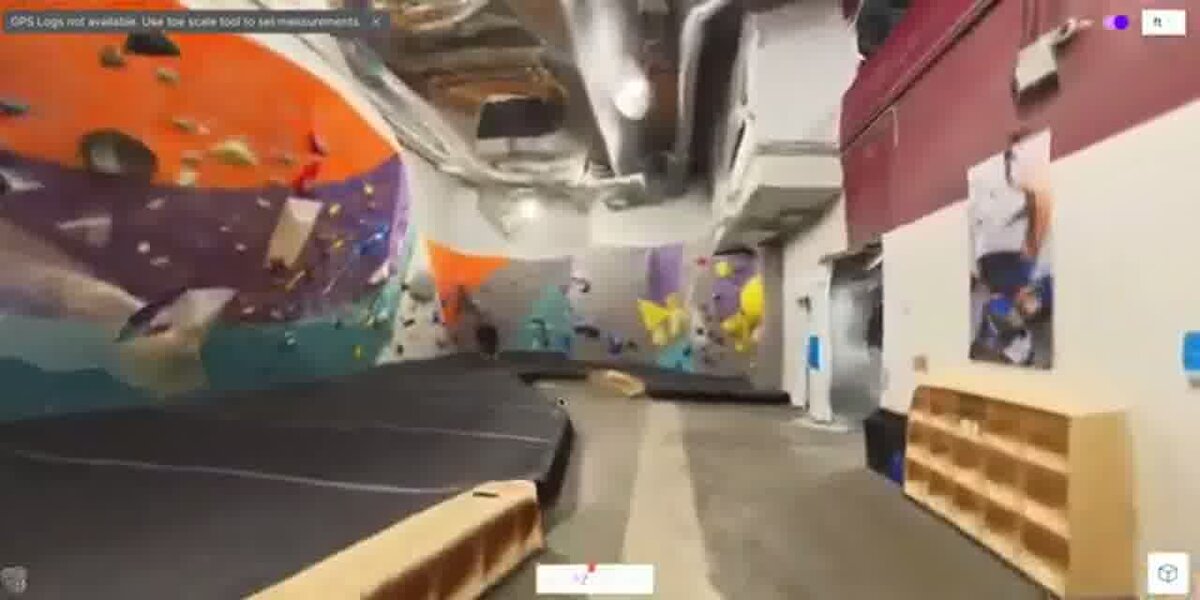
After processing, use the Scale Tool to click both ends of your measured reference and enter the real distance, then confirm with a second known distance. Before leaving the site, play back the footage and re-shoot anything that looks off.
Set scale after processing
☐ Open the Scale Tool (paid plans), click both ends of your tape measure or doorway, and enter the distance.
☐ Check a second known distance with the Distance tool.
☐ If the model loaded upside down, use the Reorientation Tool.
Before you leave the site
☐ Play back the video: sharp, smooth, well lit, subject always in frame?
☐ Confirm one continuous file with the scale reference visible.
☐ If anything looks off, walk it again now. A return trip costs far more.
NIST's OSAC Crime Scene Investigation and Reconstruction Subcommittee supports the development of standards and guidance for crime scene investigations, and a recorded reference distance makes your model easier to defend.
FAQ
Do I need to convert Insta360 footage before uploading it to SkyeBrowse?
No. Universal Upload accepts native Insta360 .INSV and .OSV files directly. Export from Insta360 Studio only if you want to trim the clip or adjust stabilization first. The SkyeBrowse 360 mapping launch post explains how 360 video becomes a 3D model.
Why did my phone or 360 camera model come out upside down?
Too much ceiling or sky in the frame, or jerky motion, is the usual cause. Fix the current model with the Reorientation Tool in the viewer, and on the next capture tilt the camera down so the frame shows more floor than ceiling.
Can I practice my capture technique without using a model?
Yes. Active Commercial and Public Safety & Enterprise subscriptions can turn on Practice Model at upload. Practice models don't count against your models and delete after 1 month unless you click Keep and apply a model.
Can I get a floor plan from my interior model?
Yes, on Pro models and Public Safety & Enterprise. AI Floor Plans generates one from an interior model in under 10 seconds. Compare options in our guide to the best interior mapping software and our roundup of free 3D room scanner apps.
What if my model fails to process?
Failed models return to your balance automatically. Re-upload; if it fails again, send support the model URL or ID. More walkthroughs live on the SkyeBrowse tutorials page.