Gaussian splatting is a rendering technique that reconstructs a 3D scene from ordinary photos or video by representing it as millions of soft, semi-transparent 3D shapes called Gaussians, or "splats," instead of a solid surface mesh. The result is a scene you can fly through in real time with photoreal lighting and reflections. This guide covers how 3D Gaussian splatting works, how it stacks up against photogrammetry and NeRF, which tools generate splats, and when a measurable mesh or point cloud is the better deliverable.
Key Takeaways
- Gaussian splatting reconstructs scenes from millions of soft 3D ellipsoids rather than triangles, enabling real-time photoreal rendering from standard photo or video input.
- The technique originated in the 2023 SIGGRAPH paper "3D Gaussian Splatting for Real-Time Radiance Field Rendering" from Inria and the Max Planck Institute.
- Splats excel at visual fidelity and walkthroughs but are difficult to measure, edit, or import into CAD and GIS software compared to meshes and point clouds.
- Polycam, Luma AI, Postshot, Nerfstudio, and KIRI Engine are among the leading tools that generate Gaussian splats today.
- For measurement-driven work like insurance claims, forensic documentation, or construction verification, a videogrammetry platform that outputs meshes and point clouds is the more practical choice than a splat.
Contents
- What is Gaussian splatting?
- How does 3D Gaussian splatting work?
- Gaussian splatting vs photogrammetry vs NeRF: what's the difference?
- What tools create Gaussian splats?
- When should you use splats vs meshes?
- FAQ
What is Gaussian splatting?
Gaussian splatting is a 3D scene reconstruction and rendering method that represents a captured environment as a dense cloud of overlapping, semi-transparent ellipsoids ("splats") instead of a triangle mesh. Each splat carries a position, size, orientation, color, and opacity, and blending millions of them together produces a photoreal, real-time-navigable 3D scene from a set of ordinary photos or video frames.
The technique was introduced by researchers at Inria and the Max Planck Institute for Informatics in the 2023 paper "3D Gaussian Splatting for Real-Time Radiance Field Rendering", presented at SIGGRAPH. It built on years of neural rendering research, most notably Neural Radiance Fields (NeRF), but swapped the slow neural network representation of NeRF (Mildenhall et al., 2020) for an explicit, GPU-friendly one that renders in real time rather than seconds per frame. That speed jump is why gaussian splats spread quickly from academic labs into consumer capture apps within about a year of publication.
Because a splat scene is really just a large point set with shape and color data attached, it behaves differently from a solid 3D object. There is no defined surface, no watertight geometry, and no polygon count in the traditional sense, which is part of why splats look so good for walkthroughs but resist the kind of editing and measurement workflows built around meshes.
How does 3D Gaussian splatting work?
3D Gaussian splatting starts from a sparse point cloud (typically produced via structure-from-motion on a set of photos or video frames), then initializes a 3D Gaussian at each point. An optimization process adjusts each Gaussian's position, scale, rotation, color, and opacity so that rendering all of them from the training viewpoints matches the original images, and a differentiable "splatting" rasterizer projects and blends the Gaussians into 2D for fast rendering.
The pipeline generally runs in four stages: capture (photos or video from many angles), structure-from-motion to recover camera positions and a sparse point cloud, Gaussian initialization and optimization against the training images, and finally real-time rendering through the differentiable rasterizer described in the original paper. Later research, including work published on arXiv and at IEEE conferences, has extended the approach to dynamic scenes, larger environments, and mobile capture, but the core representation of overlapping colored ellipsoids has stayed consistent.
This is also where the tradeoff shows up. Because the optimization is scored purely on how well rendered views match the training photos, a splat can look convincing from the angles it was trained on while having no coherent underlying surface. That is fine for a virtual walkthrough. It becomes a problem the moment someone needs to click two points and get a real-world distance, which is the daily requirement in fields like lidar-based mapping and surveying.
Gaussian splatting vs photogrammetry vs NeRF: what's the difference?
Photogrammetry reconstructs a solid mesh with defined surfaces and edges, making it measurable and CAD/GIS-compatible. NeRF renders photoreal novel views using a neural network but requires per-scene training and slow, non-real-time rendering. Gaussian splatting delivers NeRF-level photorealism at real-time speeds by using an explicit point-based representation instead of a neural one, but like NeRF it lacks a true measurable surface.
Photogrammetry, the older and more established approach, matches features across overlapping photos to triangulate a dense point cloud and then builds a triangulated mesh from it. That mesh has defined vertices, edges, and faces, which is exactly what CAD software, GIS platforms, and measurement tools expect. NeRF, introduced in 2020, replaced the explicit mesh with a neural network that learns to predict color and density at any point in a scene, producing excellent view synthesis but requiring seconds to minutes per rendered frame and hours of training. Gaussian splatting keeps NeRF's photoreal quality goal but swaps the implicit neural function for an explicit set of Gaussians that a GPU rasterizer can render in real time, which is the core contribution credited in the original SIGGRAPH paper.
For a practical walkthrough of the capture side, see our guide to creating a Gaussian splat from video, which covers the tools that do it and what the same footage produces in a measurement-first pipeline. The short version: splats and NeRF optimize for how a scene looks, while photogrammetry-derived meshes and point clouds optimize for how a scene can be measured, documented, and reused in downstream engineering software.
What tools create Gaussian splats?
The most widely used Gaussian splatting tools are Polycam, Luma AI, Postshot, Nerfstudio, and KIRI Engine. Polycam and Luma AI target mobile and casual capture with in-app splat generation, Postshot and Nerfstudio are desktop tools aimed at more technical users who want training control, and KIRI Engine offers both mobile scanning and cloud processing.
Polycam added Gaussian splatting to its mobile scanning app shortly after the technique gained traction, letting users capture a walk-around video and generate a splat directly on a phone. Luma AI built its Field of View / NeRF-turned-splat pipeline around the same consumer use case: capture a short video, upload it, and get back a shareable, embeddable splat scene. Postshot, from the makers of Octane Render, and Nerfstudio, an open-source research toolkit, give users more control over training parameters and export formats for higher-end production work. For a closer look at how one of these platforms performs in practice, see this Polycam review covering its splat and mesh output side by side.

When should you use splats vs meshes?
Use Gaussian splats when the deliverable is a photoreal walkthrough, marketing visualization, or virtual tour where visual fidelity matters most. Use meshes and point clouds when the deliverable requires measurements, CAD or GIS import, structured file formats, or documentation that has to hold up for engineering, insurance, or legal review.
Splats look extraordinary in a headset or a browser-based viewer, which is why real estate marketing, virtual production, and museum digitization projects have adopted them quickly. But that same overlapping-ellipsoid representation that makes splats render fast also makes them resistant to standard 3D workflows: there is no clean surface to snap a measurement to, no simple way to isolate one object from the scene, and no native path into most CAD or GIS software without a separate conversion step. For reality capture projects tied to a physical asset (a building, a job site, a crash scene) that has to be measured or archived in a standard format, a mesh or point cloud output is the more dependable choice.
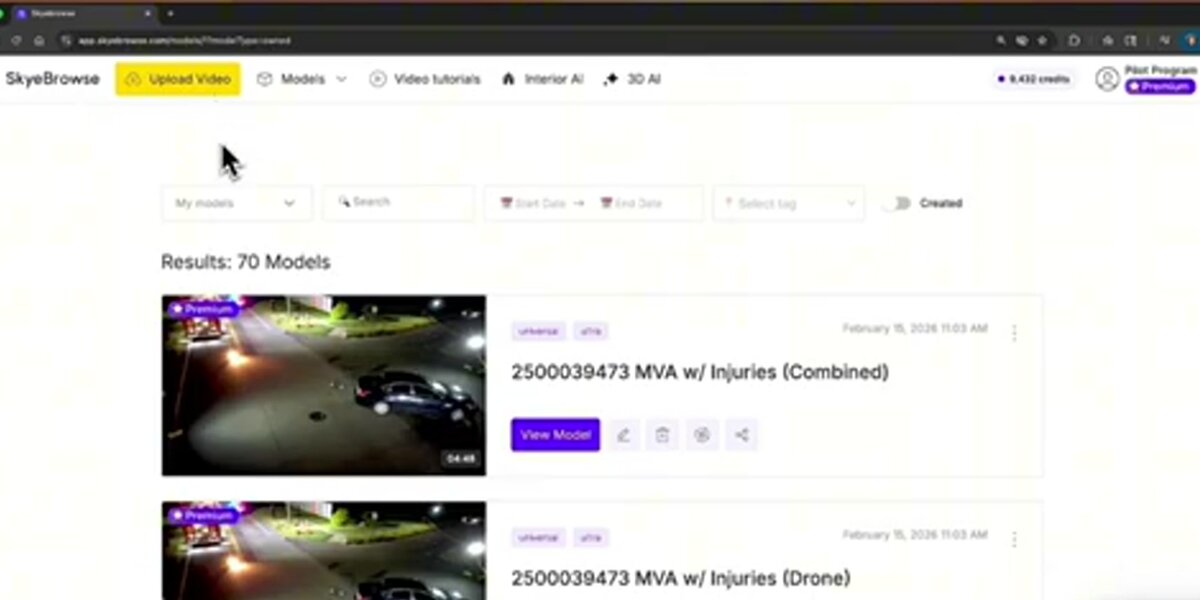
SkyeBrowse takes the mesh-and-point-cloud path deliberately. It converts drone or handheld video into a georeferenced 3D model in the cloud, with no desktop hardware required, and exports it as a LAZ point cloud, GLB mesh, OBJ, USDZ, or GeoTIFF orthomosaic depending on the accuracy tier a project needs. That output format lands directly in CAD, GIS, and measurement tools, which matters for teams pulling dimensions for a claim, a site survey, or a court exhibit rather than building a visual walkthrough. It is not a splat generator, and it is not trying to be one; it is built for the documentation half of the 3D capture world that splats were never designed to serve.
FAQ
Is Gaussian splatting better than photogrammetry?
It depends on the goal. Gaussian splatting produces more immersive, photoreal renders with less manual cleanup, but photogrammetry-derived meshes and point clouds are still the standard for anything requiring accurate measurement, CAD/GIS compatibility, or archival-grade file formats. See the full comparison above for the tradeoffs.
Can you measure distances in a Gaussian splat?
Not reliably with current tools. Splats are made of soft, overlapping ellipsoids rather than a defined surface, so most splat viewers lack the snap-to-edge or snap-to-corner tools that mesh and point cloud viewers use for measurement.
Does SkyeBrowse create Gaussian splats?
No. SkyeBrowse is a videogrammetry platform that turns drone or handheld video into measurable 3D meshes, point clouds, and orthomosaics, exported as LAZ, GLB, OBJ, USDZ, and GeoTIFF. For splat generation specifically, tools like Polycam, Luma AI, Postshot, Nerfstudio, and KIRI Engine are purpose-built for that output. Read more on how SkyeBrowse's video-to-3D process compares to splat-based capture.
Upload your first video free. Create a free SkyeBrowse account, upload a drone video, and get a 3D model processed in the cloud. Freemium organizations that have never had a paid plan can get their first full Commercial model for $5 (normally $24.99), with every Commercial tool, every export, and 90-day storage.