Hi SkyeBrowsers,
Two customer conversations stuck with me this month: a surveyor wanted to hand his client a polished video without touching editing software, and an insurance adjuster asked for a floor plan of one room instead of the whole building. Both shipped today, along with three more updates.
See Your Scene Materialize From Space
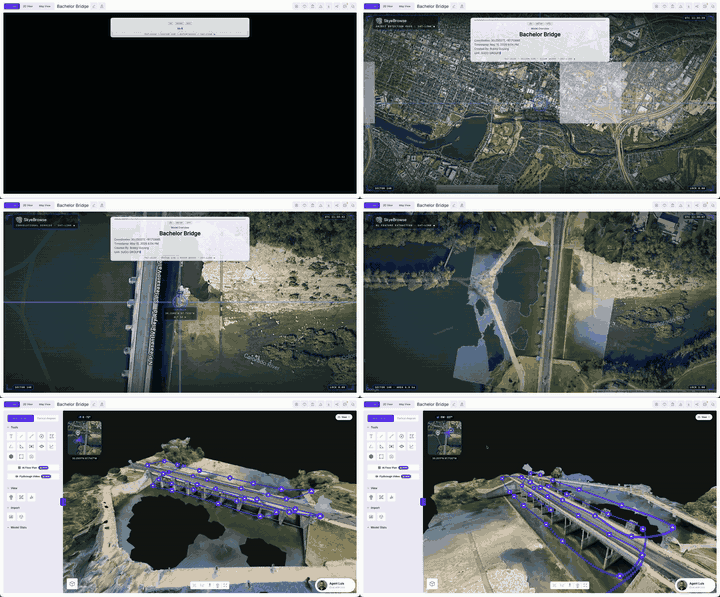
Open a georeferenced model and you get a neat new animation that starts as a satellite, then zooms down to your exact location. Georeferencing happens automatically when you upload your drone's GPS subtitle file alongside the video.
One detail many people miss: click anywhere during the fly-in and you skip straight to the finished textured model. Handy when you have reviewed a scene fifty times and just want your measurements.
One Click Flythrough Videos
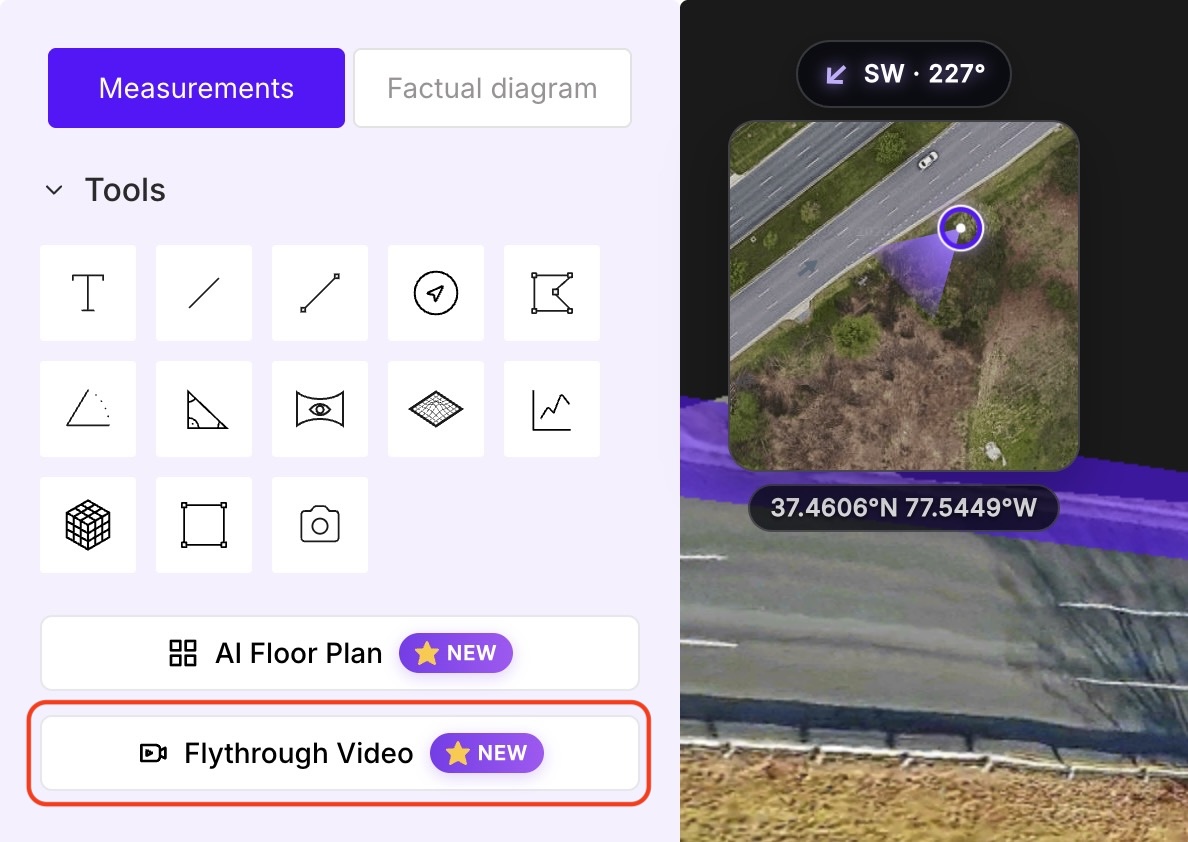
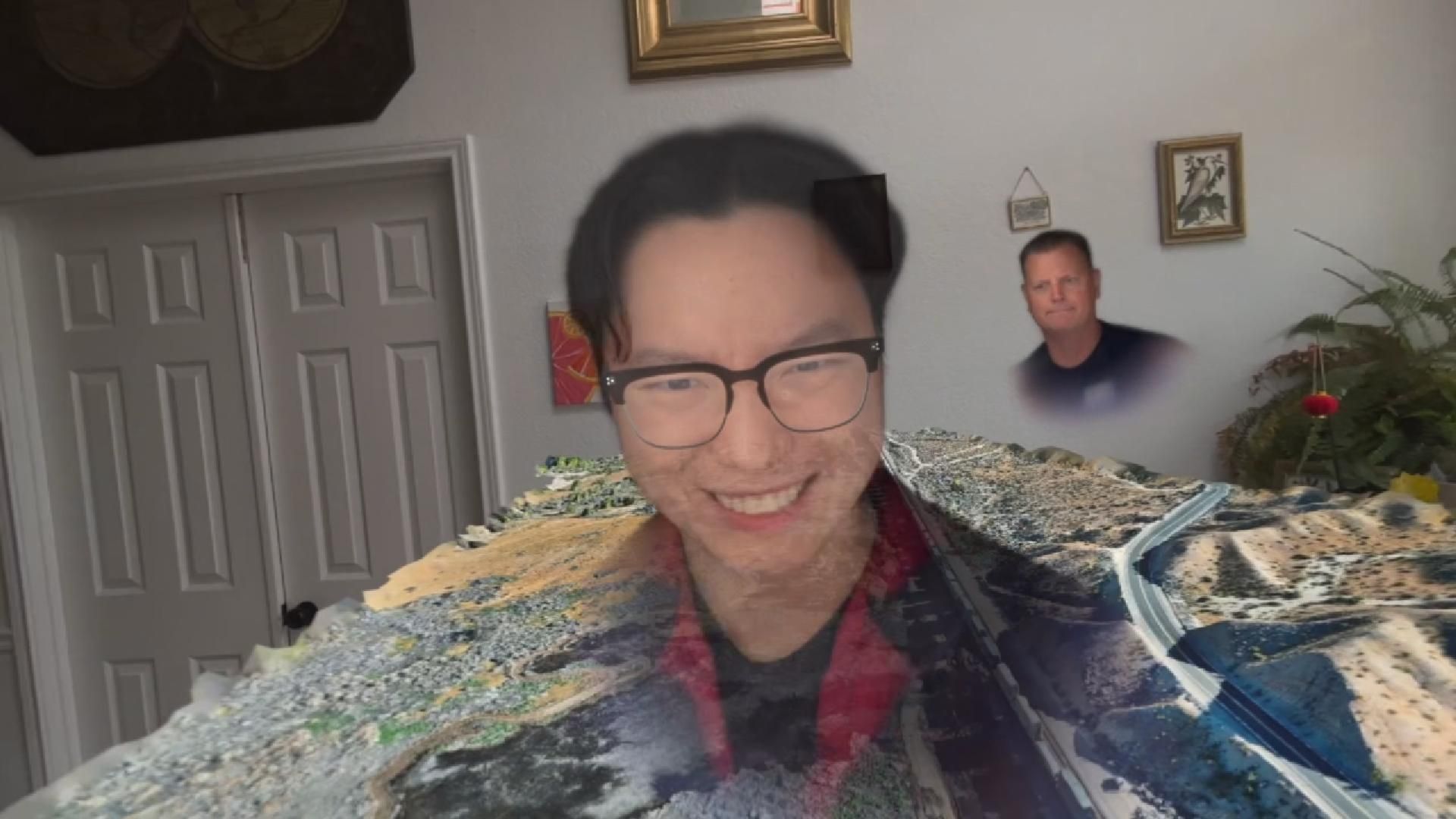
Sharing a 3D model as a video used to mean screen-recording the viewer and editing the clip yourself. The new Flythrough Video tool removes both steps. Open the Tools panel, pick a style, click export, and you get a clean video ready for a report, a client, or a courtroom presentation.
Six styles shipped today:
- Cinematic Intro: replays the satellite fly-in and model load sequence
- 360 Orbit: a seamless loop around the model, perfect for a looping display screen
- Measurement Tour: the camera visits each measurement and annotation in sequence
- Top-Down Sweep: an overhead pan across the full site
- Sweep + Orbit: top-down sweep, then a full orbit around the scene
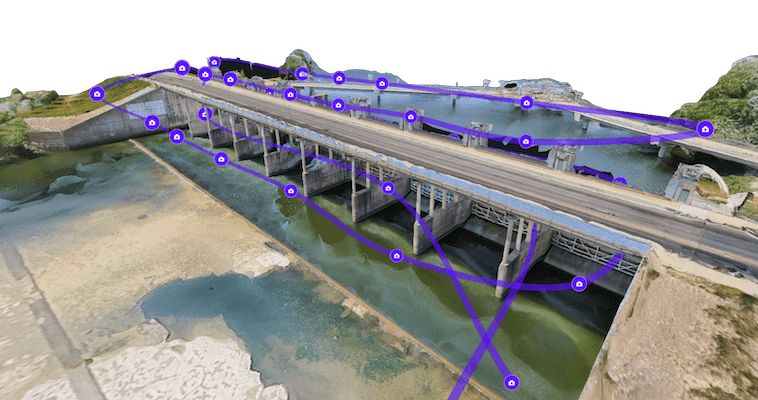
- Flight Path: re-flies the original drone capture path
Cinematic Intro is free for everyone. The other five styles are available on Pro and Public Safety & Enterprise. Capture went from hours to minutes years ago. Sharing deserved the same treatment.
Bespoke AI Floor Plans
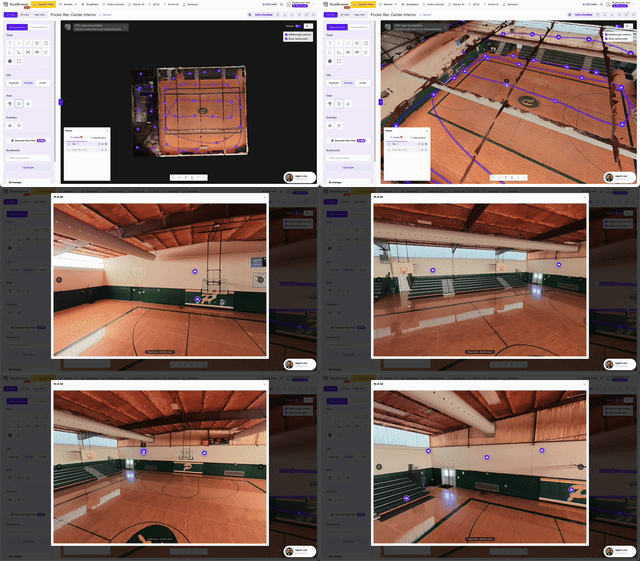
AI Floor Plans are still free for everyone: open an interior model, click AI Floor Plan, and get a detailed plan in under 30 seconds.
New today is Select Area mode. Draw a box on the top-down view and generate a floor plan of just that zone. If you mapped a warehouse and a subcontractor only needs the receiving area for a bid, select the zone, generate, done. Bespoke AI Floor Plans is for paid subscribers only.
Auto-Rotate Model
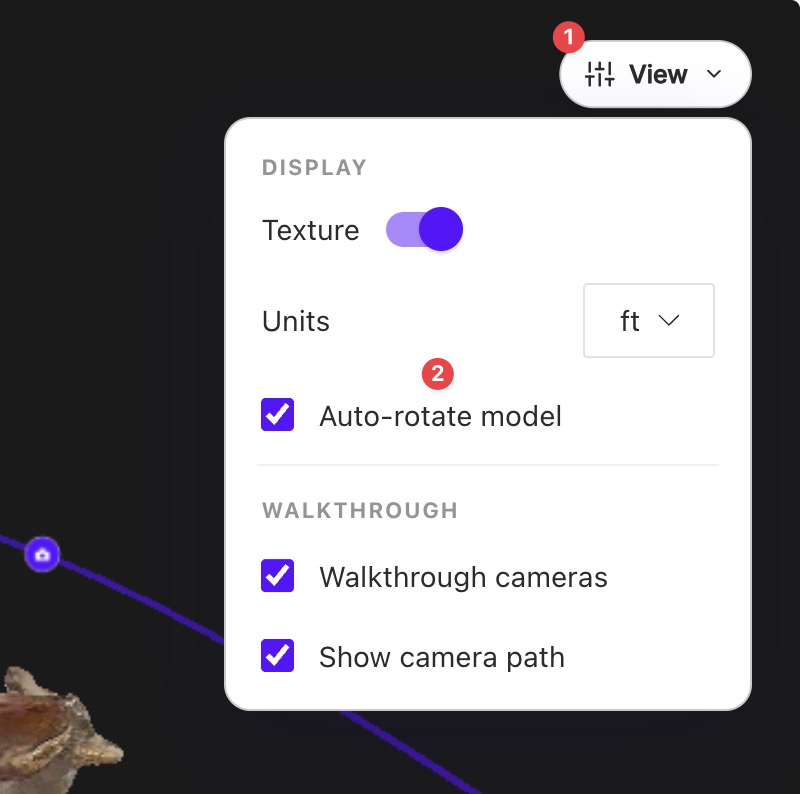
The new View menu sits in the top right of the viewer and gathers every display toggle in one place: texture, measurement units, and walkthrough cameras.
My favorite addition is Auto-rotate. Turn it on and the model orbits slowly on its own, perfect for a kiosk screen in a project trailer or a scene rotating behind you during a briefing.
2X Platform Speed and Smarter Agent Luis
Two under-the-hood upgrades shipped alongside the new tools.
The dashboard is 2X faster. We rebuilt the database underneath it, so your model library loads quicker and switching between scenes is noticeably snappier.
Agent Luis, our AI support specialist, was retrained on thousands of real support conversations. His accuracy scores in internal testing came back 3X higher, and he now recognizes who you are when you reach out. Ask him a workflow question inside the viewer and see for yourself.