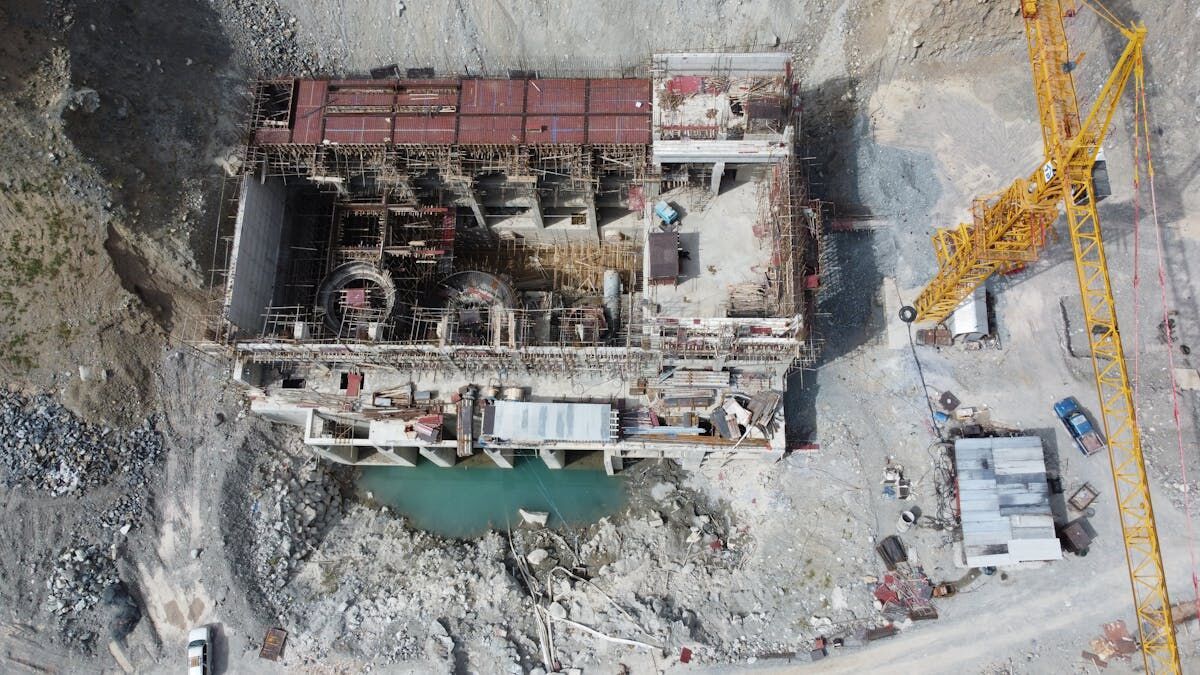
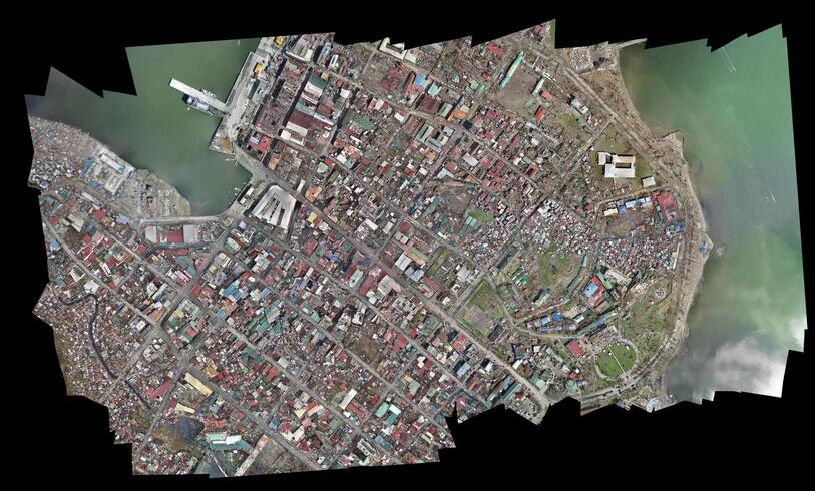
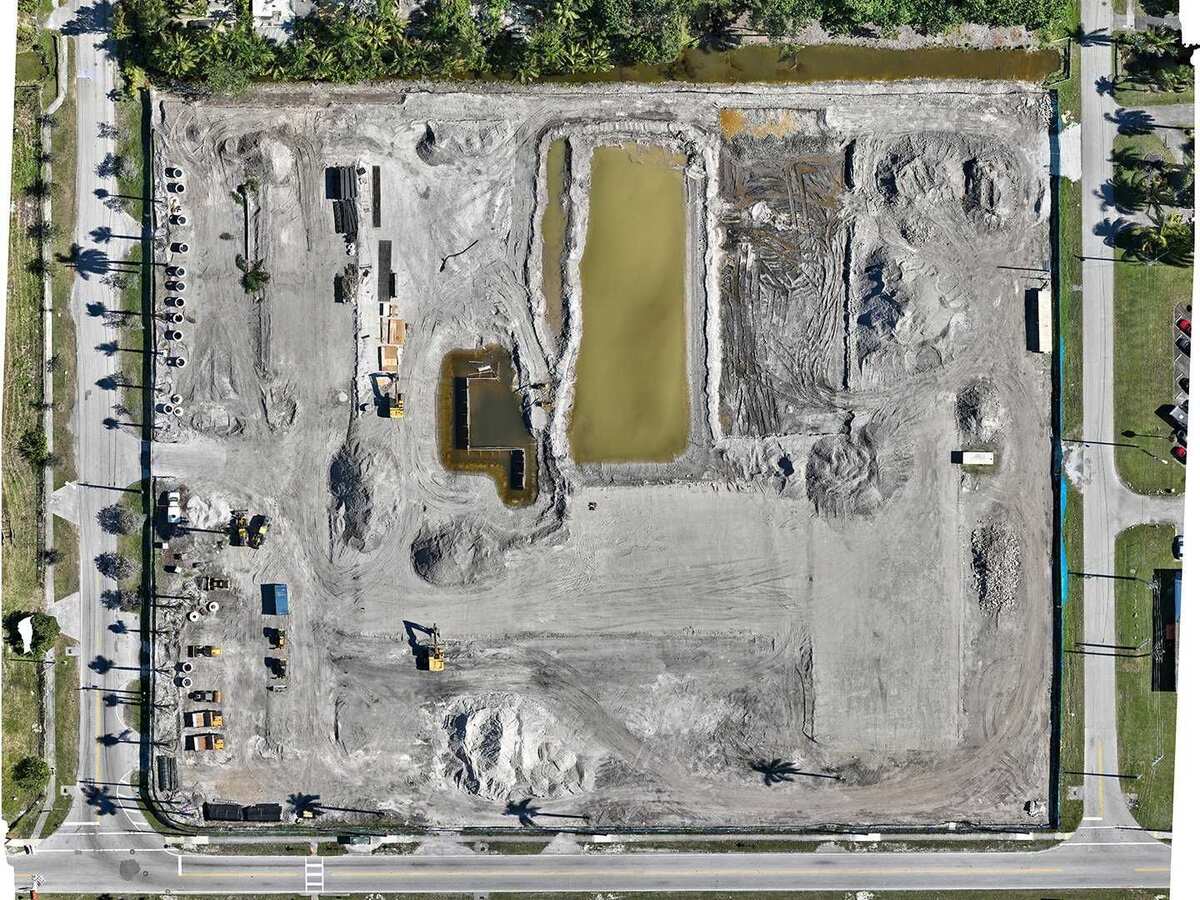
An orthomosaic is a single, geometrically corrected aerial image stitched from dozens or hundreds of overlapping photos. It looks like a satellite image but with centimeter-level resolution, and every pixel carries real-world geographic coordinates. Surveyors, GIS analysts, and project managers use orthomosaics to measure area, track land use, and overlay data layers in mapping software.
A 3D model reconstructs the full geometry of a scene, walls, rooftops, terrain contours, and everything in between, as a navigable three-dimensional dataset. Where an orthomosaic flattens the world into a top-down view, a 3D model preserves elevation, depth, and vertical surfaces that a bird's-eye image cannot capture. The choice between these two drone mapping outputs depends on whether your analysis happens in a flat GIS layer or requires spatial depth.
Key Takeaways
- An orthomosaic is a georeferenced 2D aerial image with uniform scale, ideal for area measurement, GIS overlay, and change detection; a 3D model preserves elevation, vertical walls, and depth that a top-down view collapses.
- Use an orthomosaic for planimetric analysis (area, boundary, progress monitoring) in GIS platforms like ArcGIS or QGIS; use a 3D model when height, volume, or vertical surface detail is essential to the analysis.
- 3D models export as GLB (shareable in any web browser), LAZ (for CAD and forensic tools), or OBJ/FBX, so the same capture can serve both a GIS analyst and an attorney reviewing a scene without separate flights.
- Many teams produce both outputs from a single drone capture: the orthomosaic as a lightweight GIS reference layer and the 3D model for detailed investigation or volumetric analysis.
- SkyeBrowse generates both GeoTIFF orthomosaic and GLB/LAZ 3D outputs from a single video upload on Premium and Premium Advanced tiers, with the browser-based viewer available immediately after processing.
Contents
- What Information Does an Orthomosaic Capture?
- What Information Does a 3D Model Capture?
- Which Tools and Platforms Support Each Output?
- How Do File Size and Delivery Differ?
- When Should You Choose One Over the Other?
- Where Does SkyeBrowse Fit?
- FAQ
What Information Does an Orthomosaic Capture?
An orthomosaic captures planimetric, top-down detail with uniform scale across the entire image. Because distortion from camera angle and terrain has been corrected, measurements taken anywhere on the image reflect true ground distances, and every pixel is georeferenced to a specific latitude, longitude, and coordinate system. It cannot, however, represent vertical faces, overhangs, or the interior of a structure.
This makes the orthomosaic the standard deliverable for area measurement, boundary delineation, and change detection. Construction managers overlay orthomosaics onto site plans to verify grading progress, and insurance adjusters measure roof area to validate claims. The format integrates directly into GIS platforms like ArcGIS and QGIS as a raster layer, so it slots into existing spatial workflows without conversion. Positional accuracy for these deliverables is typically reported against the ASPRS Positional Accuracy Standards for Digital Geospatial Data, which define the accuracy classes surveyors and GIS teams use to compare deliverables from different providers.
What Information Does a 3D Model Capture?
A 3D model captures full three-dimensional geometry: elevation changes, vertical walls, slopes, and complex surface details that an orthomosaic collapses into a flat plane. The model can be a textured mesh with photo-realistic appearance or a raw point cloud, and users can rotate, zoom, and measure in all three axes rather than just across a flat surface.
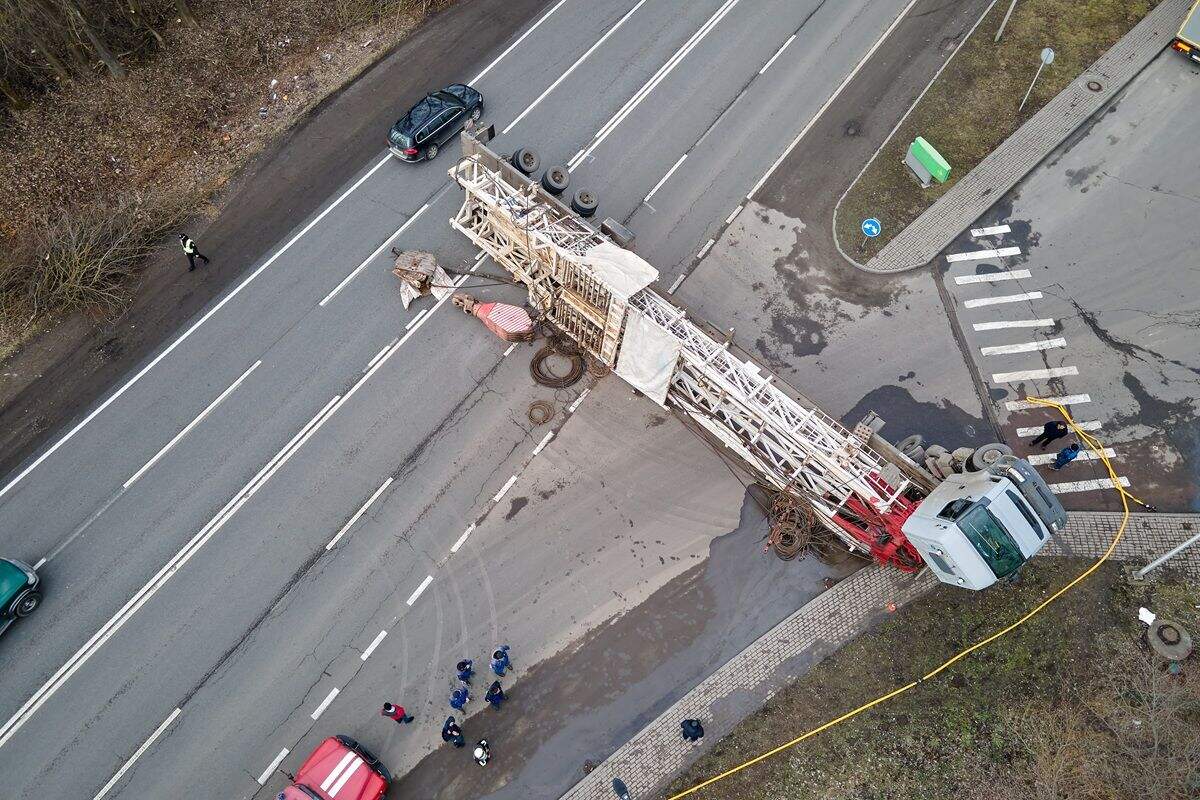
This depth information is essential when the analysis involves height, volume, or spatial relationships that a top-down view cannot convey. Accident reconstructionists need to see how a curb relates to a vehicle's path. Tactical planners need to understand entry points and roofline geometry. A 3D model built from 3D mapping workflows provides all of this from a single drone capture, whereas an orthomosaic would require supplemental ground-level photography to cover the same vertical detail.
Which Tools and Platforms Support Each Output?
Orthomosaics export as GeoTIFF or JPEG files, with GeoTIFF the standard for GIS integration since ArcGIS, QGIS, Global Mapper, and Google Earth Pro all import it natively while preserving the embedded coordinate reference system. 3D models export as GLB for browser viewing, LAZ for CAD and forensic tools, or OBJ/FBX for engineering software.
JPEG orthomosaics work for visual reports and presentations but lose the georeferencing metadata that GeoTIFF preserves. On the 3D side, GLB opens in any web browser, making it the easiest format to share with non-technical stakeholders, while LAZ feeds into CloudCompare, AutoCAD, and forensic reconstruction tools. The versatility of 3D model formats means the same capture can serve both a GIS analyst working in QGIS and an attorney reviewing the scene in a browser viewer. The FGDC Geospatial Positioning Accuracy Standards govern how federal agencies evaluate both raster and point-based geospatial deliverables, giving buyers a consistent yardstick regardless of output format.
How Do File Size and Delivery Differ?
Orthomosaic GeoTIFF files range from 20 MB for a small site to several hundred megabytes for a large-area survey, scaling with area and pixel density as a single-layer raster. 3D models vary more widely: a GLB mesh might be 15-50 MB, while the LAZ point cloud of the same area could be 100-500 MB.
Sharing a mesh is as simple as sending a browser link; sharing a point cloud requires compatible software like CloudCompare or a CAD package. For drone mapping teams producing both, the orthomosaic serves as the lightweight reference layer while the 3D model delivers the depth needed for detailed analysis.
When Should You Choose One Over the Other?
Choose an orthomosaic when the analysis is fundamentally planimetric: area measurement, progress monitoring, site planning, or any workflow that lives inside a GIS platform. Choose a 3D model when you need elevation data, vertical surface detail, or the ability to measure in three dimensions, since an orthomosaic cannot represent that depth.
The orthomosaic is faster to load, easier to annotate, and integrates with existing 2D mapping tools without friction. Accident reconstruction, structural inspection, tactical planning, and volumetric analysis all require the spatial depth a 3D model provides and an orthomosaic cannot. Many teams produce both from a single capture, the orthomosaic for GIS records and the 3D model for detailed investigation. SkyeBrowse's 2D mapping and 3D modeling pipeline delivers both outputs from a single video upload, so neither format has to be a compromise.
| Orthomosaic | 3D Model | |
|---|---|---|
| Contains | Georeferenced 2D aerial image, uniform scale | Full 3D geometry with texture or point data |
| File Size | 20-500 MB (GeoTIFF) | 15-500+ MB (GLB mesh or LAZ point cloud) |
| Opens In | ArcGIS, QGIS, Global Mapper, Google Earth | Web browser (GLB), CloudCompare (LAZ), CAD |
| Best For | Area measurement, GIS overlay, change detection | Volume, elevation, vertical surfaces, 3D walkthrough |
| SkyeBrowse Tier | Premium and Premium Advanced (GeoTIFF) | Premium and Premium Advanced (GLB, LAZ) |
Where Does SkyeBrowse Fit?
SkyeBrowse produces both orthomosaic and 3D model outputs from a single video upload at app.skyebrowse.com. On Premium and Premium Advanced tiers, every processed scene generates a GeoTIFF orthomosaic for GIS workflows alongside GLB mesh and LAZ point cloud exports for three-dimensional analysis, with no separate flight or processing run needed for either format.
The platform's browser-based viewer lets teams review the 3D model immediately while the GeoTIFF downloads for integration into ArcGIS or QGIS. This dual-output approach means one drone mapping capture serves both the GIS team and the field investigator. Because videogrammetry accuracy scales with capture distance rather than output format, flying closer to the subject is what pushes either deliverable toward the Premium Advanced 0.1 inch tier, not a choice between orthomosaic and 3D model.
FAQ
Can one drone flight produce both an orthomosaic and a 3D model?
Yes. SkyeBrowse generates both a GeoTIFF orthomosaic and a GLB or LAZ 3D model from a single video upload on Premium and Premium Advanced tiers, so there is no need to fly the site twice for the two output types.
Is a 3D model more accurate than an orthomosaic?
Accuracy depends on capture distance and processing tier rather than output format. An orthomosaic and a 3D model built from the same video capture share the same underlying accuracy; the difference is that the orthomosaic flattens the scene to 2D while the 3D model retains elevation and vertical surfaces. See the ASPRS Positional Accuracy Standards for how these accuracy classes are defined and reported.
Which file format should I choose for GIS software?
GeoTIFF is the standard orthomosaic format for GIS platforms like ArcGIS, QGIS, and Global Mapper, since it preserves the embedded coordinate reference system. For 3D data inside a GIS workflow, a georeferenced LAZ point cloud is the closest equivalent, and both formats can come from the same SkyeBrowse capture.
Upload your first video free. Create a free SkyeBrowse account, upload a drone video, and get a 3D model processed in the cloud. Freemium organizations that have never had a paid plan can get their first full Commercial model for $5 (normally $24.99), with every Commercial tool, every export, and 90-day storage.