Visualizing how a room could look with different furniture, colors, and styling has traditionally required hiring a designer or spending hours in CAD software. Interior AI Designer by SkyeBrowse lets anyone upload a room photo, pick a design style, and see a photorealistic redesign in seconds -- no design experience, no software download, no cost.
Try Interior AI Designer free
Upload a room photo and select a design style to see your space transformed instantly.
How to use it:
- Upload a photo of any room -- living room, bedroom, kitchen, office, bathroom.
- Select a design style from the preset gallery or type a custom description.
- Click Generate to create your redesign.
- Save the output image directly from the browser (right-click on desktop, tap and hold on mobile).
Tips for best results:
- Use well-lit, straight-on photos with minimal clutter for the clearest transformations.
- Try multiple styles on the same room to compare options before committing to a design direction.
- Use the custom prompt field to specify elements like "walnut floors," "brass fixtures," or "floor-to-ceiling bookshelves."
Key Takeaways
- Interior AI Designer is a free, browser-based tool that transforms any room photo into a photorealistic redesign — no design experience, software download, or cost required.
- The tool uses ControlNet depth and normal mapping to preserve the room's actual architecture (walls, windows, ceiling height) while replacing furniture, materials, and colors to match the chosen style.
- 16 preset design styles are available — including Minimalistic, Scandinavian, Industrial, Boho, and Japanese — plus a custom prompt field for specific elements like flooring type or fixture finish.
- Users can generate up to 4 variations per request and iterate with adjusted styles or custom prompts to compare design directions before committing.
- Primary use cases include homeowner renovation planning, virtual staging for real estate listings, client presentations for interior designers, and investment property visualization.
Contents
- What is Interior AI Designer?
- Try Interior AI Designer free
- How does AI room redesign work?
- What design styles are available?
- Who uses AI interior design tools?
What is Interior AI Designer?
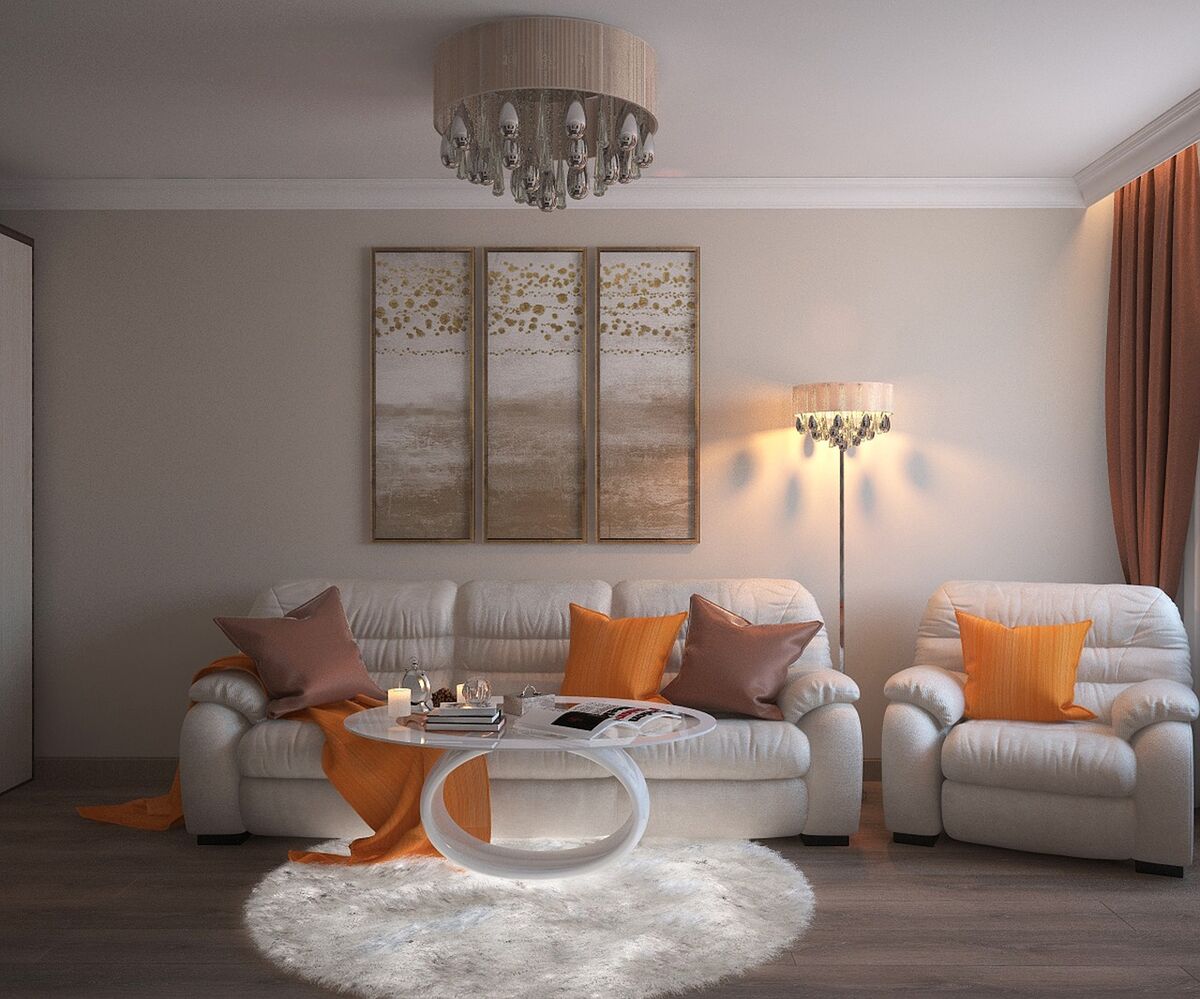
Interior AI Designer is a free browser-based tool by SkyeBrowse that transforms photos of real rooms into redesigned spaces. Upload a photo of any room, select from 16 preset design styles or describe your own, and the AI generates photorealistic redesign concepts that preserve the room's architecture while reimagining the aesthetics. The tool uses ControlNet depth and normal mapping to understand spatial layout before applying stylistic changes.
The tool analyzes the physical structure of your space -- walls, windows, doorways, ceiling height -- and keeps those elements intact while replacing furniture, materials, colors, and decorative elements to match your selected style. The result is a redesign that looks like it belongs in the actual room, not a generic template pasted over your photo.
You can generate up to 4 variations per request, compare outputs side by side, and iterate by adjusting styles or adding custom prompts describing specific elements you want.
How does AI room redesign work?
The tool uses ControlNet architectures that process depth maps and surface normal maps from your uploaded photo. These maps capture the 3D spatial layout of the room -- where walls meet floors, how far surfaces are from the camera, where windows and doorways sit. The AI then generates new visual content constrained to that spatial layout, according to the selected design style, ensuring architectural consistency between the original room and the redesign.
This is fundamentally different from simple image filters or style transfers. Filters change colors and textures uniformly across an image. ControlNet-based redesign understands that a wall is a wall, a floor is a floor, and a window lets in light -- then makes design decisions appropriate to each surface and element.
Advanced controls let you adjust guidance scale (how closely the output follows your style prompt versus the original image), inference steps (more steps produce finer detail), and resolution (up to 1024px). For most rooms, the default settings produce strong results.
What design styles are available?
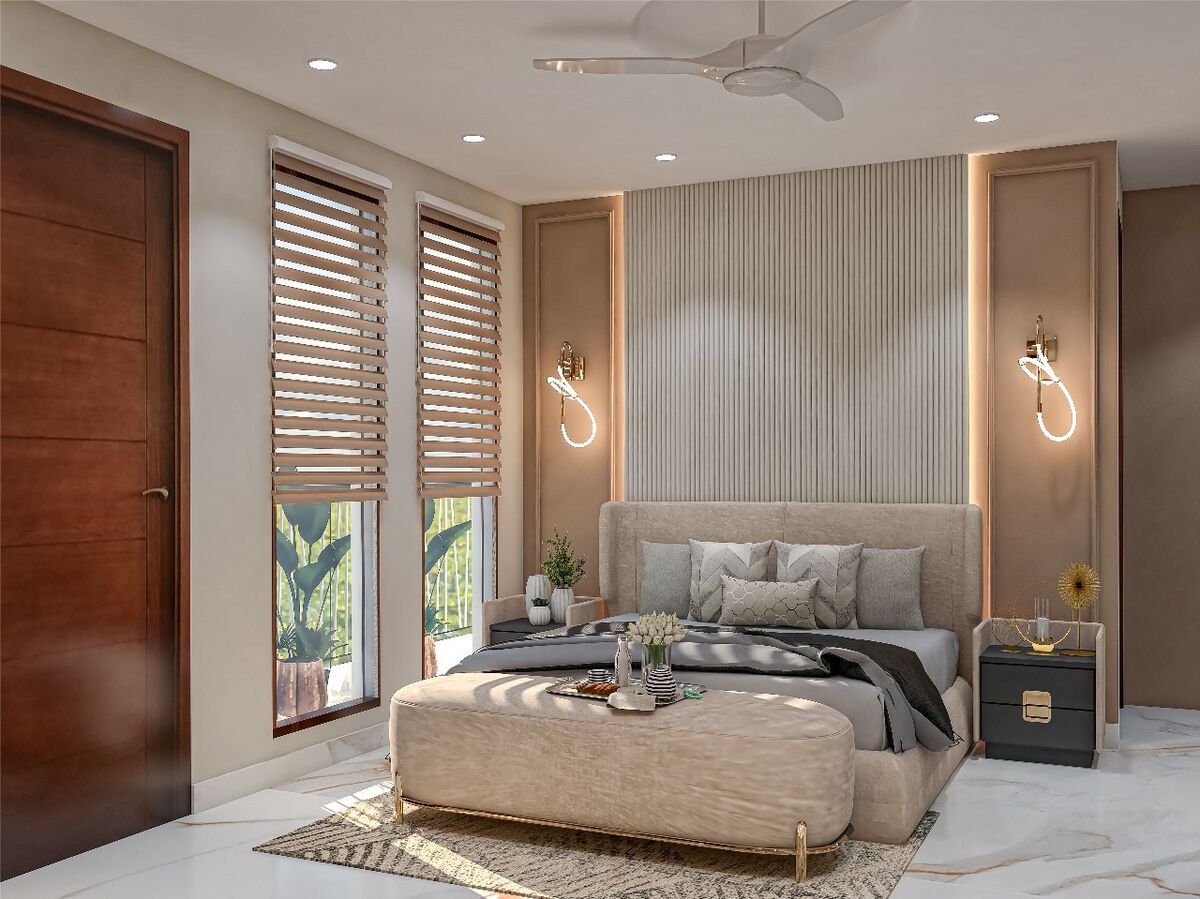
Interior AI Designer includes 16 preset styles: Minimalistic, Boho, Scandinavian, Japanese, Hollywood, Art Deco, Victorian, Rustic, Industrial, Coastal, Mid-Century Modern, Tropical, Contemporary, French Country, Gothic, and Farmhouse. Each preset generates designs consistent with that style's signature materials, color palettes, and furniture forms. A custom description option lets you mix styles or specify exact elements.
Each style produces meaningfully different results:
- Minimalistic strips away clutter and uses neutral tones, clean lines, and negative space.
- Scandinavian adds warmth with light woods, soft textiles, and muted colors.
- Industrial introduces exposed brick, metal fixtures, and raw materials.
- Japanese emphasizes natural materials, low furniture, and open sightlines.
- Boho layers patterns, textures, plants, and warm earth tones.
The custom prompt field opens unlimited possibilities beyond the presets. Describe "mid-century modern with teal accents and brass hardware" or "maximalist library with dark green walls and leather seating" for targeted results.
Who uses AI interior design tools?
Homeowners use AI room redesign to explore renovation ideas before spending money. Real estate agents stage vacant properties virtually to help buyers visualize living spaces. Interior designers use AI concepts as starting points for client presentations. Property managers visualize unit upgrades across entire portfolios. According to the National Association of Realtors, staged homes sell faster and at higher prices than unstaged comparisons.
Practical applications include:
- Renovation planning: Test paint colors, flooring, and furniture layouts before purchasing materials.
- Virtual staging: Transform empty listing photos into furnished, styled rooms for real estate marketing.
- Client communication: Designers share AI concepts during initial consultations to align on direction before detailed plans.
- Property investment: Visualize renovation potential for properties under consideration.
For real estate professionals who also need accurate property measurements, 3D walkthroughs, or drone-captured site models, SkyeBrowse's core videogrammetry platform builds measurement-grade 3D models from video that support dimensional analysis and spatial documentation.
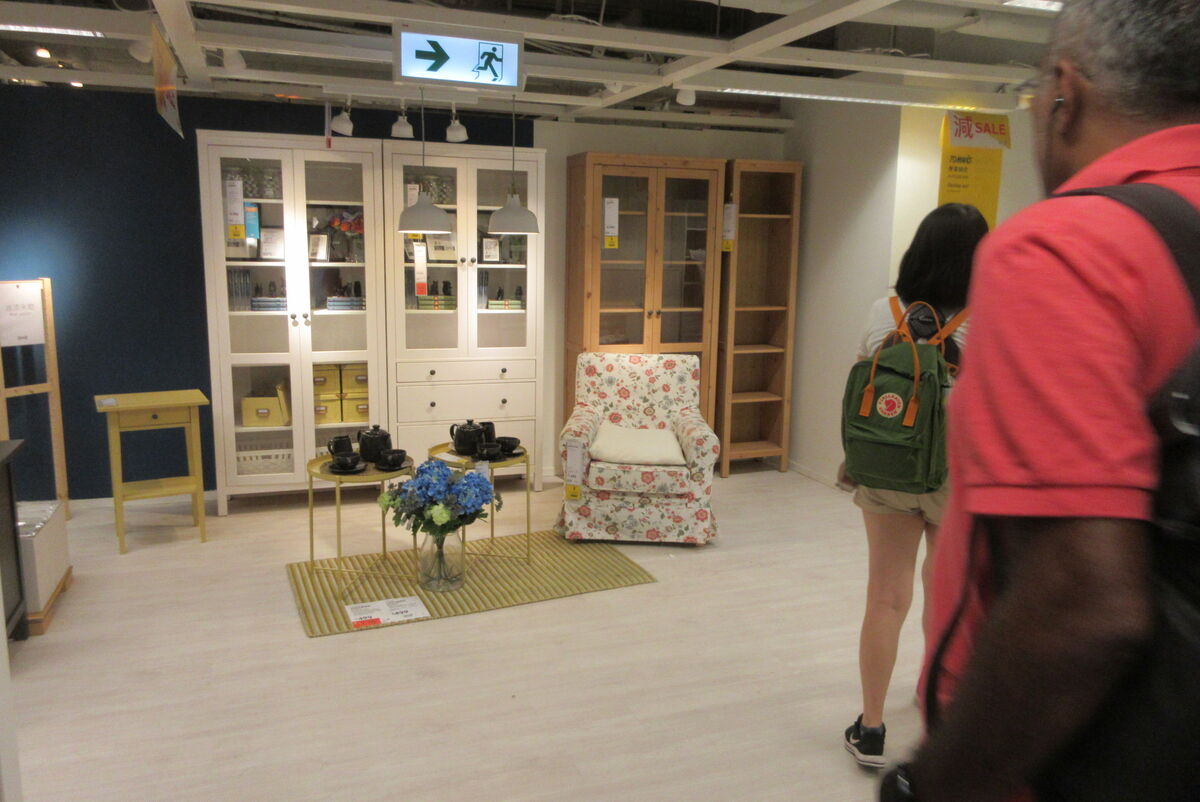
Redesign a room from one photo. Upload a photo of a room to Interior AI and get a redesigned interior in under 10 seconds.