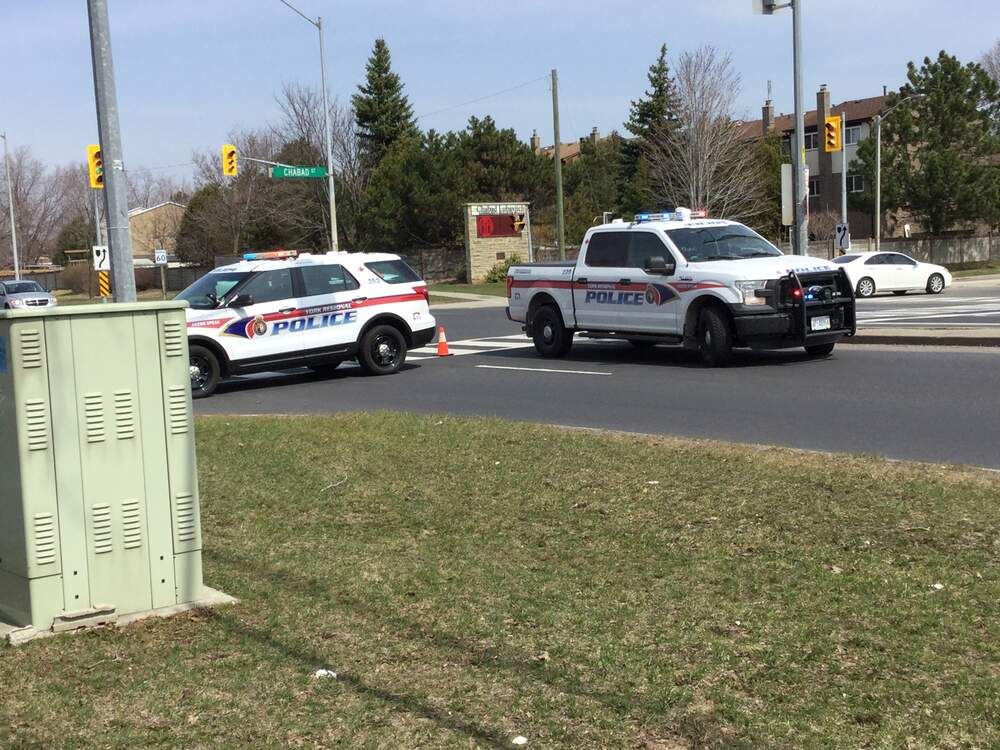
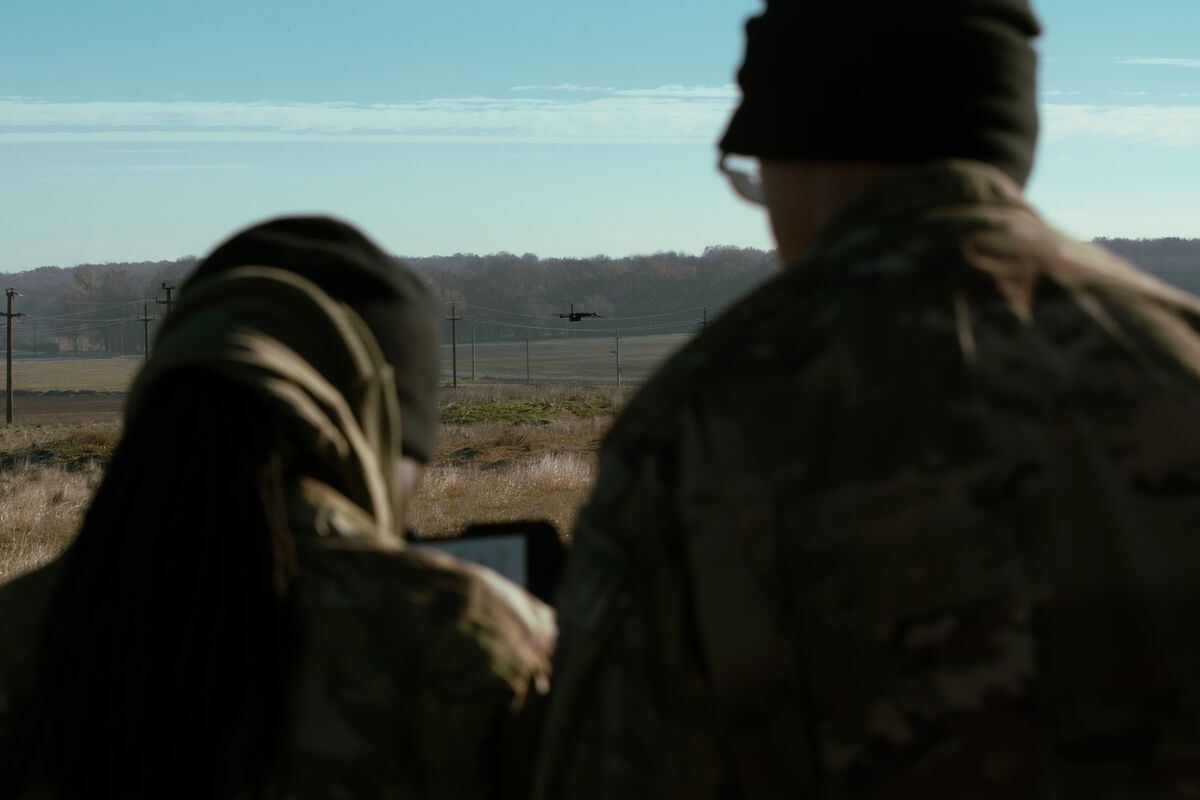
The best free AI anime generator needs no account, no download, and no payment. SkyeBrowse's Anime AI Generator converts any photo -- portraits, pets, landscapes, drone footage -- into stylized anime art in seconds, directly in your browser. Upload an image, choose from 15 preset styles ranging from Studio Ghibli to Cyberpunk, or describe your own custom aesthetic, and a diffusion AI model handles the rest.
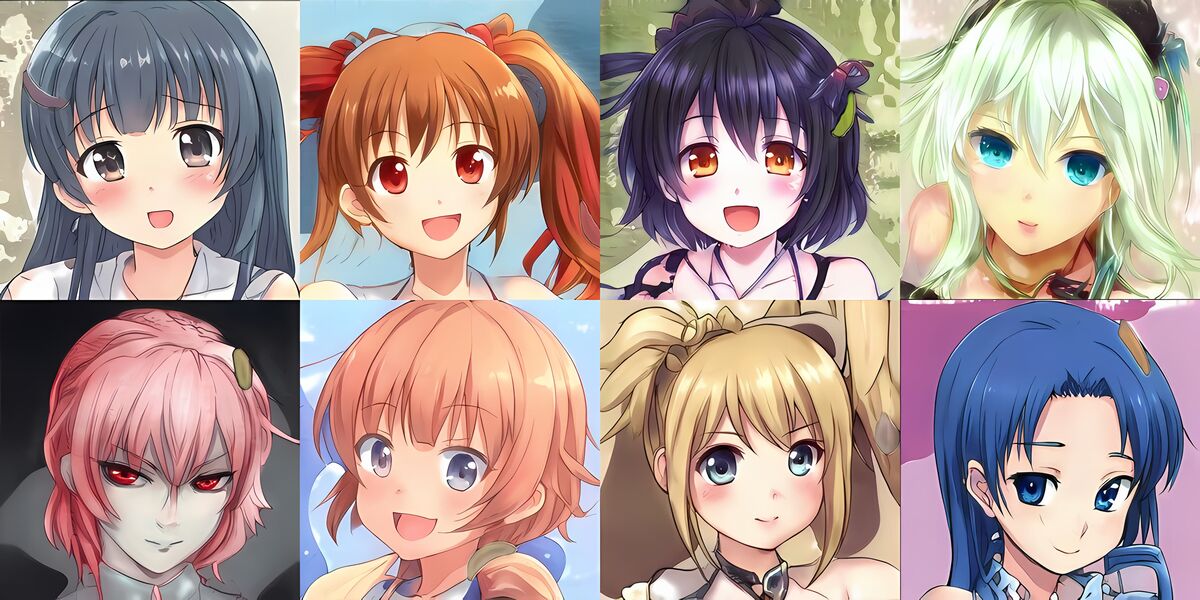
Key Takeaways
- Anime AI Generator is a free, browser-based tool that converts any photo into stylized anime art with no account, download, or payment required.
- The tool uses Stable Diffusion with ControlNet NormalBae to preserve the composition and spatial structure of the original photo while applying full anime stylization.
- 15 preset styles are available — including Studio Ghibli, Cyberpunk, Chibi/Kawaii, and Retro 90s Anime — plus a custom prompt field for any aesthetic beyond the presets.
- Single portraits and pet photos produce the strongest transformations; drone aerial footage converts into dramatic overhead anime scenes.
- Adjusting guidance scale controls how strongly the output follows your style prompt, and generating up to 4 variations per request lets you compare styles before choosing.
Contents
- What is the best free AI anime generator?
- Is the AI anime generator free?
- Try Anime AI Generator free
- How do you generate anime art with AI?
- What anime styles are available?
- What images work best?
- FAQ
What is the best free AI anime generator?
SkyeBrowse's Anime AI Generator is among the strongest free AI anime image generators available online. It runs completely in your browser with no account, download, or subscription required. The tool uses Stable Diffusion with ControlNet NormalBae — a structure-preserving neural network — to convert any photograph into stylized anime art across 15 distinct styles while keeping the original composition intact.
Most free anime AI tools rely on basic cartoon filters: edge detection, palette swaps, and flat color fills. This tool is different. It uses a full text-to-image diffusion model conditioned on the surface geometry of your input photo, meaning faces become anime-proportioned, backgrounds gain atmospheric depth, and clothing and hair transform to match the chosen style — all while maintaining the spatial layout of your original image.
Anime as an art form draws from decades of hand-crafted visual tradition. According to the Library of Congress, anime encompasses a wide range of stylistic sub-genres, from gentle Ghibli-style environments to high-contrast shonen action aesthetics — each of which this tool replicates through targeted model conditioning.
Is the AI anime generator free?
Yes, the AI anime generator is completely free. There is no account creation, no subscription tier, and no watermark on outputs. Open the page in any modern browser, upload a photo, choose your style, and generate anime art at no cost. You can run multiple generations per session and download all results.
The tool is hosted by SkyeBrowse as a free creative resource. Generation runs on cloud-based GPU infrastructure, so there are no local hardware requirements. A modern smartphone, tablet, or desktop browser is all you need.
Try Anime AI Generator free
Upload any photo and pick an anime style to transform it instantly.
How to use it:
- Upload a photo -- portraits, group shots, pets, landscapes, or aerial drone imagery all work.
- Select an anime style from the 15 presets or type a custom style description.
- Optionally add a text description to guide specific elements of the output.
- Click Generate and download your anime artwork.
Tips for best results:
- Well-lit photos with clear subjects produce the strongest transformations.
- Try the same photo across multiple styles to see dramatically different interpretations.
- Use the "Use this one" button to refine a result you like through additional iterations.
- Adjust guidance scale higher for stronger style adherence or lower for more subtle effects.
How do you generate anime art with AI?
To generate anime art with AI, upload any photo to the Anime AI Generator, select one of the 15 preset styles (or type a custom description), then click Generate. The tool extracts the surface geometry of your image using ControlNet NormalBae — a structure-preserving conditioning network — and feeds it along with your style prompt into Stable Diffusion. The result is anime art that mirrors your original composition while applying full stylistic transformation.
Surface normal maps encode how surfaces face relative to the camera — a face looking left, hair falling over a shoulder, or a building receding into the distance all create distinct normal patterns. By conditioning the generation on these normals, the AI preserves spatial structure even as it completely changes the visual style.
Advanced parameters give you finer control. Inference steps (default 20) control detail refinement — more steps produce cleaner results but take longer. Guidance scale (default 7) controls how strongly the output follows your style prompt — increase it for strict style adherence, lower it for subtler transformations. Resolution ranges from 256px to 1024px. Setting a fixed seed value lets you reproduce exact results or explore controlled variations.
The latent diffusion research behind Stable Diffusion documented how diffusion models iteratively denoise latent image representations to produce coherent outputs — the same fundamental process powering this anime art generator.
What anime styles are available?
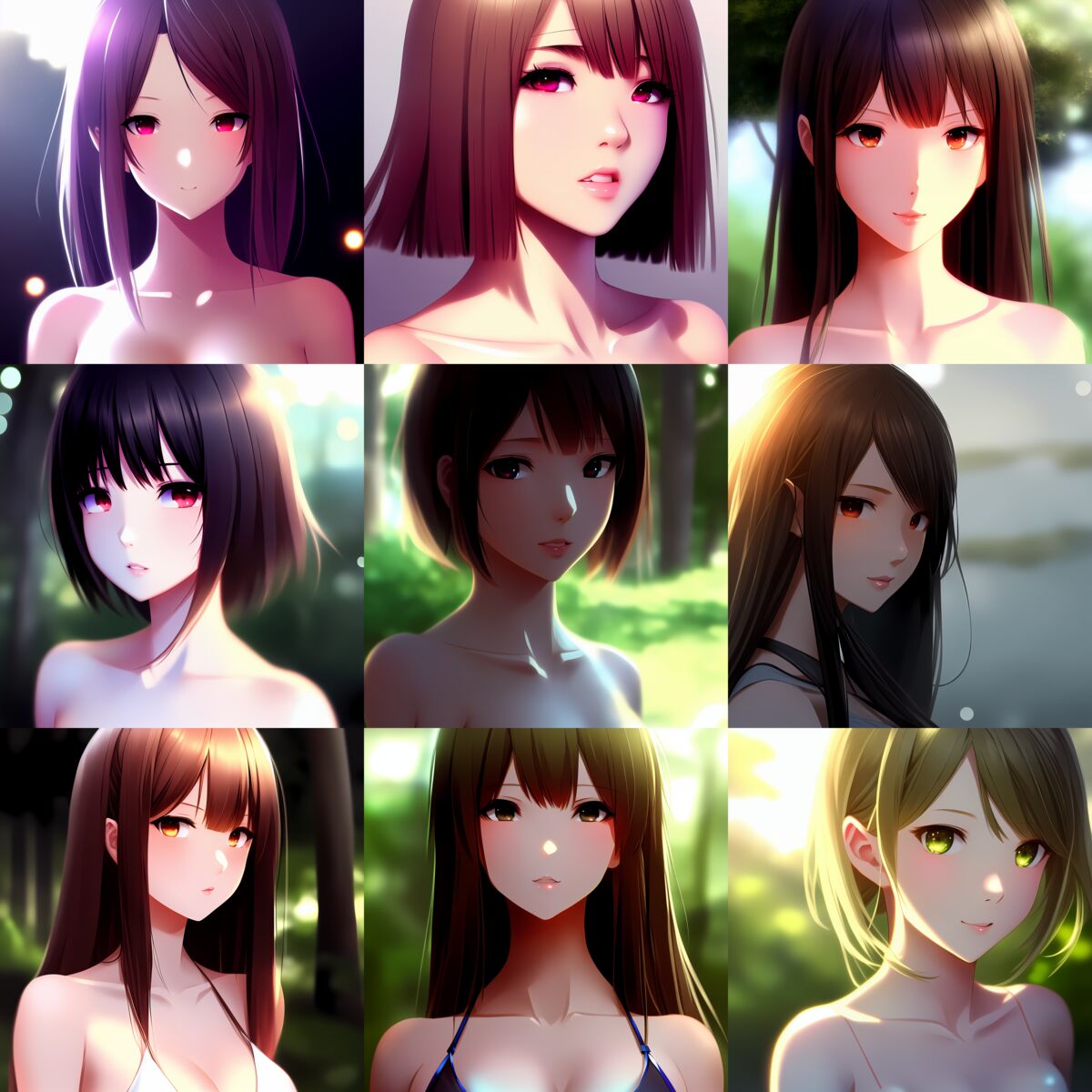
Anime AI Generator includes 15 preset styles: Studio Ghibli, Cyberpunk, Chibi/Kawaii, Shonen Action, Dark Fantasy, Watercolor Anime, Retro 90s Anime, Pastel Dreamscape, Mecha/Sci-Fi, Ukiyo-e Fusion, Gothic Lolita, Pixel Art Anime, Noir Detective, Magical Girl, and Steampunk. Each preset carries distinct color palettes, line weights, shading techniques, and atmospheric qualities. A custom description field lets you blend styles or target specific aesthetics.
Style highlights:
- Studio Ghibli produces soft, painterly backgrounds with warm lighting and gentle character styling reminiscent of Hayao Miyazaki's films.
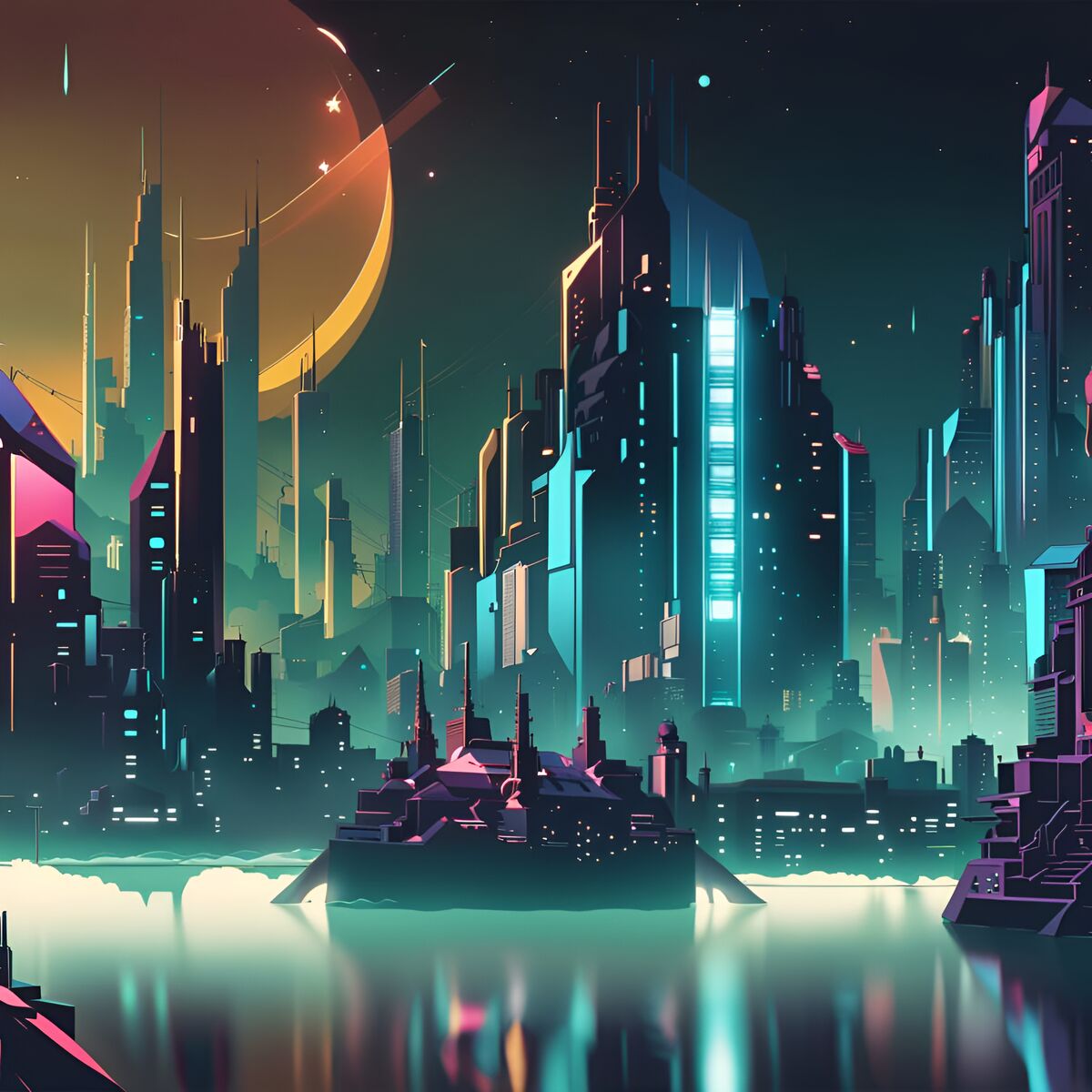
- Cyberpunk adds neon lighting, rain-slicked surfaces, and high-contrast urban atmospherics.
- Chibi/Kawaii exaggerates proportions with oversized heads and eyes for a cute, compact aesthetic.
- Shonen Action applies dynamic shading, bold lines, and dramatic lighting typical of action manga.
- Watercolor Anime blends traditional watercolor textures with anime character styling.
- Retro 90s Anime recreates the color grading, grain, and cel-shading look of classic 1990s animation.
The custom prompt field accepts any description. Try "1980s mecha anime with detailed mechanical designs" or "soft pastel shoujo manga with flower motifs" for results beyond the presets.
What images work best?
Portraits with clear facial features and good lighting produce the most striking character transformations. Landscape and architectural photos work well for environment-focused styles like Studio Ghibli and Cyberpunk. Drone aerial footage transforms into dramatic overhead anime scenes. Pet photos convert into anime companion characters, and group photos work — though individual subjects produce cleaner results at lower resolutions.
Image types ranked by conversion quality:
- Single portraits: Best results. Clear face, shoulders, and background give the AI the most to work with.
- Pets and animals: Highly engaging results. Dogs, cats, and other animals translate naturally into anime companion aesthetics.
- Landscapes and cityscapes: Strong results especially with Ghibli, Cyberpunk, and Ukiyo-e styles.
- Drone and aerial photos: Unique perspective that creates dramatic anime environments. Transform mapping footage into stylized artwork.
- Group photos: Workable but faces may lose detail at lower resolutions. Use 1024px for groups of 3+.
For creators who work with drone footage and want to explore both practical 3D mapping and creative anime transformations of their aerial captures, SkyeBrowse's drone mapping platform handles the professional side while Anime AI Generator handles the creative side.
SkyeBrowse offers several complementary AI creative tools worth exploring alongside the anime generator. The Pocket 3D AI tool turns smartphone video into 3D models you can share and measure. The Interior AI Designer reimagines indoor spaces in dozens of design styles from a single photo. If you have a 2D photo you want to convert into a 3D object, the Image to 3D Model tool does exactly that with no technical setup required.
FAQ
What is the best free AI anime generator?
SkyeBrowse's Anime AI Generator stands out as a top free option because it uses a full Stable Diffusion pipeline with ControlNet structure preservation rather than a simple filter. The result is anime art that maintains your original photo's composition — not a flattened cartoon version of it. The tool is completely free, runs in any browser, and requires no account.
Is the AI anime generator free?
Yes. The AI anime generator is free with no account, no watermark, and no download required. Visit the tool page in any modern browser, upload your photo, choose a style, and generate. Multiple images and iterations per session are all included at no cost.
How do you generate anime art with AI?
Upload any photo to the Anime AI Generator, select one of 15 preset styles (or describe your own), optionally adjust guidance scale and resolution, and click Generate. The tool processes your image through Stable Diffusion conditioned on your photo's surface geometry and returns anime artwork in seconds. Download any result directly from the browser.
Can I use AI-generated anime art commercially?
Images you generate are yours to download. Stable Diffusion models are trained on publicly available art datasets, so commercial use rights of AI-generated outputs vary by jurisdiction. Review current guidance in your region before licensing AI art for commercial projects.
What anime styles does the AI art generator support?
The free AI anime art generator includes 15 preset styles: Studio Ghibli, Cyberpunk, Chibi/Kawaii, Shonen Action, Dark Fantasy, Watercolor Anime, Retro 90s Anime, Pastel Dreamscape, Mecha/Sci-Fi, Ukiyo-e Fusion, Gothic Lolita, Pixel Art Anime, Noir Detective, Magical Girl, and Steampunk. A custom text field lets you describe any aesthetic beyond the presets.
Turn a photo into anime art. Upload a photo to Anime AI and get an anime-style version in under 10 seconds.