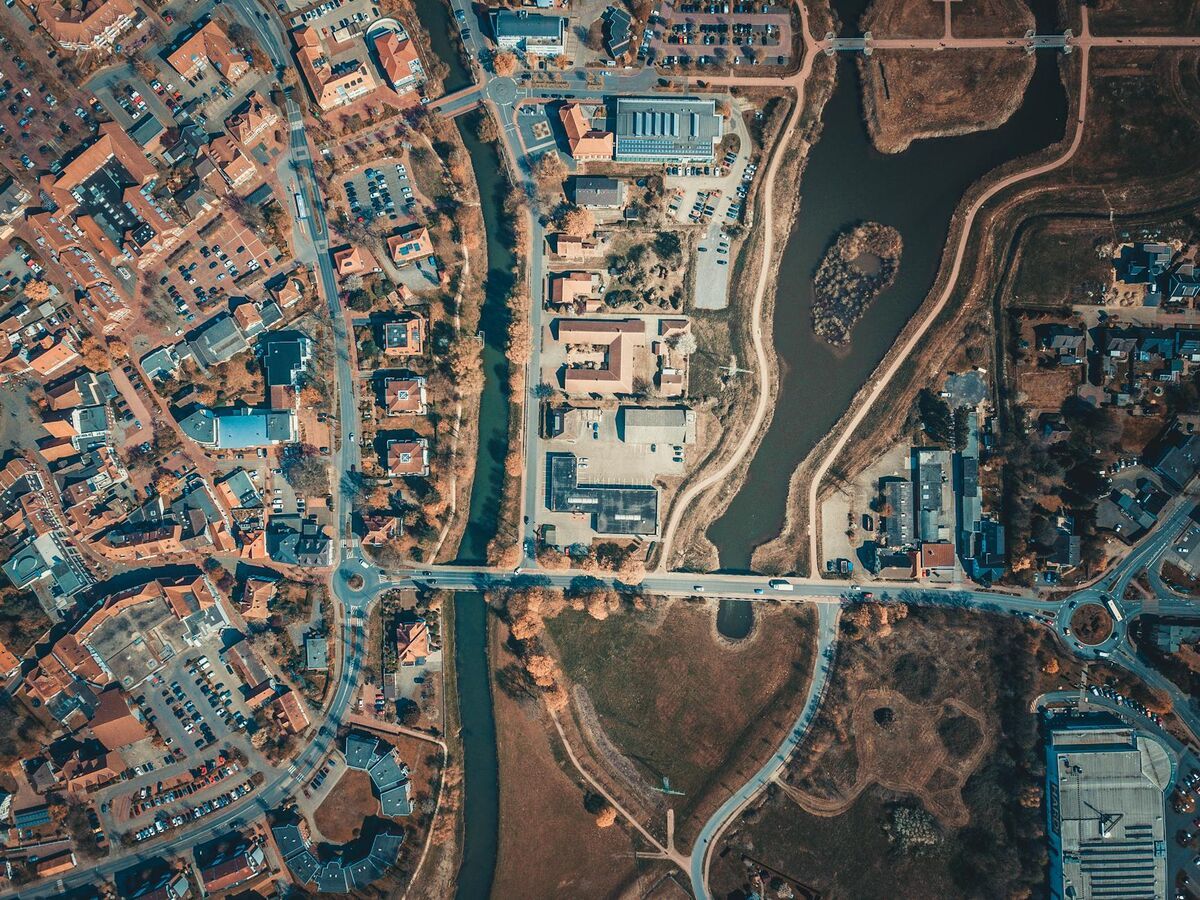
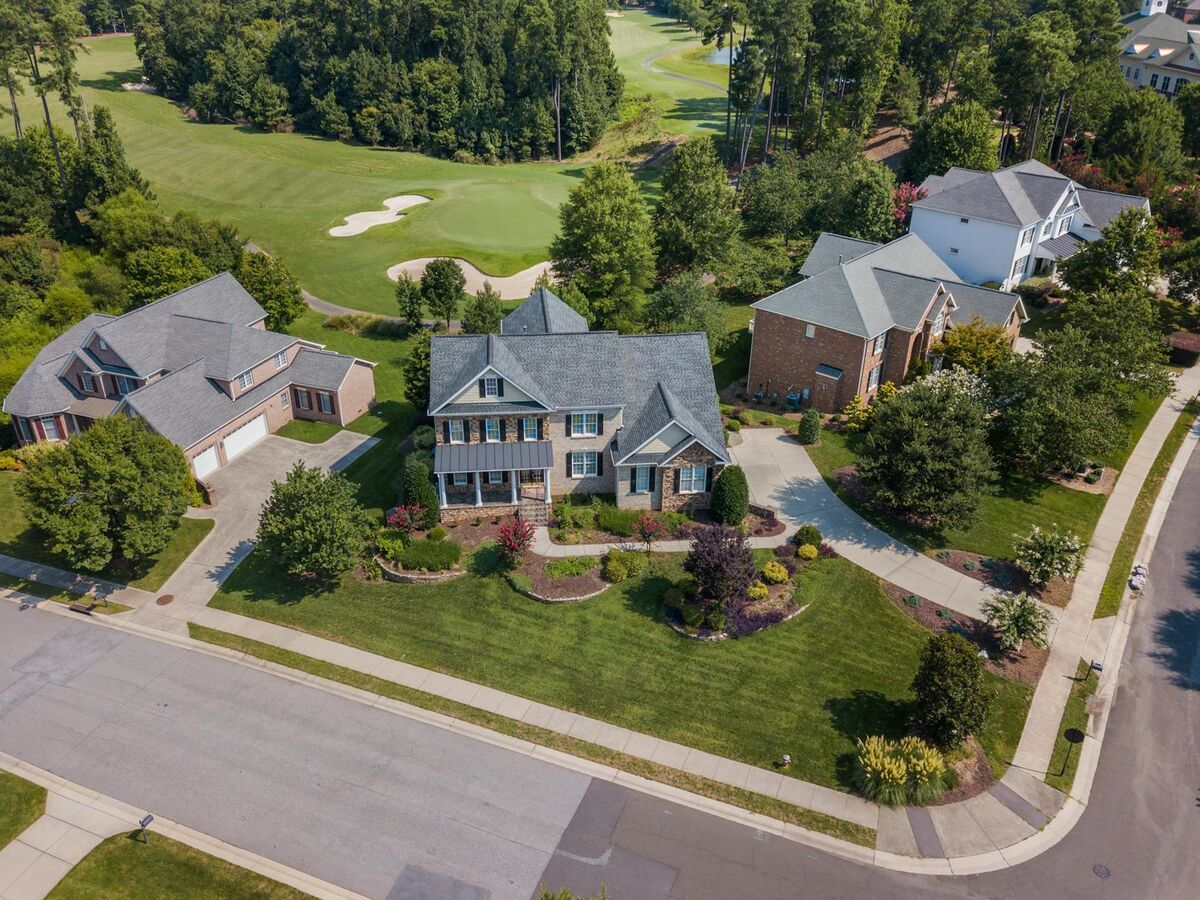
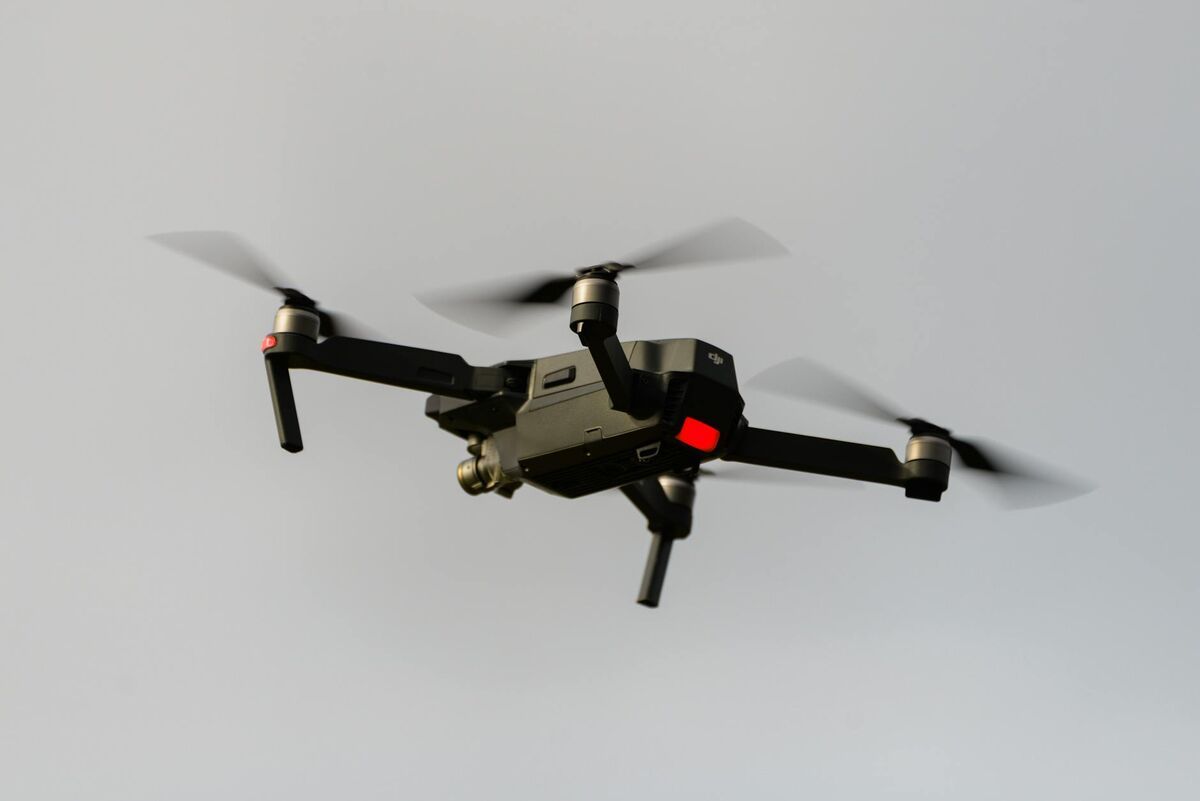
A digital twin building is a dynamic, data-rich 3D replica of a physical structure used for facility management, maintenance tracking, insurance documentation, and renovation planning. Unlike a static photograph or a paper blueprint, a building digital twin captures real-world geometry, texture, and scale in a form that teams can navigate, measure, and re-capture at any point in time. SkyeBrowse makes it possible to create a digital twin of any building using a consumer drone and its cloud-based videogrammetry platform — a technique that converts video footage into georeferenced 3D models — with results available in as little as two minutes after the flight.
Key Takeaways
- A digital twin building is a dynamic, repeatable 3D replica of a structure — not a static snapshot — and can be re-captured at any time to track damage, settling, or unauthorized changes.
- Traditional laser scanning costs $10,000 or more and requires a certified operator; SkyeBrowse enables the same output with any consumer drone that records 4K video, with no LiDAR or ground control points required.
- SkyeBrowse Lite processing returns a navigable 3D model in 2–5 minutes; Premium 8K processing achieves approximately 0.25-inch accuracy in 5–10 minutes — most users have a result in under 10 minutes from the end of the flight.
- A pre-loss building digital twin compared against a post-event model lets insurers and adjusters quantify damage extent precisely, strengthening claims documentation.
- Interior spaces can be merged with the exterior shell via Universal Upload using smartphone or 360-degree camera video, producing a complete building twin in a single workflow.
Contents
- What is a digital twin building and why does it matter?
- What equipment do you need to create a building digital twin?
- How do you fly a building to capture a complete digital twin?
- How do you process and use the building twin in SkyeBrowse?
- What are the best use cases for a building digital twin?
- FAQ
What is a digital twin building and why does it matter?
A digital twin building is a georeferenced, measurable 3D model of a structure that mirrors real-world conditions and can be updated over time. It functions as a living document for the building — not a one-time deliverable. Teams use it to track physical changes, support insurance claims, plan renovations, and train personnel on building layout without requiring an on-site visit.
The concept draws on NIST's definition of a digital twin as a "set of virtual information constructs that describe and predict the physical counterpart's behavior" (NIST Digital Twin Framework, 2021). In the building context, the value comes from repeatability — the ability to re-capture the same structure at different points in time and compare models to identify damage, settling, or unauthorized modifications. For a broader introduction to the technology, see what is a digital twin.
Traditional digital twin creation relied on terrestrial laser scanning, requiring equipment costing $10,000 or more, a certified operator, and hours of post-processing in proprietary software. Drone-based videogrammetry changes this calculus. A facility manager or property owner with a consumer drone can produce a building digital twin in a single field session, with no ground control points required for standard documentation use cases.
What equipment do you need to create a building digital twin?
You need a consumer drone capable of recording 4K video, a SkyeBrowse account, and a mobile device running the SkyeBrowse Flight App or the ability to upload video directly to app.skyebrowse.com. No LiDAR sensor, no survey-grade RTK receiver, and no ground control points are required for facility management, insurance, or renovation planning workflows.
SkyeBrowse supports video from virtually any drone on the supported drones list, including the DJI Mini 4 Pro, DJI Air 3, and DJI Mavic 3 series. For higher-accuracy workflows — such as pre-litigation documentation or as-built verification against architect drawings — adding a telemetry sidecar file (.SRT for DJI, .ASS for Autel) improves the georeferencing of the resulting model. The SkyeBrowse Flight App is available for iOS and Android and streams flight telemetry automatically during capture.
For buildings where exterior-only capture is insufficient, SkyeBrowse's Universal Upload feature accepts video recorded on a smartphone or 360-degree camera, enabling interior hallways, lobbies, and mechanical rooms to be mapped and merged with the exterior shell into a single, complete building twin.

How do you fly a building to capture a complete digital twin?
Fly a continuous orbit around the building at 80-150 feet above ground level (AGL) with the camera angled 30-45 degrees downward toward the structure. Complete at least one full revolution, then optionally fly a second pass at a steeper angle (60-75 degrees down) to capture roof detail. The entire capture for a mid-size commercial building typically takes 5-10 minutes of flight time.
The FAA requires commercial drone operators to hold a Part 107 Remote Pilot Certificate for most building survey applications (FAA UAS Commercial Operations). Before flying, confirm that the building is within your authorized airspace and that local ordinances permit commercial drone operations at the site.
Step-by-step flight procedure:
- Pre-flight check. Confirm airspace authorization, battery levels, and that the camera is set to at least 1080p (4K preferred). Enable video recording before launch.
- Establish orbit altitude. Climb to 80-150 ft AGL, far enough from the building facade to capture wall-to-roof geometry in a single frame at 30-45 degrees down-tilt.
- Fly a steady orbit. Move the drone in a slow, consistent circle around the perimeter of the building. Maintain a roughly consistent distance from each facade. Overlap between frames is handled automatically by the continuous video format — no need to pause and capture individual photos.
- Second pass for rooftop coverage. Descend slightly and increase camera tilt to 60-75 degrees, or fly a nadir (straight-down) pass directly above the roof to capture flat or low-slope rooftop features.
- Interior capture (optional). Walk the interior with a smartphone or 360 camera to record video of hallways, stairwells, and key rooms for upload via Universal Upload.
For a detailed primer on the complete drone 3D model workflow, SkyeBrowse's tutorial library covers camera settings, orbit radius, and overlap requirements for buildings of various sizes.
How do you process and use the building twin in SkyeBrowse?
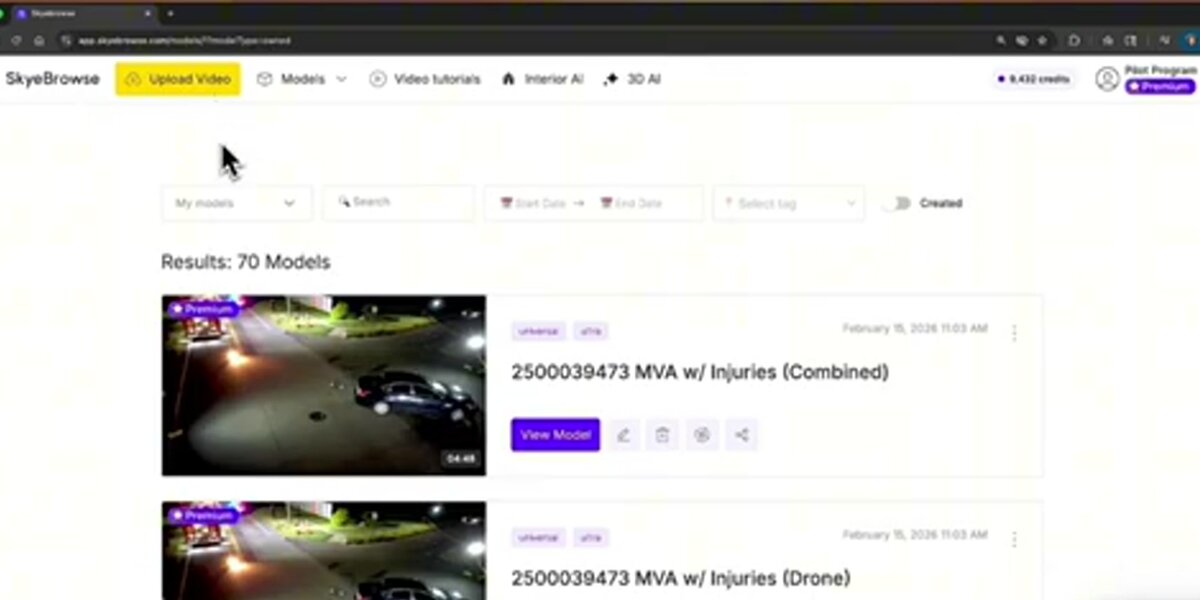
Upload the .MP4 or .MOV file to app.skyebrowse.com, select your processing tier (Lite for standard documentation, Premium for higher resolution), and submit. SkyeBrowse returns a textured 3D model with embedded measurement tools in 2-10 minutes. You can then take linear and area measurements, add annotations, and export the model as a GLB file or LAZ point cloud.
Once the model is available, the SkyeBrowse viewer allows any team member with a browser link to navigate the building twin without installing software. Measurements are accurate to approximately 2-6 inches on Lite processing and 0.25 inches on Premium 8K processing. For as-built documentation where precision matters, the drone as-built documentation workflow covers how to use exported measurements to compare against architectural drawings.
The building twin can be re-captured at any future date and uploaded as a new model. Comparing two models of the same structure — one from before a storm event and one after, for example — makes it possible to identify new damage, changed conditions, or unauthorized alterations without sending personnel back to the site.
Exports available from SkyeBrowse include:
- GLB — textured 3D mesh, compatible with common CAD and BIM viewers
- LAZ — compressed point cloud for integration with survey workflows
- GeoTIFF — georeferenced orthomosaic for 2D area and perimeter calculations
What are the best use cases for a building digital twin?
The four highest-value use cases for a building digital twin are facility condition tracking, insurance pre-loss documentation, renovation as-built baseline capture, and real estate marketing through virtual walkthroughs. Each benefits from the repeatable, consistent geometry that drone-based videogrammetry provides at a fraction of the cost of laser scanning.
Facility management. Capturing a building twin annually or after significant weather events gives facility managers a time-stamped record of roof condition, facade integrity, and exterior infrastructure. HVAC units, rooftop equipment, and drainage features are visible and measurable from the model, reducing the need for in-person inspections on high roofs.
Insurance documentation. A pre-loss building digital twin establishes documented baseline conditions before any damage event occurs. When a hail storm, fire, or flood affects the property, insurers and adjusters can compare the post-event model against the pre-loss twin to quantify damage extent with precision. See the full insurance claims documentation workflow for integration steps with standard claims platforms.
Renovation planning. Architects and contractors use an as-built model to verify existing conditions before design work begins. Rather than relying on outdated drawings or manual measurements, they can take dimensions directly from the building twin, identify discrepancies between what was built and what was drawn, and share a common reference model across the project team. For construction teams managing active job sites, the digital twin in construction guide covers the recurring-capture workflow in detail.
Real estate and property marketing. A navigable 3D model of an exterior and interior provides a differentiated virtual walkthrough for commercial property listings, reducing the number of in-person showings required before a buyer commits to a tour.
FAQ
What is a digital twin building?
A digital twin building is a dynamic 3D replica of a physical structure that captures real-world geometry, texture, and scale. It can be updated at any time by re-flying the building, making it a living document for facility management, insurance, and renovation planning rather than a static snapshot.
What drone do I need to create a building digital twin?
Any consumer drone capable of recording 4K video works. Popular options include the DJI Mini 4 Pro, DJI Air 3, and DJI Mavic 3 series. You do not need LiDAR or a specialized survey drone. SkyeBrowse accepts .MP4 and .MOV video files from virtually any drone model listed on the SkyeBrowse supported drones page.
How long does it take to create a building digital twin with SkyeBrowse?
Processing time depends on the selected accuracy tier. Lite processing delivers a textured 3D model in approximately 2-5 minutes. Premium processing at 8K resolution takes 5-10 minutes. Most users have a fully navigable building twin available in under 10 minutes from the end of the flight.