Roof Damage Analysis
Fly one drone video over a roof. SkyeBrowse measures it, screens it for hail and wind damage, checks storm history and builds a PDF roof report.
- ~20 s
- AI damage scan
- 25 mi
- storm report radius
- 1 PDF
- roof damage report
Workflows
Measure, screen, date and report
One tool for roofing contractors, insurance adjusters and roof inspectors.
Measure
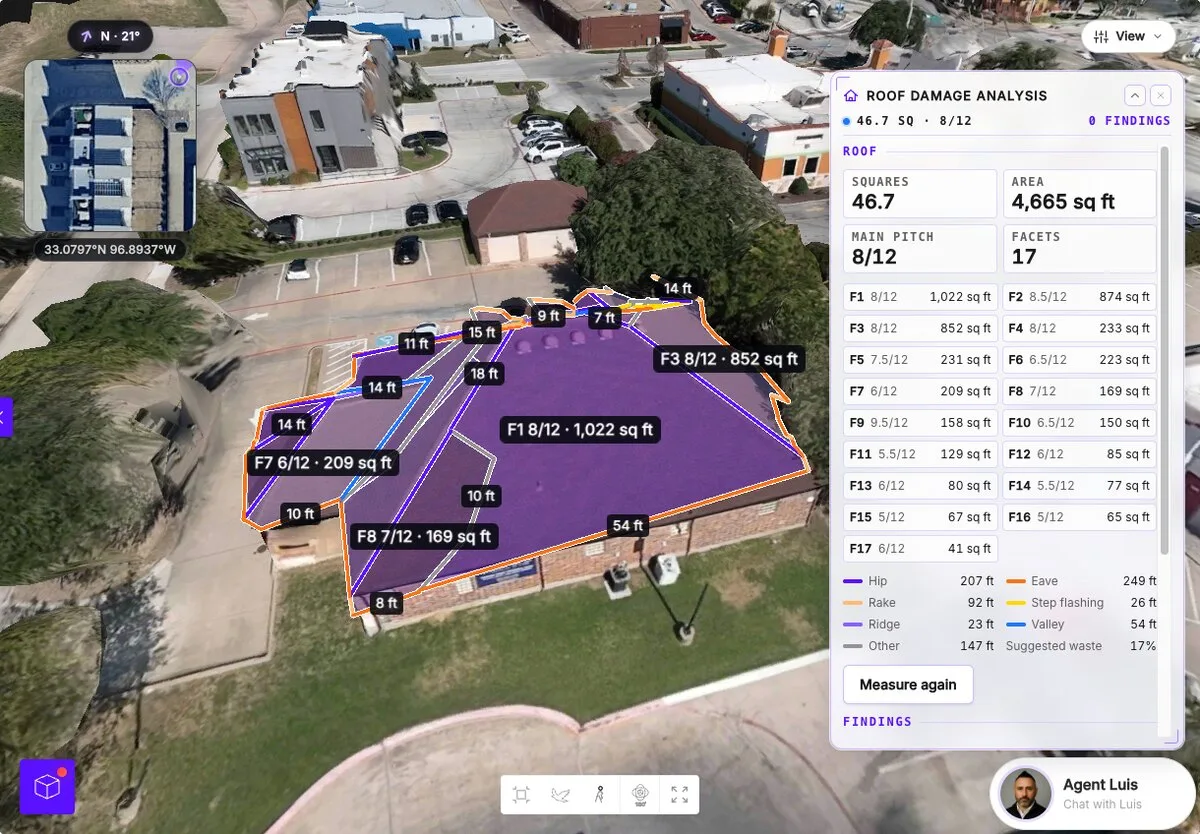
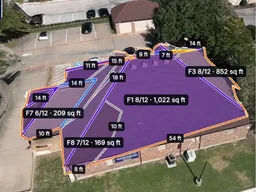
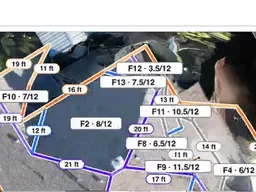
Click the roof for squares, area, main pitch, every facet, edge lengths by type and suggested waste. Drag a corner to fix the outline.
AI damage scan
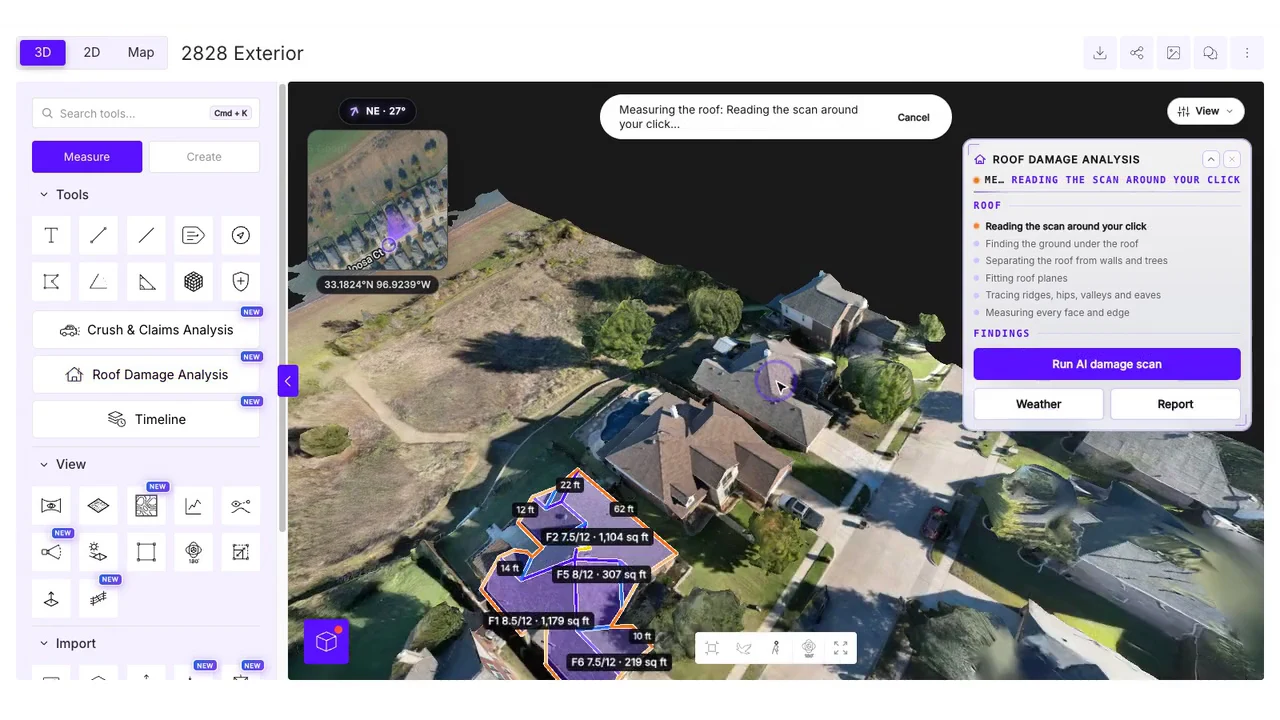
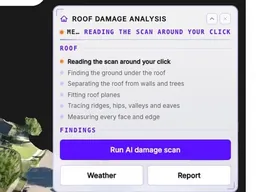
In about 20 seconds the scan reviews up to 16 flight frames and 8 photos, then pins Likely or Possible findings on the roof. Approve or reject each one; only approved findings go into the report.
- Hail hits
- Wind creases
- Missing or lifted shingles
- Granule loss
- Exposed underlayment
- Cracked tiles
- Blistering
- Ponding water
- Membrane tears
- Rust
- Soft metal dents
- Debris
- Tarps
Storm history
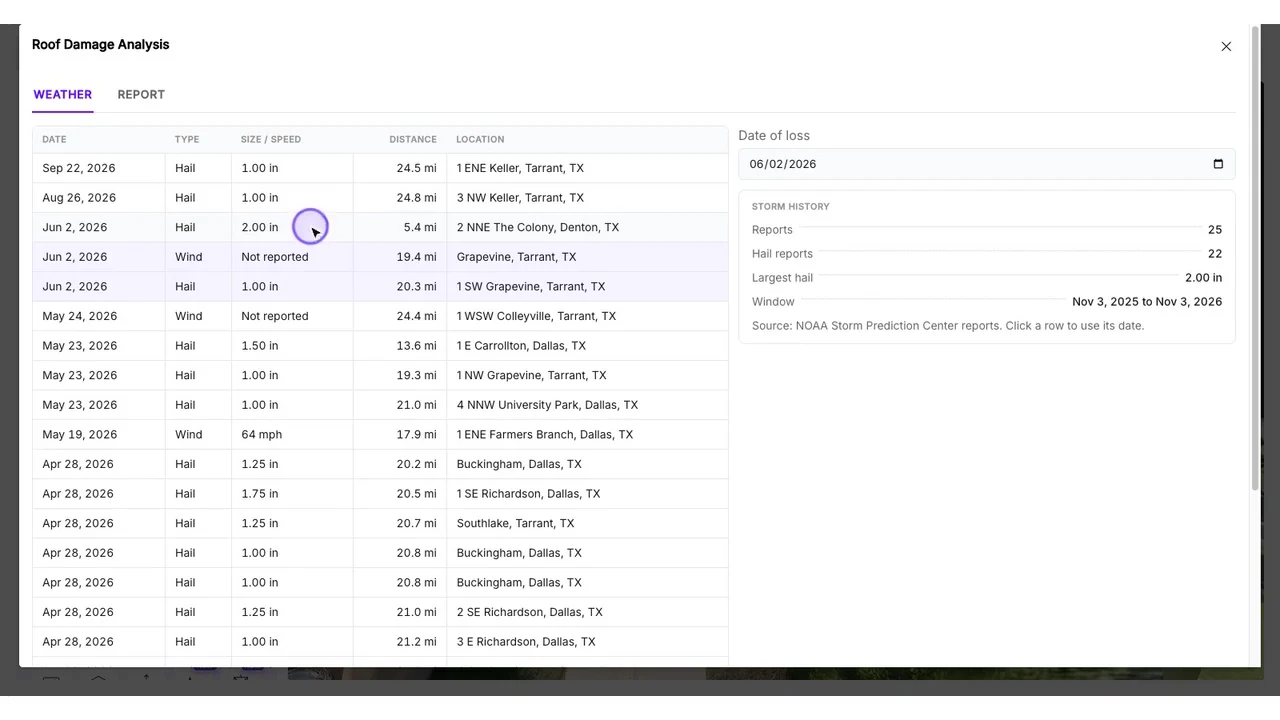
See NOAA hail, wind and tornado reports within 25 miles (40 km) of the roof over the year before capture. The date of loss fills in from the nearest hail report.
PDF report
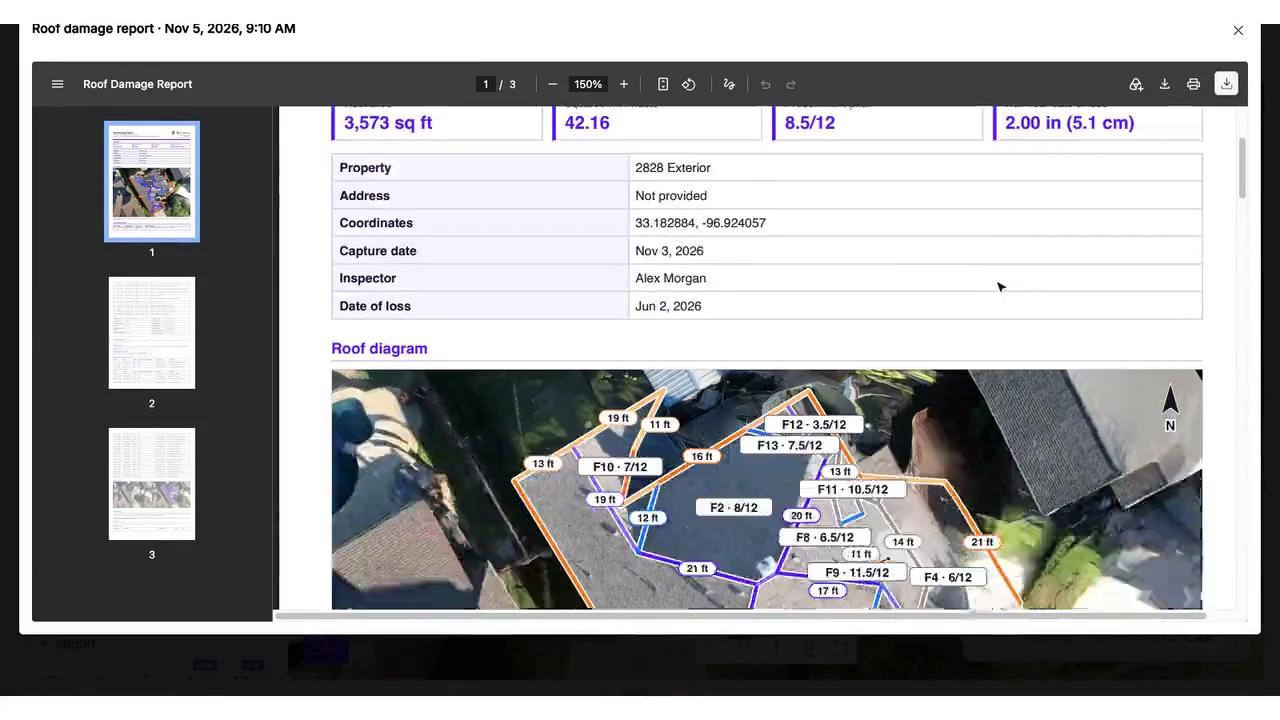
Add the inspector, date of loss and notes. The PDF covers per-facet measurements, a roof diagram, approved damage with test squares, photos, storm history, methodology and a sign-off.
Start with a flight
Get the roof into 3D first
Roof Damage Analysis runs on a SkyeBrowse 3D model. Here is how one drone video becomes one.
- 1
Fly or record a video
Capture the scene with a drone, phone, or 360 video. One continuous video is all it takes.
- 2
Upload it
Upload to our web app from any device. Your drone, phone and 360 camera video files go straight in.
- 3
We build the 3D model
Cloud videogrammetry turns your video into a 3D model and a top-down orthomosaic map in minutes, about one minute per minute of video.
- 4
Get the deliverables your job needs
Every model includes an orthomosaic and an image walkthrough. Depending on your plan, add stockpile volumes, CAD site plans, roof damage reports, AI floor plans for interiors, factual diagrams and Crush & Claims Analysis.
DELIVERABLESREADY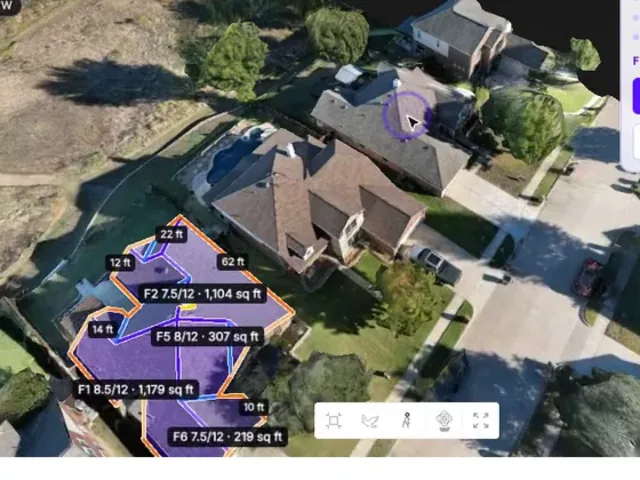 3D model
Roof measurements
AI damage scan
Roof report PDF
- Pro models: $49.99 per model, or $39.99 billed annually, with 1 year of storage.
- Public Safety & Enterprise: $199 per model, billed annually.
- Also on legacy Premium accounts. Not available on Freemium, Lite, Commercial (3 month) or $5 offer models.
FAQ
Roof Damage Analysis questions
Quick answers about roof measurements, the AI damage scan, storm history and plans.
What does the roof measurement report include?
Roof Damage Analysis measures squares, area in sq ft or m², the main pitch, each facet, the ridge, hip, valley, eave, rake and step edge lengths, and a suggested waste percentage. You can edit the roof outline if a corner needs to move.
How does the AI hail damage scan work?
Click Run AI damage scan. In about 20 seconds it reviews up to 16 flight frames and 8 gallery photos and pins findings on the roof marked Likely or Possible, such as hail hits, wind creases, missing or lifted shingles and granule loss. You approve or reject each one, and only approved findings go into the report. AI findings are a screening aid; decisions on cause, coverage and repair scope stay with you.
How does it find storm history and the date of loss?
The Weather tab lists NOAA Storm Prediction Center hail, wind and tornado reports within 25 miles (40 km) of the model over the year before the capture date. It pre-fills the date of loss from the nearest hail report. If the model has no location, it asks for an address.
What is in the Roof Damage Report PDF?
A cover summary, per-facet measurements, a top-down roof diagram, a damage summary with test squares, photo evidence, storm history, methodology and a reviewer sign-off. You add the inspector, date of loss and notes in the Report tab.
Is it made for insurance adjusters or roofing contractors?
Both. Contractors get squares, pitch, edges and waste from one drone roof inspection. Adjusters get a damage screening, storm history and a report with only the findings they approve. Only the model owner's team can scan, review and create reports; anyone with a shared link can view the analysis.
Which plans include Roof Damage Analysis?
Pro models ($49.99 per model, or $39.99 billed annually, with 1 year of storage), Public Safety & Enterprise ($199 per model, billed annually) and legacy Premium accounts. It is not available on Freemium, Lite, Commercial (3 month) or $5 offer models.
What if my model is not scaled or has no GPS?
Set the scale with Rescale to get real measurements; pitches are correct without it. Without GPS, the roof diagram uses the model's own orientation, so north may not point up. If the photos are too far from the roof to judge hail, the scan still checks wind damage, missing shingles and ponding water and suggests a close 4K re-flight.
Measure your first roof
Create a free SkyeBrowse account, upload a drone video of a roof and open Roof Damage Analysis on a Pro model.


