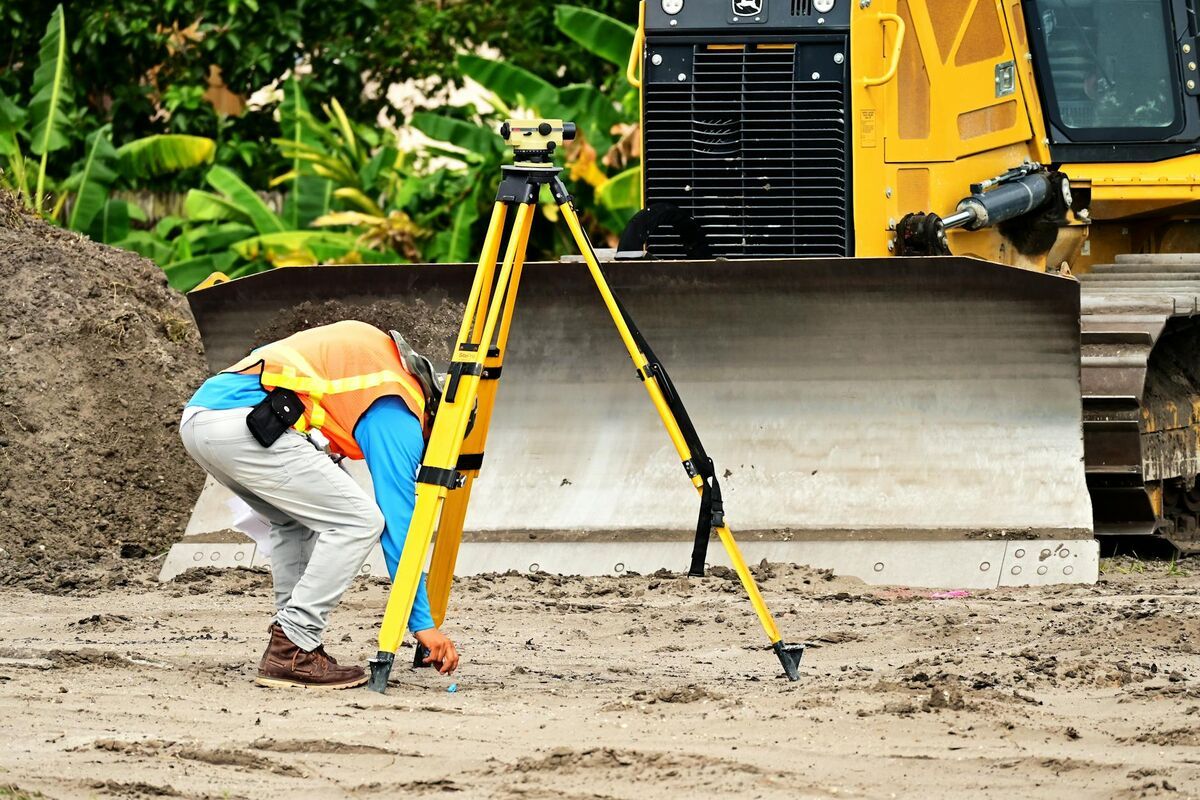
A topographic survey maps the shape and height of the ground plus the features sitting on it, and it's the first deliverable most site designs, grading plans and drainage studies need. A drone topographic survey captures that surface from the air and turns it into a measurable 3D model, contour lines and elevation data. This guide covers capture, contour generation, surface vs bare-earth models, accuracy and deliverables.
Key Takeaways
- A topographic survey records ground elevations, contours and site features so engineers and architects can design grading, drainage and foundations.
- A drone topographic survey captures the whole surface in one flight instead of shooting points one at a time.
- SkyeBrowse turns ordinary drone video into a 3D model in minutes and overlays contour lines with adjustable spacing on Pro and Public Safety & Enterprise models.
- Drone models are surface models (DSM) by default; bare-earth terrain (DTM) comes from ground-classifying the exported point cloud.
- Planning, volumes and design checks can run on drone data, while a certified, stamped survey still needs a licensed surveyor.
Contents
- What is a topographic survey?
- What does a topographic survey show?
- How is a drone topographic survey done?
- How do you make a contour map from a 3D model?
- How long does a drone topographic survey take?
- How accurate is a drone topographic survey compared with a total station or GPS rover?
- What deliverables should a drone topographic survey include?
- What is the difference between a surface model (DSM) and bare earth (DTM)?
- FAQ
What is a topographic survey?
A topographic survey is a measured map of a parcel's ground surface: its elevations, slopes and the natural and built features on it. Surveyors collect height points across the site and connect equal elevations into contour lines, so designers can see where land rises, falls and drains before any work begins.
The USGS defines a topographic map as one that shows the Earth's shape with contour lines, imaginary lines joining equal elevations. A site-scale topo survey applies the same idea to one property at a much finer contour interval than a USGS quadrangle map.
Owners usually order one before design, a building permit, a grading plan or an earthwork bid. A boundary survey, which locates property lines, is a separate job, though many projects need both.
What does a topographic survey show?
A topographic survey shows ground elevations as contour lines and spot heights, plus the location of features such as buildings, curbs, trees, fences, utilities, drainage structures and slopes. Together they describe how the site sits, where water will run and how much earth a design will move.
A typical topo drawing includes:
- Contours: usually at 1, 2 or 5 foot intervals, with every fifth line drawn heavier and labeled (the index contour).
- Spot elevations: heights at finished floors, high and low points and pipe inverts.
- Features: buildings, paving edges, walls, trees, manholes and visible utilities.
- Breaklines: curbs, ditches and the top and toe of slopes, where grade changes abruptly.
- Datum and benchmark: the vertical and horizontal reference the heights are tied to.
Closely spaced contours mean steep ground, and widely spaced lines mean gentle grade. For earthwork quantities, see our guide to cut and fill maps from drone video.
How is a drone topographic survey done?
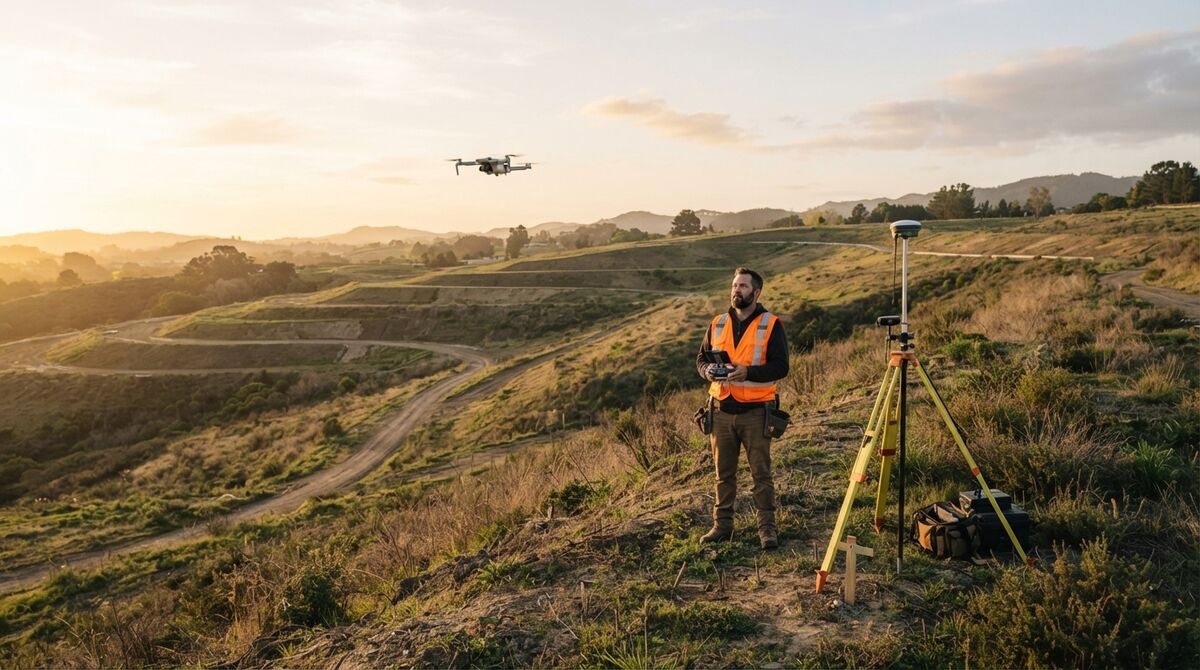
A drone topographic survey has three steps: fly the site to capture overlapping imagery or video, process that footage into a georeferenced 3D model, then generate contours and elevations from the model's surface. Ground control or check points tie the result to a survey datum when the job needs it.
1. Plan and capture. Pick an altitude and path that cover the parcel, and check airspace. Commercial flights in the US require an FAA Part 107 Remote Pilot Certificate. For drone selection, see our roundup of the best surveying drones.
2. Process into a 3D model. Traditional photogrammetry stitches hundreds of still photos. SkyeBrowse uses videogrammetry, which builds the model from the frames of one continuous video, so a single mapping flight or orbit is enough. Upload the MP4 or MOV with the drone's SRT (DJI) or ASS (Autel) telemetry file and the model is georeferenced automatically.
3. Generate contours and elevations. Open the contour tool on the finished model and set the interval, as covered in the next section. Control methods, RTK and PPK workflows live in our drone surveying guide.
How do you make a contour map from a 3D model?
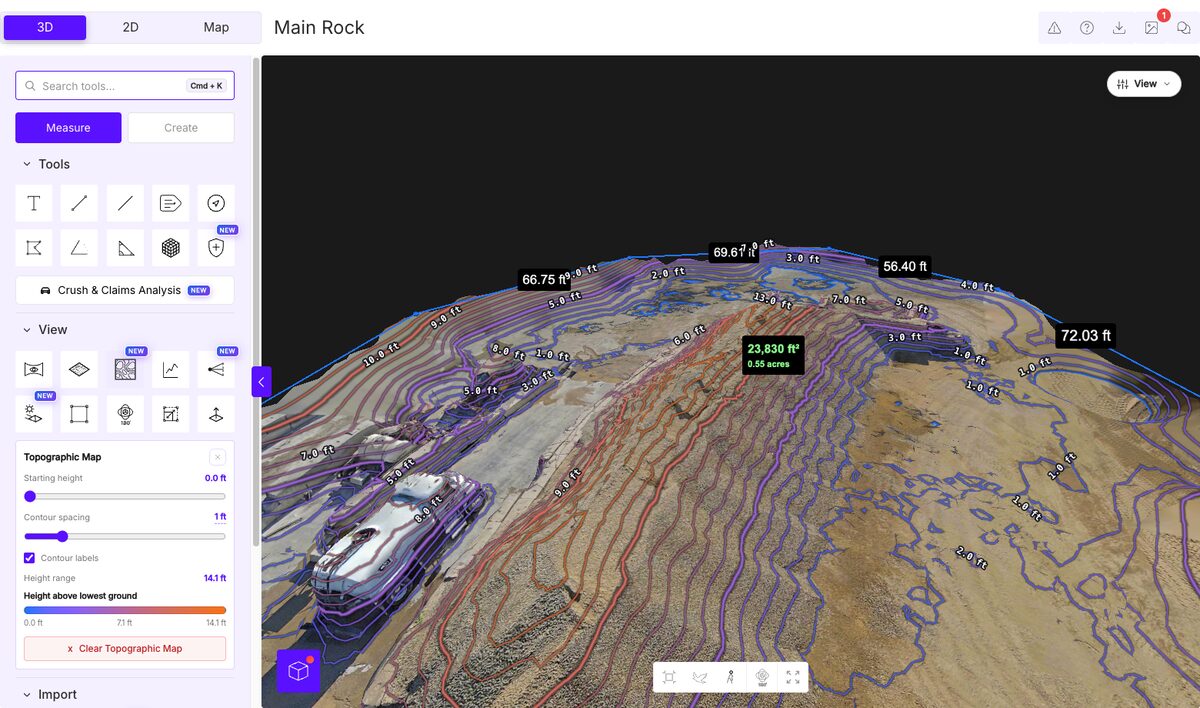
To make a contour map from a 3D model, slice the model's surface at a fixed elevation interval and draw a line wherever the surface crosses each slice. Choose a contour spacing that suits the terrain, tighter on flat sites and wider on steep ones, then label the lines with their elevations.
In SkyeBrowse, the Topographic Map tool overlays elevation contour lines directly on the 3D model in the browser, and a contour spacing slider controls line density. The companion Topographical Map View colors the surface by elevation as a heat map, so high and low spots stand out at a glance.
Picking the interval:
- Flat lots and parking areas: 1 foot shows subtle drainage paths.
- Rolling ground: 2 feet stays readable.
- Steep slopes, quarries and pits: 5 feet or more stops lines from merging into a solid band.
Both topographic views are included with Pro models ($49.99 per model, or $39.99 billed annually) and Public Safety & Enterprise. Freemium and 3-month Commercial models don't include them. For software that pushes contours into CAD linework, compare options in our review of drone mapping software for surveyors.
How long does a drone topographic survey take?
Field capture for a small to mid-size parcel is often a single flight measured in minutes. Processing time then depends on the software: photo-based photogrammetry can take hours, while SkyeBrowse processes video at roughly one minute per minute of footage, and most models are ready within 5 to 10 minutes of upload.
A ground crew with a total station or GPS rover collects every elevation as a separate point. A drone captures the entire surface at once, so you can return to the model later for a point nobody thought to measure. Setting control points adds field time when the job needs a tie to a survey datum.
How accurate is a drone topographic survey compared with a total station or GPS rover?
Drone topographic surveys reach survey-grade accuracy when capture and control are planned well. SkyeBrowse Pro models are accurate to 0.5 inch and Public Safety & Enterprise models to 0.1 inch. For a certified survey, a licensed surveyor ties the model to surveyed control and verifies it against independent check points.
Relative accuracy covers distances and height differences inside the model; absolute accuracy covers how coordinates match a survey datum. In an independent accuracy study by AirBorne Works (January 2021), with a Leica BLK360 laser scan as ground truth, SkyeBrowse video models came closest to the scan on 8 of 9 measured lines, ahead of photo-based Pix4D Mapper and Leica BLK3D. That's laser-scanner-level accuracy from ordinary video.
For certified work, the reference is the ASPRS Positional Accuracy Standards (Edition 2, Version 2, 2024), which adds a UAS mapping addendum and calls for at least 30 check points when assessing product accuracy. SkyeBrowse's GCPs tool measures imported surveyed points on the model and reports RMSE in X, Y and Z with a pass/fail result. See our ground control points guide, the GCP vs no-GCP accuracy comparison and total station vs drone mapping for how the methods compare.
What deliverables should a drone topographic survey include?
Expect a contour map at a stated interval, a georeferenced orthomosaic, a point cloud, an elevation surface and a short accuracy statement naming the datum and check point results. Certified surveys add the surveyor's stamp and a drawing in the client's CAD standard.
From a SkyeBrowse Pro model you can export:
- LAZ point cloud: the full 3D surface for GIS, CAD or point-cloud software.
- GeoTIFF: a georeferenced orthomosaic, a single map-accurate top-down image of the site.
- GLB, OBJ and USDZ meshes: for 3D viewers and design software.
- GCP accuracy report: a PDF and CSV of the check point results.
Clients can also explore the 3D model in the browser through a shared link. Freemium has no exports. For budgets, see our drone survey cost breakdown.
What is the difference between a surface model (DSM) and bare earth (DTM)?
A digital surface model (DSM) is the top of everything the drone sees, including roofs, vehicles and tree canopy. A digital terrain model (DTM), or bare earth, removes those objects so only the ground remains. Grading, drainage and cut and fill design need bare earth, while visual planning and rooftop work can use the surface.
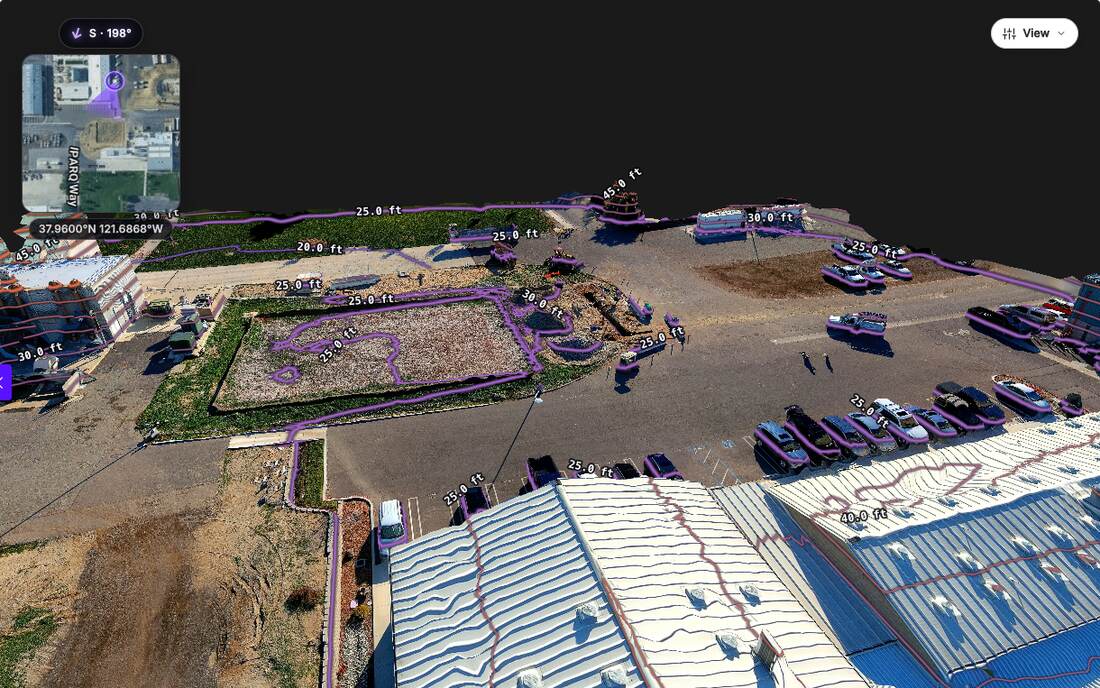
The USGS describes a digital elevation model as the bare ground surface, excluding trees, buildings and other surface objects. Cameras only see what's on top, so every drone model starts as a surface model, and on a busy site its contours wrap around parked cars and climb over roofs, as in the image below.
SkyeBrowse models are DSMs. To produce bare earth, export the LAZ point cloud from a Pro model and run ground classification in GIS or point-cloud software, then build contours from the ground points. Dense canopy is the hard case for any camera, since the ground beneath it isn't visible. On open ground, pads, stockpile yards and quarries, surface and terrain nearly match, so in-browser contours are ready to use. Upload your first drone video free to our drone mapping software; eligible Freemium organizations can get one model with every Pro tool, contours and exports included, for $5.
FAQ
How much does a topographic survey cost?
Cost depends on acreage, terrain, vegetation, required accuracy and whether a licensed surveyor must certify the result. If you fly the site yourself, a SkyeBrowse Pro model is $49.99 per model ($39.99 billed annually), and eligible Freemium organizations can get their first model, with every Pro tool, for $5. Our drone survey cost guide breaks down hiring a provider.
Do you need a license to do a drone topographic survey?
Flying a drone for paid work in the US requires an FAA Part 107 Remote Pilot Certificate. A certified topographic survey for permits, plats or boundary work must also be signed by a surveyor licensed in that state.
Can I make a contour map on the free plan?
Freemium lets you upload video and view 3D models for free, but the Topographic Map contour tool and exports need a Pro model or Public Safety & Enterprise. Eligible Freemium organizations can get one model with every Pro tool for $5, enough to test contours on a real site. Plan details are on the pricing page.