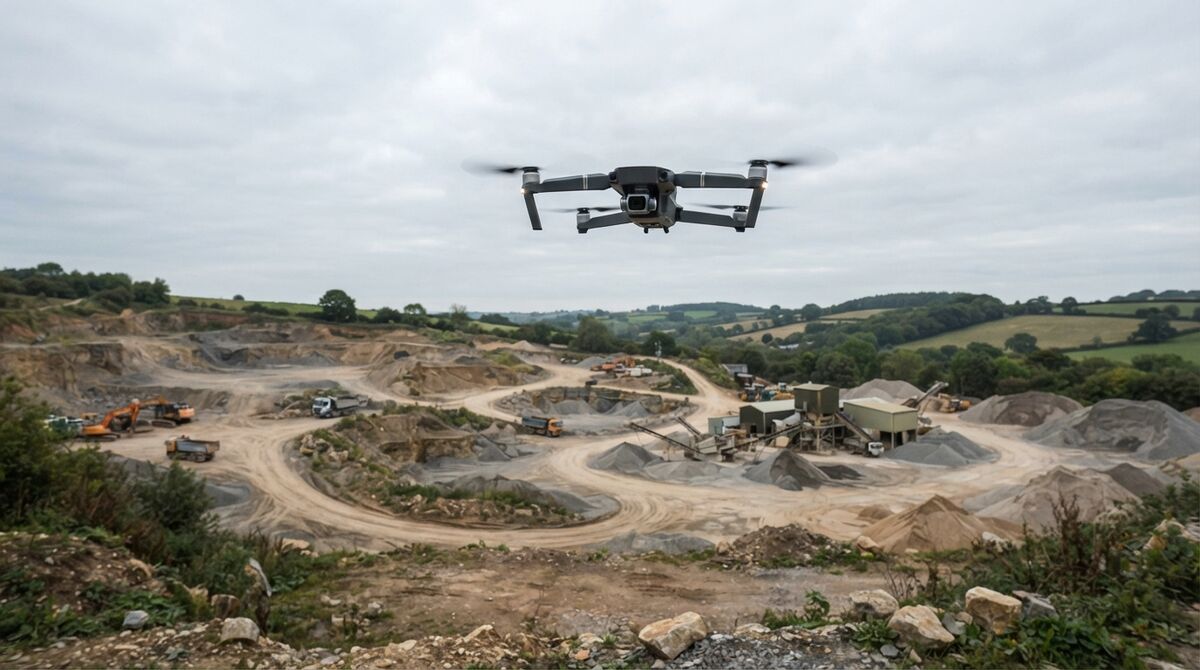
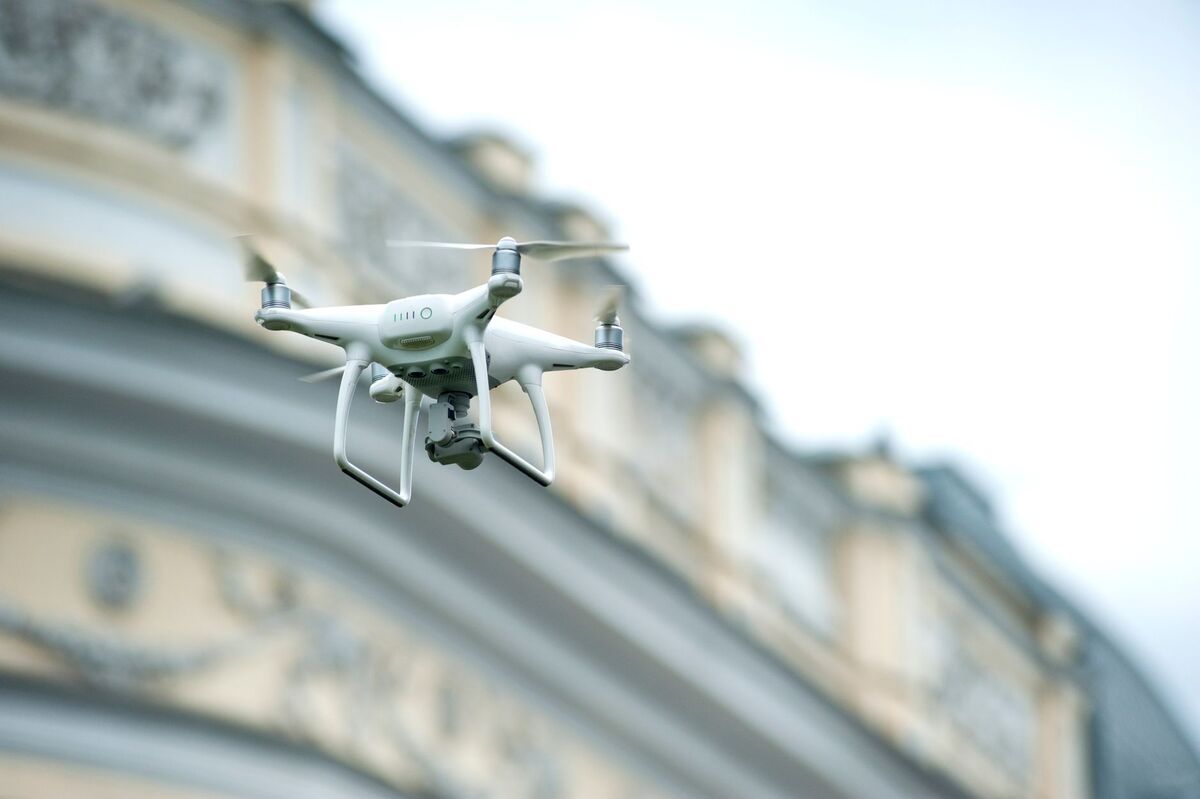
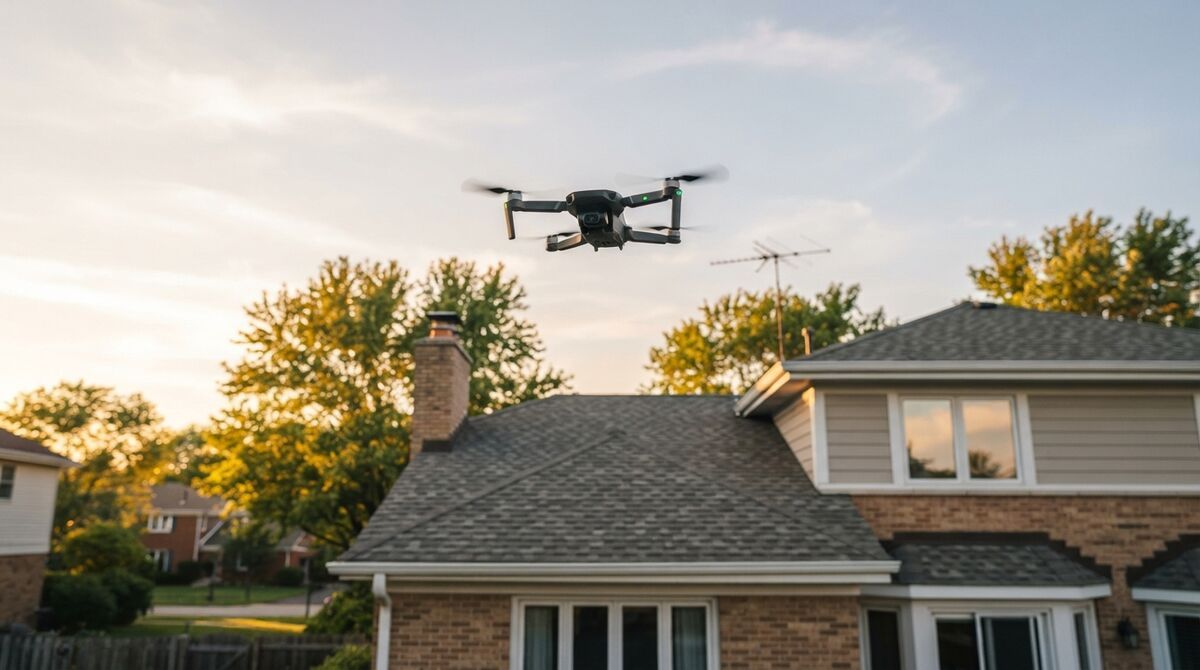
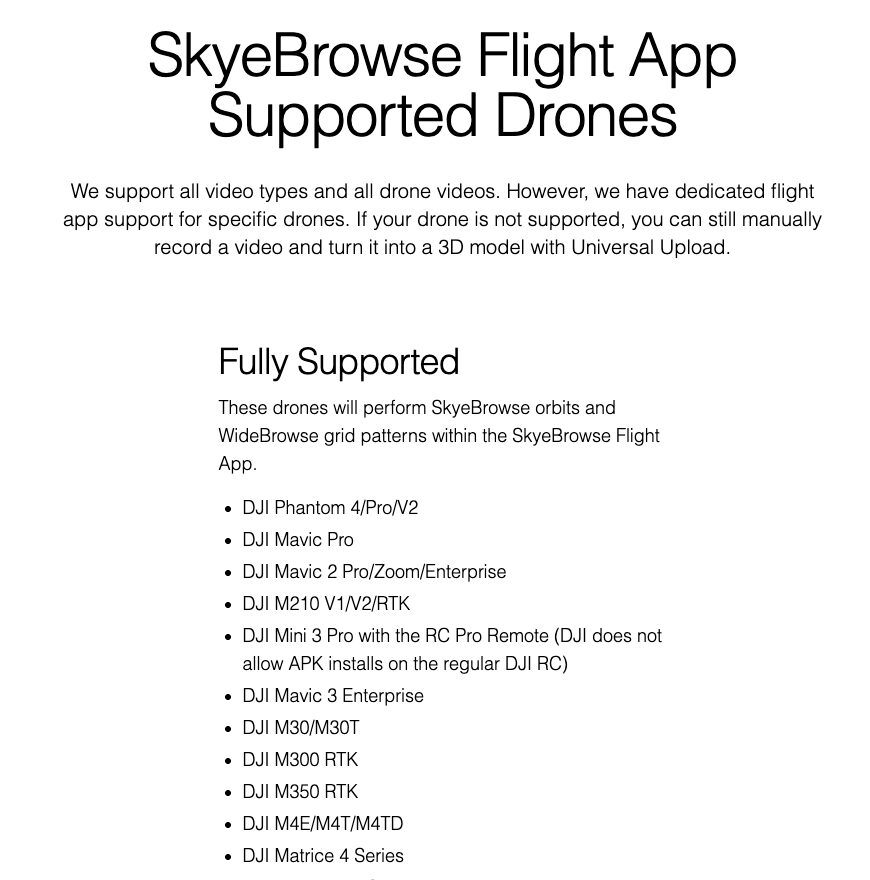
DJI Mavic Pro mapping still works in 2026, and this guide is about the original 2016 Mavic Pro, the gray folding drone with a 12 MP camera. It's on the SkyeBrowse Flight App's fully supported list, so it can fly automated orbit and grid missions. Its 4K video then becomes a measurable 3D model through videogrammetry: reconstructing 3D geometry from the overlapping frames of a video. Below you'll find support status, verified camera specs, a GSD table, capture settings, and upgrade options.
Key Takeaways
- The original DJI Mavic Pro is listed as fully supported by the SkyeBrowse Flight App, with automated SkyeBrowse orbits and WideBrowse grids.
- Its 12 MP 1/2.3-inch camera reaches about 3.3 cm per pixel in photos and 3.4 cm per pixel in 4K video frames at 100 m.
- One continuous 4K clip plus its .SRT caption file is all a georeferenced model needs; no photo-interval mission required.
- On a Commercial or Pro model, older 4K footage still gets 8K processing and 0.5 inch measurement accuracy, and independent testing placed SkyeBrowse video models at laser-scanner level.
- A 2016 airframe's batteries and spare parts are the real clock, so plan a replacement before you need one.
Contents
- Can the original DJI Mavic Pro do mapping in 2026?
- Which Mavic Pro do you have?
- Which mapping app supports the Mavic Pro?
- What camera specs matter for Mavic Pro photogrammetry?
- What GSD can the Mavic Pro reach?
- What capture settings work best for Mavic Pro video-to-3D?
- How does the Mavic Pro compare to the Mavic 2 Pro and current DJI drones?
- FAQ
Can the original DJI Mavic Pro do mapping in 2026?
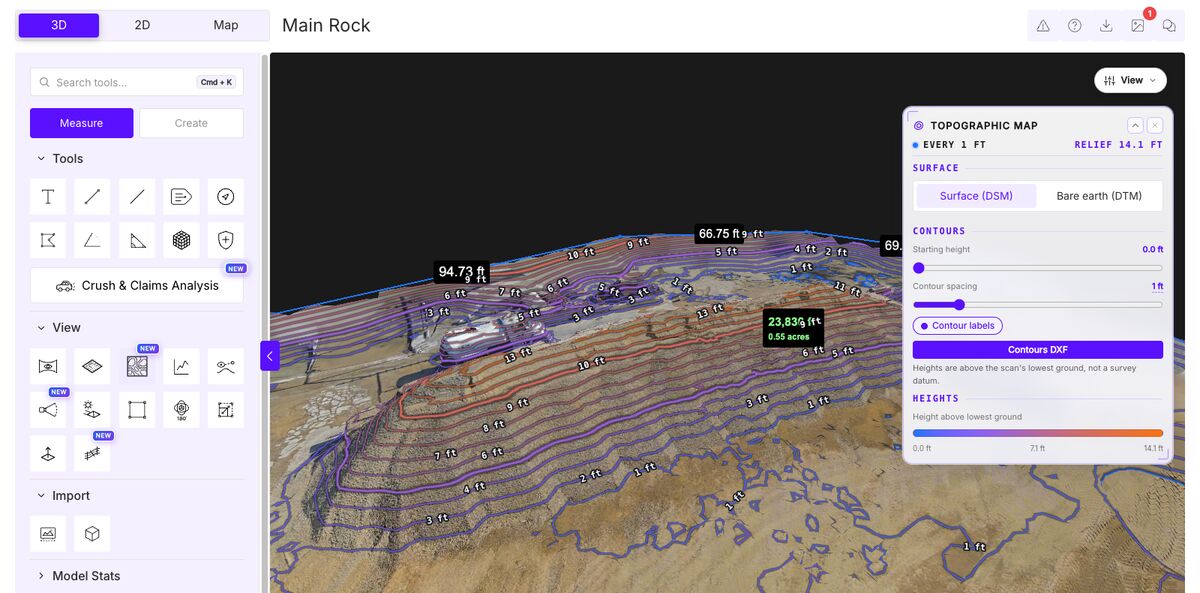
Yes. SkyeBrowse lists the original Mavic Pro as fully supported in its Flight App, so the drone can fly an automated orbit or a WideBrowse grid and record the video for you. A healthy airframe still produces a measurable 3D model, a GeoTIFF orthomosaic (a distortion-corrected map image), and a LAZ point cloud. Aging batteries are the practical limit.
Owners usually ask which app still flies a Mavic Pro. It sits on the SkyeBrowse list beside the Phantom 4 and Mavic 2 series, among the oldest airframes that still run an automated mapping flight there.
Processing happens in the cloud at app.skyebrowse.com, so a decade-old aircraft gets the same viewer, measurement tools, and exports as a new one. It's the same drone mapping software agencies use with Matrice fleets; only the camera limits detail.
Which Mavic Pro do you have?
Several DJI drones carry the Mavic Pro name, and they map very differently. This page covers the original Mavic Pro from 2016 with its 12 MP 1/2.3-inch camera. The Mavic 2 Pro and Mavic 4 Pro have their own guides, and the Mavic 3 Pro needs manual flight.
- Mavic 2 Pro (2018, 1-inch Hasselblad camera): see our DJI Mavic 2 Pro mapping guide.
- Mavic 4 Pro: see the DJI Mavic 4 Pro mapping workflow.
- Mavic 3 Pro: Mavic 3 Classic and Pro aren't supported by the Flight App, so fly manually and upload the video with Universal Upload.
- Mavic Pro Platinum: it isn't named on the SkyeBrowse list, so check the supported drones list before planning an automated flight.
Which mapping app supports the Mavic Pro?
The SkyeBrowse Flight App fully supports the original Mavic Pro. That means both automated modes: a SkyeBrowse orbit, two circles around a scene under about an acre, and a WideBrowse grid for larger sites. You can also fly by hand in DJI GO 4 and upload the footage afterward.
WideBrowse adds two options on bigger jobs. Cross Grids flies a perpendicular second pass for better side coverage, and Side Scan adds an orbital pass that captures building facades. Install the app from the SkyeBrowse download page and confirm your phone or tablet works with your controller first.
Automation is a convenience. An experienced pilot flying manually will usually build a better model than the automated pattern, and manual video goes through Universal Upload, the web uploader that accepts .MP4 and .MOV files from any camera. For a wider look at the field, see our drone mapping app comparison.
What camera specs matter for Mavic Pro photogrammetry?
Photogrammetry measures 3D shape from overlapping images, so sensor size and resolution set the detail you can capture. The Mavic Pro has a 12 MP 1/2.3-inch sensor, a 26 mm equivalent f/2.2 lens, and 4K video at up to 30 fps. That's enough for buildings, crash scenes, and small sites flown at moderate height.
Key numbers from DJI's Mavic Pro specifications:
| Spec | Original DJI Mavic Pro |
|---|---|
| Sensor | 1/2.3-inch CMOS, 12.35 MP effective |
| Lens | 78.8 degree FOV, 26 mm equivalent, f/2.2 |
| Shutter speed | 8 to 1/8000 s |
| Photo size | 4000 x 3000 |
| 4K video | 3840 x 2160 at 24/25/30p; C4K 4096 x 2160 at 24p |
| Max video bitrate | 60 Mbps |
| Flight time | 27 minutes at 25 kph, no wind |
| Takeoff weight | 734 g |
| Gimbal pitch | -90 to +30 degrees |
With a fixed f/2.2 aperture, exposure comes down to shutter speed and ISO, and the -90 degree gimbal limit lets you point straight down for grid work. Its sensor reads out line by line, as on most small drones, so slow flight keeps frames crisp.
What GSD can the Mavic Pro reach?
Ground sample distance (GSD) is the real-world width of one pixel on the ground. In 12 MP photos, the Mavic Pro reaches about 0.98 cm per pixel at 30 m and 3.26 cm at 100 m. In 4K video frames, which SkyeBrowse uses, expect about 1.02 cm at 30 m and 3.40 cm at 100 m.
GSD = (sensor width x altitude) / (focal length x image width). The 1/2.3-inch sensor is about 6.17 mm wide, and the 26 mm equivalent lens has a real focal length of about 4.73 mm. Photos are 4000 pixels across and 4K video is 3840, so video frames come out only about 4% coarser. The video column assumes the 4K frame spans the full sensor width.
| Altitude | Photo GSD (4000 px) | 4K video GSD (3840 px) |
|---|---|---|
| 30 m (98 ft) | 0.98 cm/px | 1.02 cm/px |
| 50 m (164 ft) | 1.63 cm/px | 1.70 cm/px |
| 60 m (197 ft) | 1.96 cm/px | 2.04 cm/px |
| 100 m (328 ft) | 3.26 cm/px | 3.40 cm/px |
| 120 m (394 ft) | 3.91 cm/px | 4.08 cm/px |
Stop at 120 m: that's roughly the 400 ft limit for routine flights under the FAA Part 107 rules. Our ground sample distance guide explains the math for other altitudes. Videogrammetry accuracy scales with capture distance, so flying lower and closer makes up for the small sensor.
What capture settings work best for Mavic Pro video-to-3D?
Record 4K at 30 fps with the video caption option on in DJI GO 4, which writes a .SRT telemetry file for automatic georeferencing. Lock exposure and white balance, use a shutter of 1/120 s or faster, and fly slowly. Record one continuous clip that ends where it started.
For a single building, fly a first orbit high with the whole structure in frame and the gimbal about 45 degrees down. Then fly a second orbit lower and closer at a different gimbal angle; repeating an identical orbit adds nothing. Sites over about an acre need a lawnmower grid first, two or three orbits at different heights, and a slow pass along each wall.
A few habits matter more on this older camera:
- Gimbal: set the angle while hovering, then move. Never tilt it in flight.
- Light: even overcast light beats harsh mixed sun and shadow on a small sensor.
- Framing: keep the subject centered and most of the sky out of frame.
- Files: copy each video and its matching .SRT file off the card together, and check after the first flight that the caption file saved.
SkyeBrowse reads DJI's older SRT format, the "GPS(...) BAROMETER" lines older drones write, as well as the newer latitude and longitude format. Our mapper drone guide covers flight planning in more depth.
How does the Mavic Pro compare to the Mavic 2 Pro and current DJI drones?
The Mavic 2 Pro's 1-inch 20 MP camera captures more detail per pixel at the same height, and both keep full Flight App support. Among newer DJI prosumer drones, the Mini 4 Pro has full Flight App support on any controller. The Mavic 4 Pro and Air 3S need manual flight.
| Spec | Mavic Pro (2016) | Mavic 2 Pro (2018) |
|---|---|---|
| Sensor | 1/2.3-inch, 12 MP | 1-inch, 20 MP |
| Lens | 26 mm eq., f/2.2 fixed | 28 mm eq., f/2.8 to f/11 |
| Photo size | 4000 x 3000 | 5472 x 3648 |
| Flight time | 27 min | 31 min |
| Flight App | Fully supported | Fully supported |
Mavic 2 Pro figures: DJI's Mavic 2 specifications. DJI no longer sells the Mavic Pro, so stock healthy spare batteries and retire any that swell.
When it's time to replace it, decide whether automated missions matter. The DJI Mini 4 Pro runs the full Flight App. The DJI Mavic 4 Pro and DJI Air 3S carry stronger cameras but aren't on the supported list, so you fly them manually. Phantom owners weigh the same trade in our Phantom 4 mapping guide.
Accuracy travels with you. AirBorne Works staged a night crash scene, used a Leica BLK360 laser scan as ground truth, and found SkyeBrowse video models closest to the scan on 8 of 9 lines, beating photo-based Pix4D and Leica BLK3D (independent accuracy study). That laser-scanner-level result belongs to the cloud processing, so a Mavic Pro model benefits too.
FAQ
Can you still map with an original DJI Mavic Pro?
Yes. The original Mavic Pro is on the SkyeBrowse Flight App fully supported list, so it flies automated orbits and WideBrowse grids, and its 4K video is processed into measurable 3D models, orthomosaics, and point clouds. Battery health and parts supply are the main limits on a 2016 aircraft.
Is the Mavic Pro Platinum supported by the SkyeBrowse Flight App?
The Platinum edition isn't named separately on the SkyeBrowse supported drones list, so check the official list before you plan an automated mission. Any video it records can still be uploaded to app.skyebrowse.com through Universal Upload.
Does the Mavic Pro record GPS data for georeferencing?
Turn on the video caption option in DJI GO 4 and the drone saves a .SRT subtitle file beside each video. Upload that file with the video and SkyeBrowse georeferences the model automatically, including DJI's older SRT format.
Upload your first Mavic Pro video free. A free SkyeBrowse account lets you upload and view models. Freemium organizations that have never had a paid plan can get their first full Commercial model for $5 (normally $24.99), with every Pro tool and export included and 90-day storage. Compare plans on the pricing page.