Hi SkyeBrowsers,
Customers keep telling me the same thing: a 3D model is only as useful as it is believable. When someone opens your scene weeks later, it should look like what you saw on the ground that day. That idea drove our newest 3D modeling update, Realistic 3D, and it's live now.
Photorealism is free on every plan through December 31.
Faster Models That Look Better
By our own measurements, Realistic 3D makes processing 3X faster and quality 5X better. A new AI engine adapts to each video, so a drone flight, a phone walk-around and a 360 camera capture each get processing tuned to the footage. Faster models let you check a capture before you leave the site and share it with your team the same day.
See The Light The Way Your Camera Did
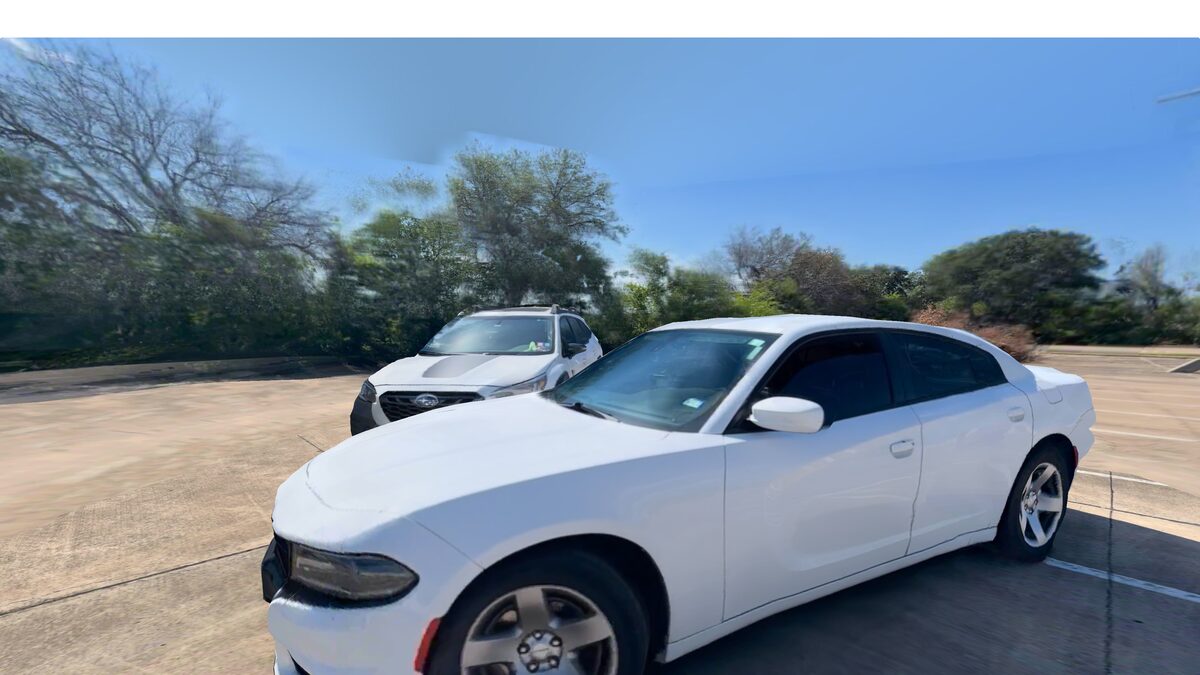
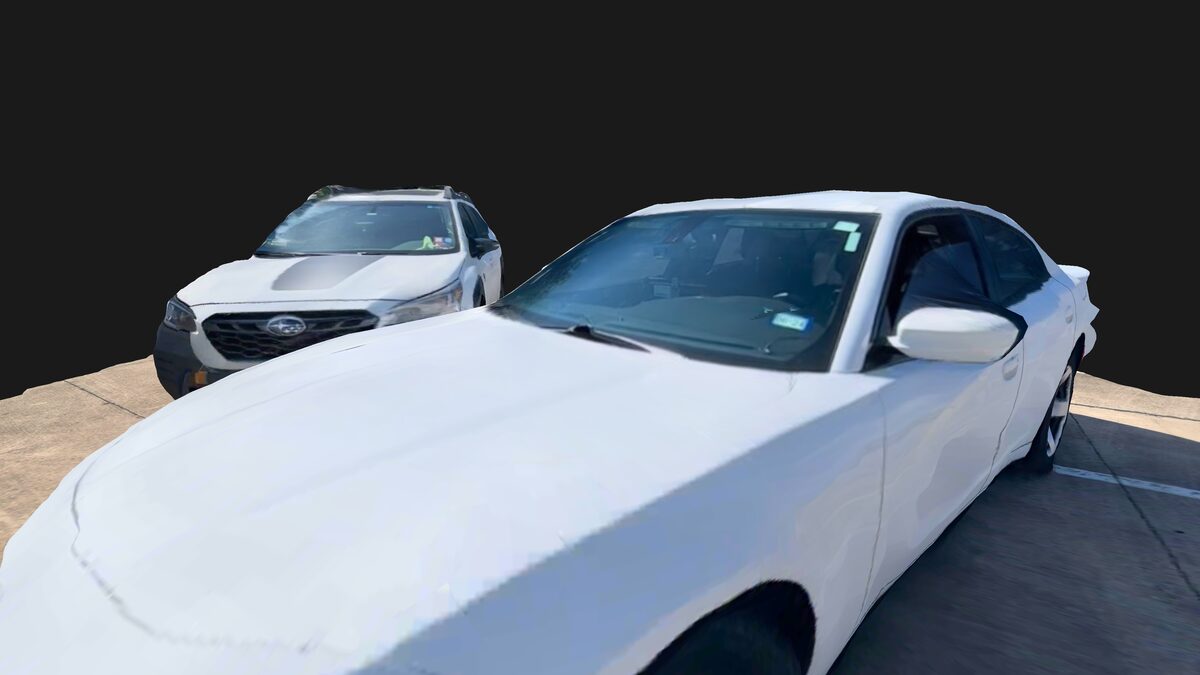
Ever notice a 3D model looks a little flat next to the video it came from? That's what Photorealism fixes. When you look at the model from along your original camera path, SkyeBrowse blends the real video frames onto it, so windshield glare, reflections and shadows look the way they did in the footage. Move away from the path and the view fades back to the standard textured model. Measurements and tools keep working on the 3D model underneath.
Photorealism off
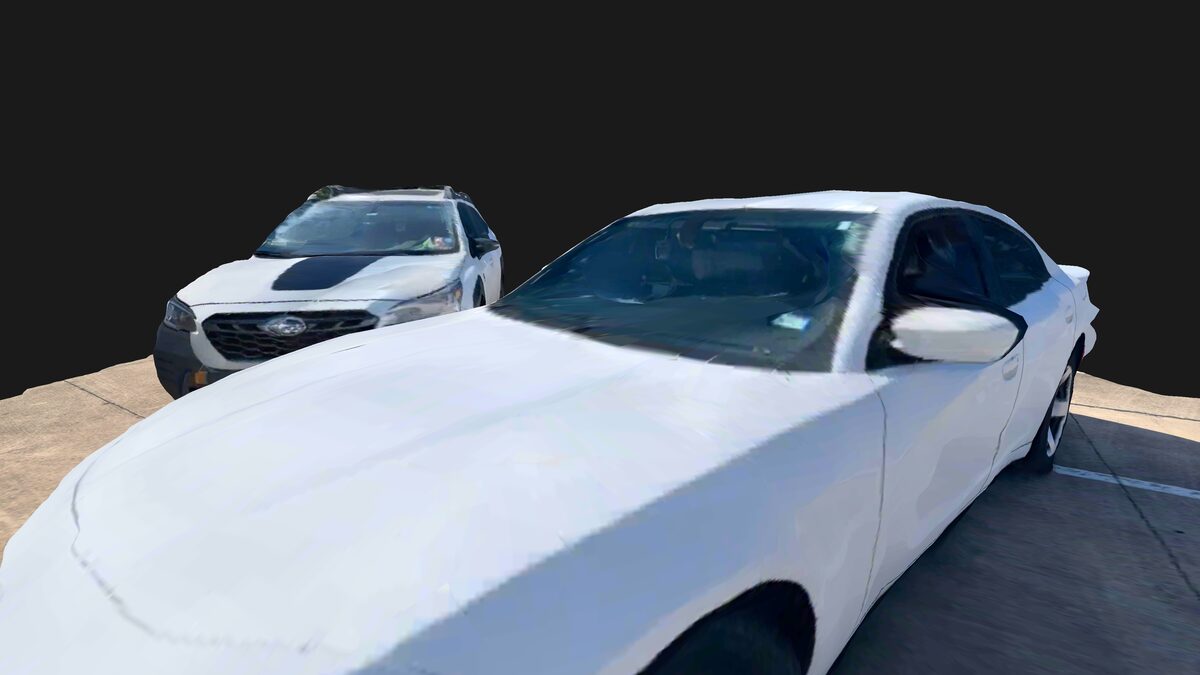
Photorealism on
Put Your Scene Back Where It Was
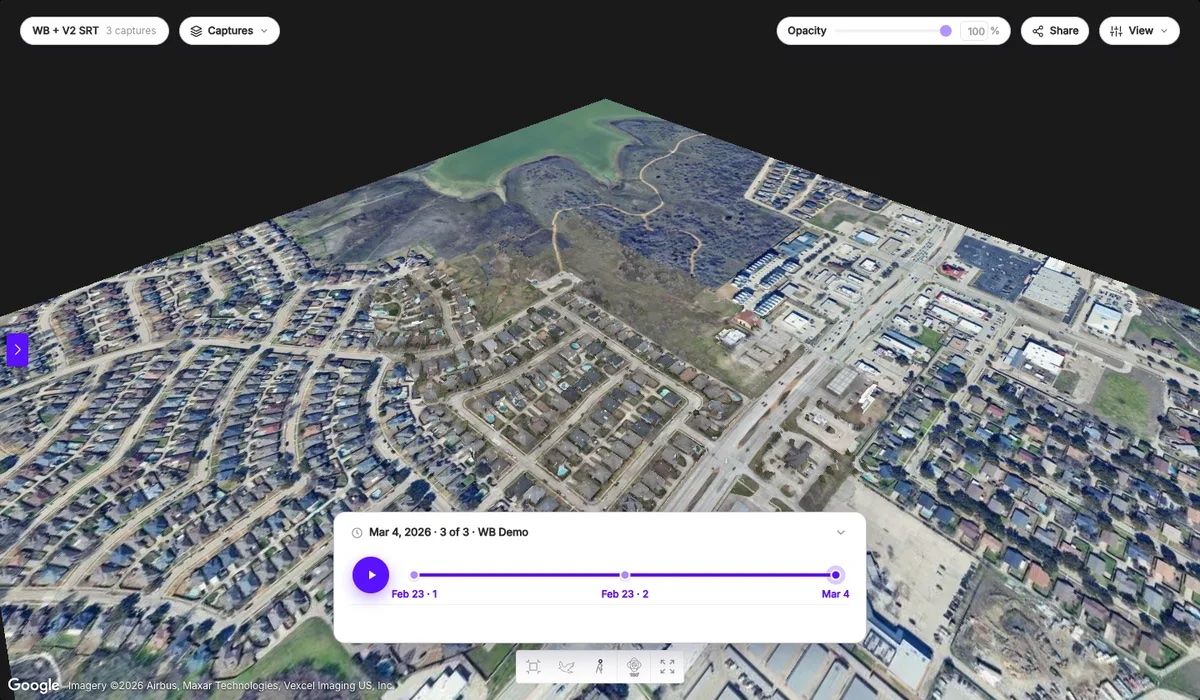
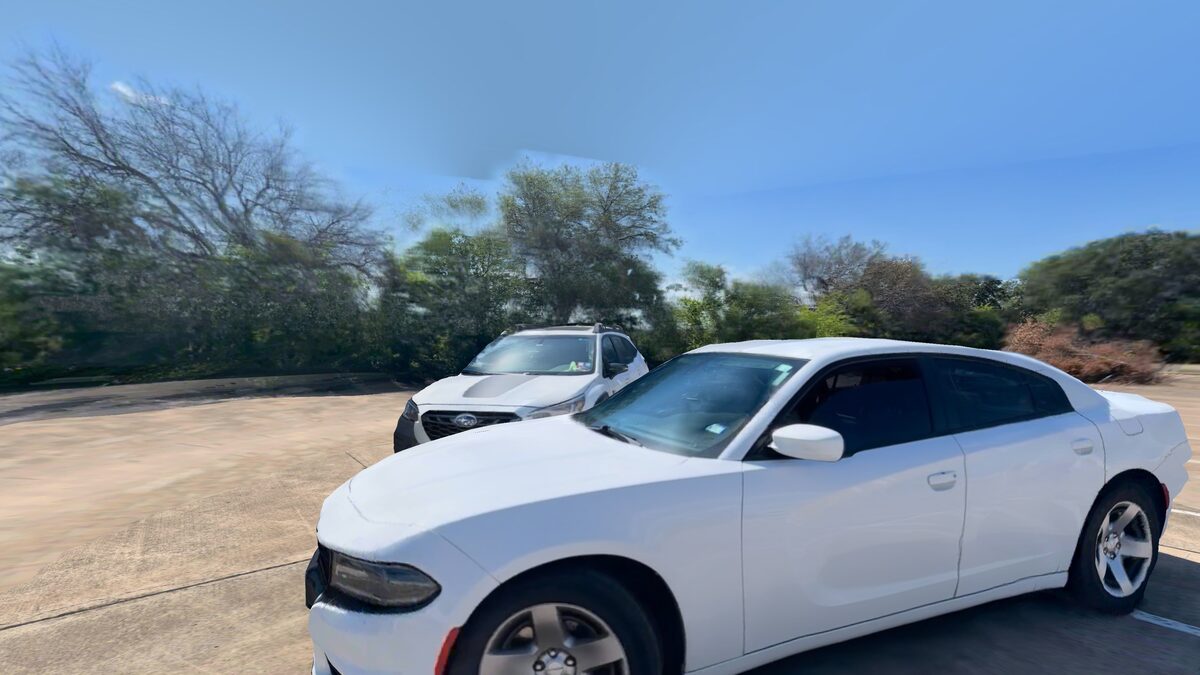
A model floating on a black background loses its sense of place. Surroundings adds the sky, trees and buildings around your scene, built from the same video, and fades in after the model finishes loading. A property, a jobsite or a crash scene reads the way it looked on the day you captured it.
Surroundings off
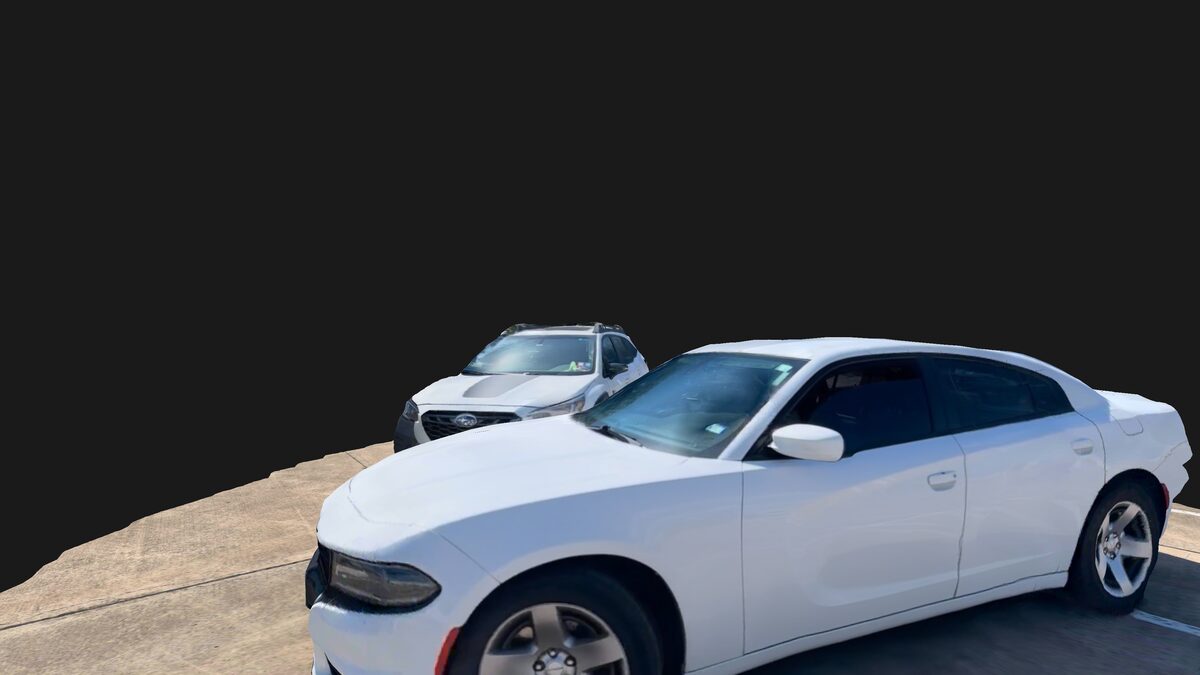
Surroundings on
It Works From The Air Too
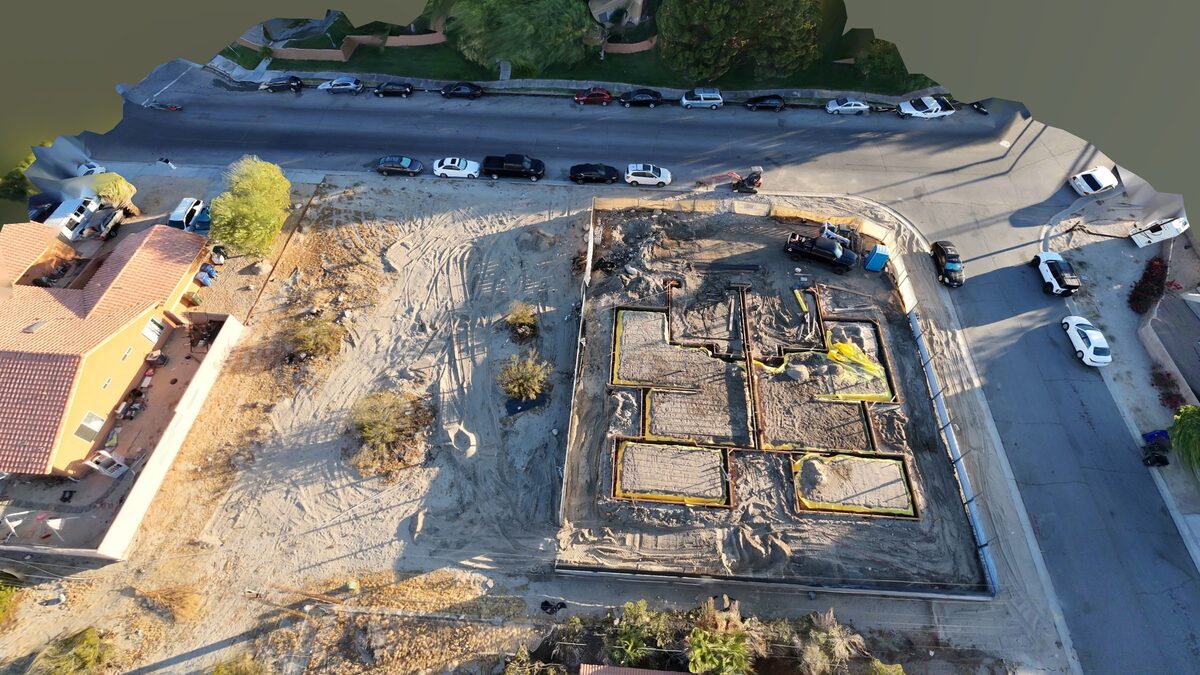
Here's a residential construction site flown with a drone, foundation forms and all, with both modes on. A client checking progress from their desk sees the site with the same light and shadows your drone saw.
Try It In Under A Minute
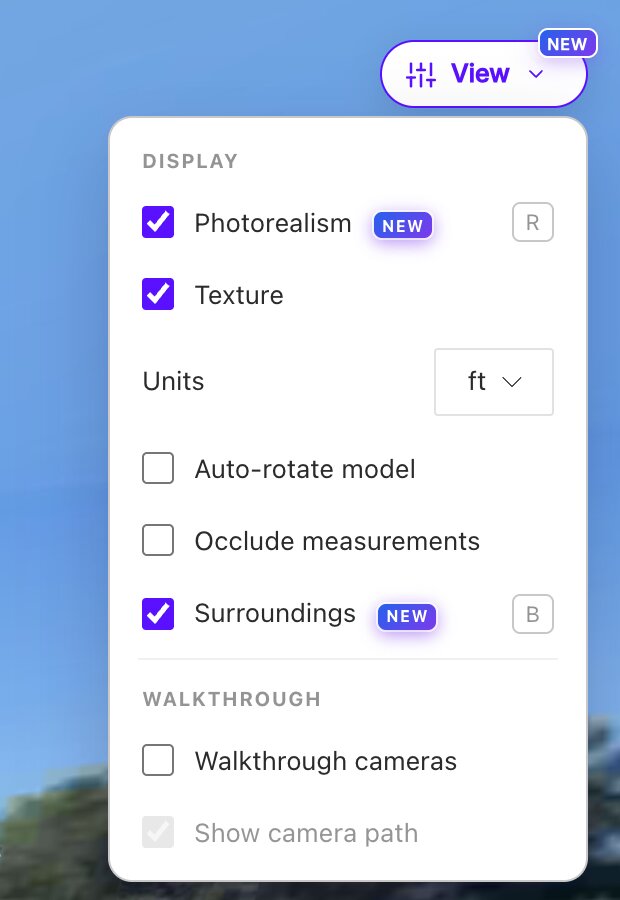
- Upload a new drone or phone video at app.skyebrowse.com.
- Open the model and click View. Photorealism and Surroundings sit at the top with a NEW badge.
- Use the shortcuts: press R for Photorealism and B for Surroundings.
Photorealism is on by default on desktop and off on phones to save battery, and it needs Texture on. SkyeBrowse remembers your last choice for both. They work on new drone and phone uploads, and 360 camera support is planned. Models made before November 18 need a reprocess to get them.
From January 1, 2027, Photorealism is included with Pro and Public Safety & Enterprise models, and Surroundings stays on every plan.
Floor Plans That Show The Furniture
Sketching desks and beds onto a floor plan by hand eats an afternoon. AI Floor Plans now has an Include furniture option that outlines beds, sofas, tables and desks on the same plan, and the CAD (DXF) export puts them on their own furniture layer. It takes a few seconds longer and may miss some objects. AI Floor Plans run on Pro models and Public Safety & Enterprise.
In Case You Missed It: Roof Damage Analysis
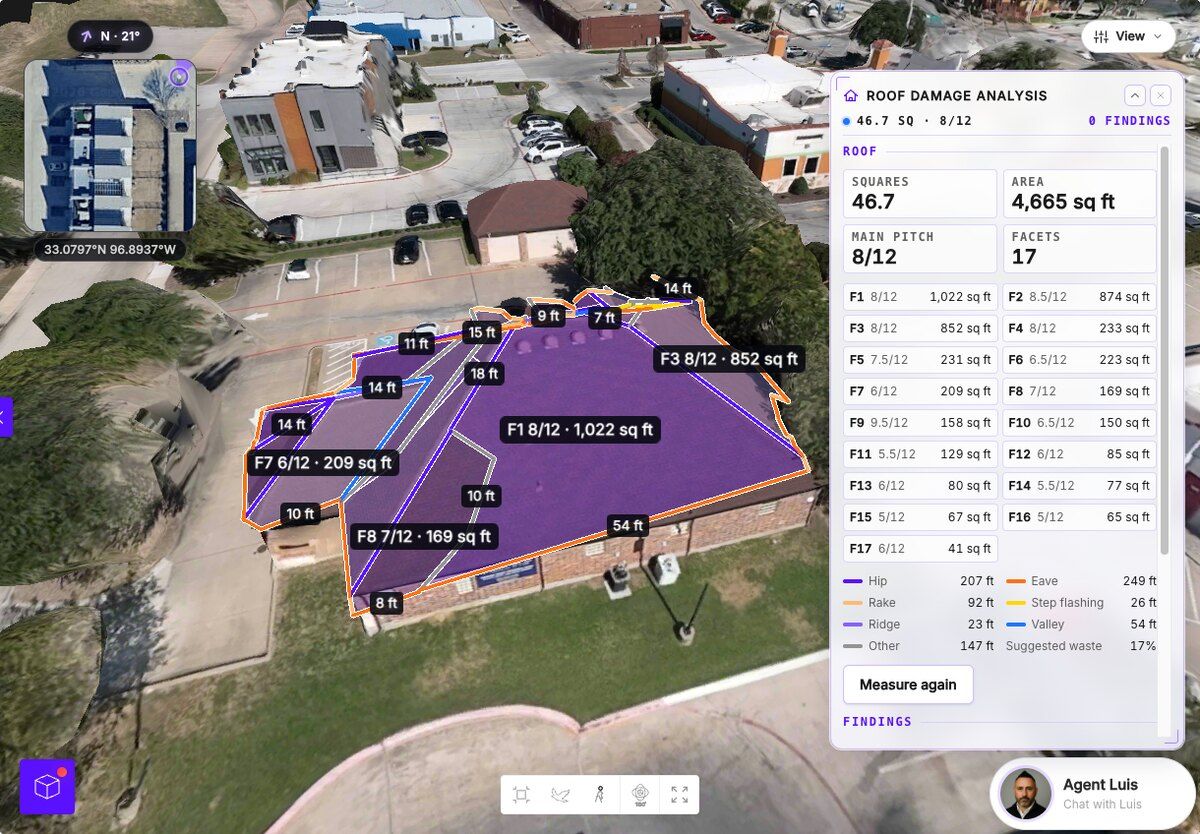
Storm season means a stack of roofs to check. Roof Damage Analysis measures a roof from one drone flight, screens it for hail and wind damage with AI, pulls the storm history and builds a PDF report.
I believe a 3D model earns trust the moment someone looks at it, and a model people trust is a model that gets used. Upload your next video and see your scene the way you captured it.
We ship updates every week. More soon.